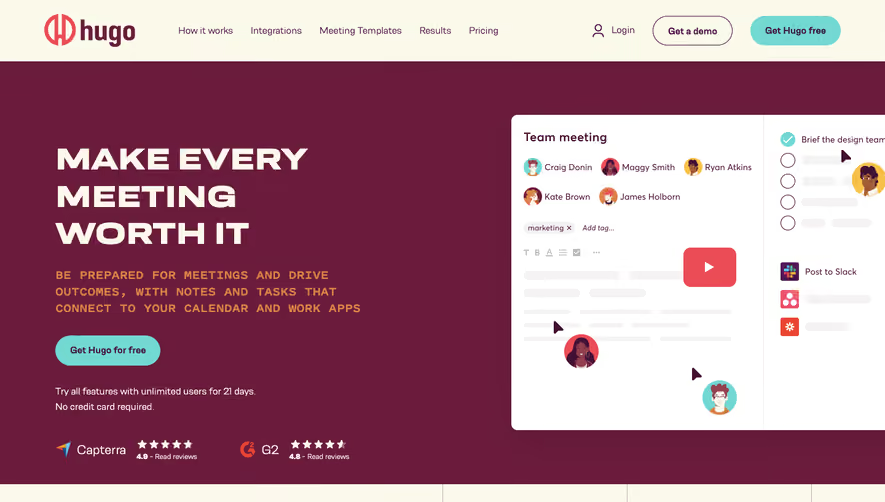


1. Header: The main header of the website contains the Webflow logo on the top left corner, and on the right, it has links for Pricing, Templates, University, Podcast, and Login/Sign Up options. 2. Hero section: The hero section has an attractive visual background with the slogan “Build Better Business Websites, Faster” on it. 3. Product overview: The homepage includes brief descriptions of the different features of Webflow, including Designer, CMS, Interactions, and Ecommerce. 4. Case studies: After the product overview section, Webflow highlights the success stories of some of its users through case studies. 5. Templates: In the templates section, users can choose from a range of customizable template options for their website. 6. Pricing: The pricing section is divided into two parts: Website Plans and Account Plans. It provides users with different pricing tiers based on their needs. 7. Webflow University: As one of the most important sections of the website, the Webflow University offers users access to various video tutorials, courses, and articles to help them with their website building journey. 8. Customer support: At the bottom of the page, users can easily access the Support page through a dedicated link, which provides them with all the necessary contact details and resources to seek help. 9. Footer: The Footer section contains useful links such as About, Jobs, Contact, and the company's social media profiles. It also includes copyright information and a “Made in San Francisco” badge. Overall, the structure of the Webflow homepage is made up of clear sections that aim to provide users with the necessary information to make an informed decision about using their product while also highlighting the success stories of some of their users.


Webflow Landing Page

Webflow
Build responsive websites
Designed by
No items found.
Category
Patterns
No items found.
Tech Stack
Added on
May 20, 2020