.webp)
Thank you! Your submission has been received!
Oops! Something went wrong while submitting the form.
Get SaaSFrame Pro
Monthly
$18
Quarterly
$48
Yearly
$180
Upgrade to access this feature
Browse all screens & flows
Filter and search screens & flows
Access Figma files
Access mobile versions
Bookmark screens & flows
Join now
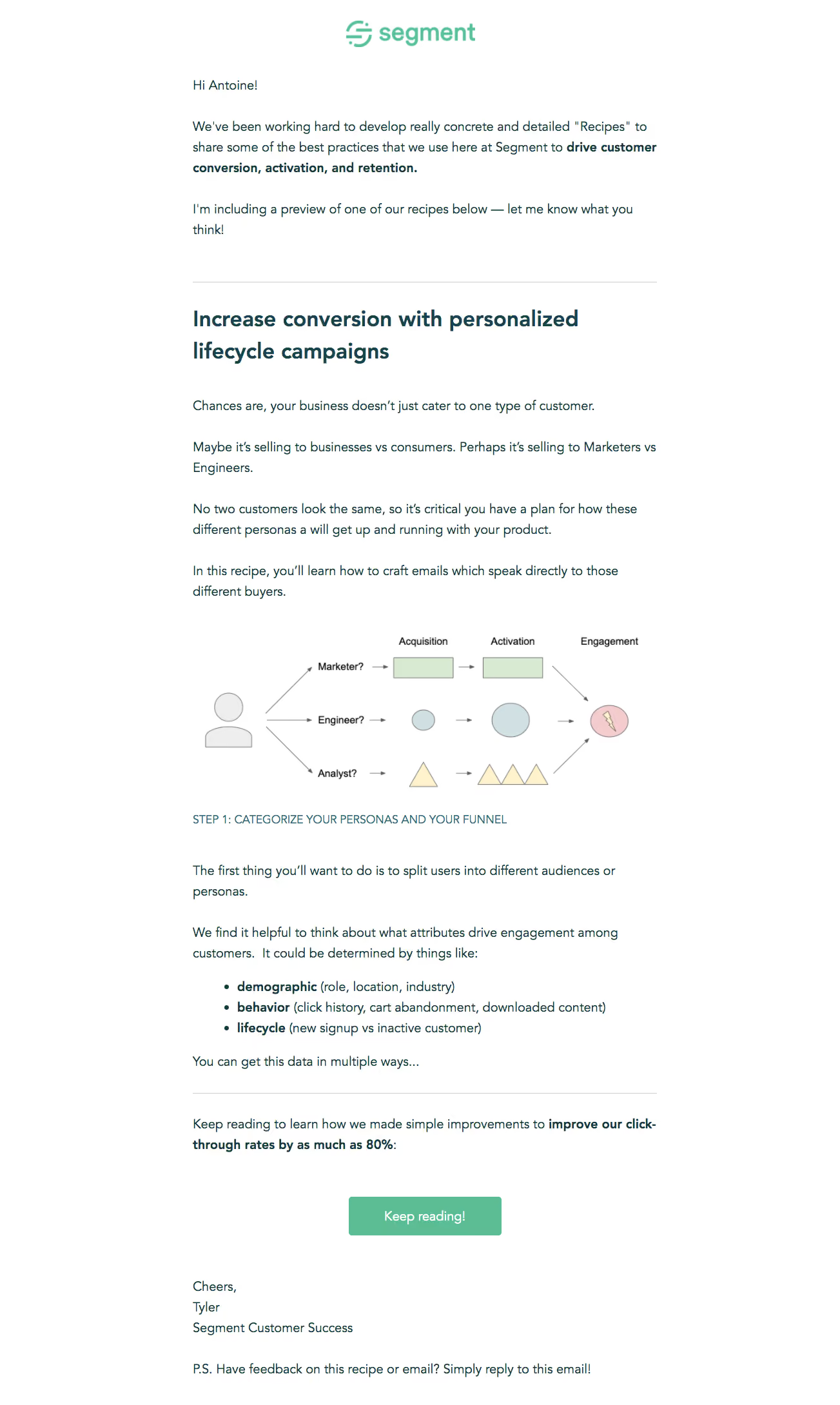
Segment Onboarding Emails

Segment
Customer Data Platform
Designed by
No items found.

Bookmark
Bookmark

Design with AI
Thank you! Your submission has been received!
Oops! Something went wrong while submitting the form.
# Design from Reference: Segment Onboarding Emails
Create an original, high-fidelity visual design inspired by the reference. Prioritize composition, typography, colors, spacing, and component styling over technical implementation.
## Reference
- **Product:** Segment
- **Category:** Onboarding Email
- **Screenshot:** https://cdn.prod.website-files.com/5e9dc792e1210c5325f7ebbc/6acbc785a4008ddb74793656_6acbc5ec4a8f67bb0c2fd246_cms-272ba975eb03fa802b1263b1.webp
Analyze the screenshot first. If inaccessible, request it rather than guessing.
## Content
{{content.instructions}}
{{content.data}}
Preserve essential messaging and factual accuracy. Adapt structure and copy length for visual balance; never invent product claims.
## Visual Design
### Overall aesthetic
- **Character:** A plain editorial onboarding email pairs dark-teal prose, mint branding, a simple instructional diagram, and one green reading action.
- **Evidence:** The screenshot is 1303 × 2179 image pixels and was inspected in two readable crops. Measurements below refer to observed pixels; email CSS scale is unverified.
- **Tone:** Large readable text, generous paragraph spacing, and a personal sign-off give it a conversational tutorial character.
### Page composition
- **Reading column:** A centered column approximately 720 px wide begins near x299.
- **Opening:** A mint Segment wordmark is centered above greeting and introductory paragraphs.
- **Recipe preview:** A thin divider precedes a bold two-line heading, several paragraphs, and a wide diagram illustrating three customer-persona paths.
- **Instruction:** An uppercase step label introduces further prose and a three-item bulleted list with bold lead terms.
- **Close:** Another divider precedes a teaser paragraph, centered green CTA, personal signature, and feedback postscript.
### Information hierarchy
- **Brand and heading:** The small mint logo identifies the sender; the dark bold recipe heading is the main content landmark.
- **Emphasis:** Selected phrases and list lead terms are bold within regular prose, making key concepts scannable.
- **Diagram:** Persona branches progress through acquisition, activation, and engagement, using simple colored shapes and arrows.
- **Action:** A single filled Keep reading button follows the preview rather than competing with multiple destinations.
### Typography
- **Family:** A rounded humanist-looking sans serif is used throughout; exact identity is unverified.
- **Main heading:** Approximately 34–36 px bold with 48 px line-height.
- **Body:** Approximately 20–21 px with 32 px line-height and neutral tracking.
- **Step label:** Approximately 17–18 px uppercase, regular weight, in a slightly lighter teal.
- **Button:** Around 20 px white medium-weight text. Diagram labels are smaller conventional sans-serif text.
### Colors & surfaces
- **Measured palette:** Sampled colors include white #FFFFFF, dark teal #163940, mint #5CBD94, deeper teal #1A444B, pale green #D9EAD3, and near-white #FFFEF9.
- **Semantic use:** Teal carries prose/headings, mint identifies brand and CTA, and thin gray rules divide groups.
- **Diagram colors:** Pale green rectangles, blue-gray circles, cream triangles, and a pink endpoint distinguish paths.
- **Flat treatment:** The email has no enclosing card, visible outer border, or prominent shadow.
### Components
- **Logo:** A centered mint symbol and wordmark approximately 200 px wide.
- **Dividers:** Thin gray horizontal rules span the text measure.
- **Diagram:** A roughly 700 × 250 px instructional image contains a person icon, three labeled branches, simple arrows, stage headings, and a shared endpoint.
- **List:** Three indented bullet lines emphasize demographic, behavior, and lifecycle lead terms in bold.
- **CTA:** A green rectangle approximately 237 × 60 px with small 4–5 px radii and centered white label.
- **Signature:** Three short left-aligned lines precede a separate feedback postscript.
### Visual rhythm
- **Paragraph spacing:** Large gaps around 30–40 px and open leading prevent the long message from feeling dense.
- **Section cadence:** Divider, headline, prose, diagram, step label, list, divider, and CTA create a clear tutorial sequence.
- **Alignment:** Prose and headings share one left edge; brand, diagram, and CTA are centered.
- **Closure:** A generous pause after the CTA separates the personal sign-off from the conversion message.
### Responsive
- **Observed limit:** Only one email width is visible; mobile and client-specific behavior are unverified.
- **Recommended fluidity:** Use a max-width single column with 20–24 CSS px mobile gutters and live text.
- **Recommended diagram:** Scale the image proportionally and provide a textual equivalent so small branch labels are not essential.
- **Recommended controls:** Keep the CTA comfortably tappable and preserve list indentation and readable line-height.
### Adaptation guidance
- **Preserve:** Keep the editorial preview, meaningful inline emphasis, simple teaching diagram, and one concluding reading action.
- **Implement:** Use email-compatible markup, real headings/list structure, inline styles, and descriptive image alternatives.
- **Assets:** Treat the diagram as educational artwork rather than an interactive flow.
- **Validate:** Confirm font scale, link contrast, image-blocked rendering, narrow-screen wrapping, and button focus. Performance claims remain observed email copy rather than verified results.
Use this context to reproduce the reference's visual language: layout, typography, colors, spacing, borders, radii, and distinctive elements. The screenshot takes priority if descriptions conflict.
## Direction
{{preferences.fidelityInstructions}}
## Output
{{output.instructions}}
Deliver a polished, cohesive design with precise alignment, hierarchy, and spacing. Produce the requested visual artifact, not just a description. If unsupported, explain the limitation.

.avif)
Category
Patterns
No items found.
Tech Stack

Added on
February 4, 2023
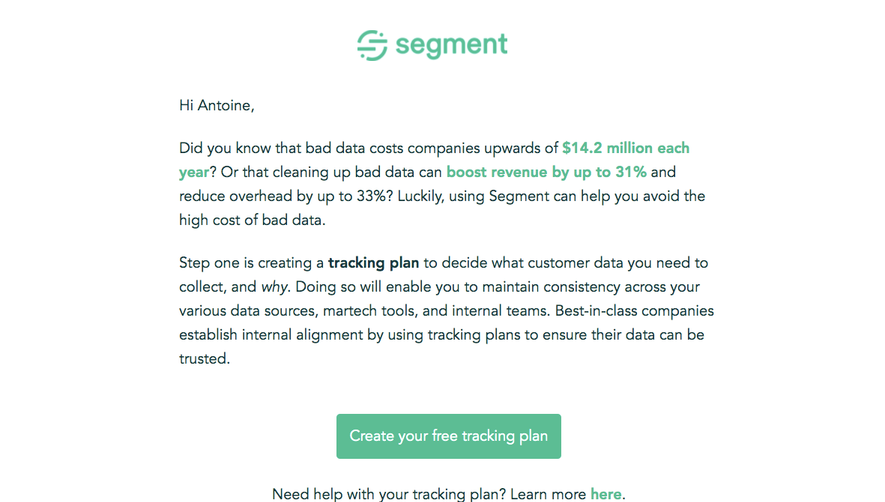
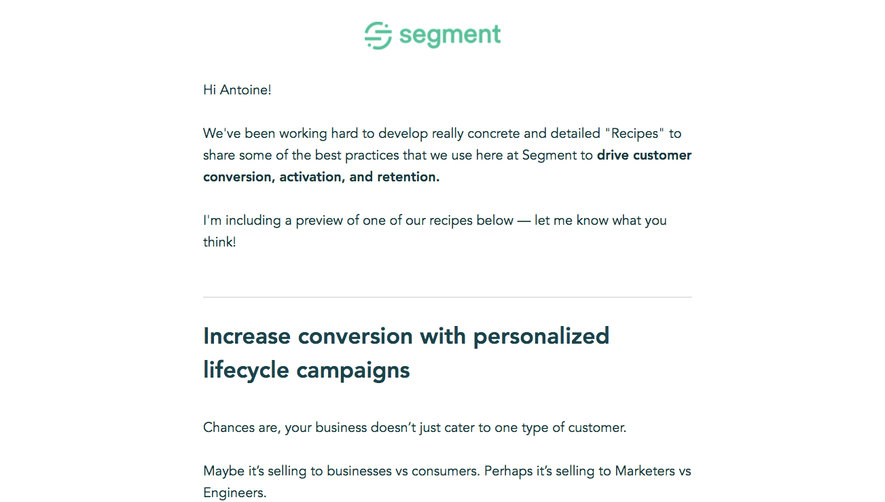

Similar screens
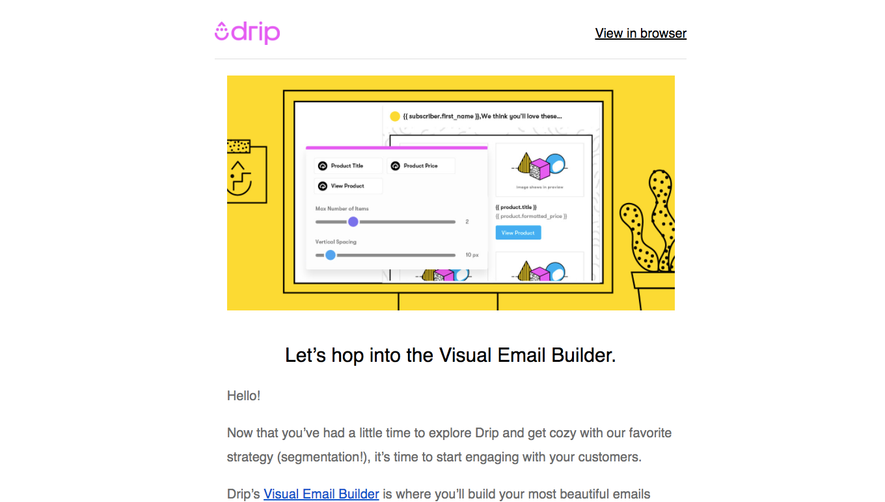





Upgrade to SaaSFrame Pro now to see similar examples.
Monthly
$18 /month
Billed $18 monthly
Browse all screens & flows
Filter and search screens & flows
Search text in screenshots
Access Figma files
Access mobile versions
Join now
Quarterly
$16 /month
Billed $48 quarterly
Browse all screens & flows
Filter and search screens & flows
Search text in screenshots
Access Figma files
Access mobile versions
Join now
Yearly
$15 /month
Billed $180 yearly
Browse all screens & flows
Filter and search screens & flows
Search text in screenshots
Access Figma files
Access mobile versions
Join now