Design with AI
Generate a new design based on this screen using your own content.
# Design from Reference: Rankfender Select Topics
Create an original, high-fidelity visual design inspired by the reference. Prioritize composition, typography, colors, spacing, and component styling over technical implementation.
## Reference
- **Product:** Rankfender
- **Category:** Account Setup
- **Screenshot:** https://cdn.prod.website-files.com/5e9dc792e1210c5325f7ebbc/6acc0f655d6cd572f289cb6b_6acc0e4f188ab6d0a4760cd8_cms-b1a86f33bd0f8940b859771f-v3.webp
Analyze the screenshot first. If inaccessible, request it rather than guessing.
## Content
{{content.instructions}}
{{content.data}}
Preserve essential messaging and factual accuracy. Adapt structure and copy length for visual balance; never invent product claims.
## Visual Design
### Overall aesthetic
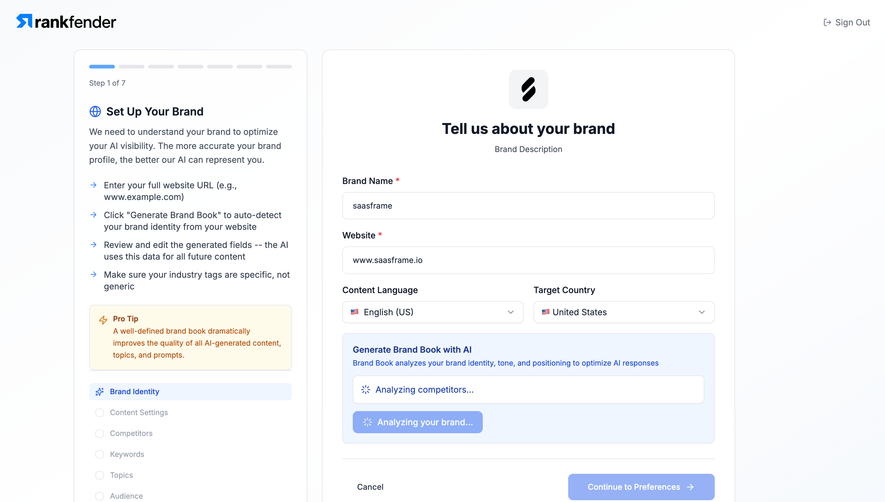
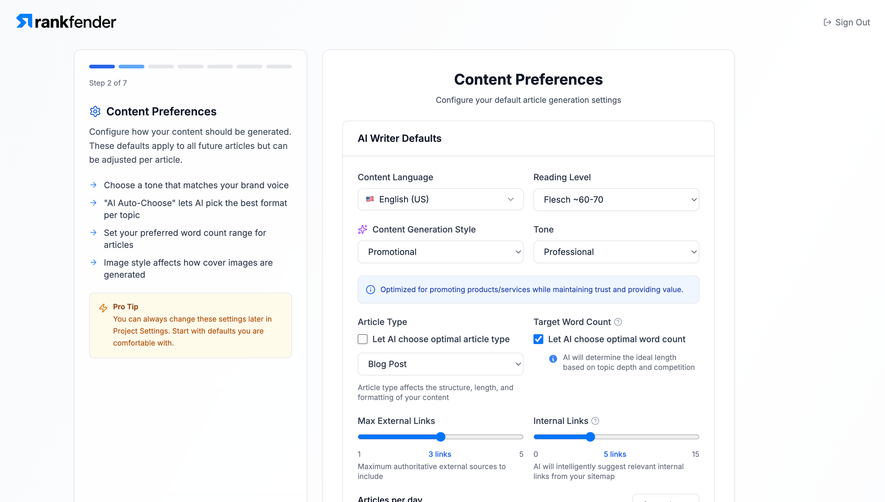
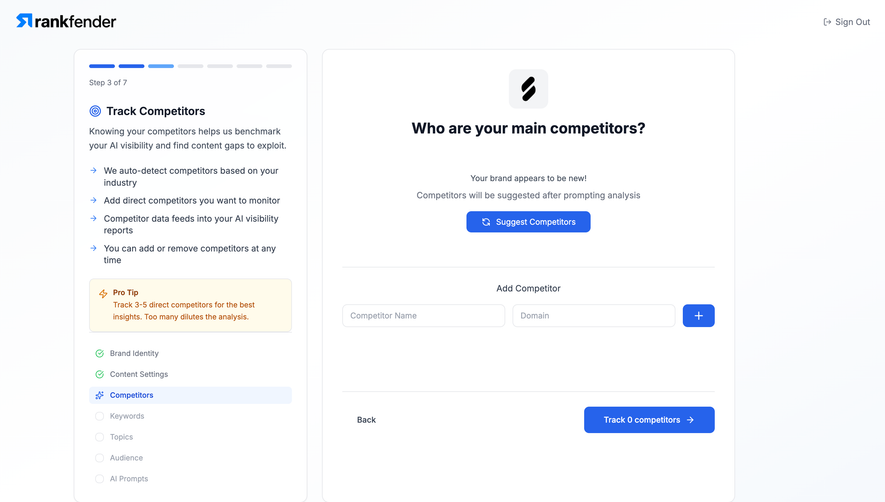
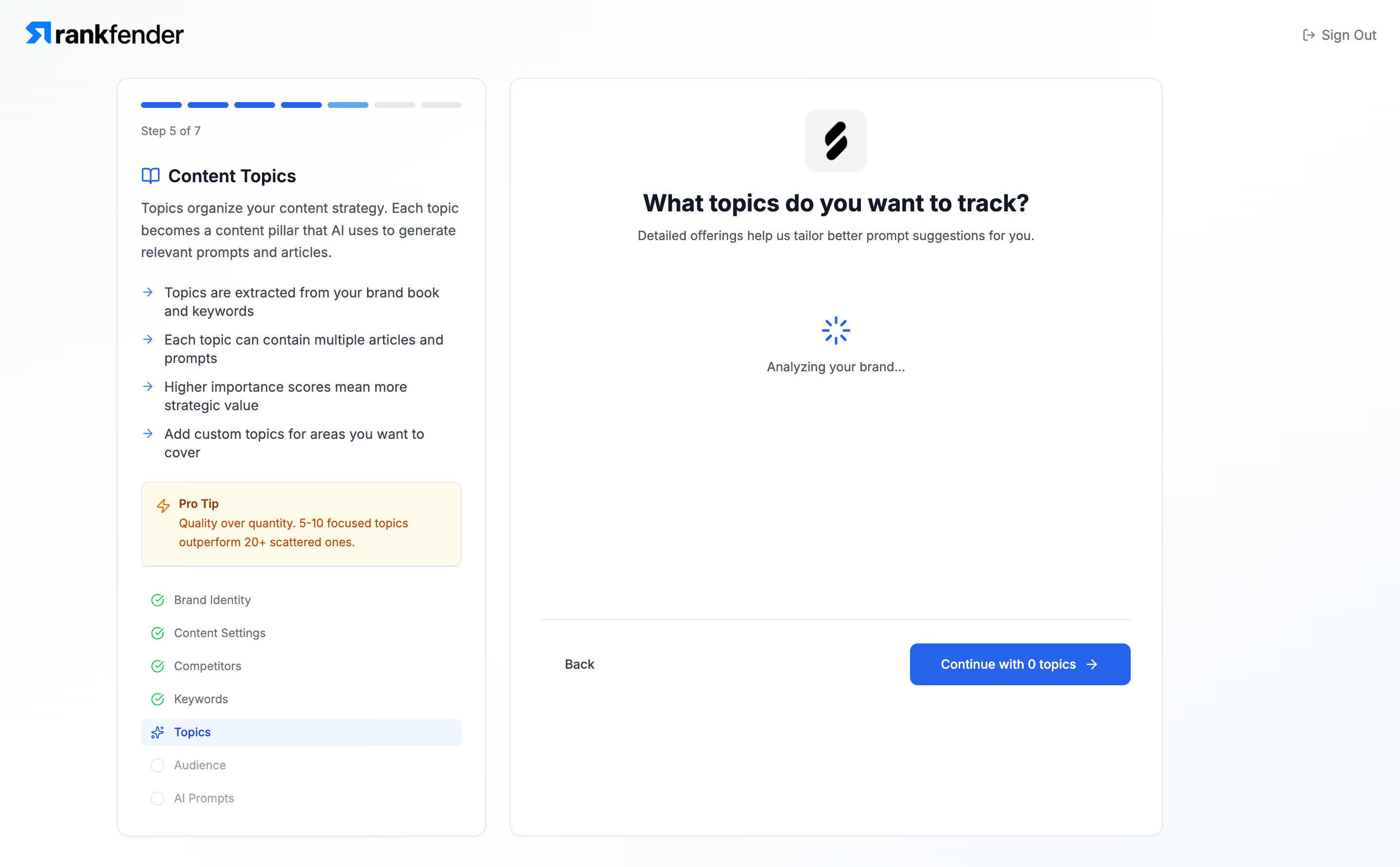
- **Character:** Light, structured onboarding wizard with blue progress cues and a two-panel instructional layout.
### Page composition
- **Canvas:** 2880 × 1784 screenshot px; CSS estimates assume 2× capture.
- **Structure:** Brand upper left, Sign Out upper right; narrow left guidance/progress card beside a wider main topic-selection panel.
- **State:** Screenshot shows loading rather than a populated topic list; central spinner and Analyzing your brand text occupy the otherwise empty panel.
### Information hierarchy
- **Priority:** Main question sits above supporting copy; the left panel explains the step and shows completed/current/future stages.
- **Footer:** Back link left and blue Continue with 0 topics action right sit beneath a horizontal divider.
### Typography
- **Family:** Neutral interface sans serif, exact font unverified.
- **Scale:** Estimated CSS main heading 24–26 px, sidebar heading 18 px, body 14 px and progress labels 12 px.
### Colors & surfaces
- **Sampled palette:** White #FFFFFF cards with nearly white #FCFDFE/#FBFCFD surrounding surfaces.
- **Accents:** Saturated blue actions/progress, green completion checks, pale-blue active step and cream/orange Pro Tip block; exact accent hex values not sampled.
### Components
- **Progress:** Seven short rounded top bars, Step 5 of 7 caption and vertical checklist below.
- **Guidance:** Blue icon/heading, arrow-bulleted explanation and pale cream tip panel.
- **Geometry:** Estimated CSS left card 380 px, main card 670 px, 24 px gap, 12 px corners and thin pale-gray borders; main header uses centered brand tile.
### Visual rhythm
- **Spacing:** Compact explanatory content contrasts with a large open loading region. Estimated panel padding 24–32 CSS px; footer actions remain aligned.
### Responsive
- **Observed:** Desktop loading state only.
- **Adaptation:** Move step guidance above the form on mobile, shorten the checklist and keep loading status and continuation state understandable.
### Adaptation guidance
- **Preserve:** Clear progress, contextual guidance and stable footer navigation.
- **Replace:** Use actual topic-selection content and truthful loading/status behavior; do not invent unseen topic cards.
Use this context to reproduce the reference's visual language: layout, typography, colors, spacing, borders, radii, and distinctive elements. The screenshot takes priority if descriptions conflict.
## Direction
{{preferences.fidelityInstructions}}
## Output
{{output.instructions}}
Deliver a polished, cohesive design with precise alignment, hierarchy, and spacing. Produce the requested visual artifact, not just a description. If unsupported, explain the limitation.
.webp)



.avif)