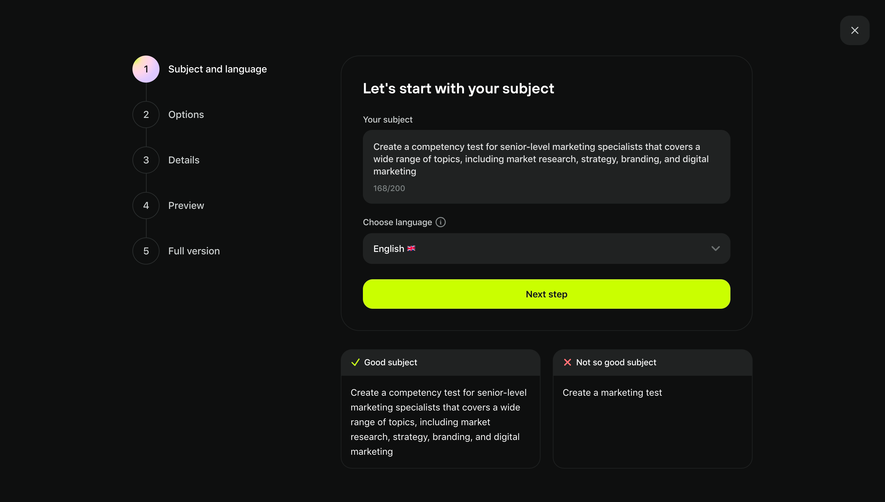
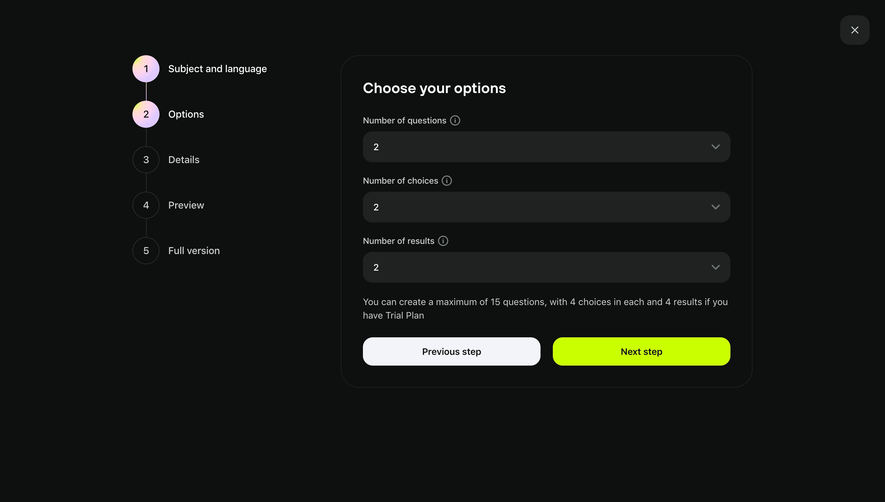
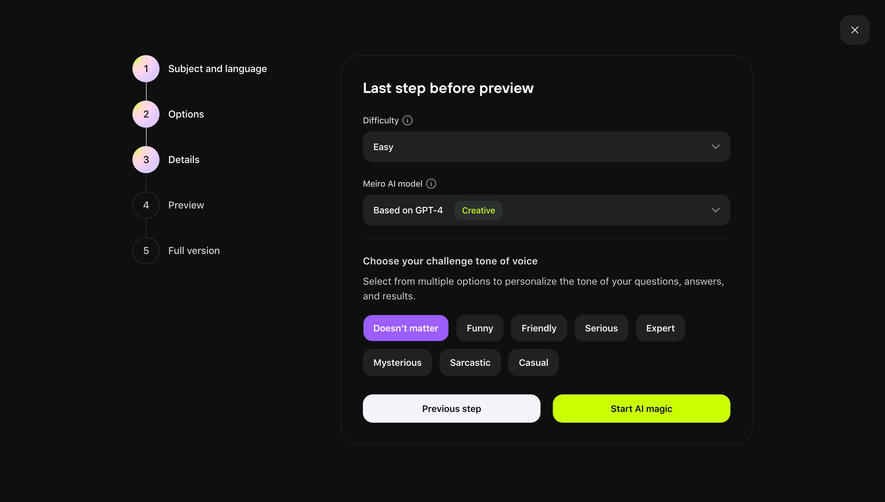
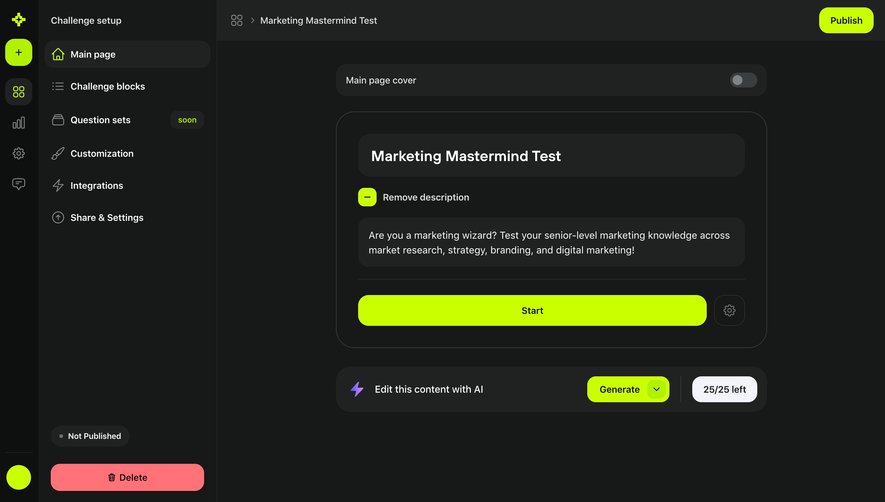
Design with AI
Generate a new design based on this screen using your own content.
# Design from Reference: Meiro Challenge Blocks Setup
Create an original, high-fidelity visual design inspired by the reference. Prioritize composition, typography, colors, spacing, and component styling over technical implementation.
## Reference
- **Product:** Meiro
- **Category:** Add & Edit
- **Screenshot:** https://cdn.prod.website-files.com/5e9dc792e1210c5325f7ebbc/6acadbe2d05a3f53c0a8625b_6acadb2b3ce5f4104ec03f88_cms-e5033b38cd6f57460e24e851.webp
Analyze the screenshot first. If inaccessible, request it rather than guessing.
## Content
{{content.instructions}}
{{content.data}}
Preserve essential messaging and factual accuracy. Adapt structure and copy length for visual balance; never invent product claims.
## Visual Design
### Overall aesthetic
- **Style:** A dark challenge-builder workspace with bright chartreuse primary controls, violet metadata pills, and large charcoal content cards.
- **Character:** Structured and technical, balancing high-contrast actions with subdued navigation and compact editing utilities.
### Page composition
- **Capture and scale:** The screenshot measures 2880 × 2358 pixels, consistent with an estimated 2× capture. Following dimensions are estimated CSS pixels under that assumption.
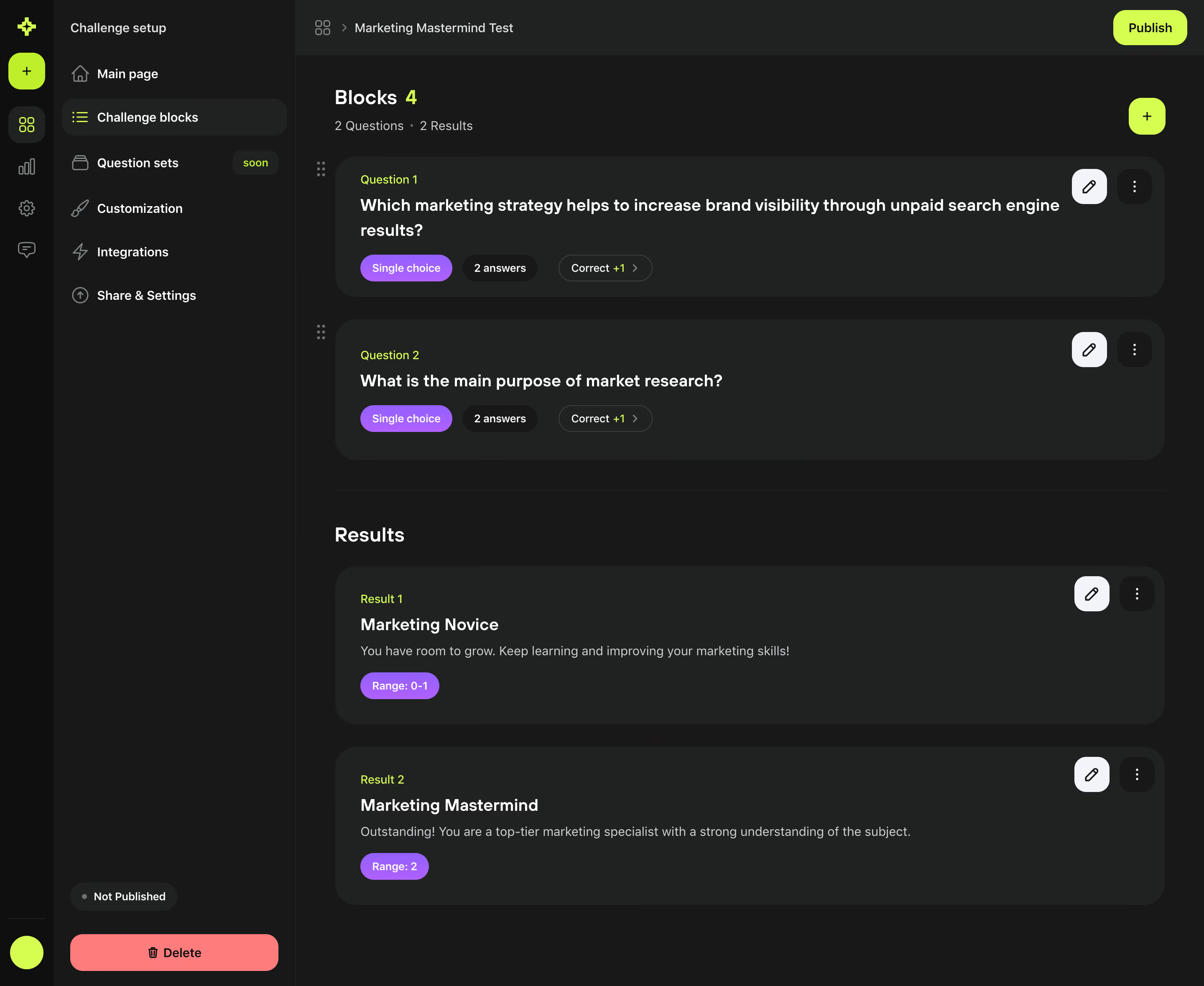
- **Navigation:** A narrow dark global icon rail sits beside a wider challenge-setup sidebar. Challenge blocks is selected; other setup sections appear below. Publication status and a coral Delete action sit near the sidebar bottom.
- **Main region:** A shallow project breadcrumb bar includes Publish at right. A Blocks heading/count and question/result totals lead into two question cards, then a divider and Results heading with two result cards.
- **Card alignment:** The content uses a single wide column, with small drag handles outside question-card left edges and edit/overflow controls near upper-right corners.
### Information hierarchy
- **Builder structure:** Question and result groups are clearly separated. Each card carries a small chartreuse ordinal label above a bold title.
- **Metadata:** Question cards show type, answer count, and correctness-score pills; result cards show score-range pills.
- **Actions:** Chartreuse Publish and plus controls dominate, while white edit buttons and dark overflow buttons remain local to each card.
### Typography
- **Family:** A neutral sans serif is visible; exact identity is unverified.
- **Headings:** Section headings are approximately 24 px CSS semibold. Card questions/titles are around 20 px semibold with 28 px line-height.
- **Body and labels:** Descriptions and sidebar labels are about 15–16 px. Ordinal labels and pill text are approximately 12–13 px.
- **Color hierarchy:** White identifies main content, soft gray supports descriptions, and chartreuse highlights counts/ordinals.
### Colors & surfaces
- **Dark foundation:** Sampled sRGB #171818 forms the workspace/sidebar, #202222 the cards/top bar, and #0E0F0F the global rail.
- **Actions:** Sampled chartreuse #CAFF00 marks primary actions and selected accents; coral #FF7277 marks deletion.
- **Text and edit controls:** Sampled #FFFFFF and pale #F3F4FA support text and white edit-button surfaces; #CDD1D1 supports muted descriptions.
- **Metadata:** Violet type/range pills add a secondary accent; its exact hex value is unverified.
### Components
- **Cards:** Wide rounded charcoal rectangles use roughly 24 px radii and 30 px internal padding, without prominent shadows.
- **Question controls:** A white rounded-square pencil button and dark rounded-square overflow button sit right. Pills below the question use fully rounded ends and compact spacing.
- **Result cards:** Ordinal, title, one-line description, and violet range pill stack left, with editing controls matching the question cards.
- **Navigation states:** The active setup row has a lighter rounded fill and chartreuse icon. A small soon badge marks an unavailable-looking section; actual interaction state is unverified.
- **Publication controls:** The top Publish pill and square plus button use chartreuse with black symbols/text. The lower destructive action spans most of the sidebar width.
### Visual rhythm
- **Spacing:** Use approximately 26–30 px between cards and a larger 45–55 px break around the Results section heading.
- **Consistency:** Align ordinal labels, titles, and metadata across cards; keep editing controls in a stable right column.
- **Density:** Allow long questions to wrap naturally without reducing type size, preserving card padding and pill separation.
### Responsive
- **Observed state:** Only desktop is shown.
- **Recommended reflow:** Collapse both navigation rails into compact menus, retain one-column cards, and let metadata pills wrap.
- **Editing access:** Keep edit/overflow controls reachable without overlapping long question titles; consider moving them into a dedicated card toolbar on phones.
### Adaptation guidance
- **Preserve:** Retain the dark layered surfaces, chartreuse action hierarchy, separated question/result groups, and consistent card editing controls.
- **Adapt:** Use genuine challenge questions, answer counts, scoring rules, and result ranges. Ensure publication status reflects actual data.
- **Avoid:** Do not infer hidden answer editors or publish/delete behavior from the static screen.
Use this context to reproduce the reference's visual language: layout, typography, colors, spacing, borders, radii, and distinctive elements. The screenshot takes priority if descriptions conflict.
## Direction
{{preferences.fidelityInstructions}}
## Output
{{output.instructions}}
Deliver a polished, cohesive design with precise alignment, hierarchy, and spacing. Produce the requested visual artifact, not just a description. If unsupported, explain the limitation.
.webp)



.avif)