Generate a new design based on this screen using your own content.
Thank you! Your submission has been received!
Oops! Something went wrong while submitting the form.
# Design from Reference: Dust Connections Admin
Create an original, high-fidelity visual design inspired by the reference. Prioritize composition, typography, colors, spacing, and component styling over technical implementation.
## Reference
- **Product:** Dust
- **Category:** Settings
- **Screenshot:** https://cdn.prod.website-files.com/5e9dc792e1210c5325f7ebbc/69808626561ff347385996c5_DTOzYkItYKe978lPvjxL_RBLj0m5REV9ZQAYoXZShOo.avif
Analyze the screenshot first. If inaccessible, request it rather than guessing.
## Content
{{content.instructions}}
{{content.data}}
Preserve essential messaging and factual accuracy. Adapt structure and copy length for visual balance; never invent product claims.
## Visual Design
Use this context to reproduce the reference's visual language: layout, typography, colors, spacing, borders, radii, and distinctive elements. The screenshot takes priority if descriptions conflict.
## Direction
{{preferences.fidelityInstructions}}
## Output
{{output.instructions}}
Deliver a polished, cohesive design with precise alignment, hierarchy, and spacing. Produce the requested visual artifact, not just a description. If unsupported, explain the limitation.
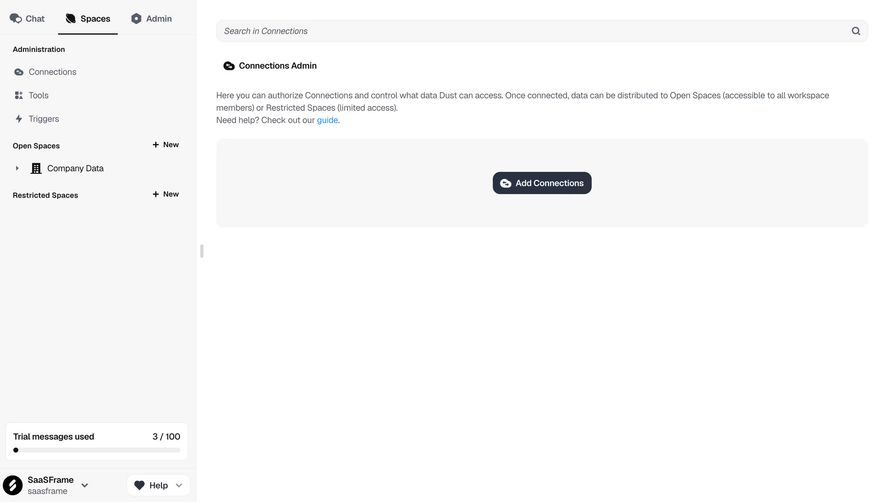
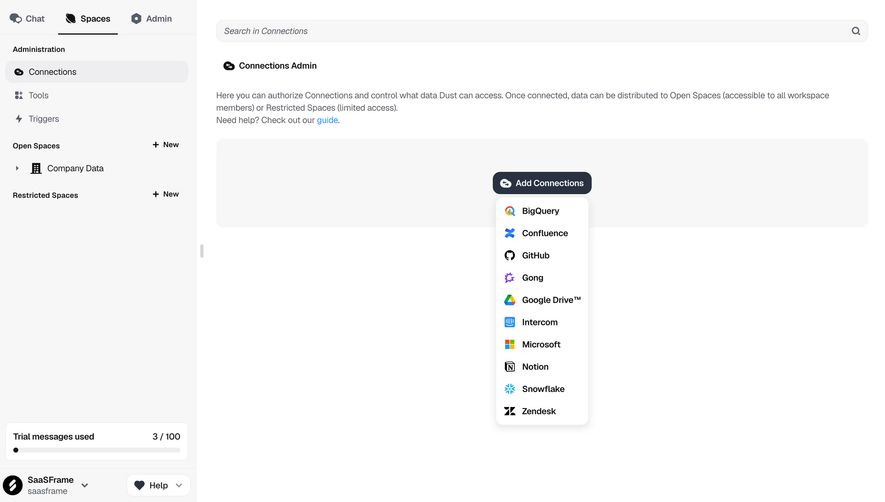
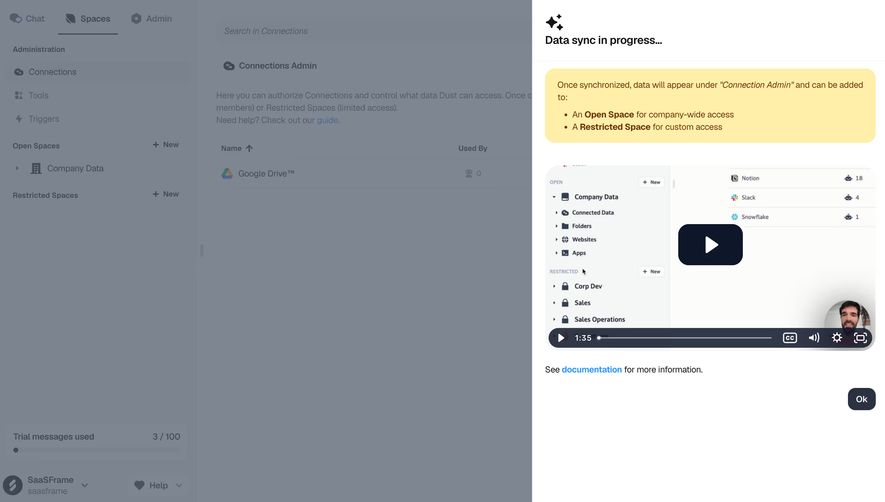
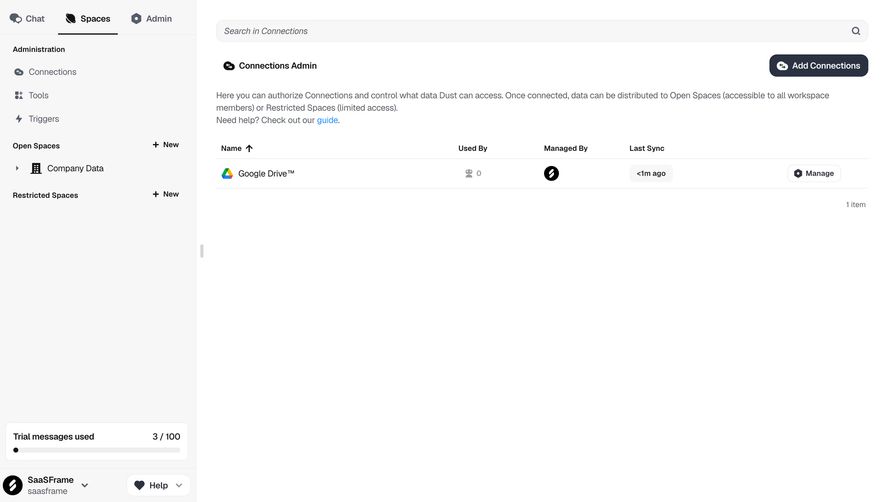
First thing you notice is how empty this feels. And that's intentional. Dust's Connections Admin page leans hard into whitespace, letting the single "Add Connections" CTA breathe in the center of a light gray container. It's almost zen.
Sidebar That Knows Its Place
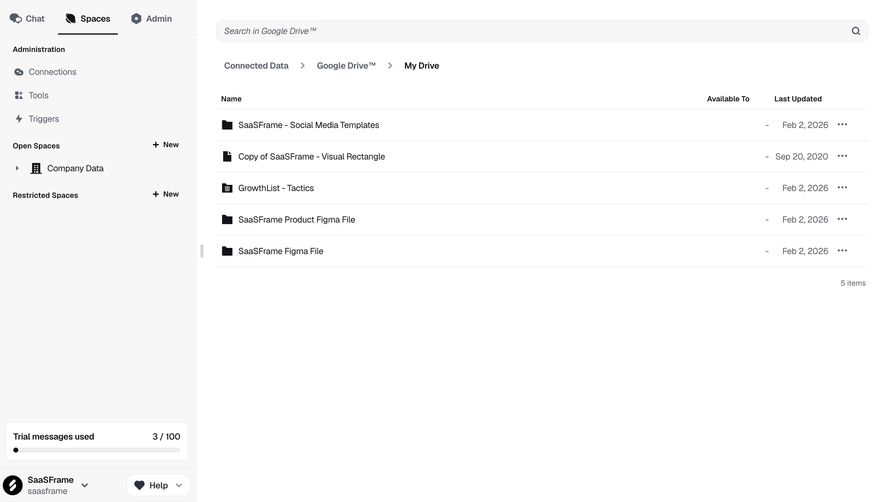
The left nav is dead simple. Administration section up top with Connections, Tools, and Triggers. Then Open Spaces and Restricted Spaces below, each with a subtle "+ New" action. The hierarchy is clear without any heavy dividers or background colors. Just smart spacing and weight changes in the typography. That "Company Data" item with a small grid icon adds just enough visual texture.
Smart Details Worth Stealing
The trial usage indicator at the bottom left is worth noting. "3 / 100" with a minimal progress bar. It's unobtrusive but always visible. The tab navigation up top uses a clean underline treatment for the active "Spaces" state. Typography is tight, likely Inter or something similarly functional. The descriptive text under "Connections Admin" actually explains what this page does without feeling like a wall of documentation. That linked "guide" in blue is the only real color accent on the entire page.
.webp)




.avif)