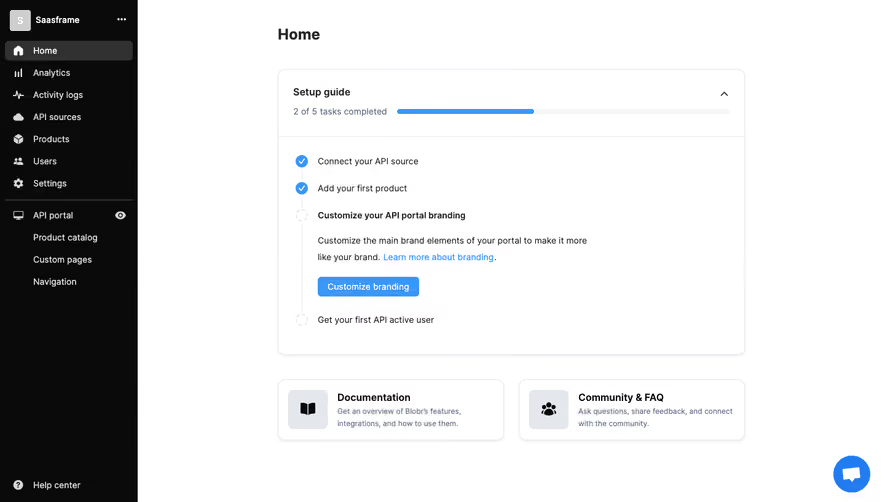
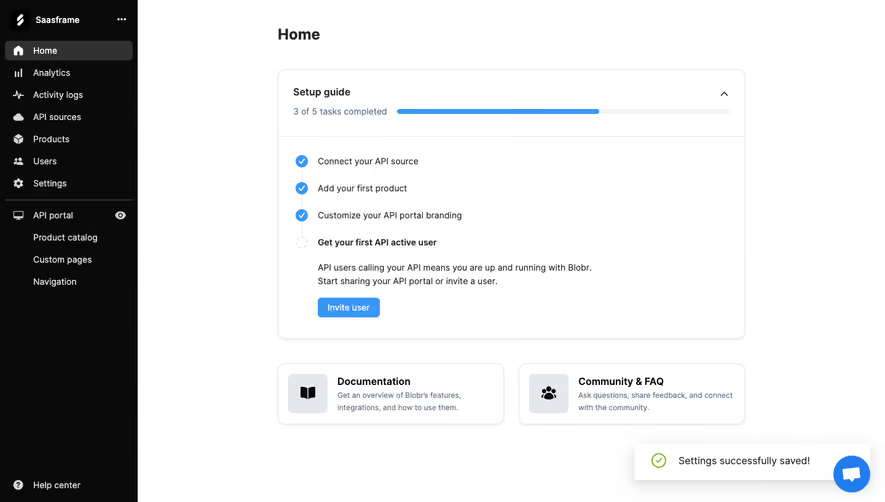
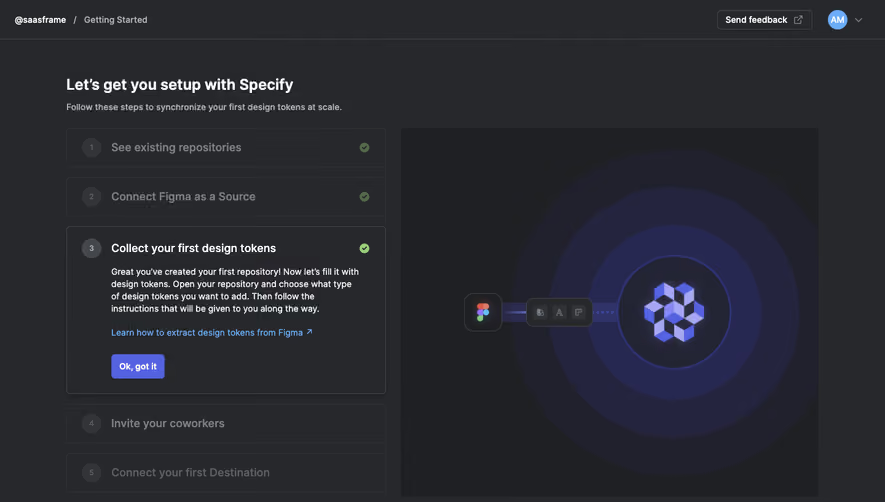
Design with AI
Generate a new design based on this screen using your own content.
# Design from Reference: Blobr User Onboarding
Create an original, high-fidelity visual design inspired by the reference. Prioritize composition, typography, colors, spacing, and component styling over technical implementation.
## Reference
- **Product:** Blobr
- **Category:** User Onboarding
- **Screenshot:** https://cdn.prod.website-files.com/5e9dc792e1210c5325f7ebbc/6acb6c1c5391d62536b672cd_6acb6ab027f191c7ced07e73_cms-b5c3920d562754100db28408.webp
Analyze the screenshot first. If inaccessible, request it rather than guessing.
## Content
{{content.instructions}}
{{content.data}}
Preserve essential messaging and factual accuracy. Adapt structure and copy length for visual balance; never invent product claims.
## Visual Design
### Overall aesthetic
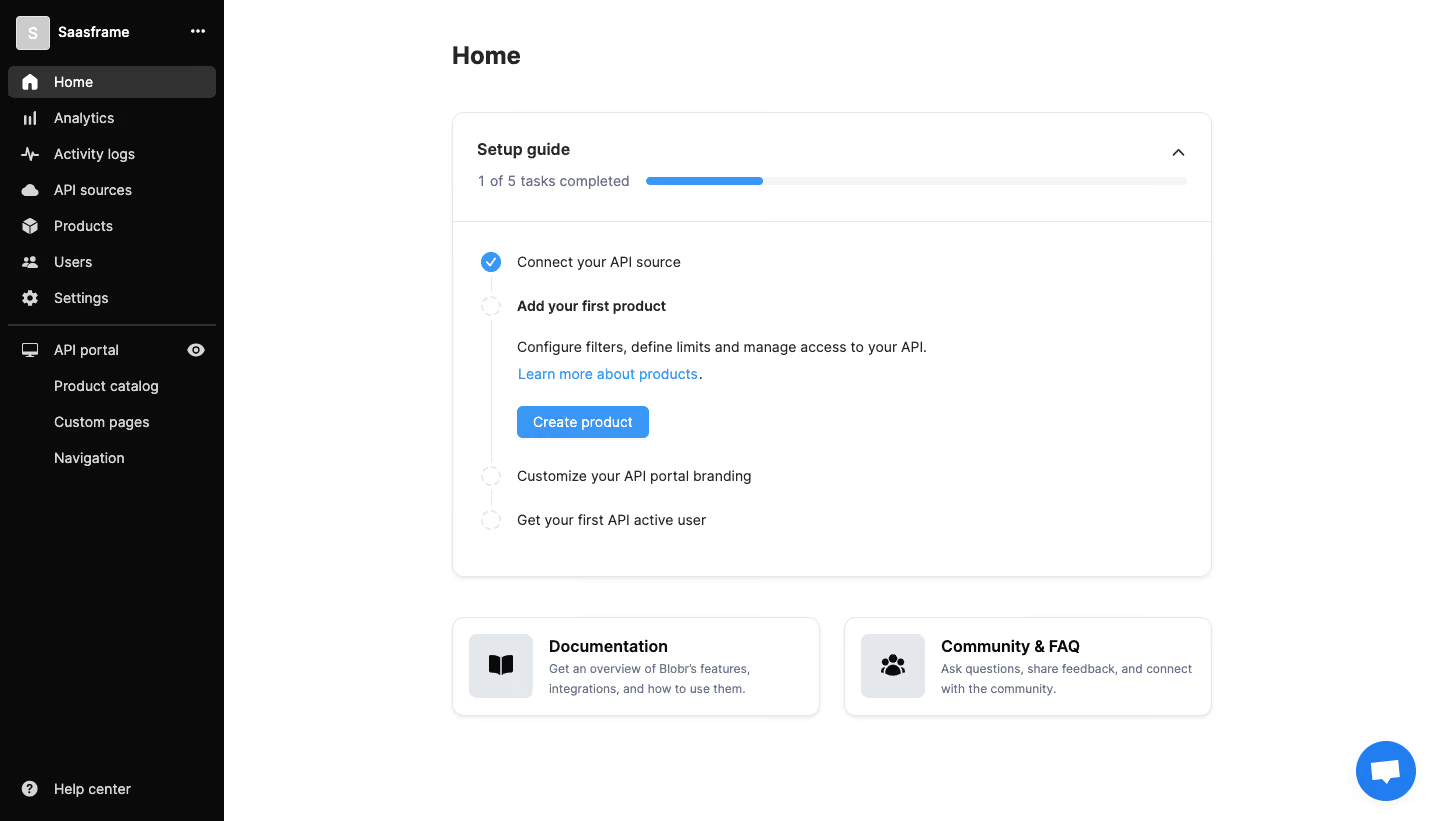
- **Character:** A utilitarian onboarding dashboard with a black navigation rail, a spacious white workspace and a blue-accented setup checklist.
- **Evidence scale:** Original 1440 × 821 pixels. Dimensions are image-pixel estimates; CSS scale is unverified.
### Page composition
- **Sidebar:** Approximately 224 px black rail with workspace identity, main navigation, a divided API-portal group and bottom help link.
- **Main:** Centered roughly 760 px column begins around x452, with Home heading above a large setup card.
- **Support row:** Two equal horizontal resource cards sit beneath the setup card.
- **Utility:** Circular blue chat control floats at lower right.
### Information hierarchy
- **Setup status:** Bold Setup guide label and progress summary lead the card.
- **Current task:** Add your first product is bold and expanded with explanatory text, link and blue Create product action.
- **Completed step:** The first item uses a blue circle with a white check.
- **Remaining steps:** Empty dashed circles and a faint connecting line show upcoming work.
- **Resources:** Documentation and Community & FAQ provide quieter support paths.
### Typography
- **Page title:** Unverified sans-serif, approximately 24 px bold with 32 px line height.
- **Card headings:** Around 16 px semibold.
- **Checklist/body:** Approximately 14 px regular, 22 px line height; expanded task label bold.
- **Resource copy:** Around 12–13 px, muted blue-gray.
- **Navigation:** Approximately 14 px regular/medium with white/gray text.
### Colors & surfaces
- **Base:** White #FFFFFF main canvas.
- **Rail:** Near-black #0A0A0A.
- **Selection:** Dark gray #313131 active navigation.
- **Structure:** Pale #E4E7EB borders and faint gray progress track.
- **Accent:** Blue #3A97F7 in progress/check/action family; links use related bright blue.
### Components
- **Setup shell:** Approximately 760 × 464 px, 12 px radius, thin border and subtle shadow.
- **Progress header:** Roughly 108 px tall, separated by a rule; text summary left of a long rounded progress track, about one fifth blue.
- **Checklist:** Vertical step line, 20 px circular markers, expanded second item and two later visible tasks.
- **Create action:** Compact approximately 132 × 32 px blue rounded button.
- **Resource cards:** About 368 × 100 px with 12 px radii; gray icon tile left, bold title and two-line description right.
- **Sidebar groups:** Small white icons, one dark filled selection row and indented portal sublinks.
### Visual rhythm
- **Main spacing:** Approximately 40 px between setup card and resource row.
- **Checklist:** Compact completed/upcoming rows contrast with the expanded task's larger block.
- **Alignment:** Heading, setup and resource cards share outer edges; checklist text aligns consistently beside markers.
- **Whitespace:** Broad margins isolate the guide from the shell.
### Responsive
- **Observed limit:** Desktop only; collapsed navigation is unverified.
- **Recommendation:** Collapse the rail and stack resource cards, keeping the current setup task expanded.
- **Progress handling:** Let summary and track wrap into separate rows rather than reducing text size.
### Adaptation guidance
- **Retain:** Show completion progress and one expanded next task with an immediate action.
- **Implement:** Use restrained blue emphasis and consistent card borders.
- **Verify:** Confirm fonts, scale and checklist behavior separately; no API source or product was created.
Use this context to reproduce the reference's visual language: layout, typography, colors, spacing, borders, radii, and distinctive elements. The screenshot takes priority if descriptions conflict.
## Direction
{{preferences.fidelityInstructions}}
## Output
{{output.instructions}}
Deliver a polished, cohesive design with precise alignment, hierarchy, and spacing. Produce the requested visual artifact, not just a description. If unsupported, explain the limitation.
.webp)


.avif)