SaaSFrame
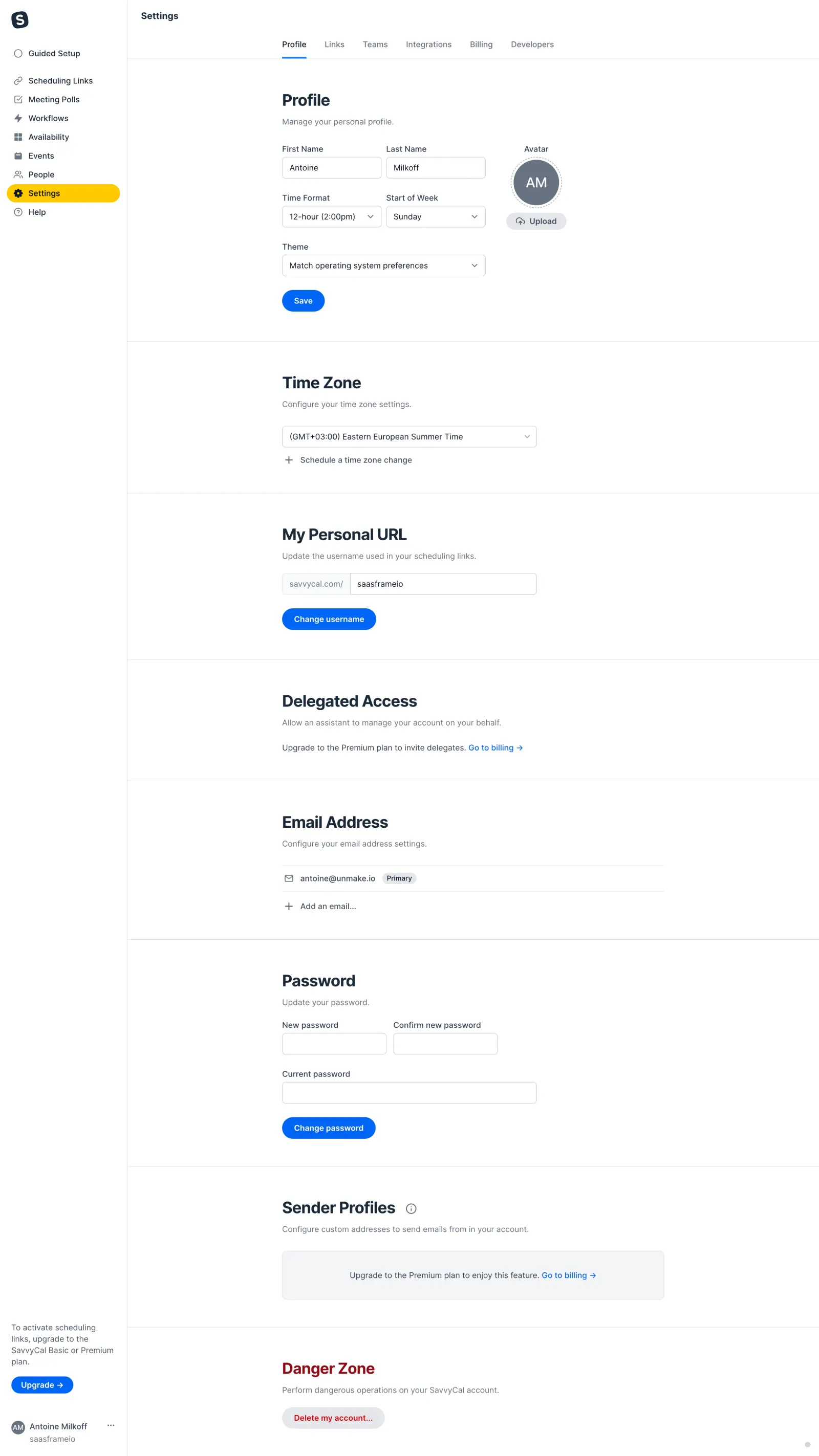
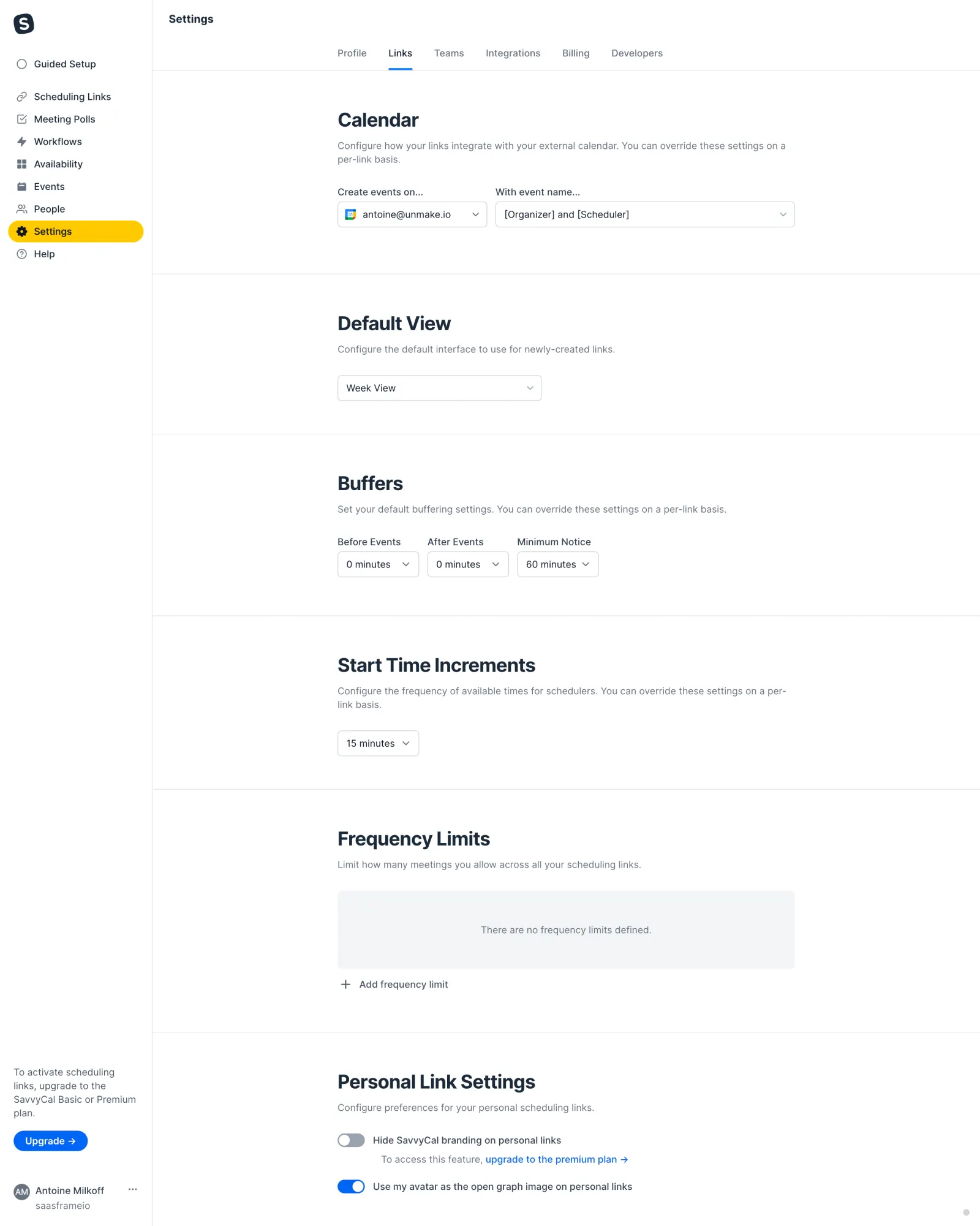
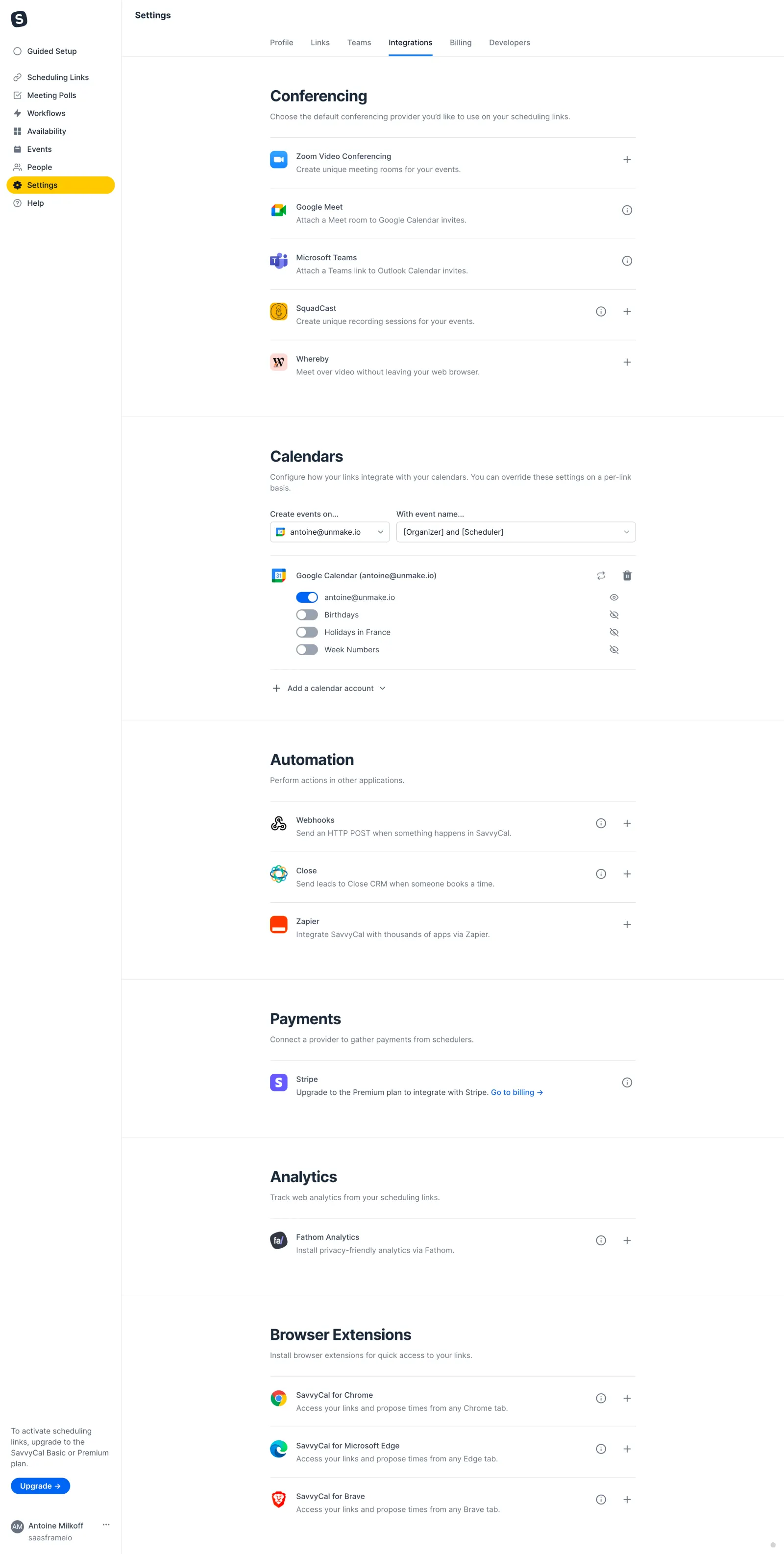
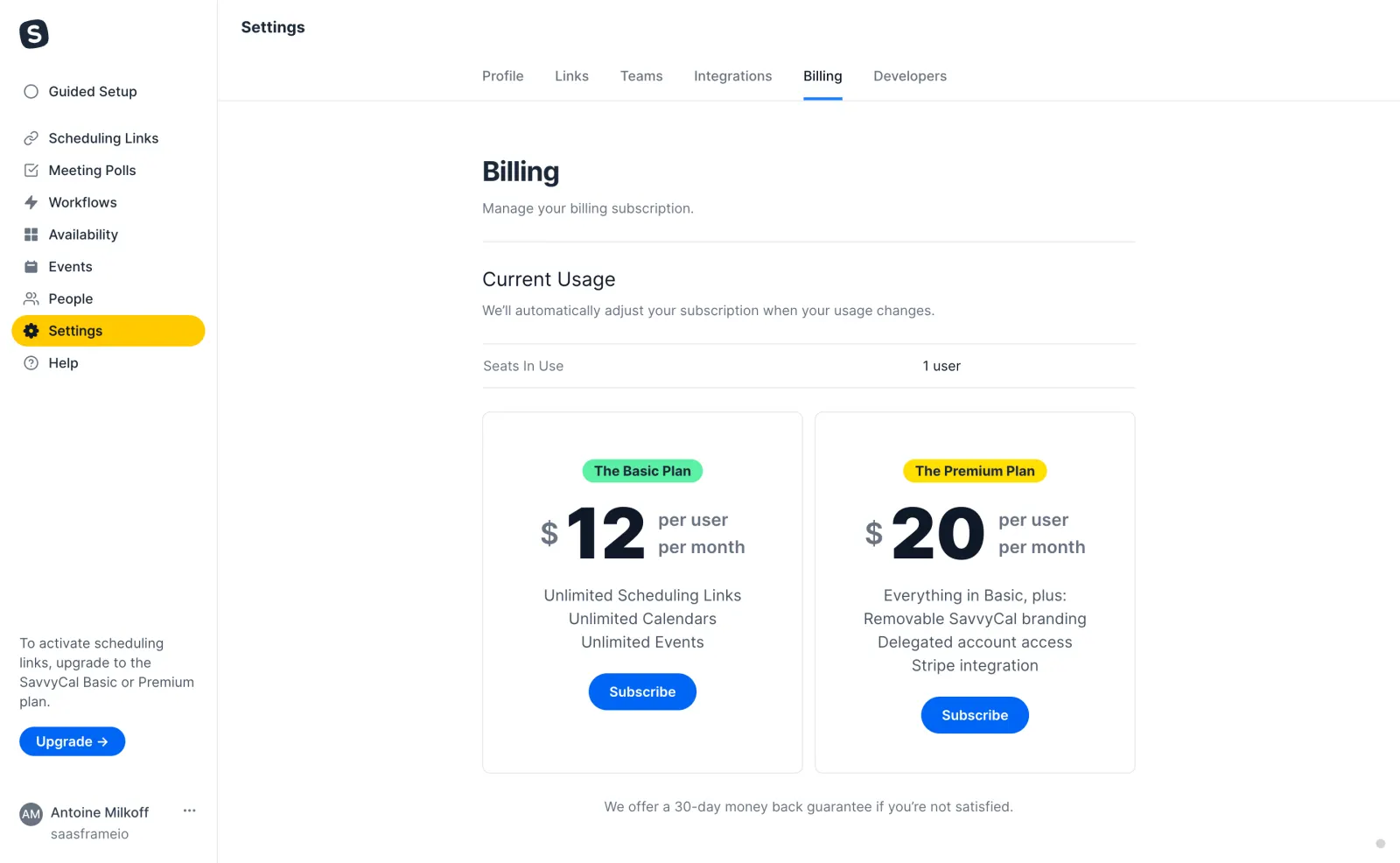
SavvyCal Settings
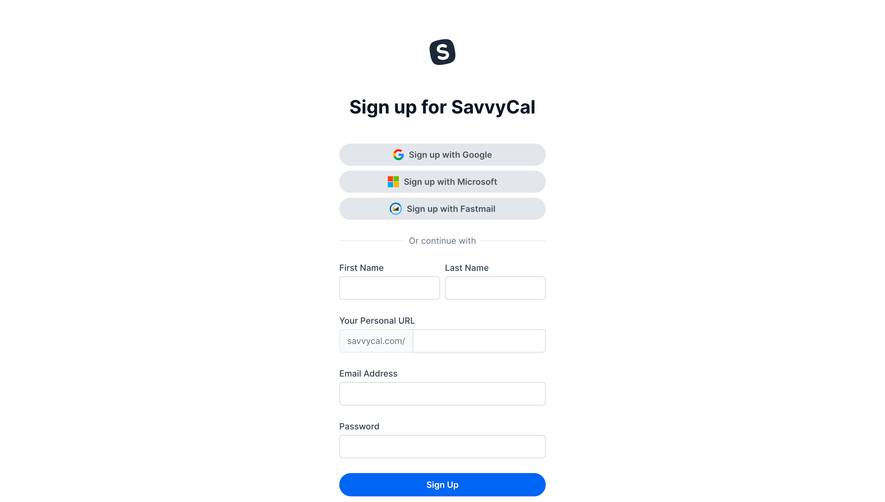
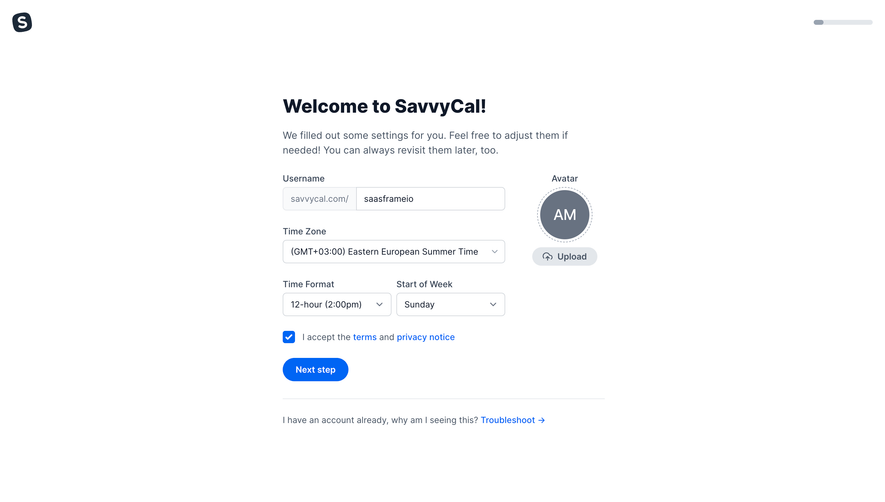
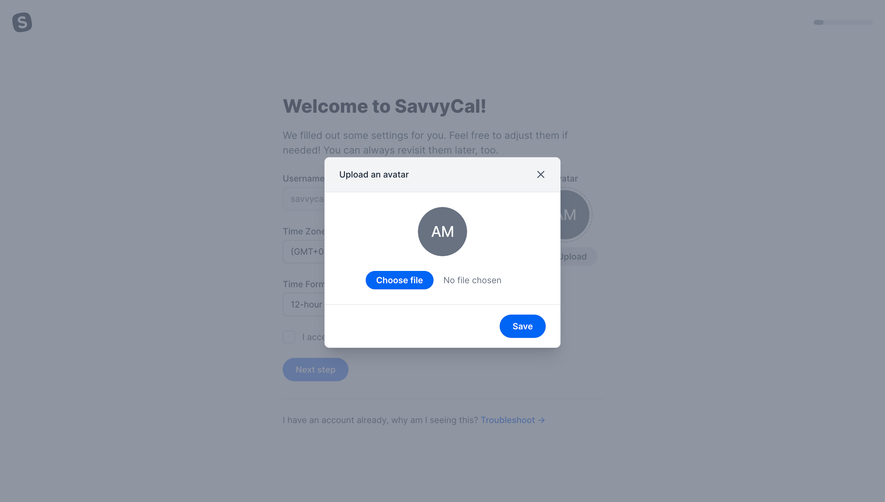
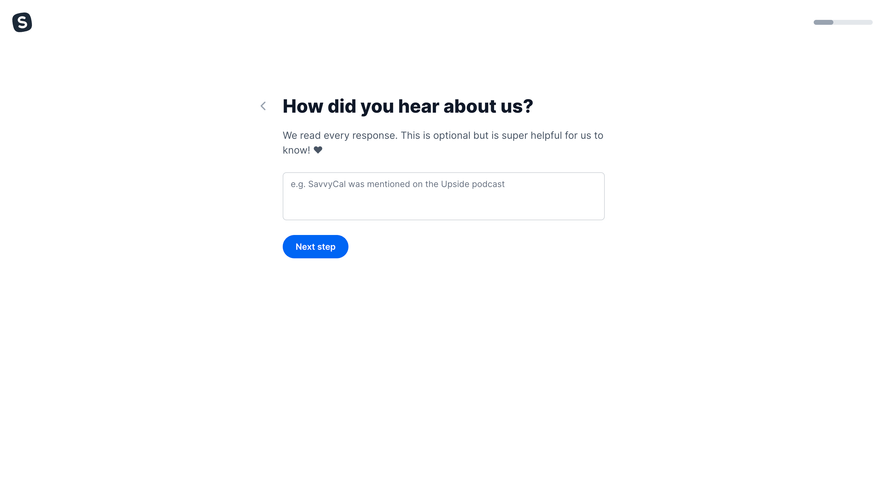
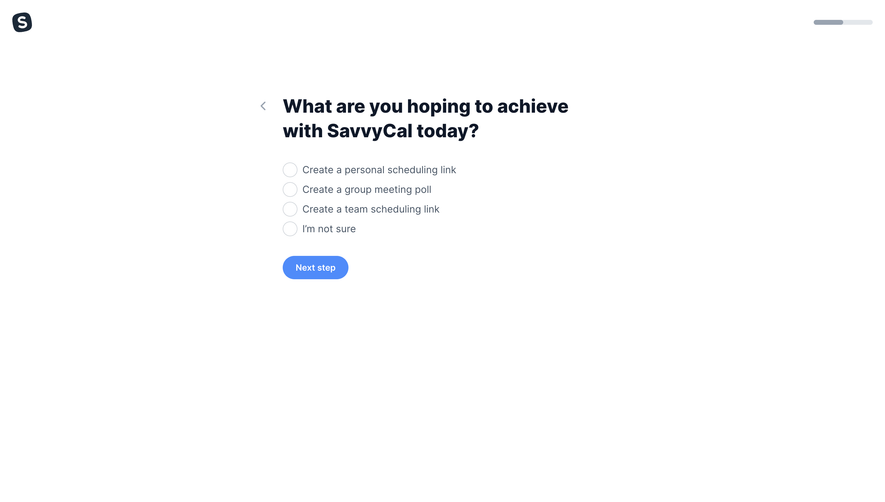
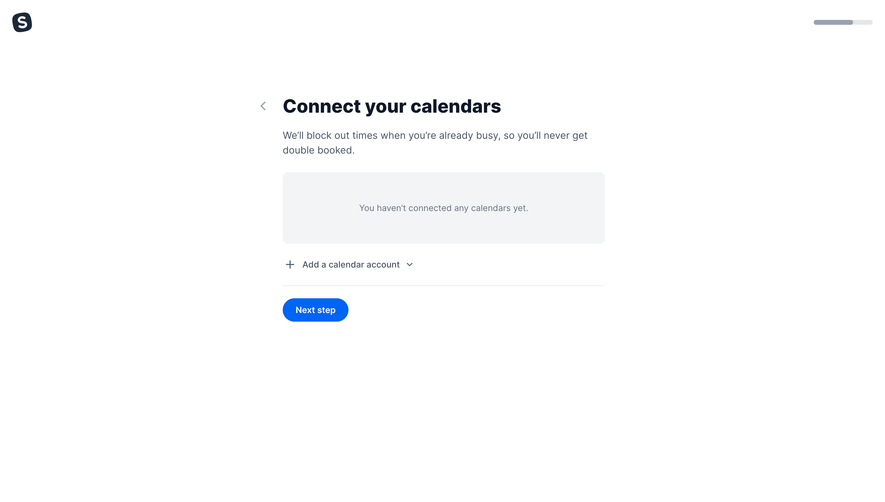
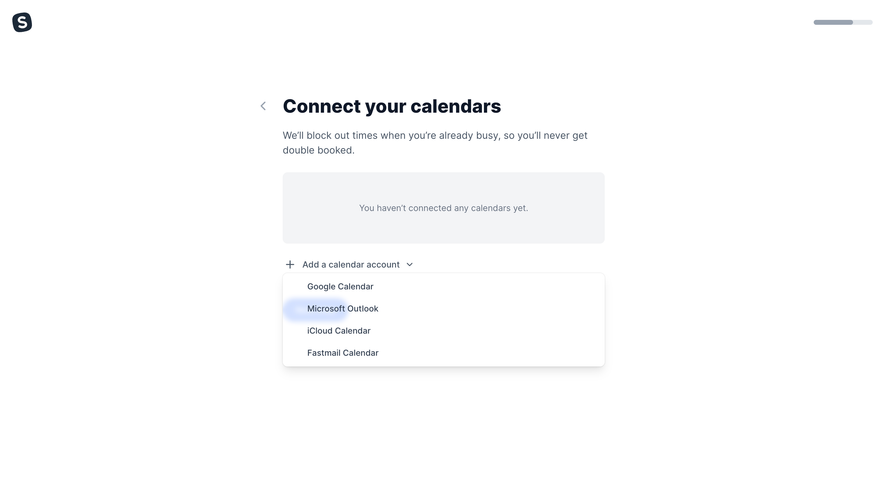
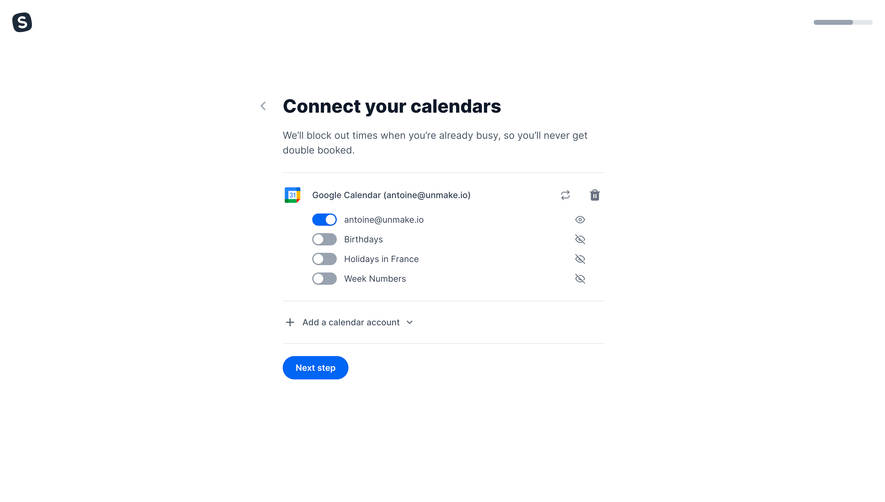
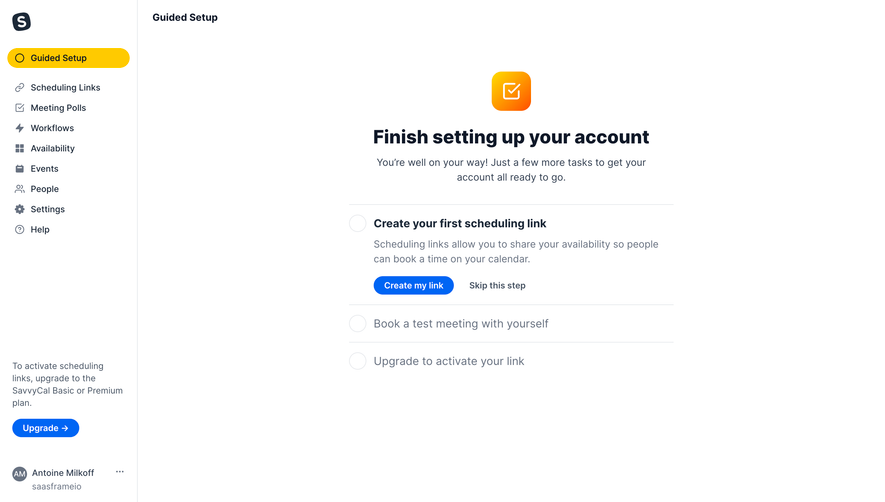
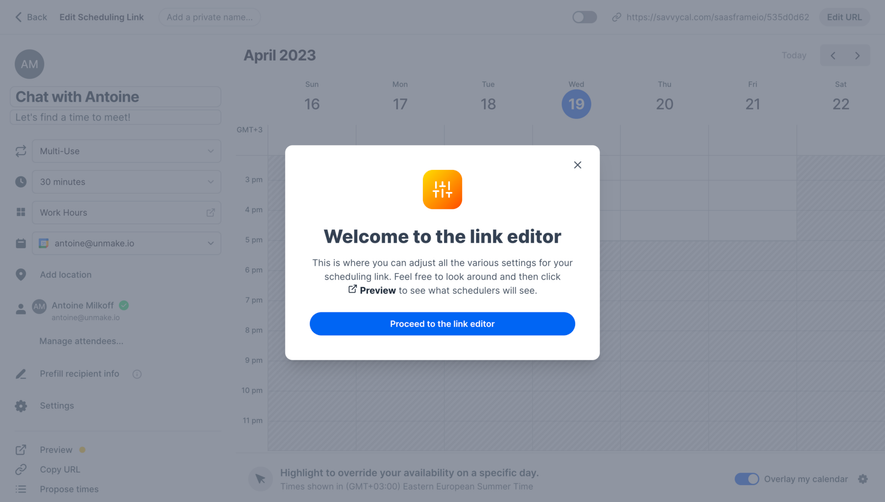
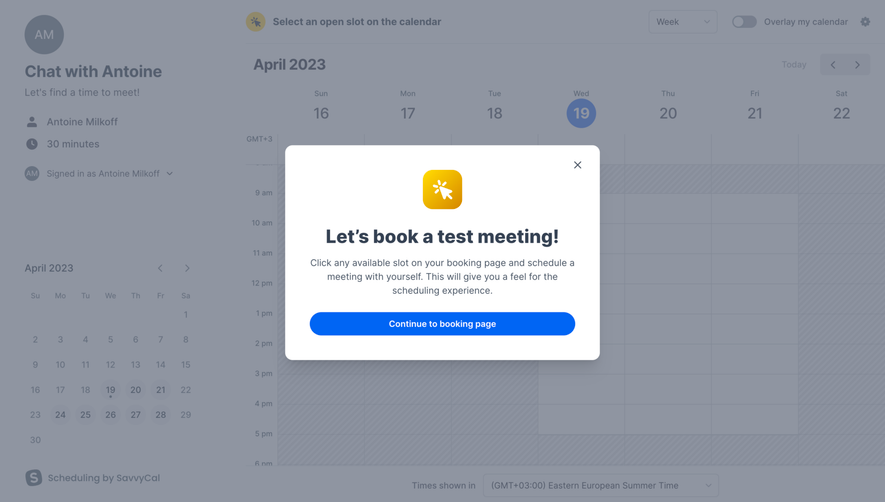
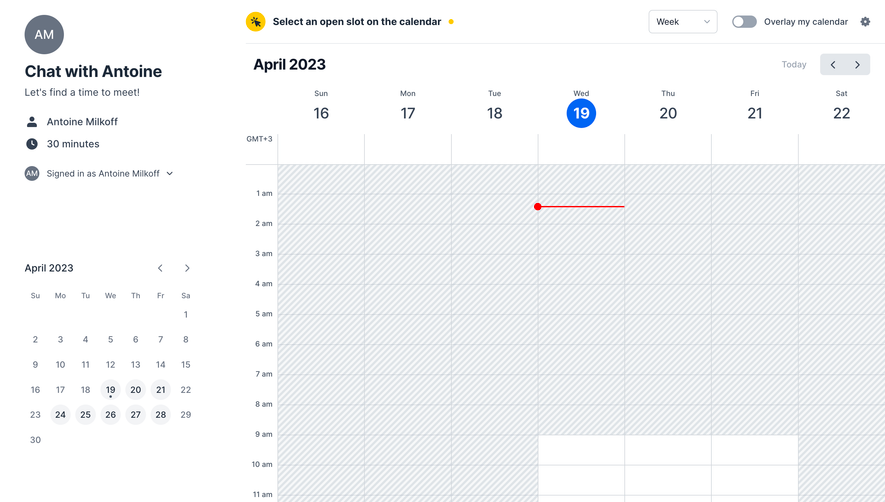
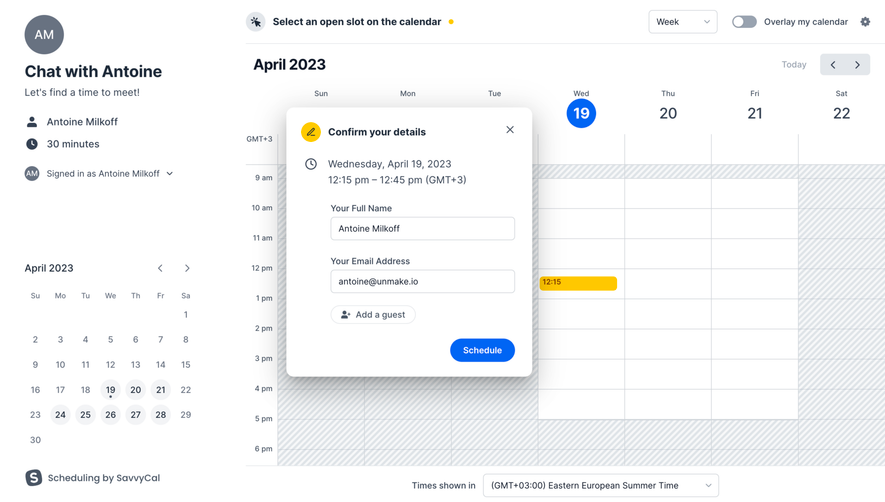
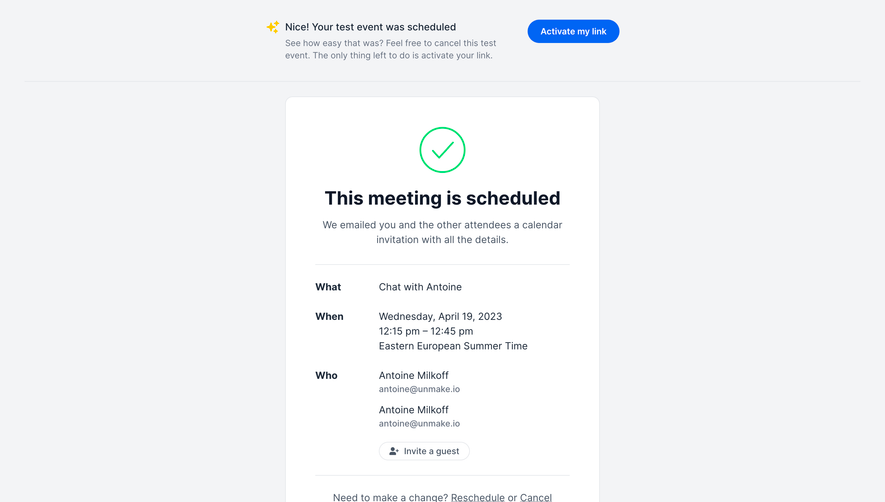
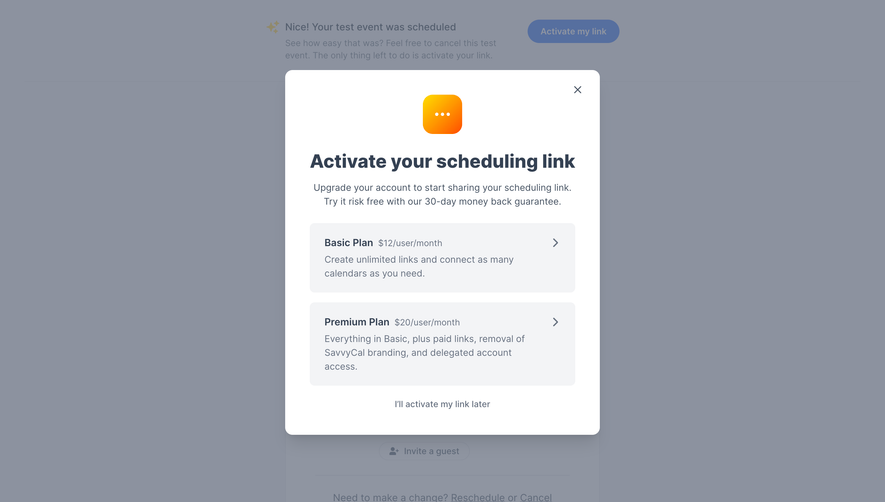
Follow SavvyCal’s settings flow step by step: 4 real screens captured from the live product, from profile settings to billing. Use ← → to move between steps, and open any screen to see it in full.
Steps in this flow
More flows from SavvyCal
All SavvyCal SavvyCal User Onboarding
7 screens
SavvyCal Create An Account
10 screens