🛡️ Security Email
SaaS security emails: new sign-ins, password changes, two-factor setup and suspicious activity. How products make the event recognizable at a glance and the recovery path obvious when it was not you.
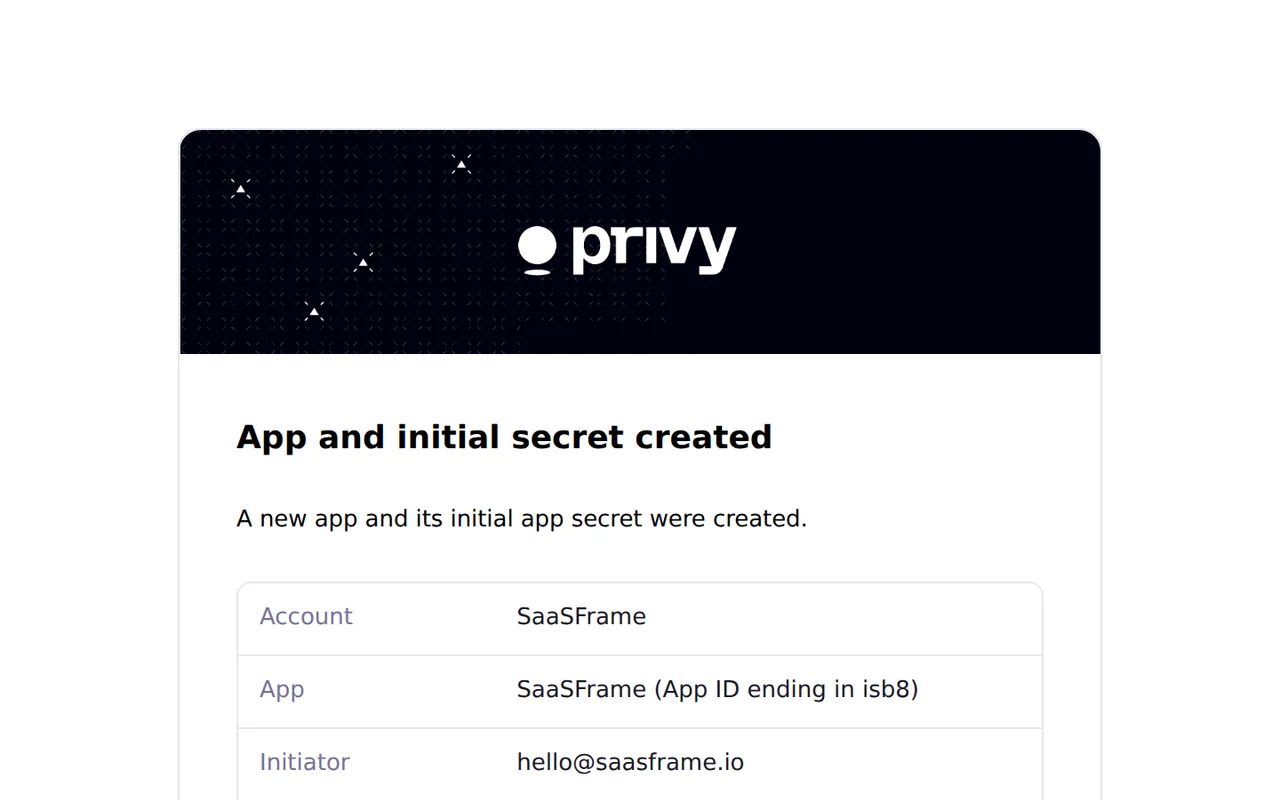

🛡️ Security Email: design guide
A SaaS security email informs an account holder about a relevant event and explains what to do if the activity is unexpected. Its design should make the event recognizable, the required decision clear, and recovery routes easy to identify.
This guide focuses on communication design. A screenshot does not establish the effectiveness of the product's authentication or security implementation.
Name the event precisely
A new-device sign-in, password change, and access-policy update are different events. Use subject and body language that identifies the actual state the system recorded.
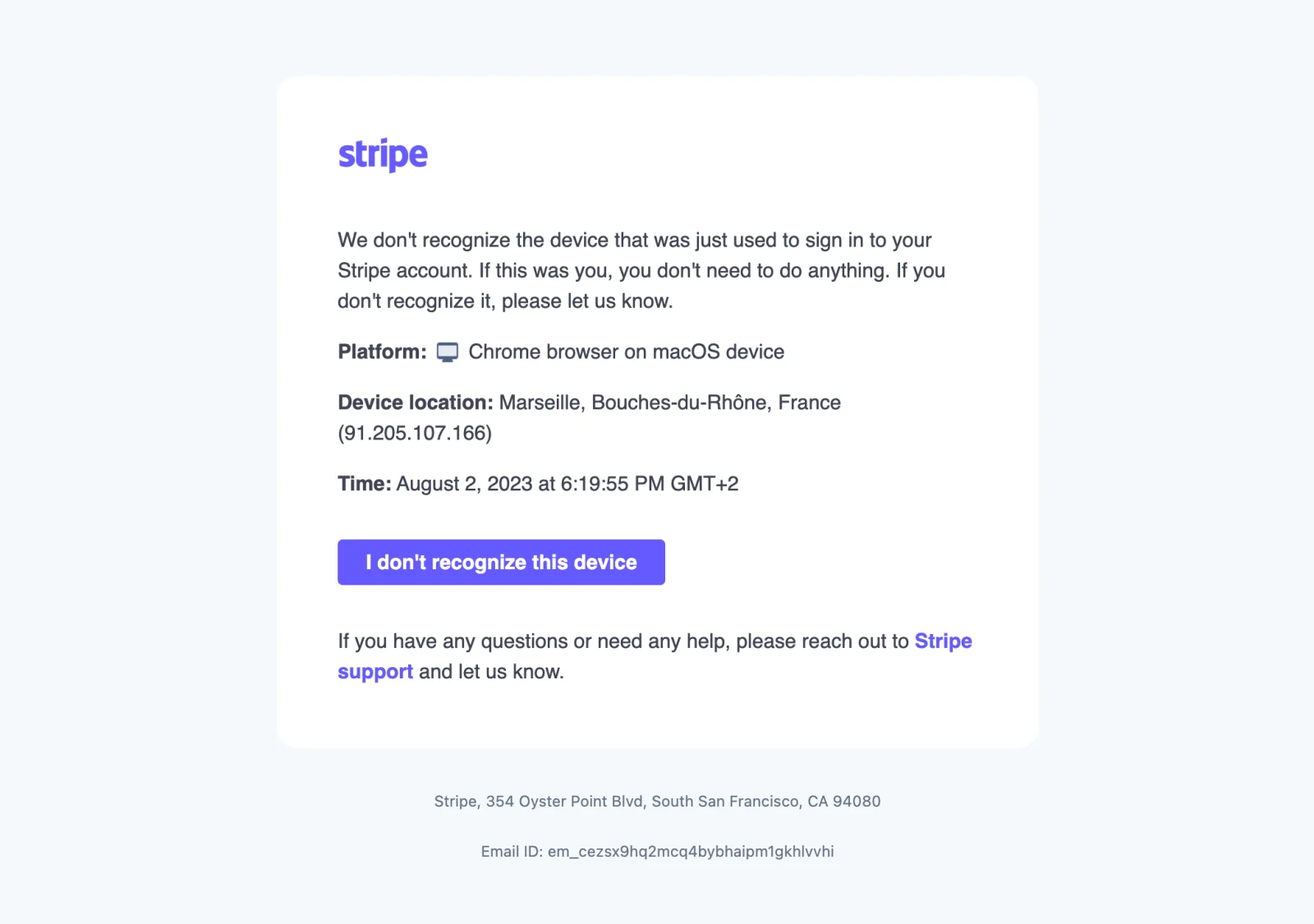
The Stripe reference describes a sign-in from an unrecognized device and displays platform, location, and time context. A prominent action addresses the case where the recipient does not recognize the device, with a support route below.
The context helps the recipient compare the event with their own activity. Do not imply that approximate location alone proves who performed an action.
Put the recipient's decision before secondary content
Explain whether a recognized event requires action and what to do if it is unfamiliar. Avoid forcing the reader to infer urgency from color or a dramatic heading.
Keep promotional material out of the primary explanation. The account event is the reason for the message, and its hierarchy should reflect that.
Use calm, specific language rather than broad alarm. A recipient needs a practical route, not an unsupported claim that the account is definitely compromised.
Show useful context without unnecessary disclosure
Event time, device description, and affected account can help recognition. Choose detail according to the actual task and privacy context.
Avoid including information unrelated to the decision. The message may be viewed on a locked-screen preview or forwarded during support.
Where details are uncertain or approximate, preserve that distinction. Communication should not make a system estimate appear definitive.
Match the action to the response process
An action for unfamiliar activity should lead to the appropriate maintained account or support route. Label what the recipient will actually do next.
Do not imply that clicking an email automatically resolves every possible problem. Explain the established state at each subsequent step.
Provide a recognizable alternative route through the product where appropriate. Review destination identity and handoffs as part of the message experience.
Keep the message usable as text
Essential event details and instructions should not depend on images loading. Branding can support recognition while clear text carries the task.
Check mobile layout, link labels, and the relationship between body copy and the CTA. The recipient should not need to scroll through decoration to find the response action.
Support context should remain findable if the primary route is unavailable or the user has another question.
Review event and recovery together
Test recognized activity, unfamiliar activity, repeated events, and an expired or unavailable destination. Verify that copy reflects the actual event model and response process.
Use SaaSFrame's security-email reference to compare event context and action hierarchy. Design for an informed account-holder response without overstating what the message establishes.
Security email questions
Does an unfamiliar location prove account misuse?
No. Present recorded context accurately and avoid turning approximate information into a definitive conclusion.
What should the primary action address?
The relevant response to the event, with a destination and label that match the actual process.
Should the message contain promotion?
Keep the account event and response primary. Unrelated promotion competes with a consequential task.