No items found.
Subject
Category
Patterns
No items found.
Tech Stack
Added on
September 19, 2023
Found in 0 flow
No items found.

Upgrade to SaaSFrame Pro now to see similar examples.

Monthly

$14 /month

Billed $14 monthly
Browse all screens & flows
Filter and search screens & flows
Bookmark items
Access Figma files
Access mobile versions
Join now

Quarterly

$12 /month

Billed $36 quarterly
Browse all screens & flows
Filter and search screens & flows
Bookmark items
Access Figma files
Access mobile versions
Join now

Yearly

$10 /month

Billed $120 yearly
Browse all screens & flows
Filter and search screens & flows
Bookmark items
Access Figma files
Access mobile versions
Join now

Biggest SaaS library.

Browse website pages, product interfaces and emails from a growing library of hundreds of SaaS.

Desktop & mobile versions.

Switch from desktop to mobile versions to see how the best designers make websites responsive.
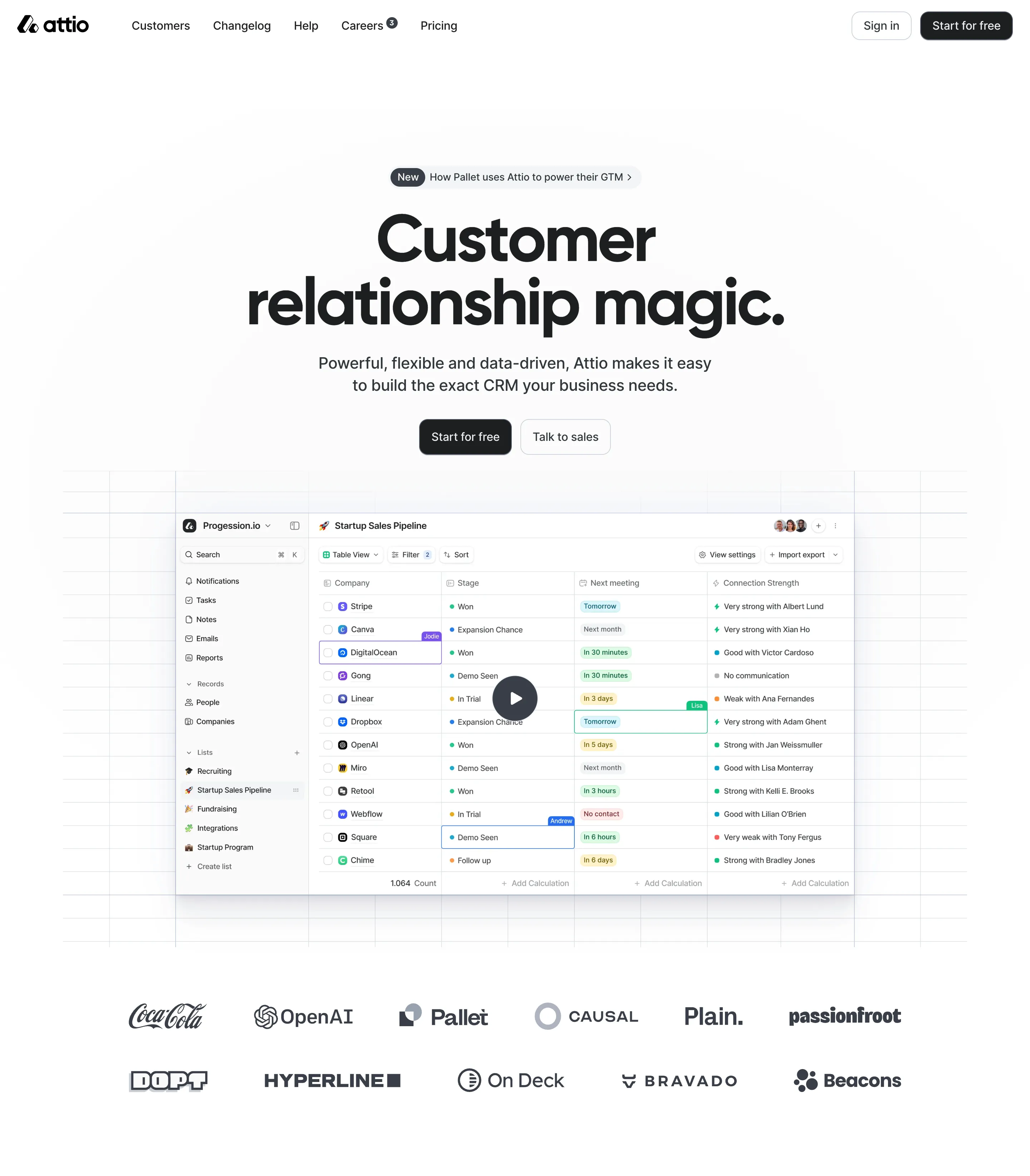
Access the Figma files.

You like a design? Download the Figma file of any website page you see on SaaSFrame.

Advanced filtering.

Use filters to find the design or copywriting inspiration that you need in seconds.
Thank you! Your submission has been received!
Oops! Something went wrong while submitting the form.

Let it flow.

Discover the user journey of the best SaaS with interfaces organized in flows.
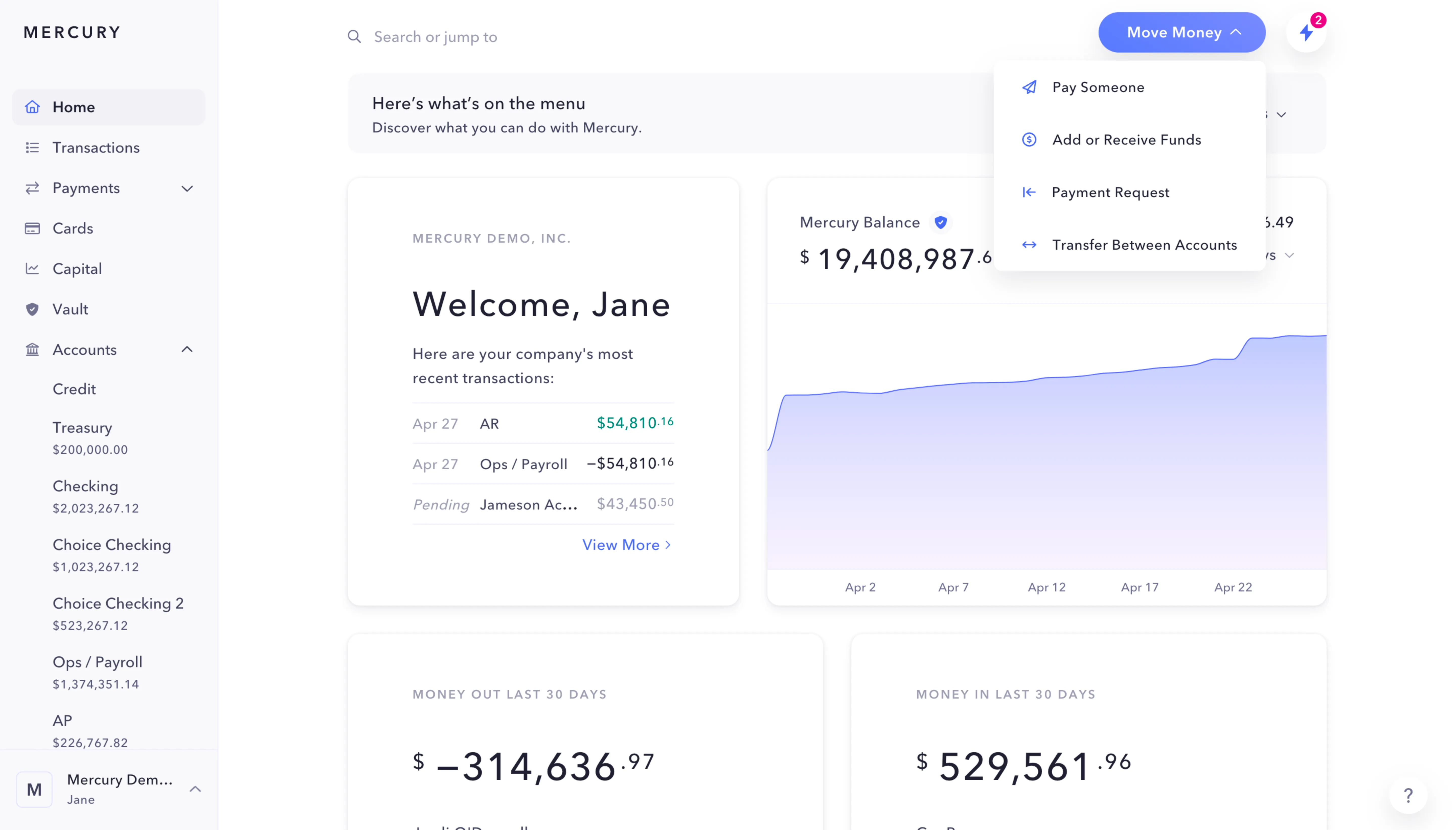
Save design inspirations.

Bookmark screens and flows so you can find them any time you need it.
โŒ˜
B
BOOKMARK DESIGN
Start your design
research
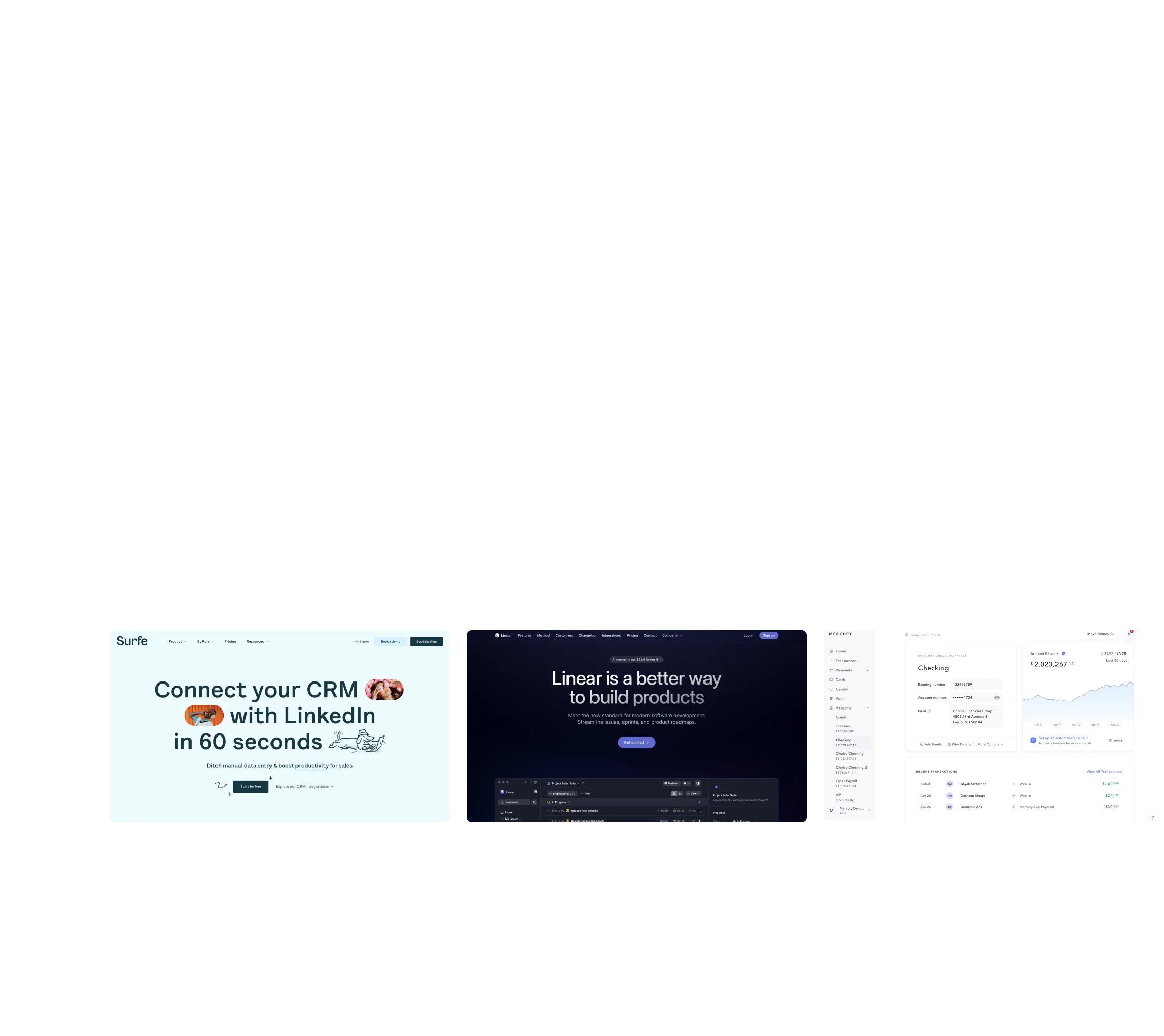
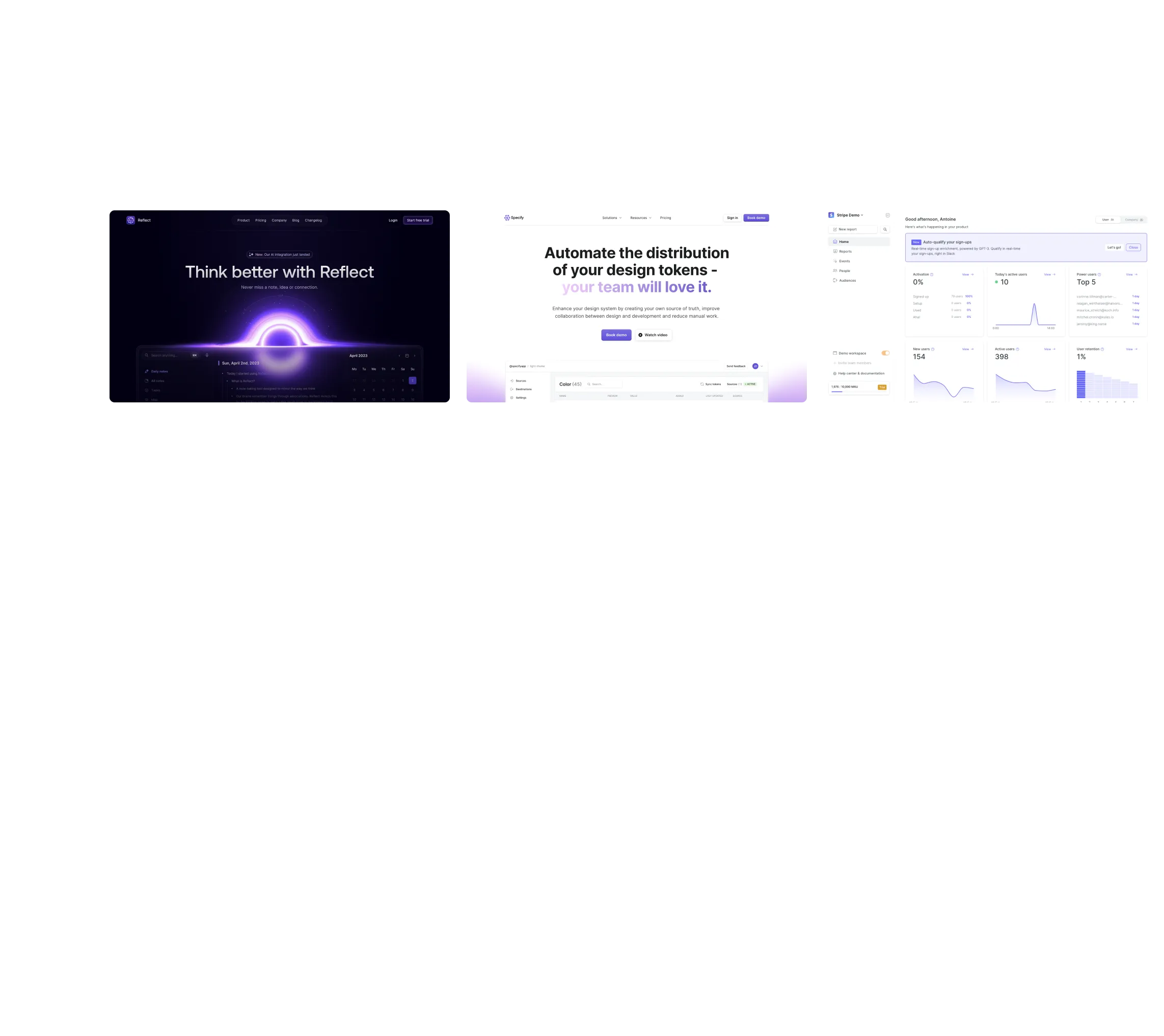
Three website screenshots showing a design tool and distribution dashboard for design tokens, promoting ease and automation.

How do you process payment?

SaaSFrame subscriptions are sold on Lemon Squeezy, a secured online selling platform for creators.

What about future updates and versions?

SaaSFrame gets updated all the time! Every new update and version will immediately be made available to all SaaSFrame users.

Can you send me an invoice?

You can generate an invoice on your Lemon Squeezy portal once you purchased SaaSFrame. You will find the link in the order confirmation email.

How can I cancel my membership subscription?

You can cancel your membership subscription at any moment on your profile page.โ€

Can I get a refund?

If you're not satisfied, you can ask for a refund within 7 days. Just send me an email at antoine[at]unmake[dot]io

I have another question.

You can send me an email at antoine[at]unmake[dot]io, I'll be happy to help with any questions.

No items found.

Rise Changelog Structure

Overall Style and Aesthetic

Rise Calendarโ€™s changelog page embodies a modern minimalist aesthetic, emphasizing clarity and function. Clean lines, abundant white space, and a subtle use of color create a professional yet approachable atmosphere, making it easy for users to focus on content without distraction.

Layout and Structure

The page is methodically organized, featuring a clear header for navigation, followed by a prominent title that immediately establishes context. Changelog items are displayed in a vertical timeline format, with visual separation and succinct summaries, so users can quickly scan updates. This focus on sequential storytelling enhances comprehension and user engagement.

Visual Elements

Custom icons next to each release summary add visual interest and help categorize updates at a glance. Delicate divider lines and hover effects subtly guide the eye without overwhelming the content. The lack of heavy imagery or illustrations preserves the minimalist approach and keeps attention on product evolution.

Color Palette and Typography

A refined paletteโ€”anchored in deep blues, whites, and subtle gradientsโ€”evokes a sense of calm and focus. Typography combines clean sans-serif fonts with distinctive weights for headings and body text, creating a clear hierarchy that enhances readability and content scannability.

User Experience Patterns

Sticky navigation and large, accessible clickable areas ensure quick access and seamless browsing. The scrollable changelog format is familiar and smooth, while clear timestamps and concise descriptions support efficient information retrieval.

Unique or Notable Design Choices

The timeline-driven changelog with well-crafted icons and microinteractions stands out, effortlessly blending utility with visual polish. The tone exudes reliability and innovation, making users feel confident in continued product improvement.