.webp)
Thank you! Your submission has been received!
Oops! Something went wrong while submitting the form.
Get SaaSFrame Pro
Monthly
$18
Quarterly
$48
Yearly
$180
Upgrade to access this feature
Browse all screens & flows
Filter and search screens & flows
Access Figma files
Access mobile versions
Bookmark screens & flows
Join now
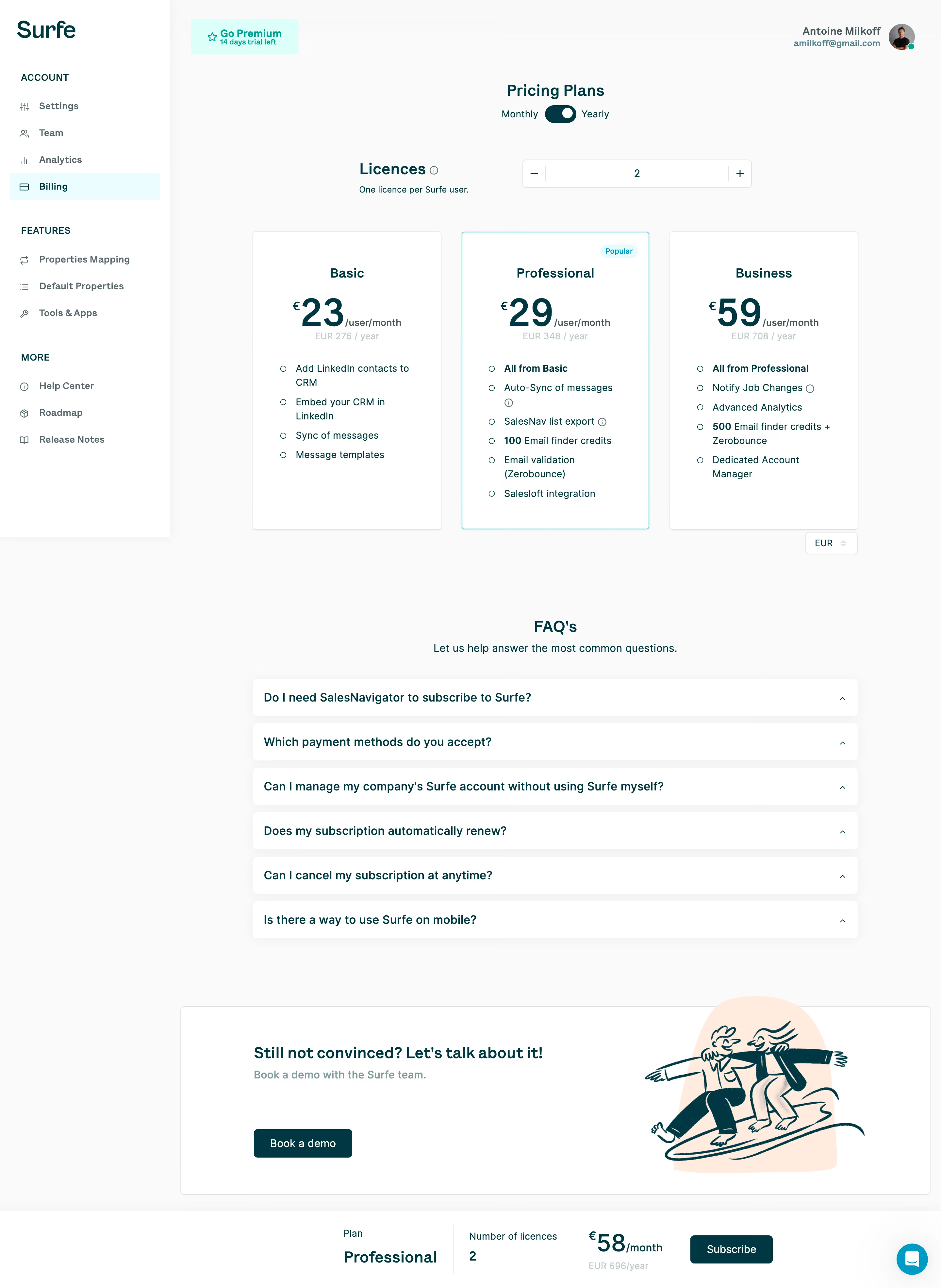
Surfe Billing

Surfe
Connect your CRM with LinkedIn
Designed by
No items found.

Bookmark
Bookmark

Design with AI
Thank you! Your submission has been received!
Oops! Something went wrong while submitting the form.
# Design from Reference: Surfe Billing
Create an original, high-fidelity visual design inspired by the reference. Prioritize composition, typography, colors, spacing, and component styling over technical implementation.
## Reference
- **Product:** Surfe
- **Category:** Plans
- **Screenshot:** https://cdn.prod.website-files.com/5e9dc792e1210c5325f7ebbc/6acc0e19c4e7411491052369_6acc09cd356cc3794469b61a_cms-27630f2e83ef7a34129a7921-v3.webp
Analyze the screenshot first. If inaccessible, request it rather than guessing.
## Content
{{content.instructions}}
{{content.data}}
Preserve essential messaging and factual accuracy. Adapt structure and copy length for visual balance; never invent product claims.
## Visual Design
### Overall aesthetic
- **Style:** An in-app billing workspace with dark-teal typography, pale neutral surfaces, compact plan comparison, and a cyan selected-plan treatment.
- **Character:** The functional account shell is softened by a friendly surfing illustration in the lower demo panel.
### Page composition
- **Capture and scale:** The screenshot is 2880 × 3940 pixels, consistent with an estimated 2× capture. Subsequent dimensions are estimated CSS pixels under that assumption.
- **Shell:** A roughly 260 px white sidebar contains the Surfe logo and three labeled navigation groups. Billing is highlighted. The pale-gray workspace holds a premium/trial badge at top left and account identity at top right.
- **Pricing:** A centered title and monthly/yearly switch precede a licence quantity stepper, then three equal plan cards. A compact currency selector sits beneath the right card.
- **Lower content:** Six FAQ bars follow beneath a centered heading and short subtitle. A wide demo panel places text/button left and a surfing illustration right.
- **Purchase summary:** A bottom horizontal bar shows selected plan, licence count, monthly total, annual total, and a dark Subscribe button. A cyan chat bubble appears at the lower right; fixed behavior cannot be confirmed from one image.
### Information hierarchy
- **Decision sequence:** Billing period and licence count precede plan comparison. The selected Professional card has a bright outline and Popular badge.
- **Plan hierarchy:** Plan name leads into a large monthly amount, small annual equivalent, and an open-circle feature list. Selected-plan summary is repeated at the bottom.
- **Secondary help:** FAQ and demo content support the purchase decision without competing with plan prices or the subscription action.
### Typography
- **Family:** A clean humanist sans serif is visible; the exact family is unverified.
- **Role sizes:** Estimate page and FAQ headings at 24 px semibold; plan names around 20 px; major price figures around 58–60 px bold.
- **Body and labels:** Feature text is approximately 15–16 px with 21–23 px line-height. Sidebar links and small metadata are approximately 14 px; annual equivalents use a lighter tone.
- **Summary:** Selected plan and total are bold and larger than the accompanying labels, with the price emphasized more strongly than the period suffix.
### Colors & surfaces
- **Foundation:** Sampled sRGB colors include #FFFFFF for sidebar/cards, #FAFAFA for the workspace, and #F9F9F9, #F4F4F4, #F8F8F8, and #F3F3F3 among subtle neutral surfaces.
- **Brand ink:** Dark teal #003843 is sampled and anchors headings, prices, body text, the toggle, and filled actions.
- **Illustration:** A sampled peach #FFEBDE forms the illustration's backdrop, paired with dark-teal line art.
- **Selection:** Cyan borders, a pale cyan selected navigation fill, and a mint premium badge distinguish active and promotional states. Exact accent hex values are unverified.
### Components
- **Plan cards:** Approximately 290 px wide and 455 px tall, with 4–5 px radii, fine gray borders, and subtle shadow. The middle card substitutes a cyan outline and a small rounded badge.
- **Quantity and period:** A white bordered horizontal stepper places minus and plus at opposing ends with the value centered. A compact dark-teal switch has a white thumb, with Monthly and Yearly labels outside.
- **Feature lists:** Open-circle bullets align in a narrow left gutter; some items include small information icons. Longer features wrap within the card.
- **FAQ bars:** White rows are approximately 56 px high with 5–6 px radii and soft shadows. Questions align left, small chevrons right; answers are not visible.
- **Demo and summary:** The demo panel uses a fine border and modest radius. The bottom summary separates groups with generous horizontal space and a thin vertical divider.
### Visual rhythm
- **Spacing:** Use approximately 30 px gaps between plan cards and a larger 90–120 px separation before the FAQ. FAQ rows have compact 10–12 px gaps.
- **Alignment:** Maintain common card tops, price baselines, feature-list starts, and card bottoms. The licence controls sit on the same broad content axis.
- **Density balance:** The spacious lower demo panel contrasts with the compact comparison and summary controls.
### Responsive
- **Observed state:** Only a desktop billing page is shown.
- **Recommended reflow:** Collapse the sidebar into a menu, stack plans, and place period/quantity controls above the comparison in a simple vertical order.
- **Purchase accessibility:** Allow the bottom summary to wrap or become a compact mobile purchase panel without obscuring FAQ or demo content. Keep the licence stepper and currency control comfortably tappable.
### Adaptation guidance
- **Preserve:** Keep the clear period → quantity → plan sequence, teal price hierarchy, cyan selected state, and explicit purchase summary.
- **Adapt:** Use actual billing calculations, currency choices, plan features, and trial status. Preserve one selected state consistently across card and summary.
- **Avoid:** Do not copy the reference's user identity or pricing. Treat tooltips, accordion expansion, and sticky behavior as implementation choices because they are not demonstrated by the still image.
Use this context to reproduce the reference's visual language: layout, typography, colors, spacing, borders, radii, and distinctive elements. The screenshot takes priority if descriptions conflict.
## Direction
{{preferences.fidelityInstructions}}
## Output
{{output.instructions}}
Deliver a polished, cohesive design with precise alignment, hierarchy, and spacing. Produce the requested visual artifact, not just a description. If unsupported, explain the limitation.

.avif)
Category
Patterns
No items found.
Tech Stack




Added on
April 13, 2023
Similar screens
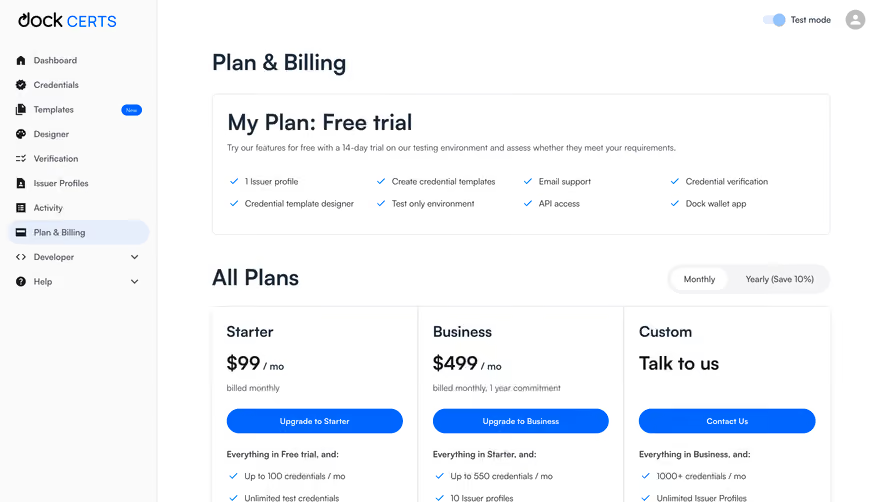




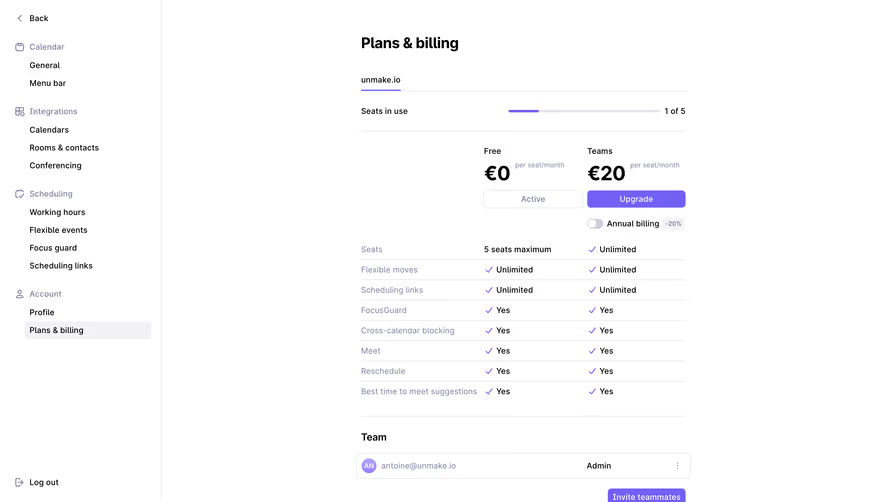

Upgrade to SaaSFrame Pro now to see similar examples.
Monthly
$18 /month
Billed $18 monthly
Browse all screens & flows
Filter and search screens & flows
Search text in screenshots
Access Figma files
Access mobile versions
Join now
Quarterly
$16 /month
Billed $48 quarterly
Browse all screens & flows
Filter and search screens & flows
Search text in screenshots
Access Figma files
Access mobile versions
Join now
Yearly
$15 /month
Billed $180 yearly
Browse all screens & flows
Filter and search screens & flows
Search text in screenshots
Access Figma files
Access mobile versions
Join now