.webp)
Thank you! Your submission has been received!
Oops! Something went wrong while submitting the form.
Get SaaSFrame Pro
Monthly
$18
Quarterly
$48
Yearly
$180
Upgrade to access this feature
Browse all screens & flows
Filter and search screens & flows
Access Figma files
Access mobile versions
Bookmark screens & flows
Join now
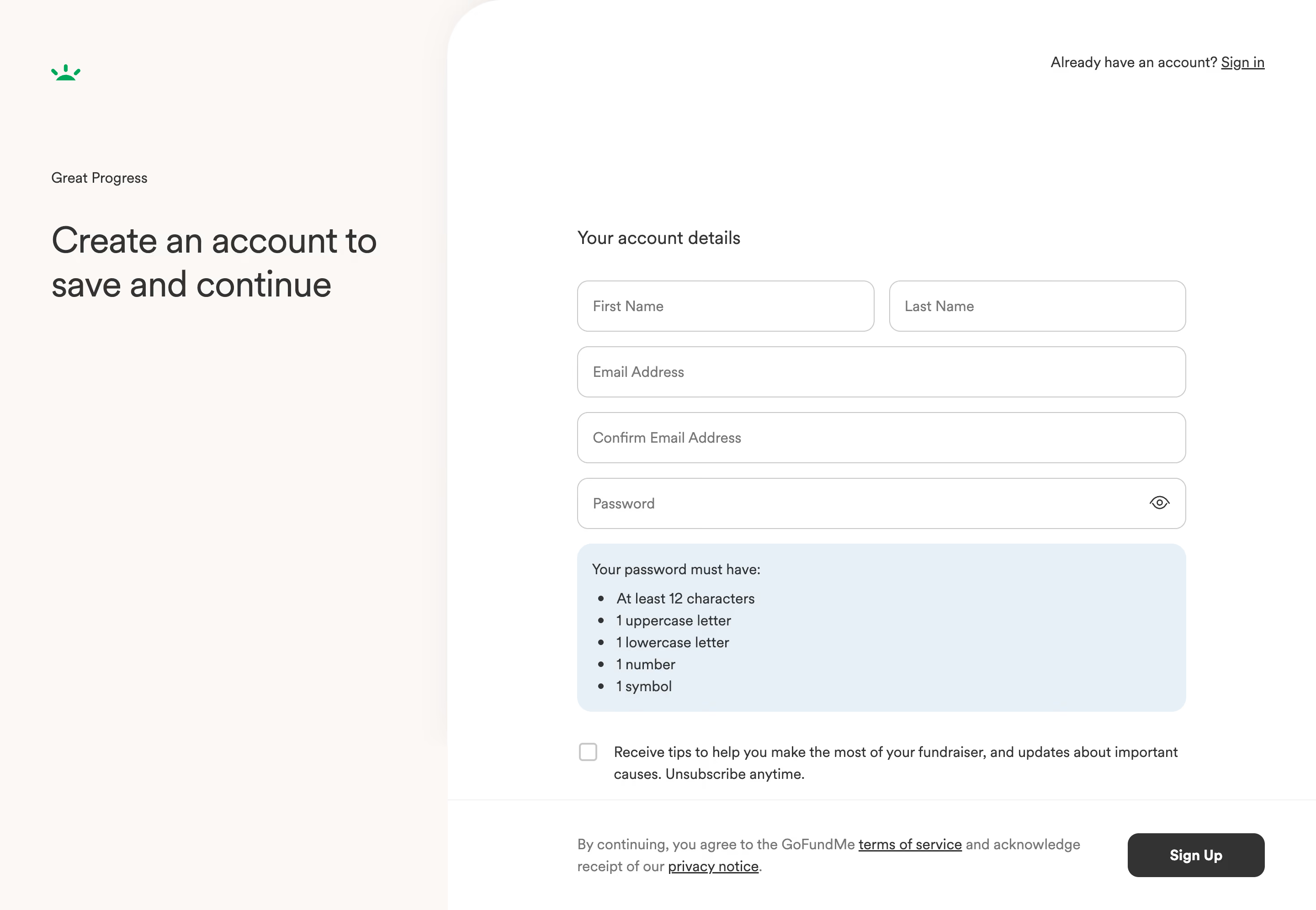
GoFundMe Account Details Setup

GoFundMe
Community-powered fundraising platform
Designed by
No items found.

Bookmark
Bookmark

Design with AI
Thank you! Your submission has been received!
Oops! Something went wrong while submitting the form.
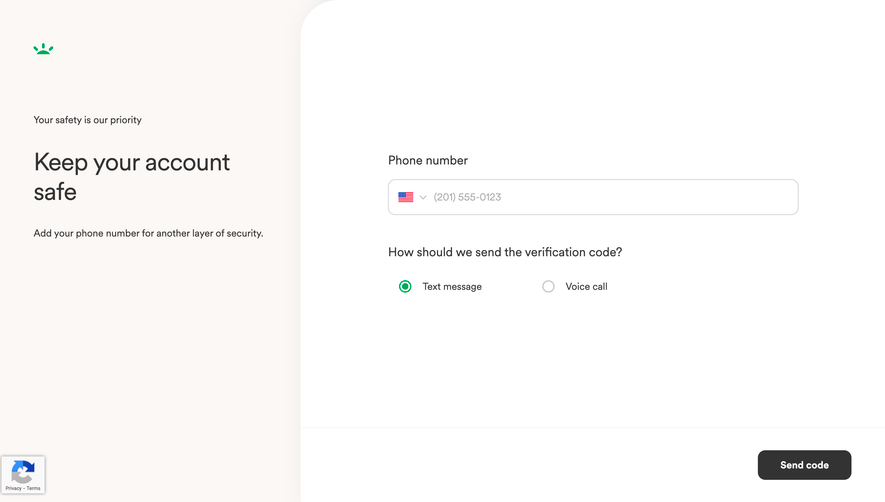
# Design from Reference: GoFundMe Account Details Setup
Create an original, high-fidelity visual design inspired by the reference. Prioritize composition, typography, colors, spacing, and component styling over technical implementation.
## Reference
- **Product:** GoFundMe
- **Category:** Account Setup
- **Screenshot:** https://cdn.prod.website-files.com/5e9dc792e1210c5325f7ebbc/6acad5235a5fdf4c30310ee0_6acad44b8b7c605a8f574792_cms-27d766ac5bc30a4f47dafa4f.webp
Analyze the screenshot first. If inaccessible, request it rather than guessing.
## Content
{{content.instructions}}
{{content.data}}
Preserve essential messaging and factual accuracy. Adapt structure and copy length for visual balance; never invent product claims.
## Visual Design
### Overall aesthetic
- **Style:** Calm two-panel account-creation screen with a warm off-white introduction and a white form area.
- **Character:** Large regular-weight typography, rounded outlined inputs and a pale-blue password guide create an approachable, low-decoration onboarding interface.
- **Capture:** The image measures 2880 × 1992 pixels. CSS estimates assume a 2× capture, equivalent to approximately 1440 × 996 CSS pixels; actual scale and font identity are unverified.
### Page composition
- **Left panel:** Approximately 490 CSS pixels wide, with a small green brand symbol near the upper-left corner, a short progress message and a large two-line account-creation heading.
- **Right panel:** A white surface begins around x490, with a large rounded upper-left corner of approximately 64 pixels.
- **Top utility:** An existing-account prompt and underlined sign-in link align at the upper right.
- **Form column:** A roughly 667-pixel-wide column begins around x631 and y250. It contains a section heading, name row, email, confirmation email, password, guidance and an optional communication checkbox.
- **Bottom action area:** A thin divider separates the lower legal statement and right-aligned signup button from the form above.
### Information hierarchy
- **Purpose:** The left heading explains saving progress through account creation; the small progress statement provides supporting context.
- **Form introduction:** A medium-size account-details heading introduces the fields without competing with the main proposition.
- **Input order:** First and last name share a row; email, confirmation and password use full-width rows.
- **Password requirements:** A distinct blue panel gives the rules immediately beneath the password field, before the optional communications choice.
- **Submission:** The dark signup action is the strongest control in the lower action area; legal links remain readable beside it.
- **Alternative path:** Sign in stays separate at the top, available to returning users.
### Typography
- **Family:** A neutral sans-serif is visible; exact font identity is unverified.
- **Main heading:** Approximately 40-pixel CSS size, regular weight, around 48-pixel line height and slightly tight tracking.
- **Form heading:** Approximately 20 pixels with medium weight and 28-pixel line height.
- **Inputs and body:** Approximately 16 pixels with 24-pixel line height; placeholders and legal copy use muted gray.
- **Guidance:** Password rules use regular 16-pixel text and a compact 24-pixel bullet rhythm.
- **Action:** The signup label is approximately 16 pixels and bold; sign-in and legal links are underlined.
### Colors & surfaces
- **Measured left background:** Warm off-white #FCF8F6 fills the introduction panel.
- **Measured form surface:** White #FFFFFF fills the right panel and fields.
- **Measured guidance:** Pale blue #E5F0F8 distinguishes the password-requirement panel.
- **Measured text and boundaries:** Dark gray #333333 supports the principal text and action; #767676 appears among muted text pixels, and #C8C8C8 among outlines.
- **Brand accent:** A small bright-green symbol supplies the only prominent brand color; the primary action remains charcoal.
- **Depth:** The layout uses surface contrast and thin borders rather than visible card shadows.
### Components
- **Name inputs:** Two approximately 325 × 56 CSS-pixel fields sit side by side with a 16-pixel gap.
- **Full-width inputs:** Email, confirmation and password fields are approximately 667 × 56 pixels with 12-pixel corners and 16-pixel horizontal inset.
- **Password visibility:** An eye icon aligns inside the password field at the right, offering a separate reveal affordance.
- **Guidance panel:** Approximately 667 × 184 pixels with 16-pixel corners and 16-pixel inset. A short introductory line precedes five bullet requirements.
- **Optional checkbox:** An empty square around 20 pixels sits beside two lines of communication-preference text.
- **Signup button:** Approximately 150 × 48 pixels, dark gray with white bold text and 12-pixel corners.
- **Legal area:** A two-line muted statement includes underlined service and privacy links; it shares the bottom row with submission.
- **State scope:** All fields are empty, the checkbox is unchecked and no validation feedback is visible.
### Visual rhythm
- **Left inset:** Approximately 56 CSS pixels align the brand symbol, progress text and heading.
- **Form gaps:** Inputs use a consistent 16-pixel vertical gap; the form heading has a larger gap before the first row.
- **Guidance placement:** The blue panel closely follows the password field, while a roughly 32-pixel break precedes the optional preference.
- **Vertical alignment:** The main proposition and form heading begin at similar heights, connecting explanation and task.
- **Bottom separation:** A horizontal rule and generous padding distinguish submission/legal content from input entry.
### Responsive
- **Recommendation — panels:** Stack the proposition above the form on narrow screens and reduce the oversized corner radius if necessary.
- **Recommendation — names:** Collapse the paired name fields into full-width rows when space is limited.
- **Recommendation — guidance:** Preserve readable password rules and allow checkbox copy to wrap with a stable aligned control.
- **Recommendation — bottom area:** Stack legal copy and the signup action, maintaining a clear reading and tab order.
- **Recommendation — sign in:** Keep the returning-user path accessible near the top. No mobile layout is evidenced.
### Adaptation guidance
- **Preserve explanation and task:** Keep the progress-saving message distinct from the account-details form.
- **Use a small token set:** Reuse warm off-white, white, pale-blue guidance, charcoal text and consistent rounded outlines.
- **Keep requirements adjacent:** Retain password guidance directly below the password field and define clear fulfilled/error states during entry.
- **Maintain explicit labels:** Add accessible persistent field names even when the visual treatment uses placeholders.
- **Separate optional consent:** Keep the communication preference independent from required account inputs and legal acknowledgment.
- **Define unseen behavior:** Implement email-match validation, password visibility, submission feedback and errors separately; the capture shows only the empty default form.
Use this context to reproduce the reference's visual language: layout, typography, colors, spacing, borders, radii, and distinctive elements. The screenshot takes priority if descriptions conflict.
## Direction
{{preferences.fidelityInstructions}}
## Output
{{output.instructions}}
Deliver a polished, cohesive design with precise alignment, hierarchy, and spacing. Produce the requested visual artifact, not just a description. If unsupported, explain the limitation.

.avif)
Category


Added on
February 2, 2024


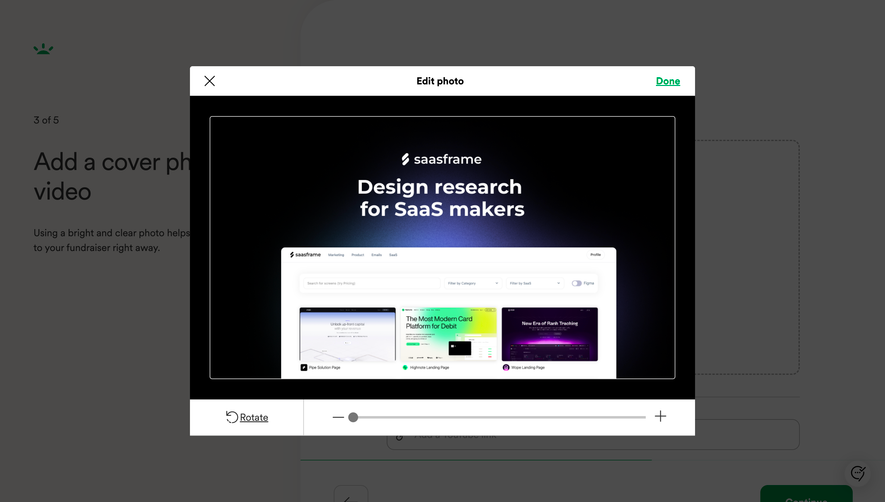


Similar screens
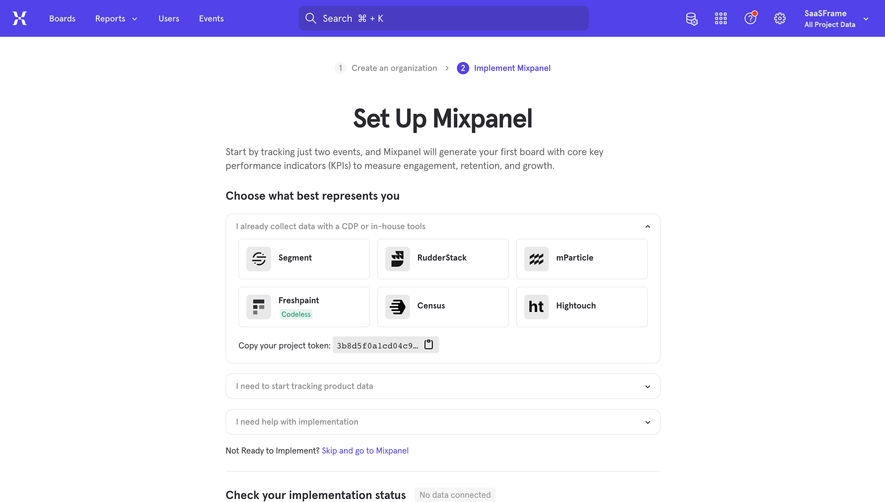


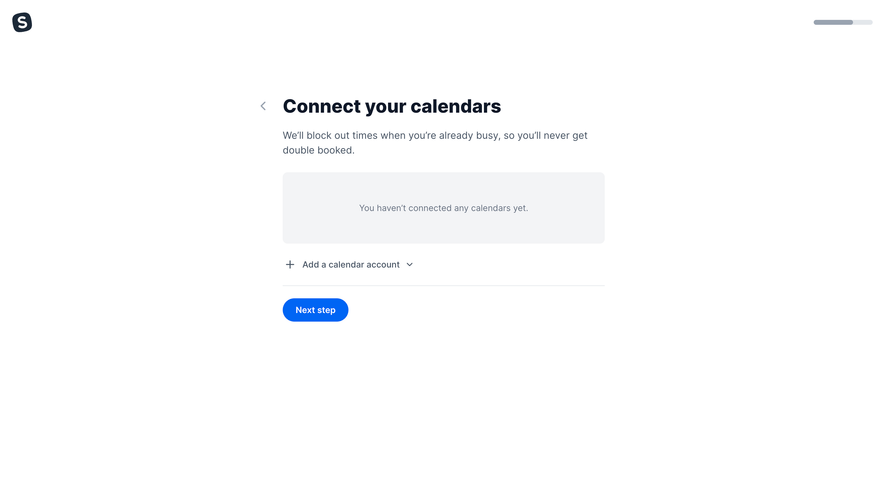



Upgrade to SaaSFrame Pro now to see similar examples.
Monthly
$18 /month
Billed $18 monthly
Browse all screens & flows
Filter and search screens & flows
Search text in screenshots
Access Figma files
Access mobile versions
Join now
Quarterly
$16 /month
Billed $48 quarterly
Browse all screens & flows
Filter and search screens & flows
Search text in screenshots
Access Figma files
Access mobile versions
Join now
Yearly
$15 /month
Billed $180 yearly
Browse all screens & flows
Filter and search screens & flows
Search text in screenshots
Access Figma files
Access mobile versions
Join now