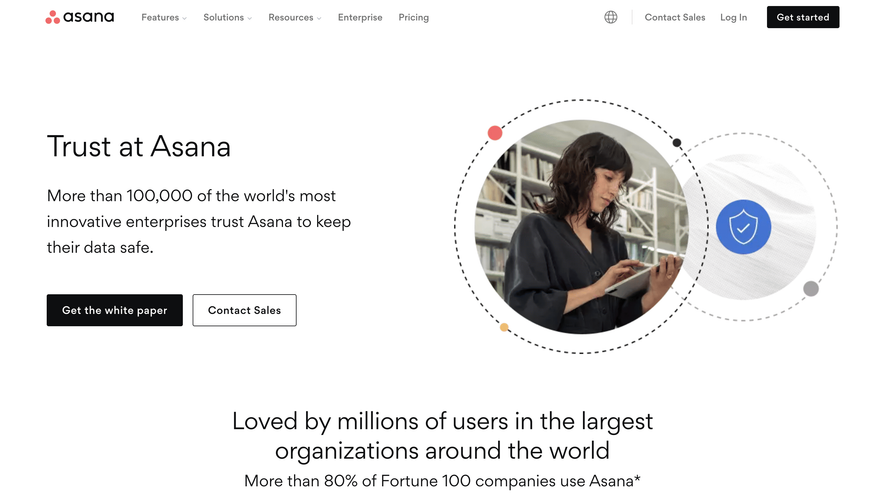
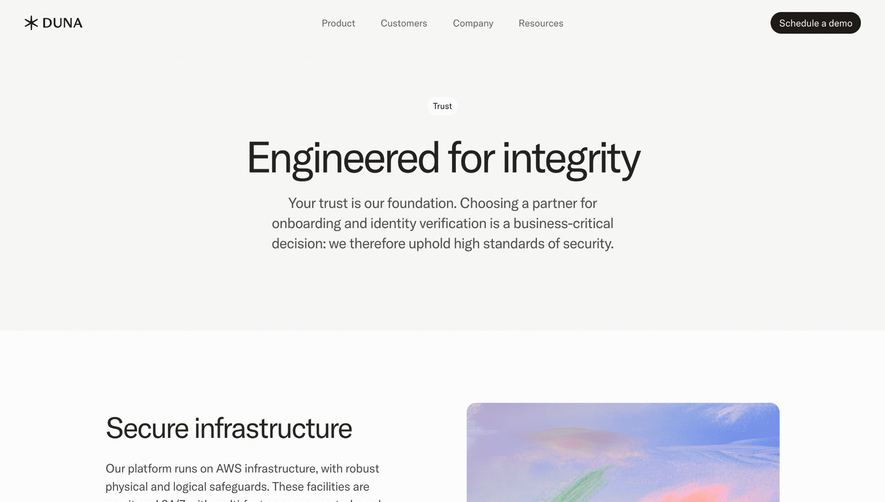
Generate a new design based on this screen using your own content.
Thank you! Your submission has been received!
Oops! Something went wrong while submitting the form.
# Design from Reference: Front Security Page
Create an original, high-fidelity visual design inspired by the reference. Prioritize composition, typography, colors, spacing, and component styling over technical implementation.
## Reference
- **Product:** Front
- **Category:** Security Page
- **Screenshot:** https://cdn.prod.website-files.com/5e9dc792e1210c5325f7ebbc/6acb67f6c08cd859ff86931e_6acb66d518ad202d01d77c83_cms-7548b4b616a54d6654d33f2d.webp
Analyze the screenshot first. If inaccessible, request it rather than guessing.
## Content
{{content.instructions}}
{{content.data}}
Preserve essential messaging and factual accuracy. Adapt structure and copy length for visual balance; never invent product claims.
## Visual Design
Use this context to reproduce the reference's visual language: layout, typography, colors, spacing, borders, radii, and distinctive elements. The screenshot takes priority if descriptions conflict.
## Direction
{{preferences.fidelityInstructions}}
## Output
{{output.instructions}}
Deliver a polished, cohesive design with precise alignment, hierarchy, and spacing. Produce the requested visual artifact, not just a description. If unsupported, explain the limitation.
Front's security page exudes a sleek, professional vibe, blending minimalism with quiet confidence. The design prioritizes clarity, using ample white space that lets key elements breathe, while bold headings and succinct copy foster credibility and transparency—qualities vital for a security-focused page.
Layout and Structure
The page is intuitively structured, beginning with a compelling hero section that reassures visitors about Front’s commitment to security. Information flows in digestible blocks: statements of trust, comprehensive features, certification badges, detailed FAQs, and a strong closing call to action. Each section stands apart visually, making long-form content easy to navigate.
Visual Elements
Spot illustrations and vector icons reinforce key points without distracting from the message. Security certifications are showcased as recognizable, grayscale badges, which adds authority. Subtle animations (like animated icons or section reveals) lend polish and guide the user’s focus, avoiding sensory overload.
Color Palette and Typography
A restrained palette of navy, soft grays, and splashes of positive greens evoke trust and expertise. Headings are set in a clean geometric sans-serif, creating a modern hierarchy alongside readable body text. Color accents draw attention to interactive elements and essential information.
User Experience Patterns
Navigation is seamless—sticky menus keep users oriented, and section anchors provide fast access to deeper info. Multiple CTAs are elegantly placed, prompting contact or further exploration without pressure. Scroll-triggered fades and highlight effects enhance engagement.
Unique or Notable Design Choices
Notably, the strong use of visual hierarchy and strategic space immediately builds confidence for risk-conscious SaaS buyers. Security credentials are upfront, the tone is reassuring, and interactivity never feels gratuitous. The result is a page that feels both secure and user-first—ideal inspiration for SaaS products balancing trust and innovation.
.webp)





.avif)