Design with AI
Generate a new design based on this screen using your own content.
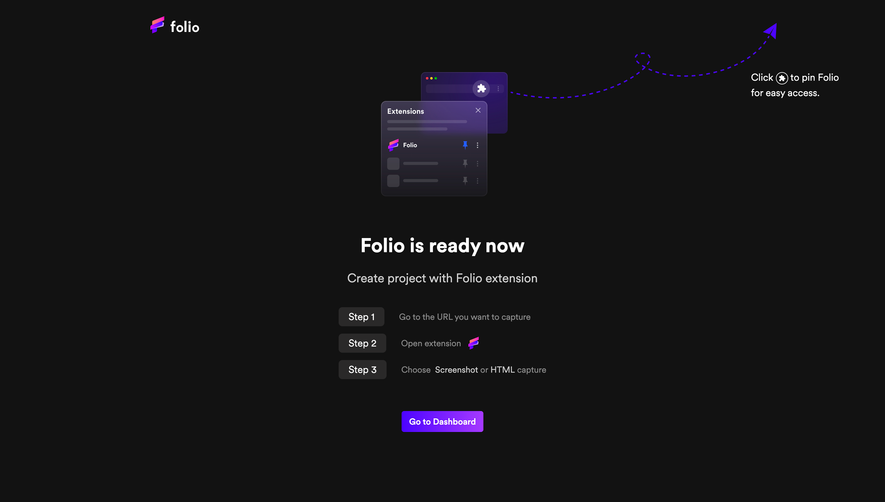
# Design from Reference: Folio Account Setup
Create an original, high-fidelity visual design inspired by the reference. Prioritize composition, typography, colors, spacing, and component styling over technical implementation.
## Reference
- **Product:** Folio
- **Category:** Discovery Questions
- **Screenshot:** https://cdn.prod.website-files.com/5e9dc792e1210c5325f7ebbc/6acb6803c08cd859ff8694a2_6acb67186775b18343f1f1df_cms-e04297c8711444d3b3b6955c.webp
Analyze the screenshot first. If inaccessible, request it rather than guessing.
## Content
{{content.instructions}}
{{content.data}}
Preserve essential messaging and factual accuracy. Adapt structure and copy length for visual balance; never invent product claims.
## Visual Design
### Overall aesthetic
- **Style:** Dark onboarding questionnaire with a monochrome selection grid and a vivid purple-to-magenta action gradient.
- **Scale:** Source screenshot 2880 × 1642px. Sizes below estimate a 1440 × 821 CSS viewport at 2× capture scale.
### Page composition
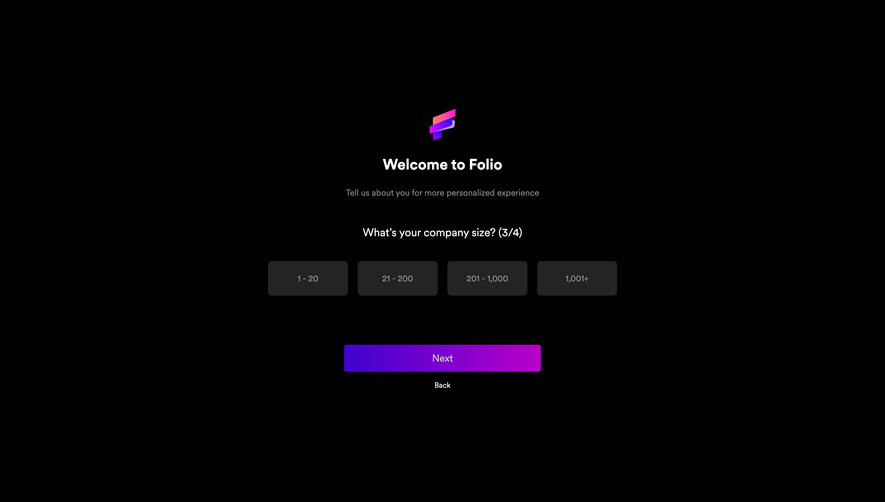
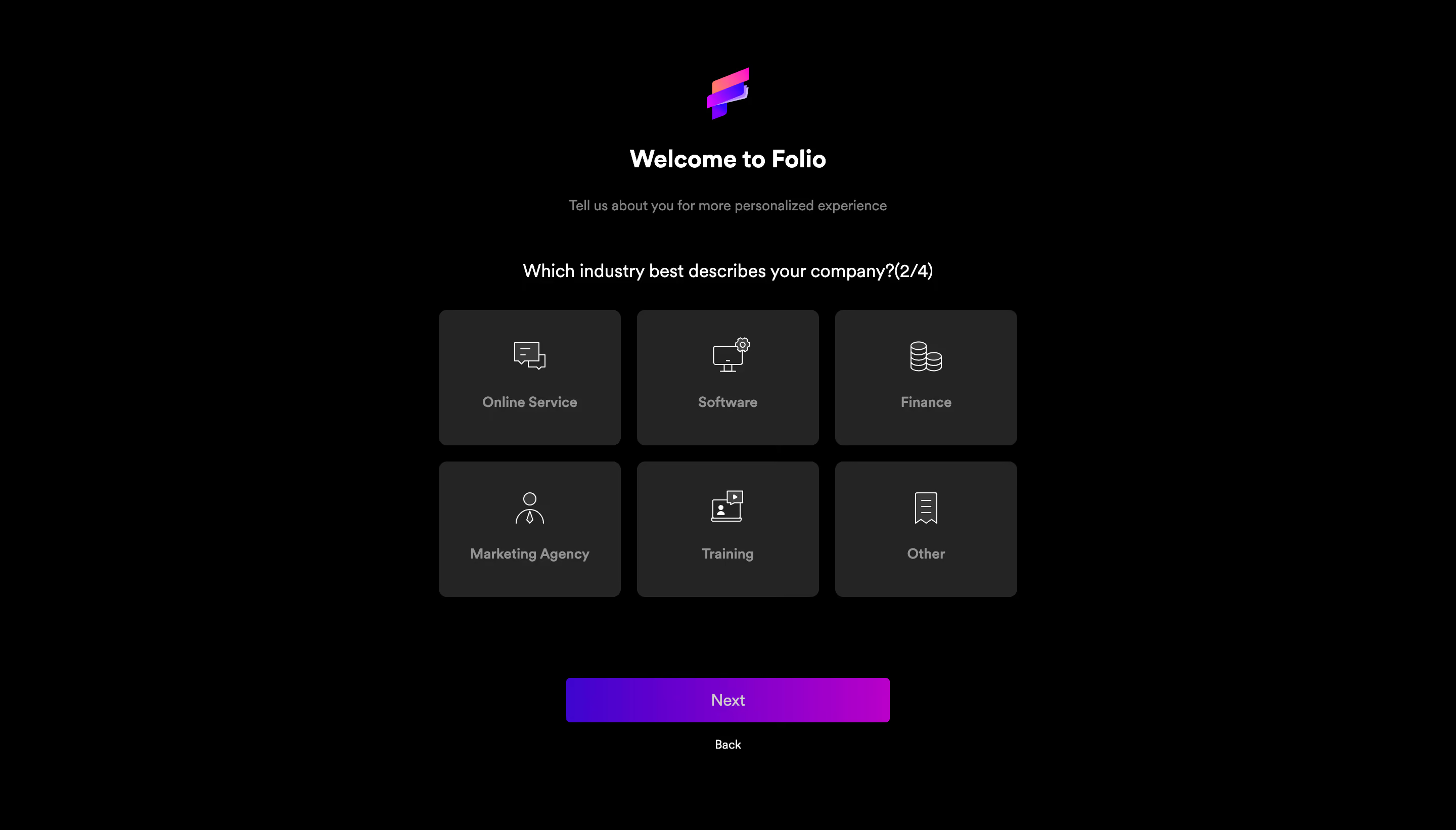
- **Centered stack:** A narrow centered onboarding module begins near the top with a colorful Folio mark, welcome heading and muted personalization sentence.
- **Question and choices:** The industry question includes progress (2/4), then six equally sized tiles form three columns and two rows across roughly 572px.
- **Navigation:** A narrower gradient Next button sits beneath the grid, with a small Back text link centered below it.
### Information hierarchy
- **Introduction:** Welcome to Folio establishes the product, followed by a short explanation of personalization.
- **Current task:** The industry question is the next prominent line; visible choices are Online Service, Software, Finance, Marketing Agency, Training and Other.
- **State:** All six tiles share the same charcoal treatment; no visibly selected option, error or expanded content is shown.
### Typography
- **Family:** Rounded modern sans-serif; exact font identity is unverified.
- **Roles:** Estimated welcome heading 24px bold, question 18px regular, subtitle 14px muted, tile labels 14px semibold and Next label 16px.
- **Alignment:** All headings, labels and navigation are centered; progress is appended inline rather than displayed as a separate step bar.
### Colors & surfaces
- **Sampled palette:** ICC-aware sRGB samples include black #000000, charcoal tiles #242424, white #FFFFFF, muted gray #929292 and detail grays #3A3A3A and #808080.
- **Accent:** Purple and magenta are concentrated in the logo and Next gradient, while the choices remain neutral.
- **Depth:** Tiles have flat fills and soft corners without pronounced shadows, outlines or decorative textures.
### Components
- **Choice tiles:** Approximately 180 × 134px with 8px corners and about 16px gutters. Each contains a thin light-gray line icon above a short label.
- **Icon vocabulary:** Chat bubbles, monitor/settings, coin stacks, a person, a training screen and a document distinguish the six choices.
- **Primary navigation:** Approximately 320 × 44px gradient button with 4px corners, centered label and no visible arrow.
- **Brand mark:** A small layered ribbon-like symbol uses pink, orange and purple, positioned above the welcome heading.
### Visual rhythm
- **Vertical cadence:** The header, explanation and question have distinct breathing space; the grid is compact, followed by a larger roughly 78px pause before Next.
- **Repetition:** Identical tile dimensions and centered icon-label stacks make category comparison straightforward.
### Responsive
- **Recommended adaptation:** Only desktop is observed. Reduce the grid to two columns on narrow screens, maintaining readable labels and generous touch areas.
- **Navigation:** Use a fluid-width primary action within the content margins and retain the Back link beneath it; allow the question to wrap.
### Adaptation guidance
- **Preserve:** Keep a short personalization question, clear step count, icon-supported choices and a single forward action.
- **Adapt:** Replace industries with relevant real options. Define selected/focus states in implementation rather than assuming a selected state from this capture.
Use this context to reproduce the reference's visual language: layout, typography, colors, spacing, borders, radii, and distinctive elements. The screenshot takes priority if descriptions conflict.
## Direction
{{preferences.fidelityInstructions}}
## Output
{{output.instructions}}
Deliver a polished, cohesive design with precise alignment, hierarchy, and spacing. Produce the requested visual artifact, not just a description. If unsupported, explain the limitation.
.webp)


.avif)