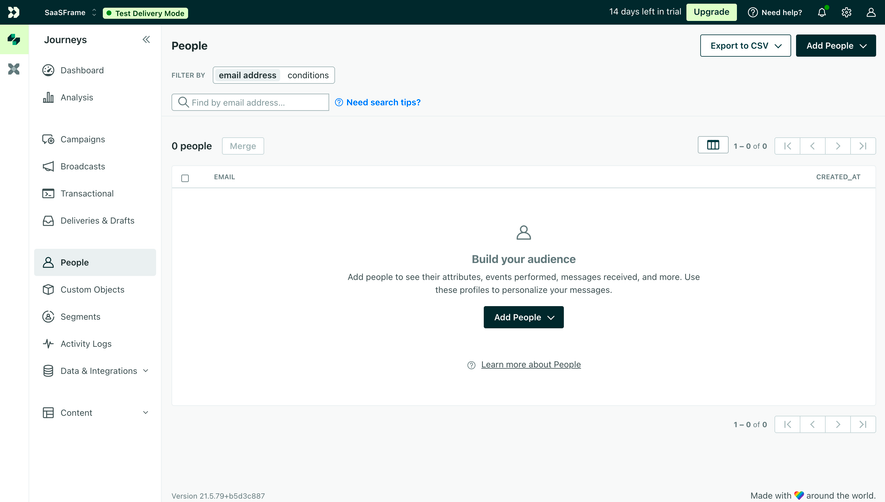
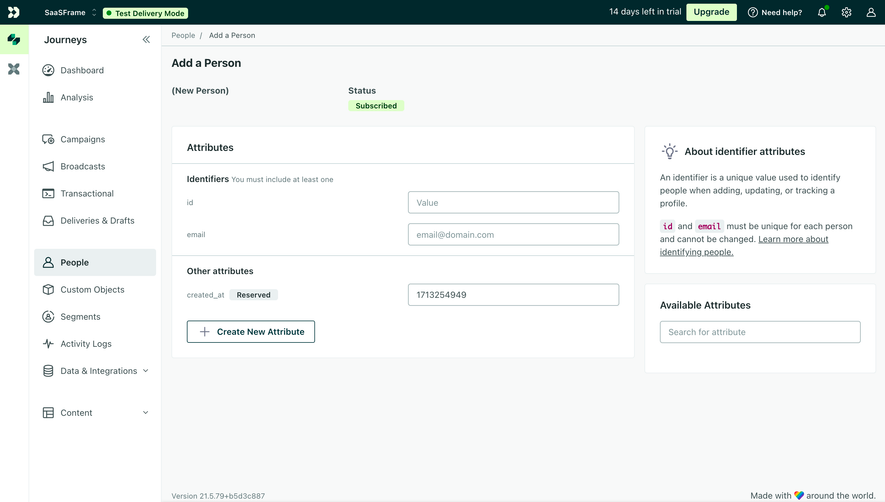
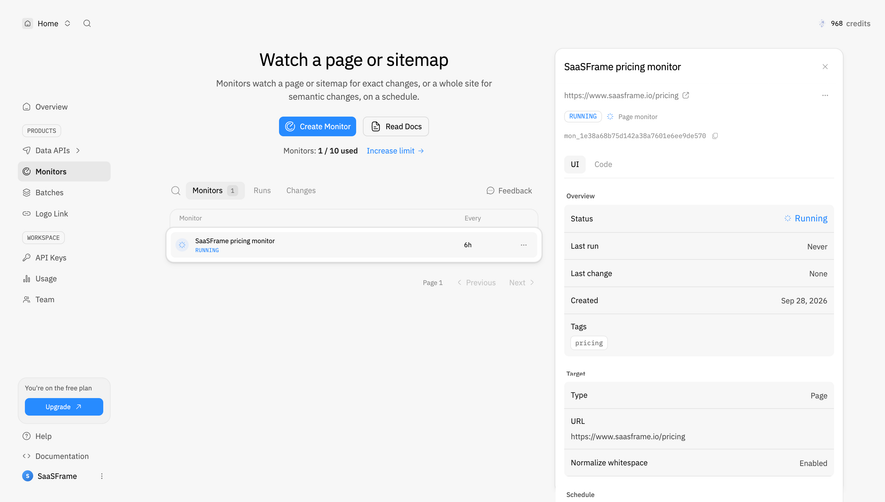
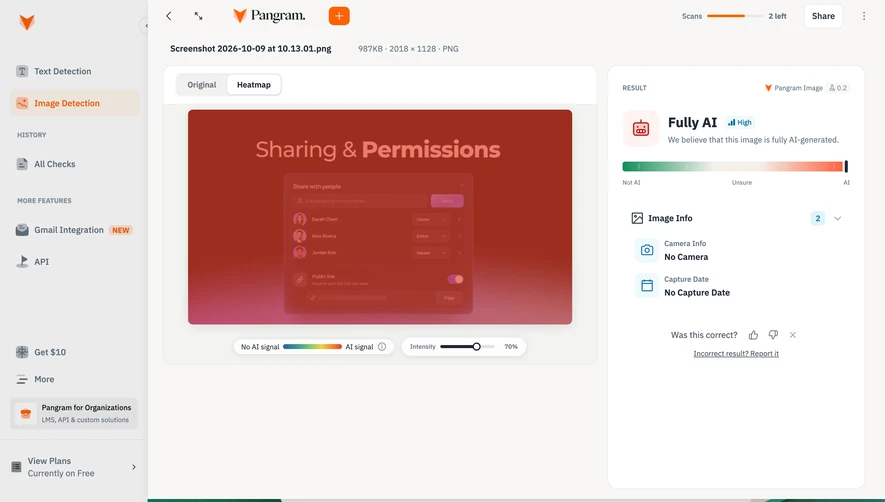
Generate a new design based on this screen using your own content.
Thank you! Your submission has been received!
Oops! Something went wrong while submitting the form.
# Design from Reference: Customer.io Contact Details
Create an original, high-fidelity visual design inspired by the reference. Prioritize composition, typography, colors, spacing, and component styling over technical implementation.
## Reference
- **Product:** Customer.io
- **Category:** Details
- **Screenshot:** https://cdn.prod.website-files.com/5e9dc792e1210c5325f7ebbc/6aca27edaca7079066e8e89b_6aca270ede58be1a2237364e_cms-e74eb2f0f58bcefda182c213.webp
Analyze the screenshot first. If inaccessible, request it rather than guessing.
## Content
{{content.instructions}}
{{content.data}}
Preserve essential messaging and factual accuracy. Adapt structure and copy length for visual balance; never invent product claims.
## Visual Design
Use this context to reproduce the reference's visual language: layout, typography, colors, spacing, borders, radii, and distinctive elements. The screenshot takes priority if descriptions conflict.
## Direction
{{preferences.fidelityInstructions}}
## Output
{{output.instructions}}
Deliver a polished, cohesive design with precise alignment, hierarchy, and spacing. Produce the requested visual artifact, not just a description. If unsupported, explain the limitation.
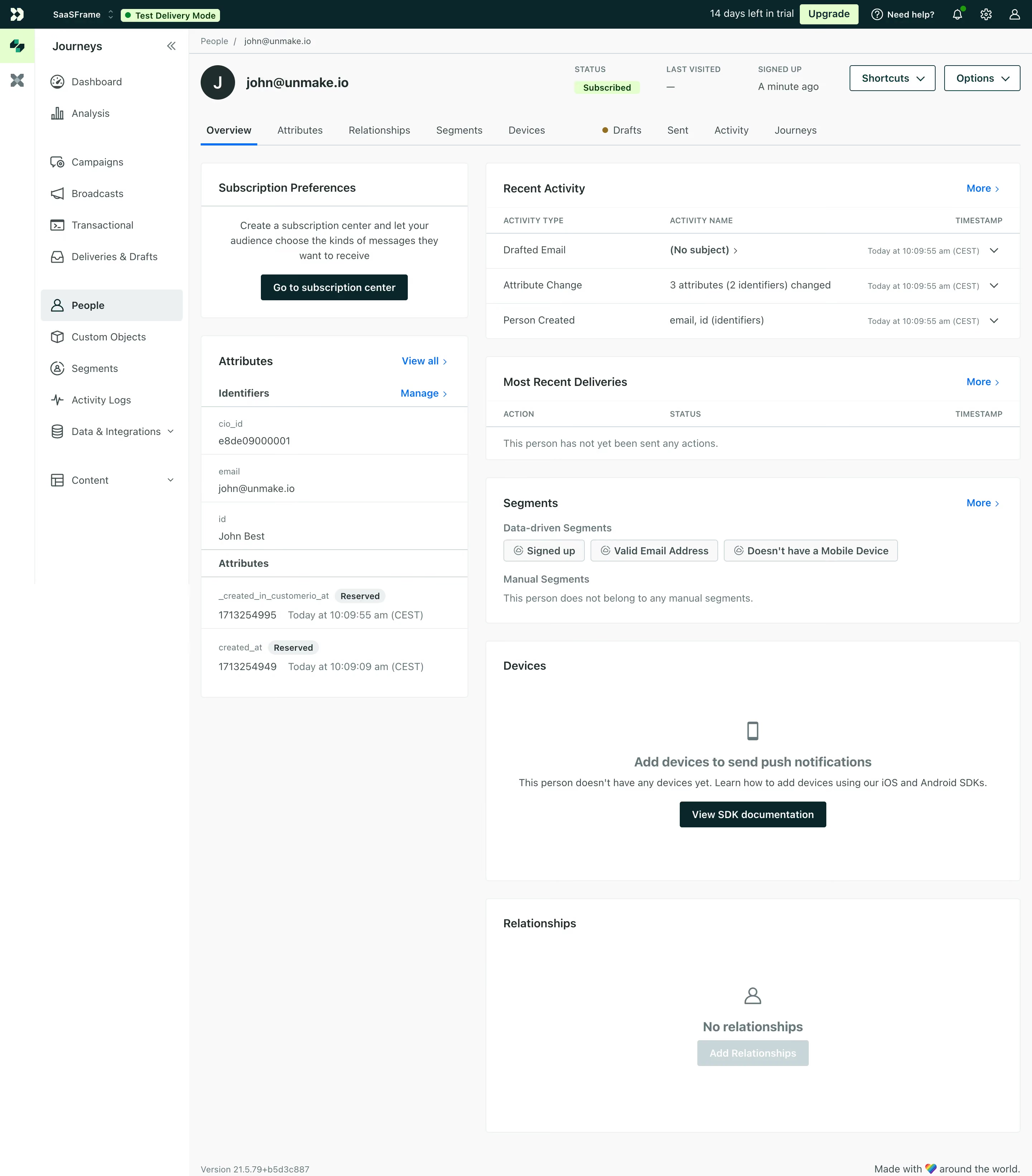
First thing you notice is how well the two-column layout organizes a ton of data without feeling cramped. Left side handles identity stuff like attributes and identifiers. Right side covers activity, segments, and devices. It's a smart split that mirrors how you'd actually think about a customer.
Restrained Color, Strong Hierarchy
The palette is mostly white and gray with that green "Subscribed" badge pulling your eye right to the status. The segment chips with their little checkmark icons are a subtle but effective touch. Typography is small and functional, nothing fancy, but the bold/regular weight contrast does the heavy lifting for scannability. Tab navigation up top with that orange dot on "Drafts" is a great way to signal pending items without being obnoxious.
What Makes It Stand Out
The empty states are genuinely helpful here. Instead of just saying "nothing to see," the Devices section offers a clear CTA to view SDK docs. That's thoughtful product design baked into the UI. The left sidebar's icon + label combo keeps navigation tight. Customer.io knows their audience and it shows.
.webp)




.avif)