SaaSFrame

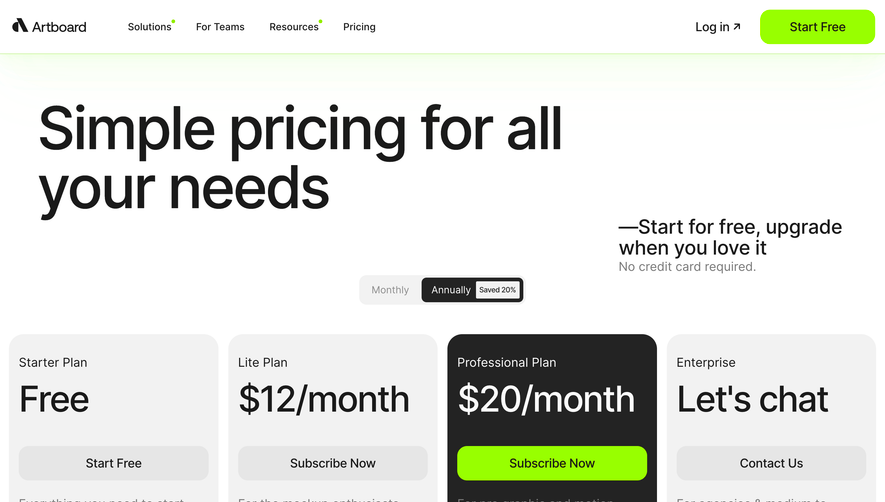
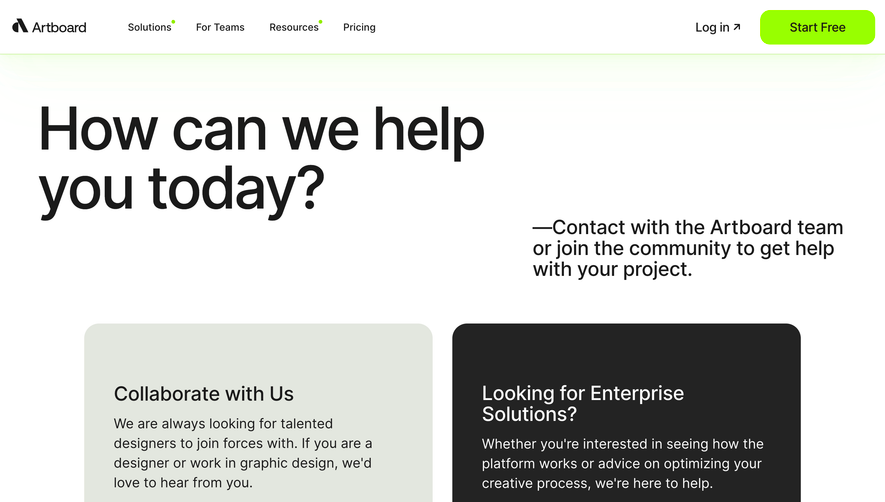
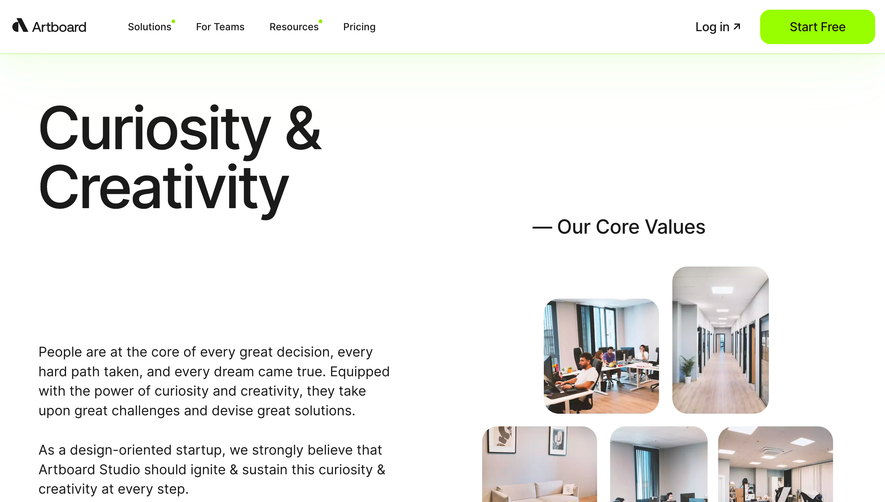
1. Header: The page starts with a header that includes the Artboard Studio logo, a navigation menu, and a "Get started" button. 2. Hero Section: The hero section comprises a background image and a heading that reads "Create stunning visuals for your product." It also includes a brief subheading and a call-to-action button. 3. Features Section: This section lists the key features of the Artboard Studio product, each accompanied by a visual representation. The features are presented in the following order: 1. Easy-to-use interface 2. High-quality mockups 3. Realistic 3D renders 4. Integration with design tools 5. Templates and assets 6. Collaboration tools 4. About Section: This section provides a brief overview of Artboard Studio, including its mission, values, and key differentiators. It also includes a call-to-action button to try the product. 5. Testimonials Section: The next section features customer testimonials in the form of quotes accompanied by photos and names of the customers. There are five testimonials in total. 6. Pricing Section: This section outlines the pricing plans for Artboard Studio. There are three pricing tiers: Free, Pro, and Team. Each tier is accompanied by a list of features and a call-to-action button to purchase the plan. 7. FAQ Section: The FAQ section lists common questions about Artboard Studio and provides brief answers to each one. 8. Footer: The page ends with a footer that includes links to additional resources, including the company blog, contact page, and social media profiles. It also includes a subscription form for the company newsletter.