Design with AI
Generate a new design based on this screen using your own content.
# Design from Reference: Unkey Roles
Create an original, high-fidelity visual design inspired by the reference. Prioritize composition, typography, colors, spacing, and component styling over technical implementation.
## Reference
- **Product:** Unkey
- **Category:** Empty State
- **Screenshot:** https://cdn.prod.website-files.com/5e9dc792e1210c5325f7ebbc/697b76103d6c3f5ffeb771b6_lrXc8_fQMp0rqib7Y_P3_C8ZEMGjWFKvsTk5wEuQExU.avif
Analyze the screenshot first. If inaccessible, request it rather than guessing.
## Content
{{content.instructions}}
{{content.data}}
Preserve essential messaging and factual accuracy. Adapt structure and copy length for visual balance; never invent product claims.
## Visual Design
### Overall aesthetic
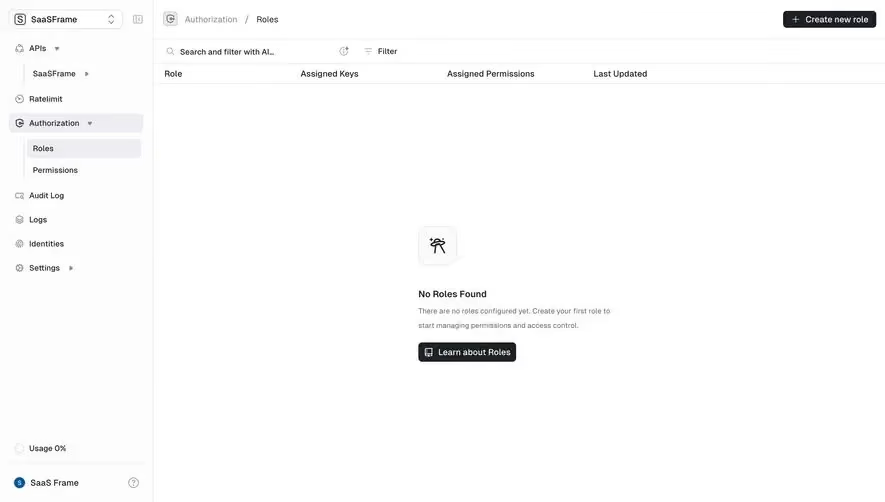
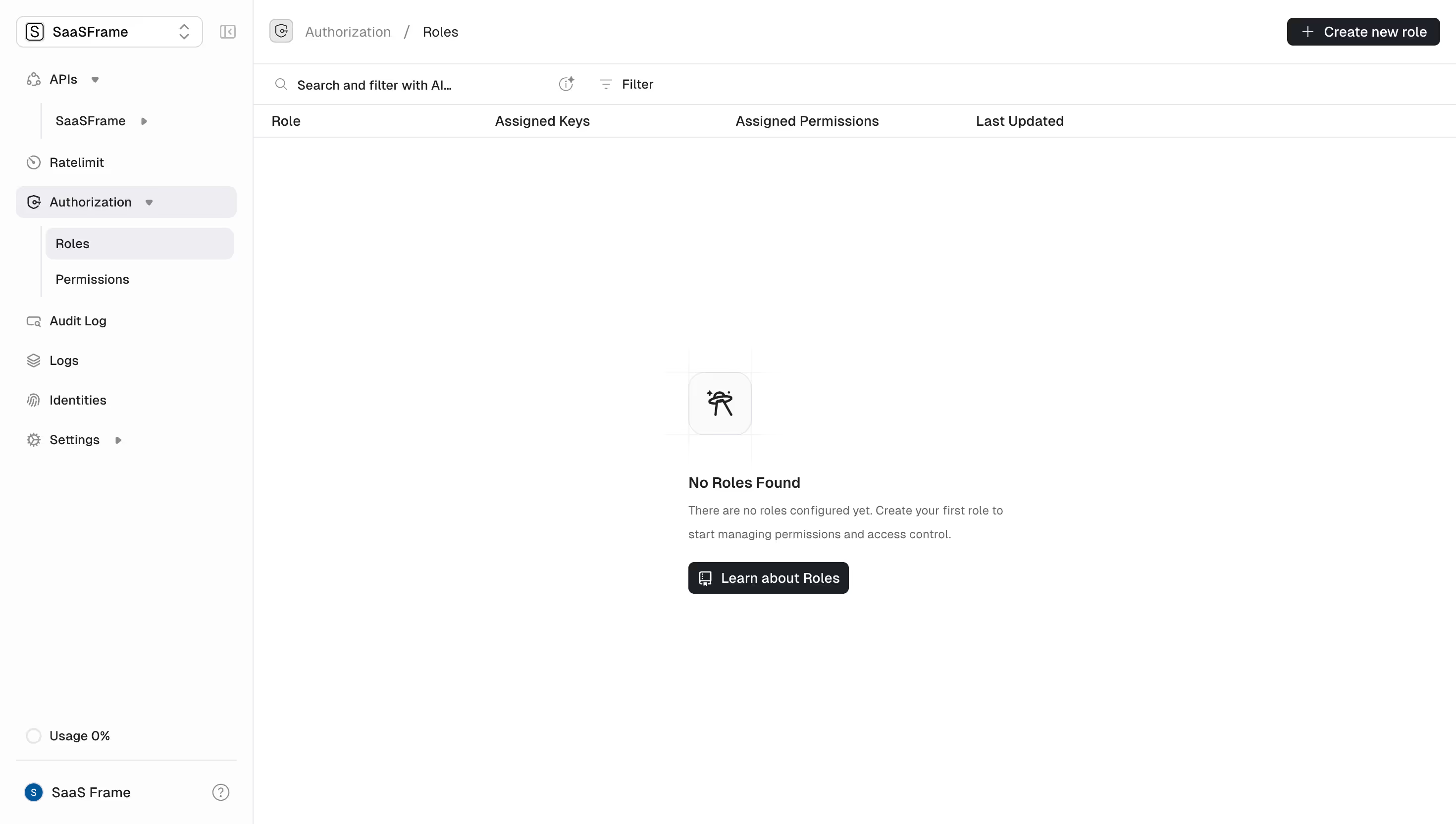
- **Style:** Restrained developer dashboard built from white surfaces, thin neutral rules, compact navigation and charcoal actions. The empty roles state is deliberately sparse.
- **Scale:** Source image is 2940 × 1664px. Sizes below estimate a 1470 × 832 CSS viewport at 2× capture scale.
### Page composition
- **Sidebar:** A roughly 255px left rail spans the full height, separated by a fine vertical border. A workspace switcher sits at the top; usage and account controls sit at the bottom.
- **Content header:** A roughly 65px header carries Authorization / Roles breadcrumbs on the left and Create new role on the far right.
- **Table region:** A thin search/filter toolbar precedes the column headings Role, Assigned Keys, Assigned Permissions and Last Updated. The otherwise empty body contains an illustration and explanatory block around the middle.
### Information hierarchy
- **Navigation:** Authorization is expanded, with Roles selected and Permissions immediately beneath it. Other primary items include APIs, Ratelimit, Audit Log, Logs, Identities and Settings.
- **Empty state:** A small outlined illustration tile precedes No Roles Found, two subdued explanatory lines and a Learn about Roles button.
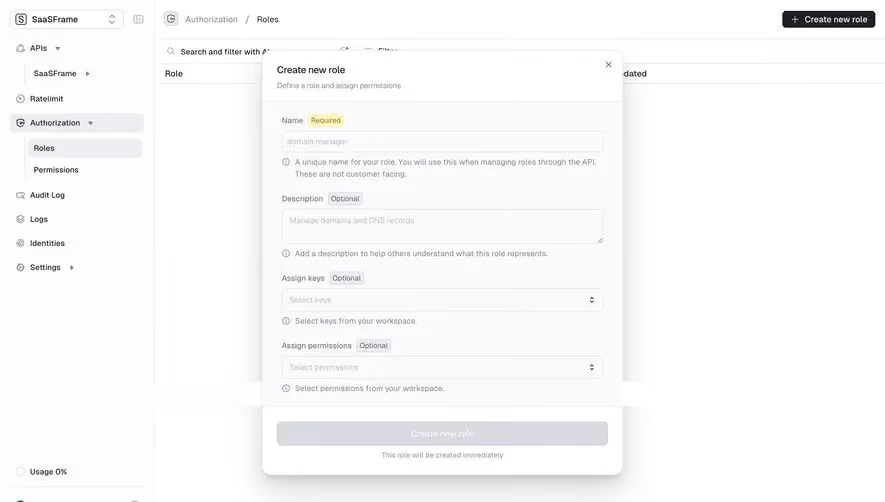
- **Action priority:** Create new role is the top-right creation action; the central button provides learning guidance. No role rows or creation dialog are present.
### Typography
- **Family:** Neutral sans-serif; font identity is unverified.
- **UI roles:** Estimated sidebar, breadcrumbs, toolbar and table headers 13–14px, with regular to medium weight. Empty-state title about 15px semibold and supporting copy 12–13px with 23px leading.
- **Spacing:** Letter spacing is close to neutral; labels are compact and aligned without oversized display typography.
### Colors & surfaces
- **Sampled palette:** ICC-aware sRGB samples include white #FFFFFF, near-white #FDFDFD, neutral selection #EEEEF1, charcoal #1D2125, divider gray #E8E8E8 and faint surface #FAFAFA.
- **Buttons:** Dark charcoal fills with white labels distinguish the two primary visible buttons; outline icons accompany their text.
- **Subtle detail:** The empty illustration has a pale rounded-square backing and extremely faint surrounding grid lines, keeping it subordinate to the title.
### Components
- **Navigation rows:** Approximately 32px tall, with small outline icons, chevrons for expandable groups, light-gray rounded selected backgrounds and indented subnavigation connected by a pale vertical guide.
- **Workspace selector:** Compact bordered rounded rectangle with a square initial icon, workspace name and stacked chevrons.
- **Toolbar:** Search icon and Search and filter with AI prompt appear at the left, followed by a small utility icon and Filter control. No active filter chips are visible.
- **Buttons and empty illustration:** Top action approximately 155 × 28px, central learning button about 162 × 32px; both have roughly 6px corners. The illustration tile is around 64px square with 16px corners.
### Visual rhythm
- **Density:** Compact, rule-separated header bands contrast with a very large blank table body.
- **Alignment:** Table headings create four stable columns; the empty-state content is a narrow left-aligned stack within the central body area. Sidebar items repeat at roughly 40px intervals.
### Responsive
- **Recommended adaptation:** Only desktop is visible. Collapse the sidebar into a menu on smaller screens and allow table columns to scroll when populated.
- **Empty state:** Keep the title, explanation and learning action together; let the creation action move into an accessible compact header.
### Adaptation guidance
- **Preserve:** Retain breadcrumb context, expanded authorization navigation, table structure and a helpful empty state with a clear creation path.
- **Adapt:** Replace roles and permission terminology with the actual domain model. Keep the mostly empty canvas until genuine records exist; avoid fabricated example rows.
Use this context to reproduce the reference's visual language: layout, typography, colors, spacing, borders, radii, and distinctive elements. The screenshot takes priority if descriptions conflict.
## Direction
{{preferences.fidelityInstructions}}
## Output
{{output.instructions}}
Deliver a polished, cohesive design with precise alignment, hierarchy, and spacing. Produce the requested visual artifact, not just a description. If unsupported, explain the limitation.
.webp)



.avif)