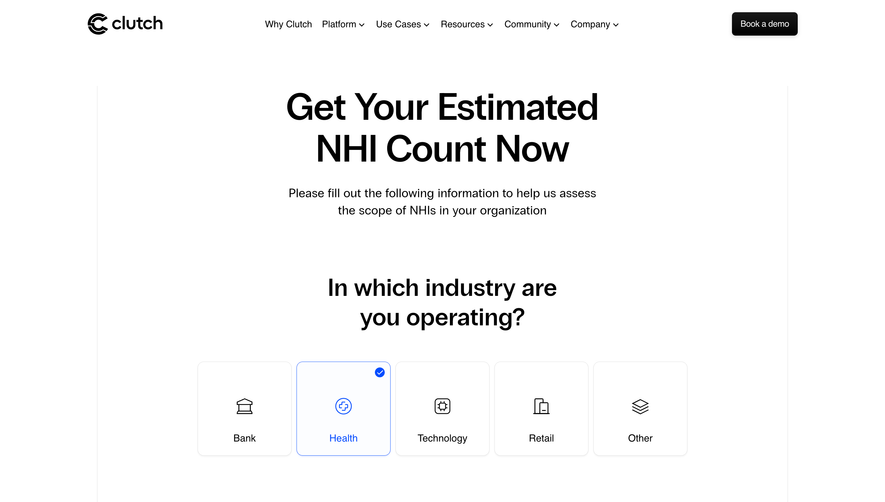
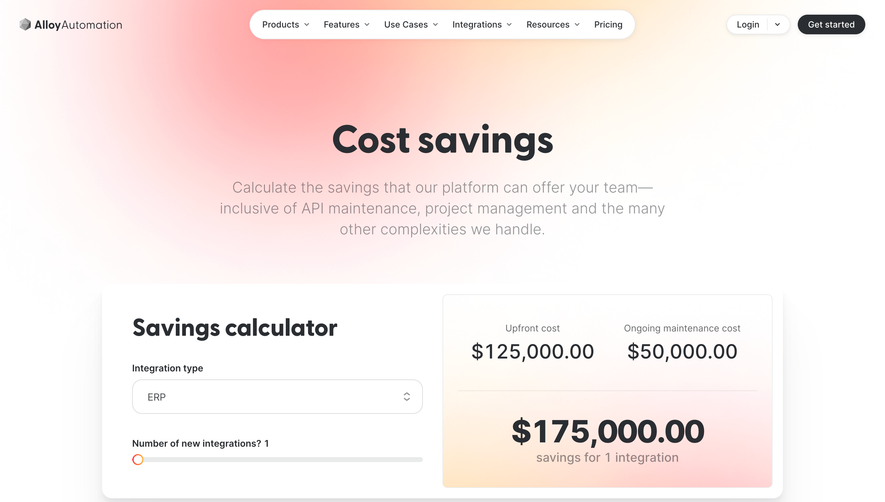
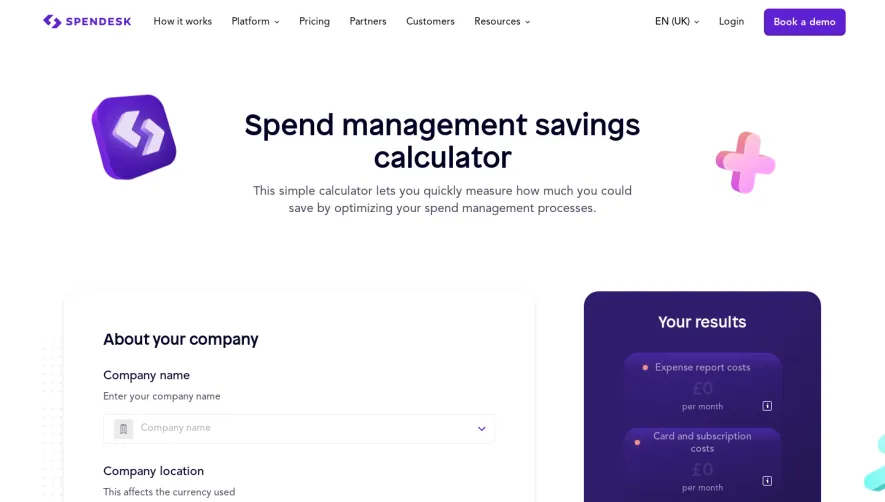
Overall Style and Aesthetic
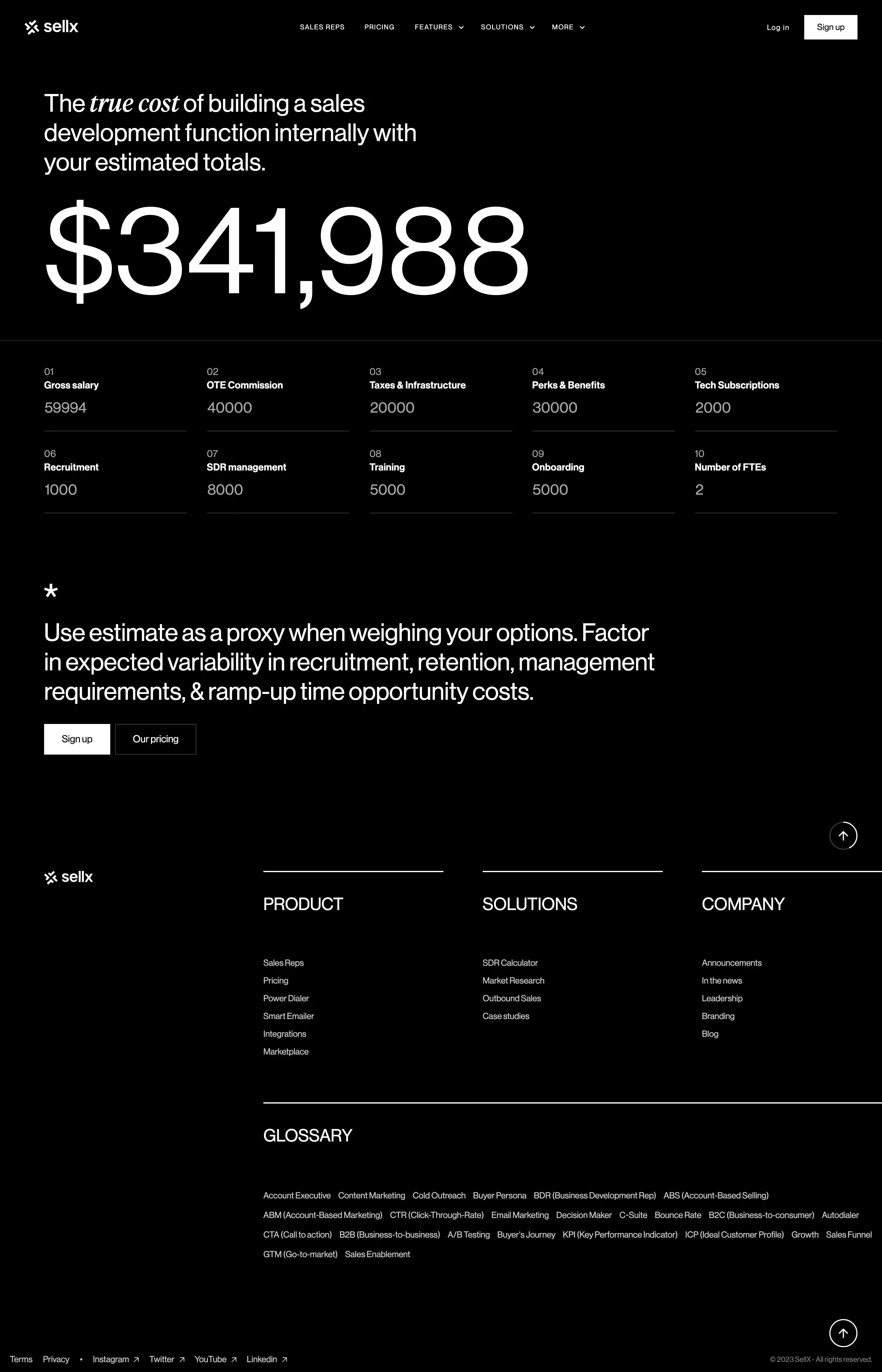
SellX’s SDR Cost Calculator page radiates a clean, modern energy with a distinctly SaaS-friendly, minimalist approach. Clear lines, ample white space, and a restrained but vibrant accent palette create an interface that feels both professional and inviting—projecting trustworthiness and innovation suitable for B2B audiences. Layout and Structure
The page opens with a focused hero section centering the main interactive calculator, instantly engaging users. The single-column layout centers attention, minimizing distractions and guiding the user’s flow naturally from input to results. Supporting content, such as explanations and visual comparisons, is neatly stacked below, culminating in a concise footer for brand reinforcement and next-step navigation. Visual Elements
The calculator features crisp icons and subtle, animated progress bars, enhancing both functionality and engagement. Illustrative icons help clarify complex data points, while occasional graphic contrasts (like sliders and dynamic charts) visualize cost breakdowns, making abstract calculations tangible. Photographic elements are minimal, keeping data at the forefront. Color Palette and Typography
Strategically chosen blues and teals convey credibility and clarity, punctuated with energetic highlights to draw attention to actionable insights. Typography is sans-serif, balancing a modern feel with excellent readability. Clear headings, bold subheads, and lighter body text establish a visual hierarchy that streamlines scanning. User Experience Patterns
Navigation is frictionless—anchored CTAs are unobtrusive, while interactive sliders and real-time results foster user agency. Form inputs are user-friendly, with intelligent defaults and instant feedback loops. Subtle microinteractions, like animated number transitions, provide delightful feedback with every change. Unique or Notable Design Choices
What truly sets this page apart is its focus on a single, practical tool, eschewing unnecessary clutter. The visual cost comparisons and impactful, data-driven storytelling communicate value instantly. The overall tone is energetic yet credible, inspiring confidence while keeping users engaged through every interaction..webp)



.avif)