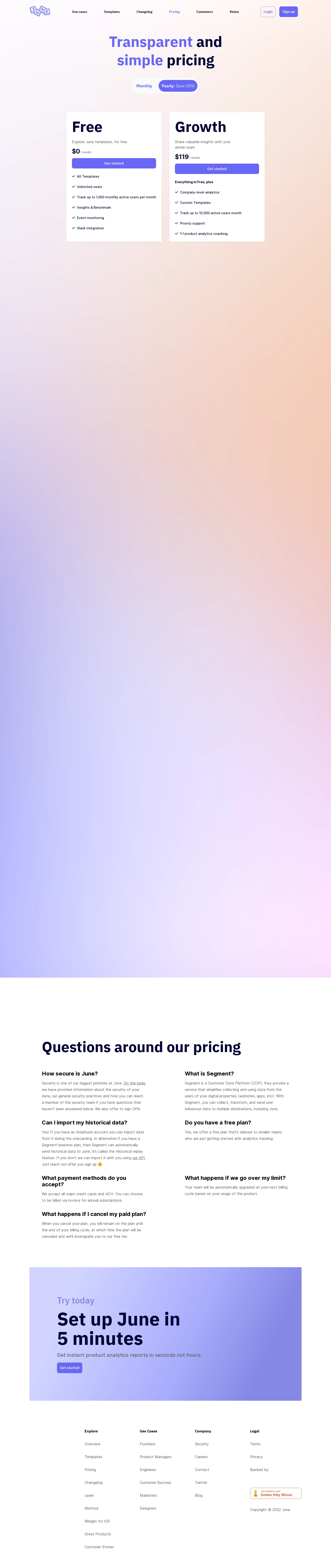
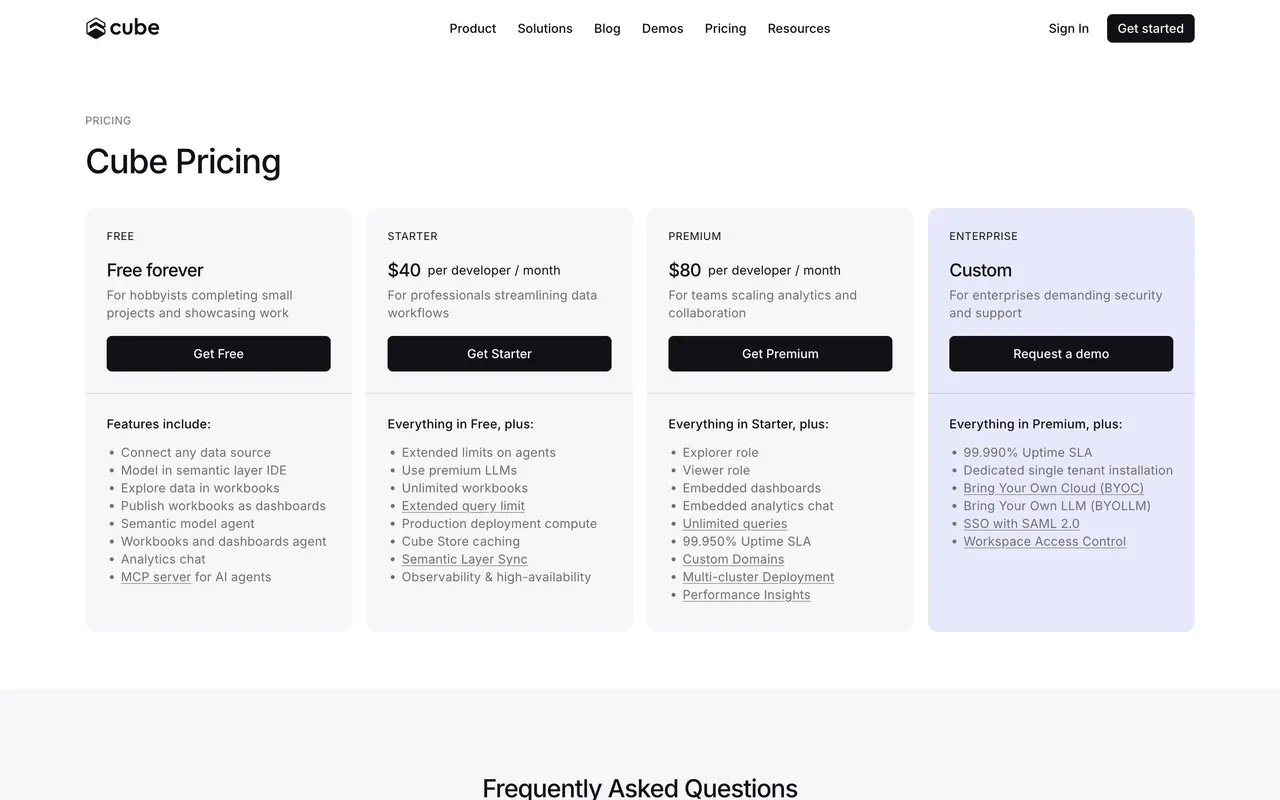
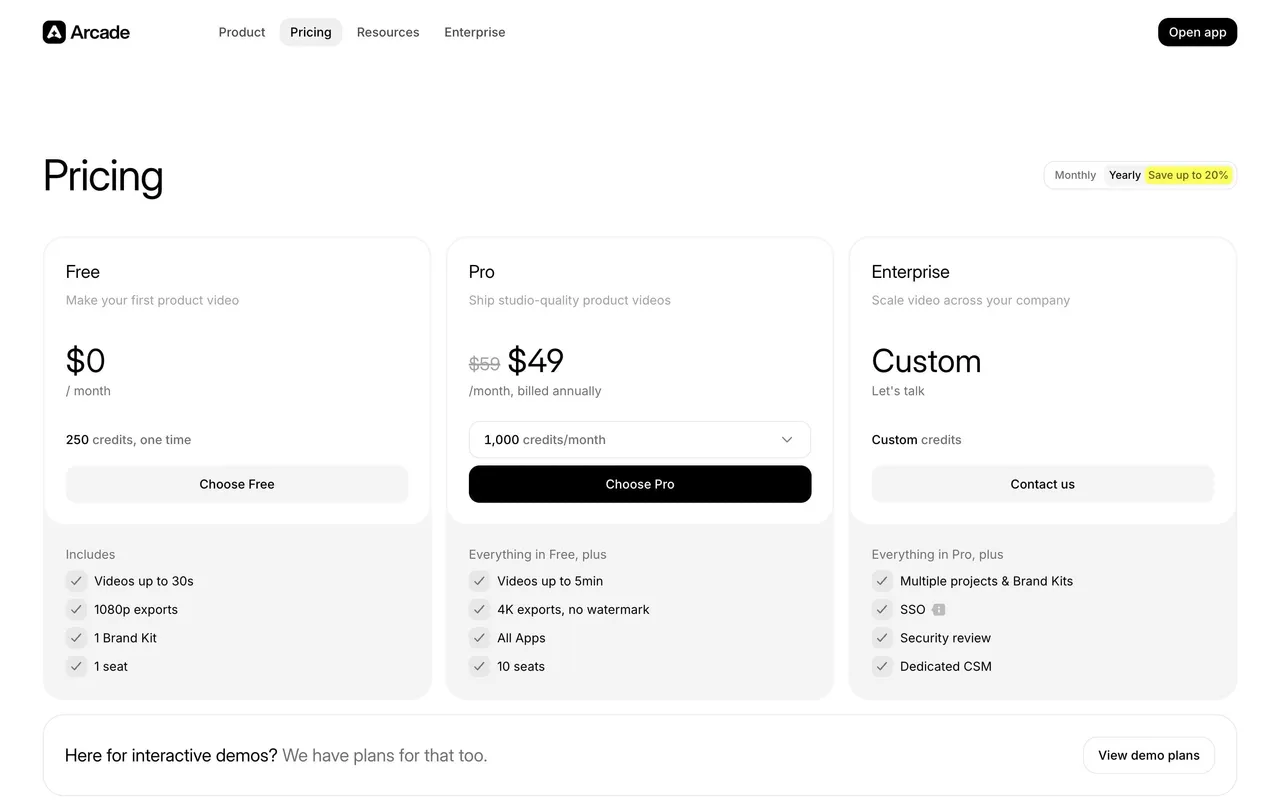
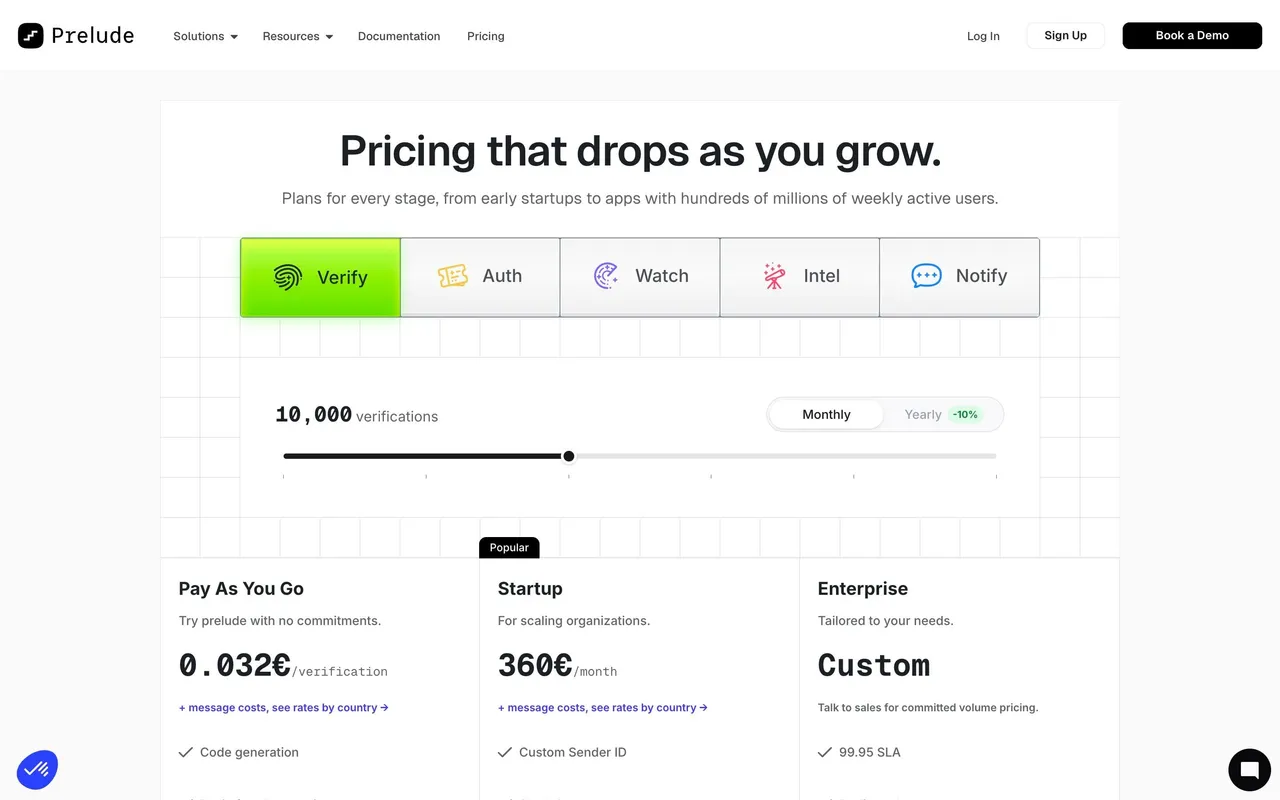
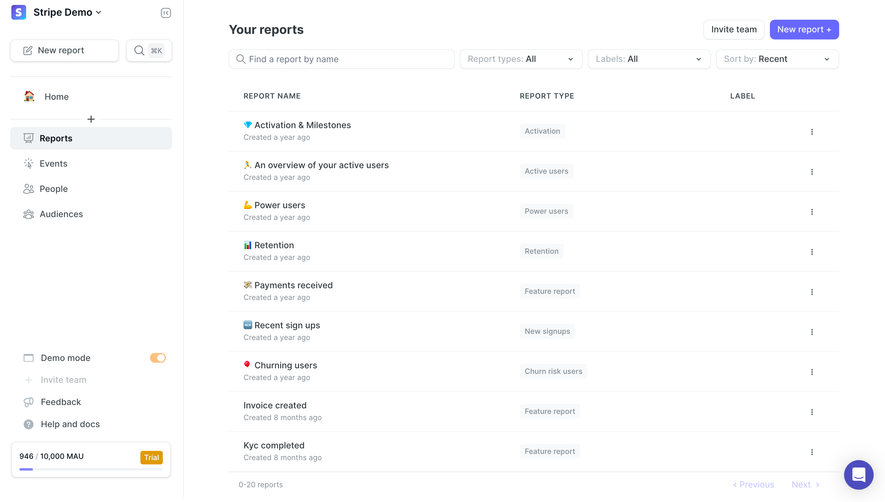
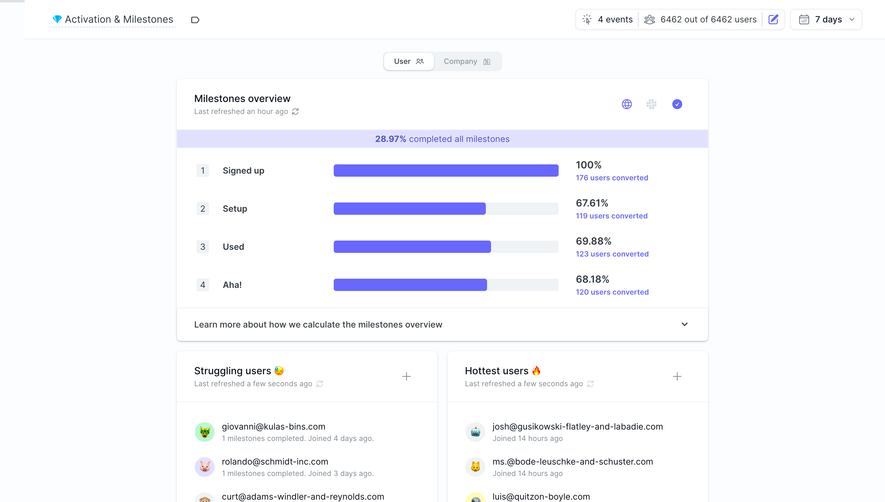
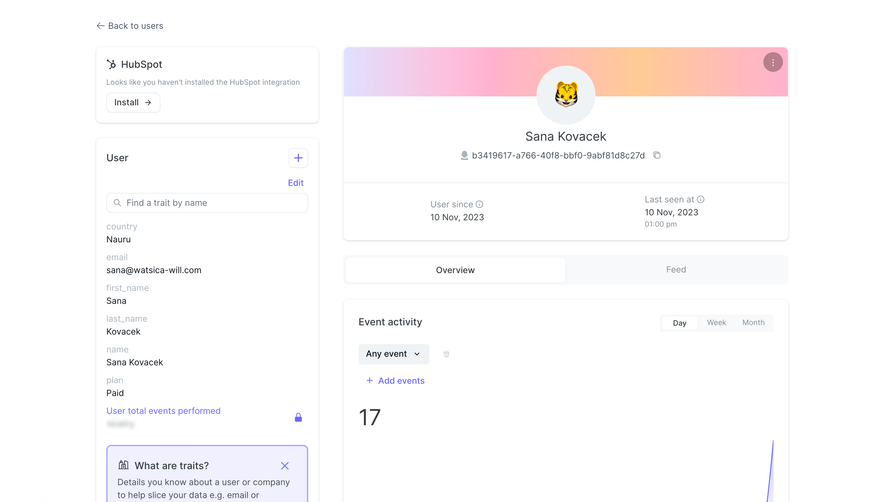
1. The page starts with a top navigation bar that contains the company logo, a button to sign up, and links to the features and pricing pages. 2. Below the navigation bar, there is an eye-catching hero section with a heading, subheading, and an image that showcases the product's main benefits. 3. Next, there is a section that briefly describes what June.so is and what it offers, complete with a quick video tutorial. 4. Below that, there is a simple pricing table with three options: Free, Pro, and Teams. Each column lists the included features and the corresponding price. 5. The pricing table is followed by a section that explains in more detail what each plan includes, with separate sections for Free, Pro, and Teams. 6. After that, there is a section dedicated to frequently asked questions, which provides further information about the product, its features, and pricing. 7. The page ends with a call-to-action section that invites visitors to sign up for the product, with a link to the free plan and a bold button to upgrade to a paid plan. 8. Throughout the page, there are various images and graphics that enhance the visual aspect of the content and provide a better understanding of the product's features and benefits.
 SaaSFrame