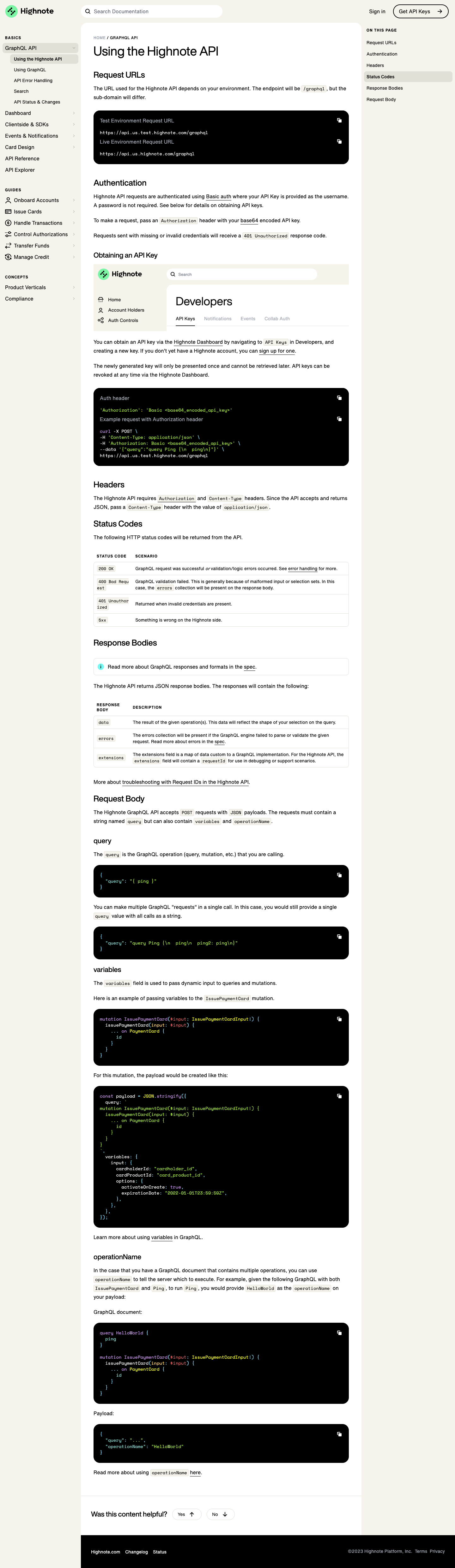
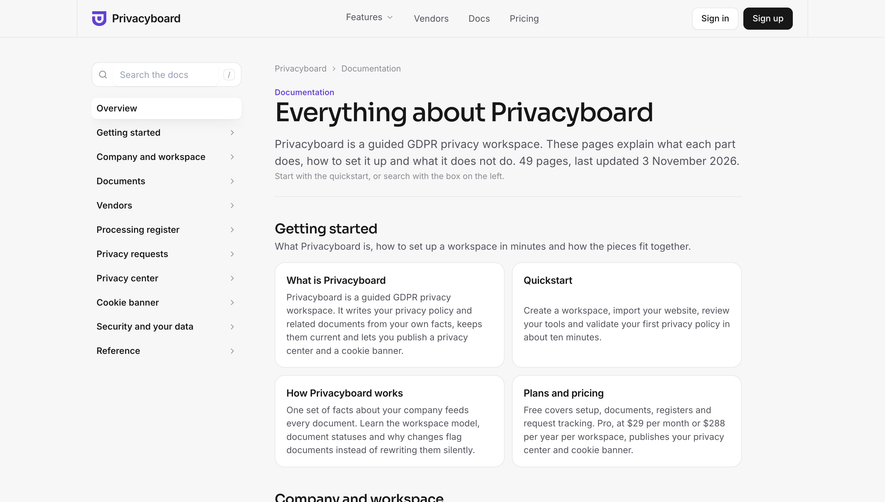
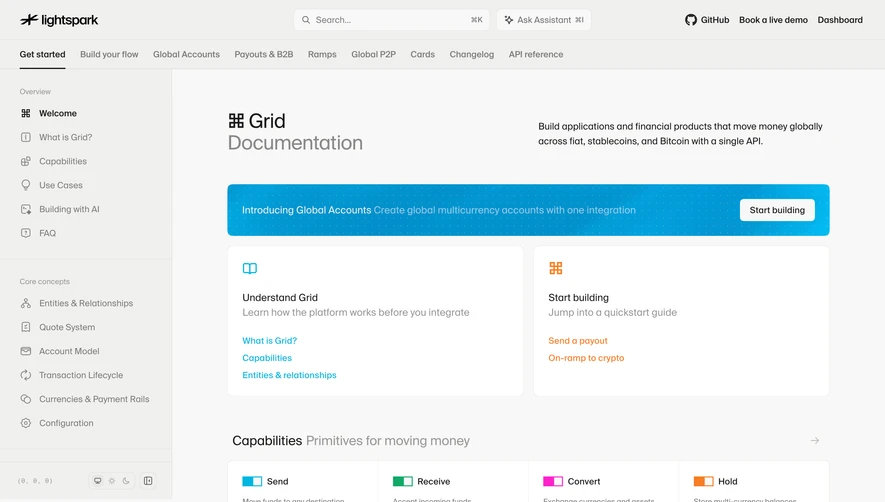
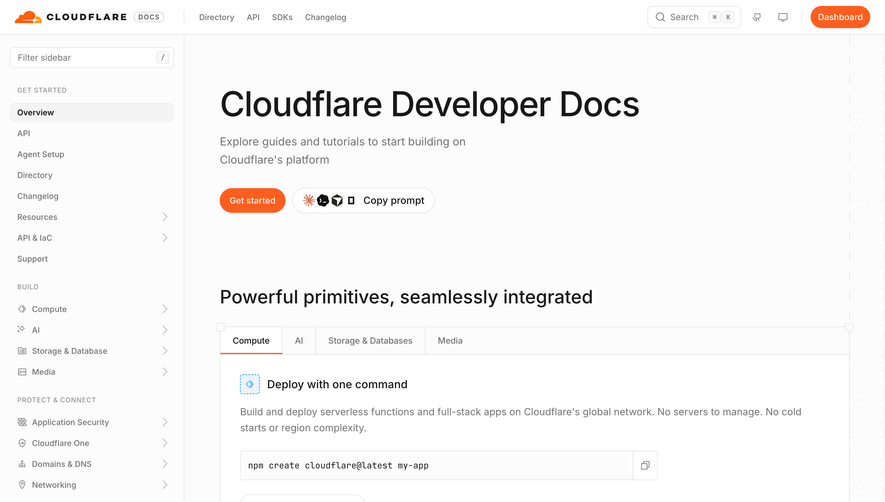
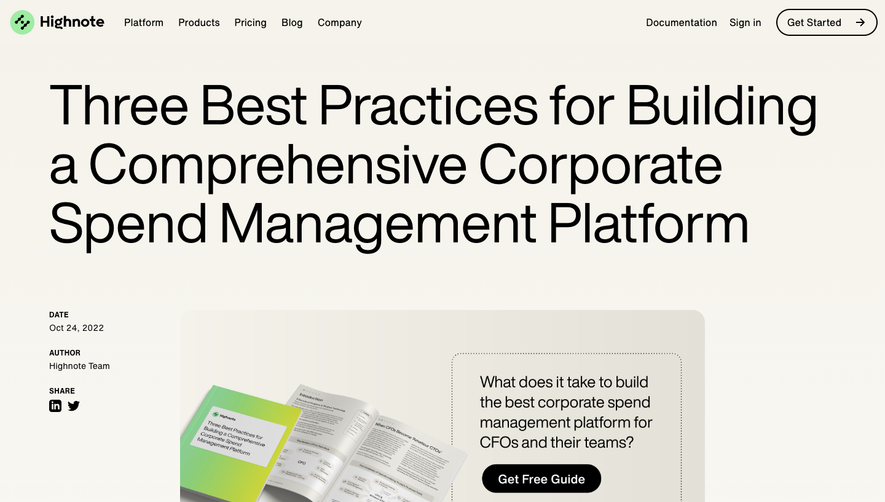
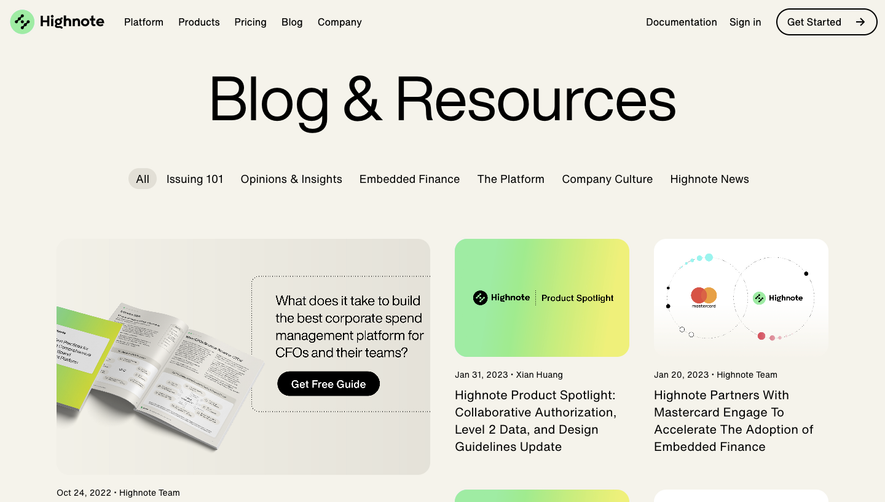
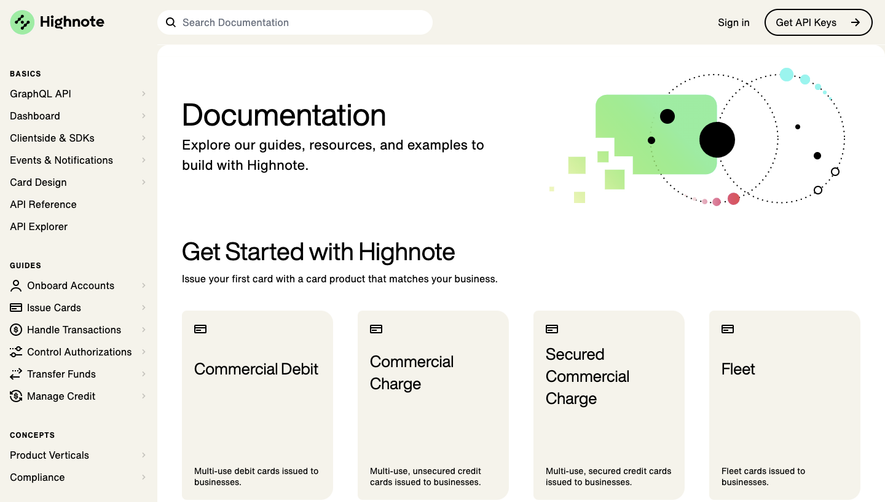
Highnote’s documentation page embodies a clean, modern aesthetic—sleek and professional, with a gentle, approachable edge. The interface leans into a minimalist design ethos, reducing visual clutter and allowing content to shine. Carefully considered spacing and subtle shadows lend a distinct sense of order and focus, making complex information feel accessible and unintimidating.
Layout and Structure
The layout adopts a developer-centric structure: a persistent left sidebar for navigation, concise documentation area to the right, and a sticky in-page table of contents for rapid orientation. The absence of traditional “hero” or testimonials keeps the user's attention on the how-to content, ensuring productivity remains central. A streamlined top navigation bar reinforces easy access to wider product areas.
Visual Elements
Visual cues are elegantly understated: crisp icons in the sidebar, gentle color accents for code samples, and subtle dividers delineate sections. Syntax-highlighted code blocks and togglable example requests/responses provide vital visual anchors, supporting scannability and usability. Highnote opts for informative over ornamental—perfect for a technical audience.
Color Palette and Typography
A cool, subdued palette—dominated by whites, soft greys, deep blues, and bright accent blues—engenders trust and calm. Typography is contemporary and highly readable: neutrally styled sans-serifs for body copy, with decisive weight and sizing shifts for headings, links, and code elements, establishing a strong content hierarchy.
User Experience Patterns and Notable Choices
Usability reigns throughout. Sticky navigation aids orientation, collapsible sections reduce visual overwhelm, and context-aware links encourage deeper exploration. The documentation's sparse distractions, clarity-driven structure, and swift navigation collectively exemplify a user-first, developer-friendly SaaS documentation design—quietly innovative, always practical.
 SaaSFrame