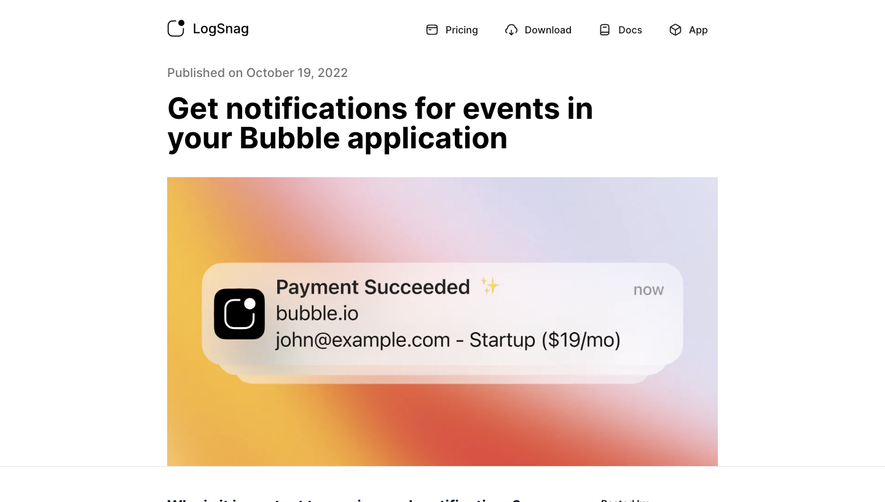
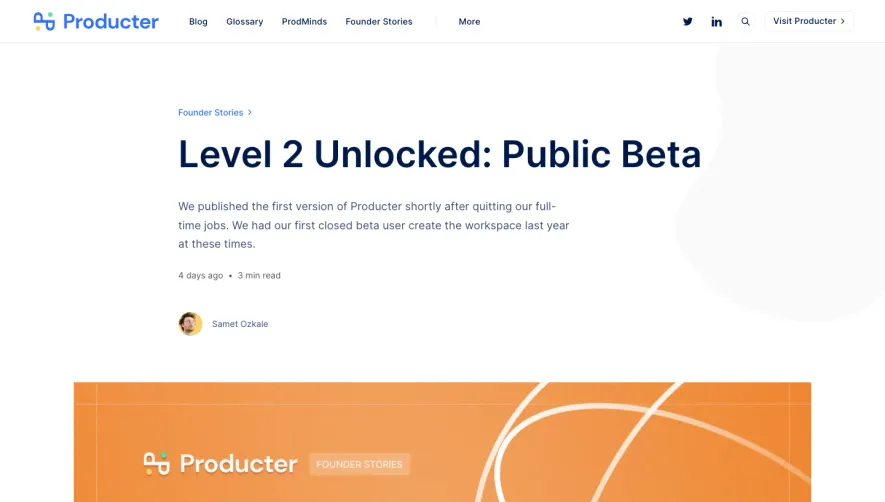
Generate a new design based on this screen using your own content.
Thank you! Your submission has been received!
Oops! Something went wrong while submitting the form.
# Design from Reference: Junip Blog Post
Create an original, high-fidelity visual design inspired by the reference. Prioritize composition, typography, colors, spacing, and component styling over technical implementation.
## Reference
- **Product:** Junip
- **Category:** Blog Post
- **Screenshot:** https://cdn.prod.website-files.com/5e9dc792e1210c5325f7ebbc/6acbbe36476aea3982e3f9d9_6acbbd60436a6cc27afd6f52_cms-9932a8105fcb7b1b3742cd58.webp
Analyze the screenshot first. If inaccessible, request it rather than guessing.
## Content
{{content.instructions}}
{{content.data}}
Preserve essential messaging and factual accuracy. Adapt structure and copy length for visual balance; never invent product claims.
## Visual Design
Use this context to reproduce the reference's visual language: layout, typography, colors, spacing, borders, radii, and distinctive elements. The screenshot takes priority if descriptions conflict.
## Direction
{{preferences.fidelityInstructions}}
## Output
{{output.instructions}}
Deliver a polished, cohesive design with precise alignment, hierarchy, and spacing. Produce the requested visual artifact, not just a description. If unsupported, explain the limitation.
Junip’s blog page radiates a crisp, modern minimalism with a focus on clarity and professionalism. White space dominates, letting content breathe and drawing attention to core messaging. The design feels clean and inviting—striking the right balance between trustworthy and approachable, ideal for SaaS brands targeting discerning e-commerce operators.
Layout and Structure
The structure guides users intuitively from a prominent headline and engaging subheading down to in-depth content. Up top, a subtle hero area frames the subject with ample padding, followed by a tidy content body. Key details—such as company highlights and media statistics—are broken up by logical section breaks. Supporting blog elements (navigation, author summary, related posts) live in the periphery, keeping the main content in sharp focus.
Visual Elements
Photography stands out: the hero image and embedded visuals showcase real product reviews, reinforcing authenticity. There’s a light use of brand-aligned icons to punctuate statistics and break up text. Elements slide into view subtly while scrolling—a gentle animation that boosts engagement without overwhelming users.
Color Palette and Typography
The palette leans on a gentle off-white background, accented with deep slate grays and Junip’s signature green for highlights and important calls to action. Robust sans-serif fonts ensure superb legibility—headings hold hierarchy with bolder weights, while body copy flows with an approachable line height.
User Experience Patterns
Navigation stays persistently accessible at the top, while succinct CTAs use strong contrast and spacious buttons to drive action. Scroll cues and section anchor links make exploring effortless, and blog content is structured for skim-readers with pull quotes, stats, and concise paragraphs.
Unique or Notable Design Choices
Junip stands out with its honest use of customer-generated visuals—review screenshots inject credibility and reinforce product impact. The soft micro-interactions enhance usability, while the restrained visual style ensures content is king. The overall tone is truly customer-centric, conveying innovation and reliability in equal measure.
.webp)




.avif)