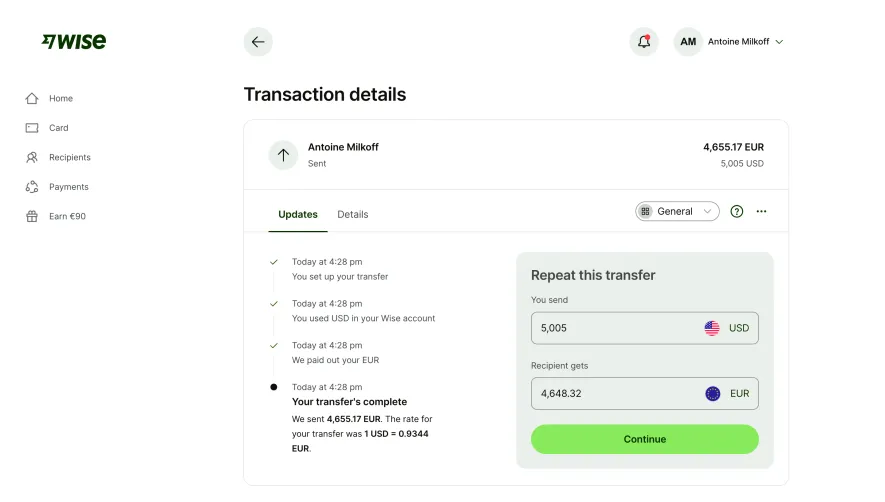
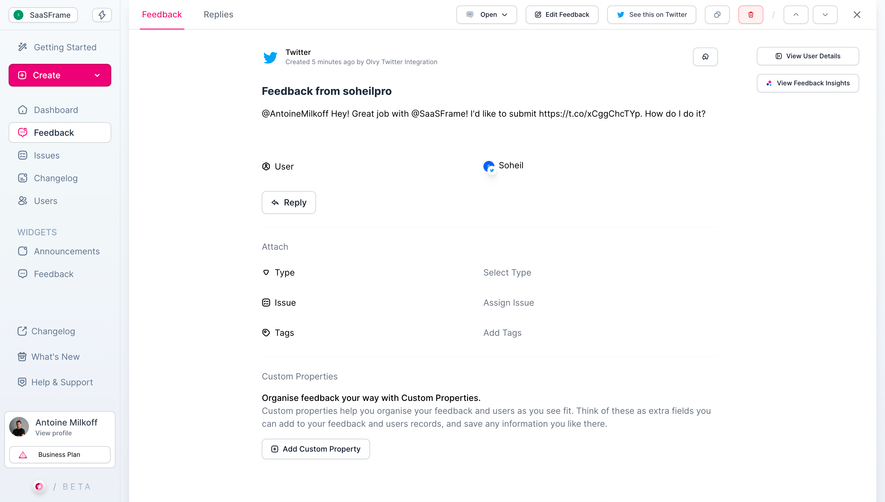
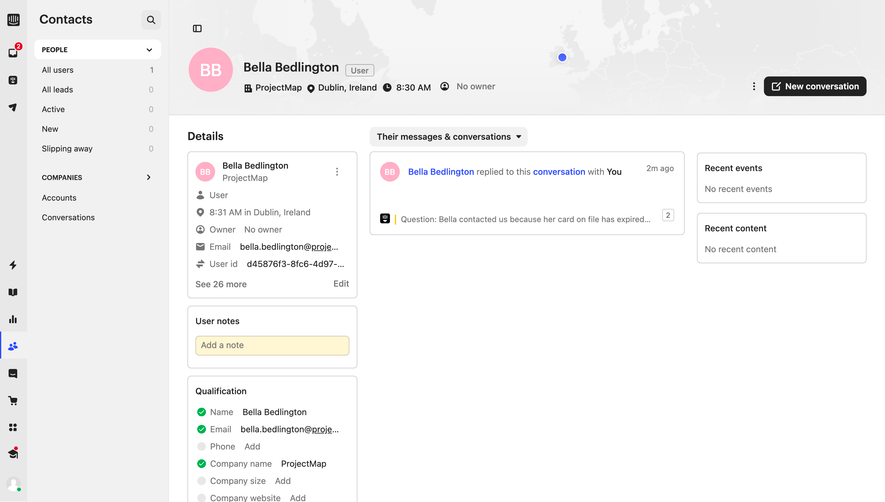
Generate a new design based on this screen using your own content.
Thank you! Your submission has been received!
Oops! Something went wrong while submitting the form.
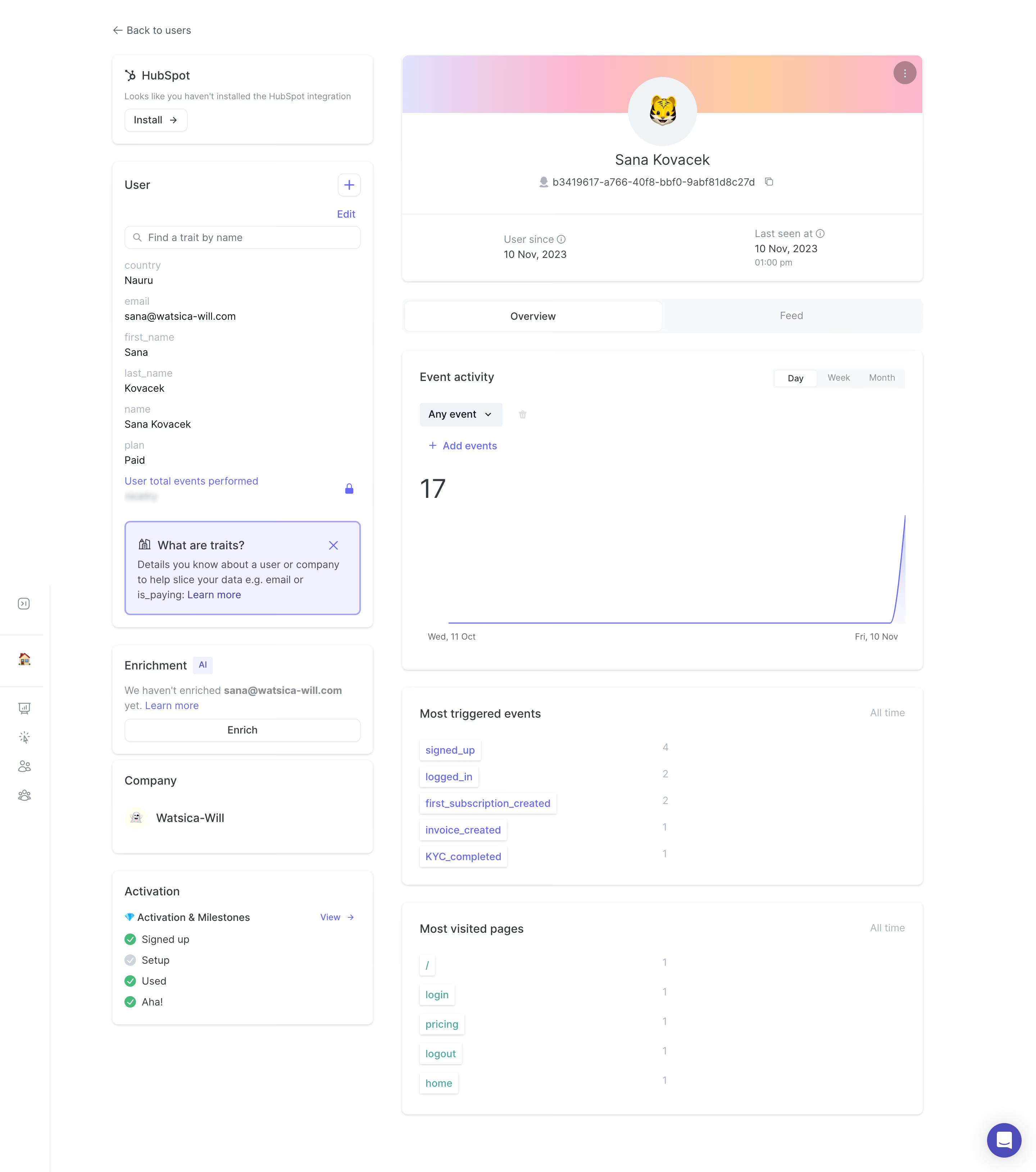
# Design from Reference: June User Details
Create an original, high-fidelity visual design inspired by the reference. Prioritize composition, typography, colors, spacing, and component styling over technical implementation.
## Reference
- **Product:** June
- **Category:** Details
- **Screenshot:** https://cdn.prod.website-files.com/5e9dc792e1210c5325f7ebbc/6acad62cfef6904ce0090ea7_6acad5b481d0b61fedf5d922_cms-e72b3829a08017391bd53682.webp
Analyze the screenshot first. If inaccessible, request it rather than guessing.
## Content
{{content.instructions}}
{{content.data}}
Preserve essential messaging and factual accuracy. Adapt structure and copy length for visual balance; never invent product claims.
## Visual Design
Use this context to reproduce the reference's visual language: layout, typography, colors, spacing, borders, radii, and distinctive elements. The screenshot takes priority if descriptions conflict.
## Direction
{{preferences.fidelityInstructions}}
## Output
{{output.instructions}}
Deliver a polished, cohesive design with precise alignment, hierarchy, and spacing. Produce the requested visual artifact, not just a description. If unsupported, explain the limitation.
June Analytics embodies a modern, minimalist ethos, characterized by clean lines, ample white space, and a sophisticated restraint in visual elements. The aesthetic is thoughtfully professional yet accessible—balancing crisp graphics and understated iconography to create an inviting, uncluttered interface.
Layout and Structure
The page employs a clear, modular layout with well-defined sections stacked vertically. The hero section succinctly introduces the service, reinforced by focused calls to action. Subsequent blocks present features through concise copy and visual cues, making information digestible. Navigation remains fixed and intuitive, ensuring users always know where they are and how to proceed.
Visual Elements
Sparse but deliberate use of custom illustrations communicates ideas simply and elegantly, while subtle micro-interactions enliven buttons and interactive controls. Minimalist iconography offers quick visual references, with no reliance on heavy photography or video, keeping visual noise to a minimum. Delicate shadowing and gradients provide subtle depth without distraction.
Color Palette and Typography
A harmonious color palette centers on soft neons and deep neutrals, juxtaposing lively accent hues against calming backgrounds. Typography is clean and structured, often leveraging geometric sans-serif fonts with varying weights to establish clear hierarchy, ensuring excellent legibility and scannability.
User Experience Patterns & Unique Design Choices
Persistent navigation, clearly styled CTA buttons, and effortless scrolling deliver a frictionless journey. Notably, contextual tooltips and inline help foster user confidence and learning. The absence of extraneous decorative elements emphasizes purposeful design, evoking trust, focus, and a user-centric mindset—making this a standout template for SaaS interfaces that prioritize clarity and modern appeal.
.webp)




.avif)