.webp)
Thank you! Your submission has been received!
Oops! Something went wrong while submitting the form.
Get SaaSFrame Pro
Monthly
$18
Quarterly
$48
Yearly
$180
Upgrade to access this feature
Browse all screens & flows
Filter and search screens & flows
Access Figma files
Access mobile versions
Bookmark screens & flows
Join now
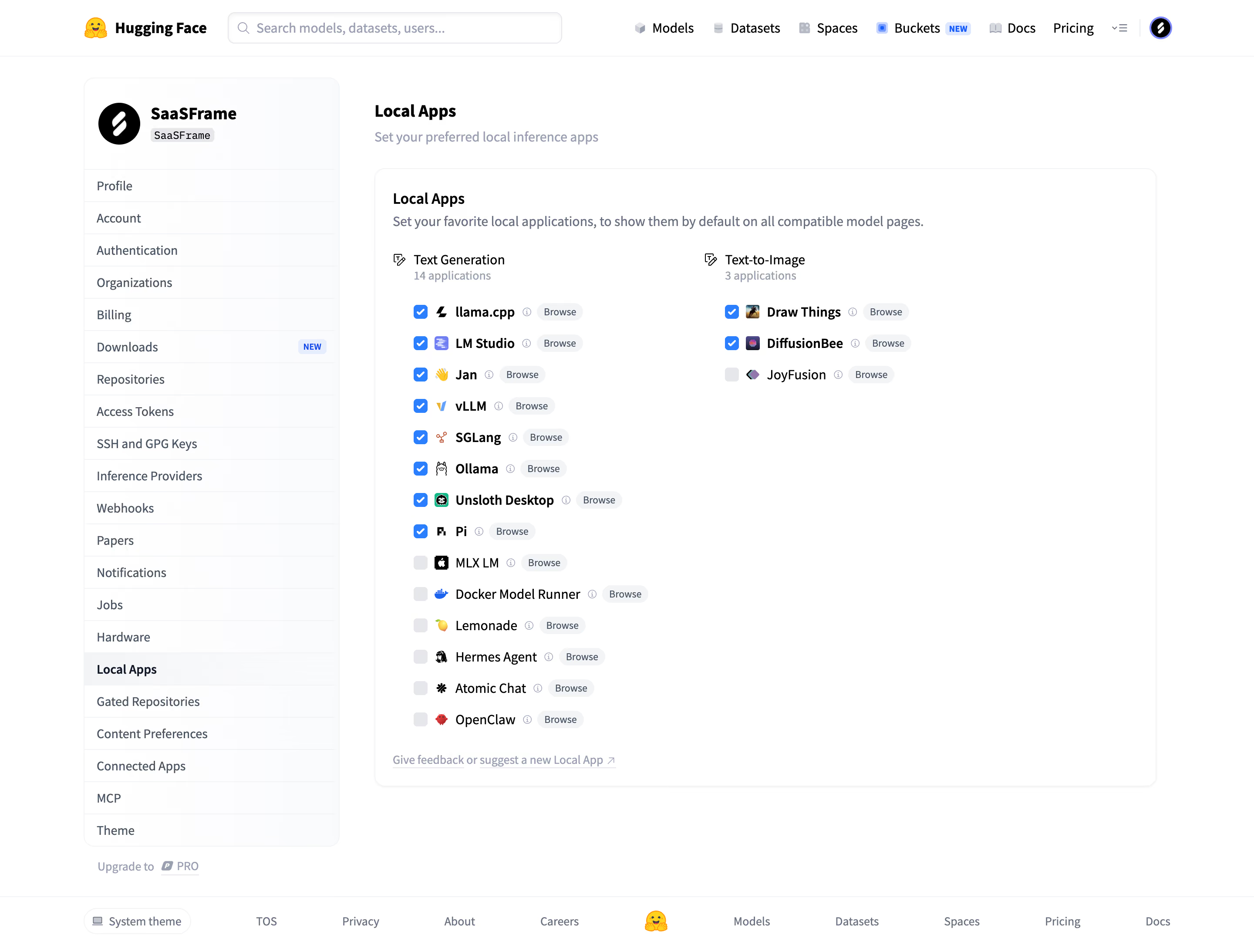
Hugging Face Local inference apps

Hugging Face
The AI community building the future
Designed by
No items found.

Bookmark
Bookmark

Design with AI
Thank you! Your submission has been received!
Oops! Something went wrong while submitting the form.
# Design from Reference: Hugging Face Local inference apps
Create an original, high-fidelity visual design inspired by the reference. Prioritize composition, typography, colors, spacing, and component styling over technical implementation.
## Reference
- **Product:** Hugging Face
- **Category:** Integrations
- **Screenshot:** https://cdn.prod.website-files.com/5e9dc792e1210c5325f7ebbc/6acad05134c900e8fc1b49ca_6acacfe37796407cec140d70_cms-a48bac6cb472e3dbdf2af134.webp
Analyze the screenshot first. If inaccessible, request it rather than guessing.
## Content
{{content.instructions}}
{{content.data}}
Preserve essential messaging and factual accuracy. Adapt structure and copy length for visual balance; never invent product claims.
## Visual Design
### Overall aesthetic
- **Style:** A dense but orderly account-settings page uses a white canvas, subtle borders and blue checkbox accents.
- **Character:** Compact application icons and simple two-column lists create a practical developer-oriented preferences interface.
### Page composition
- **Capture:** The original is 2880 × 2186 pixels. Estimated CSS sizes below assume an unverified 2× capture.
- **Global header:** A centered row contains brand, wide search field, several product/documentation links and a small account control.
- **Settings shell:** A roughly 294-pixel sidebar sits left of a broad main column, within a centered container around 1230 pixels wide.
- **Sidebar:** Profile identity precedes twenty-one compact settings destinations; Local Apps is selected. An upgrade link appears below.
- **Main content:** A page heading and helper line sit above a large rounded bordered panel.
- **Preferences panel:** Title and explanation precede two lists: fourteen text-generation applications left and three text-to-image applications right.
- **Footer:** A thin rule separates a theme control, legal/company links, central brand symbol and product links.
### Information hierarchy
- **Page task:** Local Apps heading and helper text establish the preference scope.
- **Group labels:** Each application category has a small icon, title and muted application count.
- **Rows:** Checkbox, app icon, name, information glyph and Browse pill repeat consistently.
- **Selection:** Eight text-generation applications and two image applications are visibly checked; other shown boxes are unselected.
- **Feedback:** A small muted underlined feedback link ends the panel.
### Typography
- **Family:** Neutral sans serif throughout; exact identity is unverified.
- **Headings:** Approximately 18 pixels, bold; category labels around 14 pixels.
- **Body:** Helper copy around 14–15 pixels with relaxed leading.
- **Rows:** Application names around 14–16 pixels, with some selected names heavier; Browse pills and counts around 12 pixels.
- **Sidebar:** Compact 14-pixel labels; the active destination is bold.
### Colors & surfaces
- **Measured base:** White #FFFFFF dominates, with near-white #FAFBFC and pale gray #F3F4F6 in secondary surfaces.
- **Neutral variants:** Samples include #FEFEFE and #FDFDFE; fine gray outlines separate sidebar rows and the main panel.
- **Selection accent:** Checked squares are bright blue with white ticks; exact blue hex was not isolated in dominant-color sampling.
- **Text:** Primary text is near-black, while explanations, counts and information icons use muted blue-gray.
- **Depth:** Very subtle panel shadow and low-contrast surface variation keep the page largely flat.
### Components
- **Sidebar card:** A softly rounded outlined container combines profile header and vertically divided navigation rows.
- **Application panel:** Roughly 900 pixels wide with around 20-pixel padding and 12-pixel corners.
- **Checkbox rows:** Approximately 36-pixel vertical pitch; small rounded checkboxes align with compact app icons and names.
- **Browse pills:** Light-gray rounded labels follow each application's information icon; widths fit their short text.
- **Search:** A wide rounded outlined field with leading magnifier and muted placeholder occupies the header's left-center.
- **Footer theme control:** A compact outlined capsule combines a small display icon and theme label.
### Visual rhythm
- **List density:** Repeated row spacing makes a long preference list scannable.
- **Column asymmetry:** The shorter image-app list leaves substantial whitespace below it while the left list continues.
- **Alignment:** Main heading, panel and footer share the broad content container; checkbox columns remain straight.
### Responsive
- **Evidence:** Only desktop settings are observed; checkbox persistence and mobile behavior are unverified.
- **Recommended reflow:** Stack application categories and collapse sidebar navigation on narrow screens.
- **Recommended rows:** Allow long app names to wrap while keeping checkbox and Browse control reachable.
- **Accessibility:** Use labeled checkboxes, clear focus indicators and accessible information controls.
### Adaptation guidance
- **Preserve:** Keep the white shell, compact settings navigation, grouped preference lists and restrained blue selection.
- **Implementation:** Use reusable app rows with explicit labels and stable icon sizing.
- **Content fidelity:** Use actual app availability and selection data rather than inferring compatibility from the screenshot.
- **Behavior:** Browse, information and checkbox actions need explicit implementation; only their captured states are observed.
Use this context to reproduce the reference's visual language: layout, typography, colors, spacing, borders, radii, and distinctive elements. The screenshot takes priority if descriptions conflict.
## Direction
{{preferences.fidelityInstructions}}
## Output
{{output.instructions}}
Deliver a polished, cohesive design with precise alignment, hierarchy, and spacing. Produce the requested visual artifact, not just a description. If unsupported, explain the limitation.

.avif)
Category
Tech Stack

Added on
September 21, 2026
Similar screens
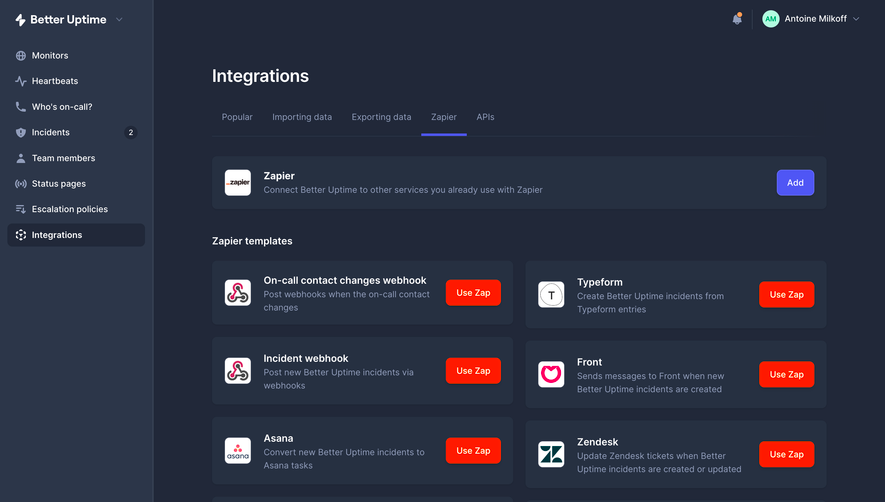



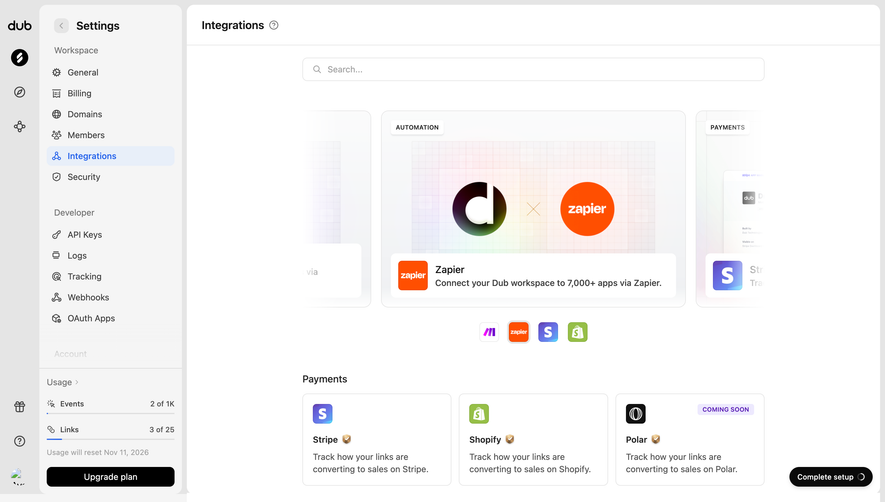

Upgrade to SaaSFrame Pro now to see similar examples.
Monthly
$18 /month
Billed $18 monthly
Browse all screens & flows
Filter and search screens & flows
Search text in screenshots
Access Figma files
Access mobile versions
Join now
Quarterly
$16 /month
Billed $48 quarterly
Browse all screens & flows
Filter and search screens & flows
Search text in screenshots
Access Figma files
Access mobile versions
Join now
Yearly
$15 /month
Billed $180 yearly
Browse all screens & flows
Filter and search screens & flows
Search text in screenshots
Access Figma files
Access mobile versions
Join now