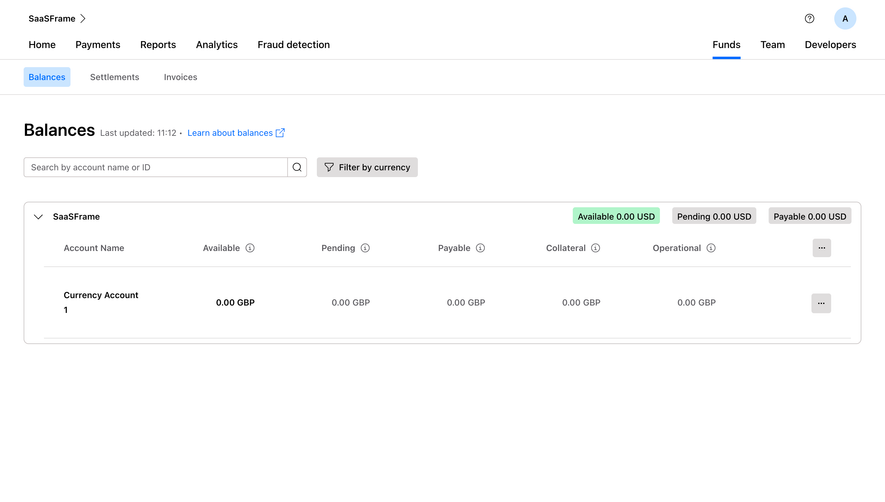
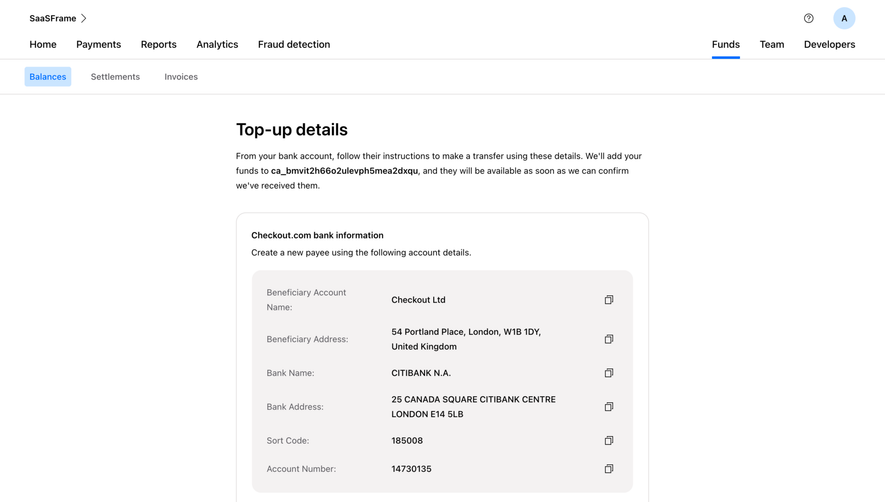
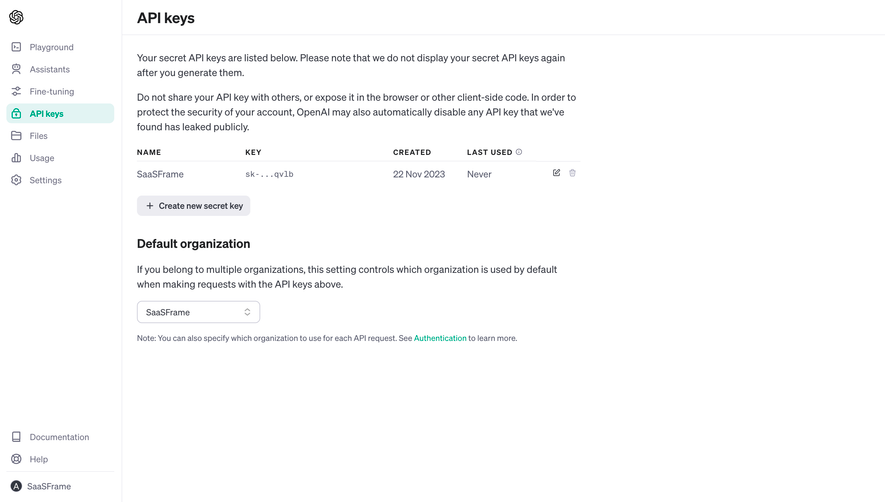
Generate a new design based on this screen using your own content.
Thank you! Your submission has been received!
Oops! Something went wrong while submitting the form.
# Design from Reference: Checkout.com Top Up Account
Create an original, high-fidelity visual design inspired by the reference. Prioritize composition, typography, colors, spacing, and component styling over technical implementation.
## Reference
- **Product:** Checkout.com
- **Category:** Empty
- **Screenshot:** https://cdn.prod.website-files.com/5e9dc792e1210c5325f7ebbc/6acad4c41025e911ae518476_6acad3d8fef6904ce0087cc3_cms-60412f295d3052b625cacfc8.webp
Analyze the screenshot first. If inaccessible, request it rather than guessing.
## Content
{{content.instructions}}
{{content.data}}
Preserve essential messaging and factual accuracy. Adapt structure and copy length for visual balance; never invent product claims.
## Visual Design
Use this context to reproduce the reference's visual language: layout, typography, colors, spacing, borders, radii, and distinctive elements. The screenshot takes priority if descriptions conflict.
## Direction
{{preferences.fidelityInstructions}}
## Output
{{output.instructions}}
Deliver a polished, cohesive design with precise alignment, hierarchy, and spacing. Produce the requested visual artifact, not just a description. If unsupported, explain the limitation.
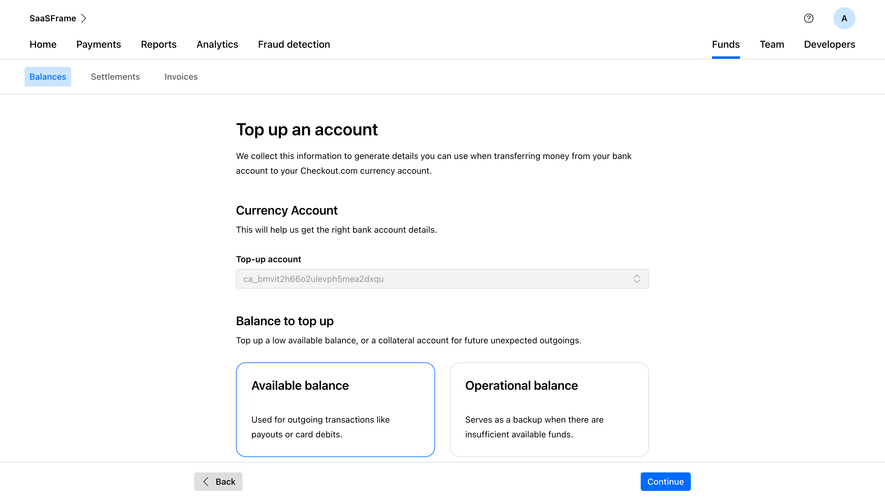
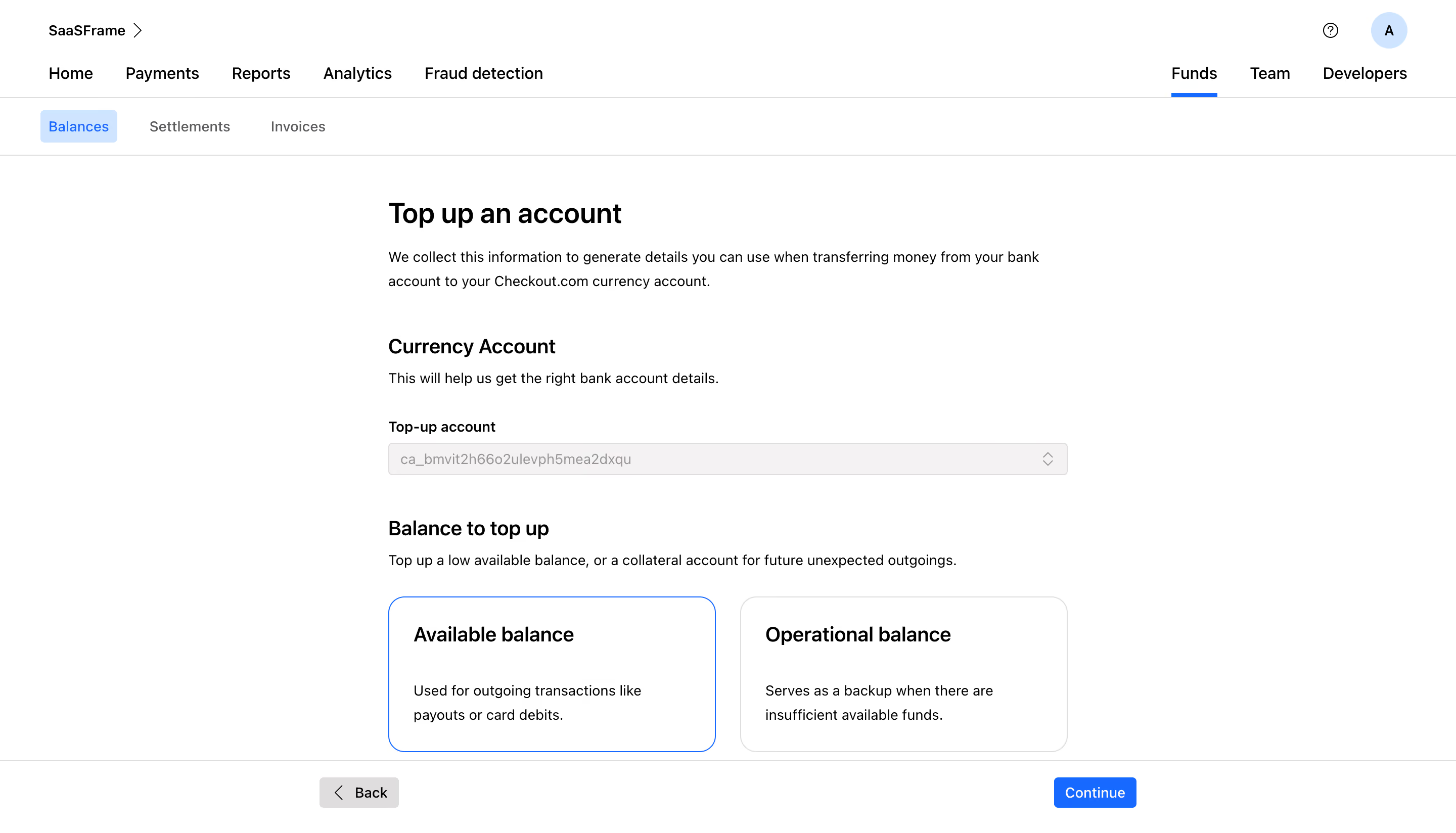
This is Checkout.com's top-up account screen, and it nails the step-by-step guidance without feeling patronizing. The hierarchy is immediately clear. Bold section headers like "Currency Account" and "Balance to top up" break the page into digestible chunks. You always know where you are.
Smart Use of Cards as Selection
The two balance option cards steal the show. "Available balance" is selected with a crisp blue border, while "Operational balance" sits quietly in a neutral outline. The descriptions underneath each card actually help users make a decision. That's thoughtful UX, not just decoration. The subtle up/down chevron on the dropdown feels native and unforced.
Restrained but Effective
Typography is system-level clean. Plenty of white space keeps things breathable. The sticky footer with "Back" and a blue "Continue" button anchors the whole flow. No distractions in the nav either. Tabs like Balances, Settlements, and Invoices stay minimal. The whole page feels like it respects your time. Really solid enterprise product design that doesn't overcomplicate things.
.webp)




.avif)