No items found.
Subject
Category
Patterns
No items found.
Tech Stack
No items found.
Added on
April 29, 2024
Found in 0 flow
No items found.

Upgrade to SaaSFrame Pro now to see similar examples.

Monthly

$14 /month

Billed $14 monthly
Browse all screens & flows
Filter and search screens & flows
Bookmark items
Access Figma files
Access mobile versions
Join now

Quarterly

$12 /month

Billed $36 quarterly
Browse all screens & flows
Filter and search screens & flows
Bookmark items
Access Figma files
Access mobile versions
Join now

Yearly

$10 /month

Billed $120 yearly
Browse all screens & flows
Filter and search screens & flows
Bookmark items
Access Figma files
Access mobile versions
Join now

Biggest SaaS library.

Browse website pages, product interfaces and emails from a growing library of hundreds of SaaS.

Desktop & mobile versions.

Switch from desktop to mobile versions to see how the best designers make websites responsive.
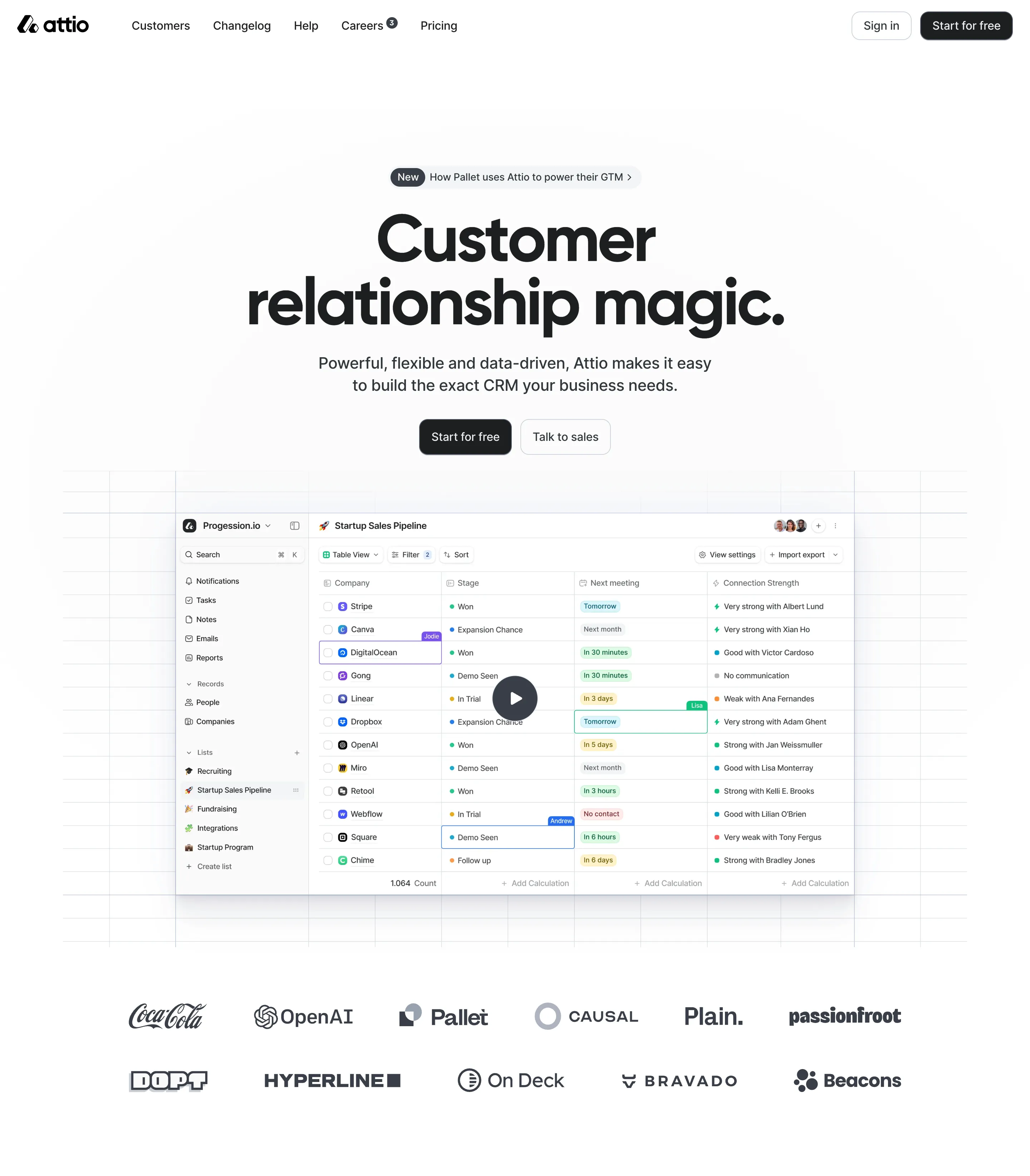
Access the Figma files.

You like a design? Download the Figma file of any website page you see on SaaSFrame.

Advanced filtering.

Use filters to find the design or copywriting inspiration that you need in seconds.
Thank you! Your submission has been received!
Oops! Something went wrong while submitting the form.

Let it flow.

Discover the user journey of the best SaaS with interfaces organized in flows.
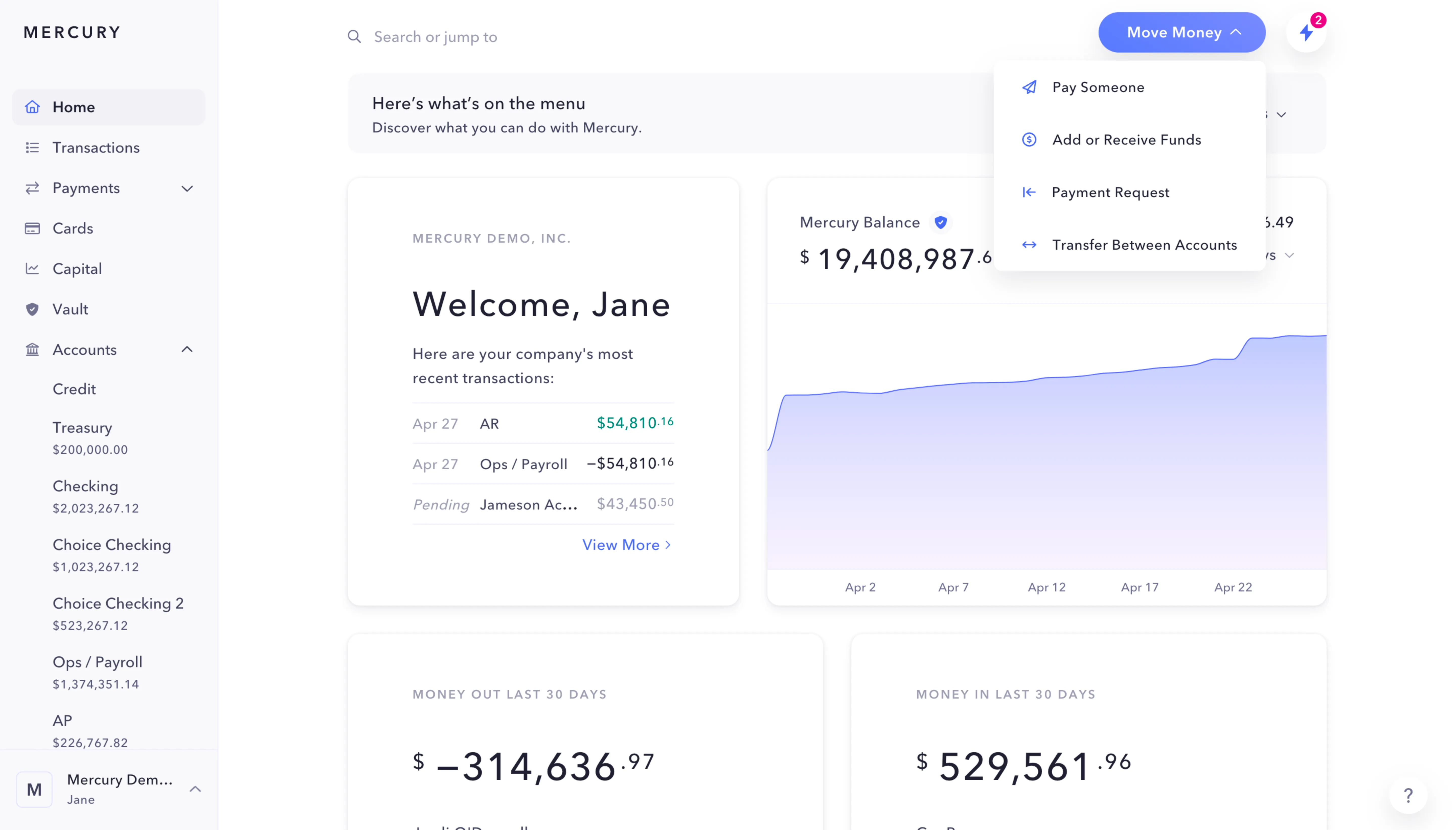
Save design inspirations.

Bookmark screens and flows so you can find them any time you need it.
โŒ˜
B
BOOKMARK DESIGN
Start your design
research
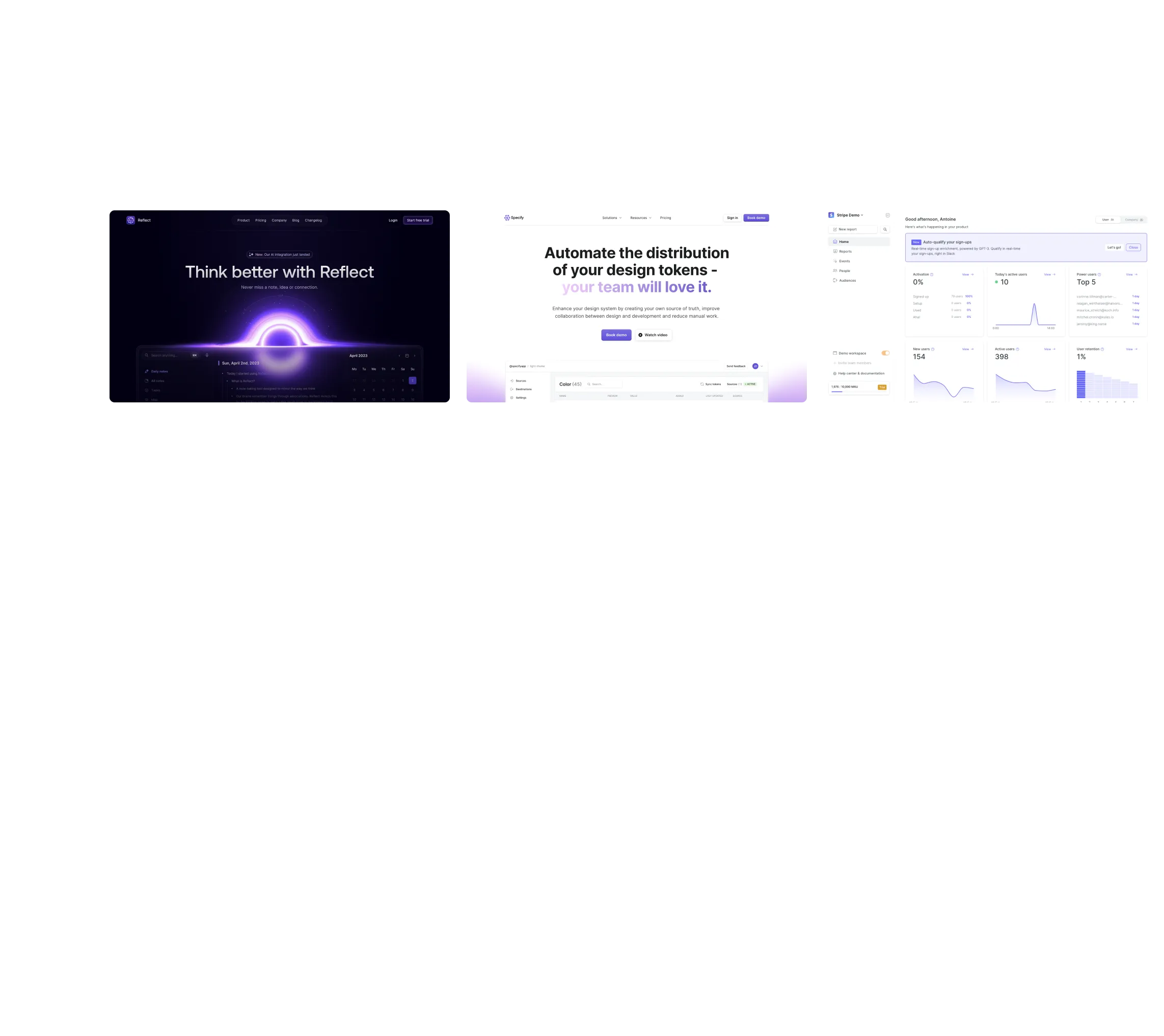
Three website screenshots showing a design tool and distribution dashboard for design tokens, promoting ease and automation.

How do you process payment?

SaaSFrame subscriptions are sold on Lemon Squeezy, a secured online selling platform for creators.

What about future updates and versions?

SaaSFrame gets updated all the time! Every new update and version will immediately be made available to all SaaSFrame users.

Can you send me an invoice?

You can generate an invoice on your Lemon Squeezy portal once you purchased SaaSFrame. You will find the link in the order confirmation email.

How can I cancel my membership subscription?

You can cancel your membership subscription at any moment on your profile page.โ€

Can I get a refund?

If you're not satisfied, you can ask for a refund within 7 days. Just send me an email at antoine[at]unmake[dot]io

I have another question.

You can send me an email at antoine[at]unmake[dot]io, I'll be happy to help with any questions.

No items found.

Wise Pricing Page Structure

Overall Style and Aesthetic

Wiseโ€™s pricing page embodies a crisp, modern minimalism underscored by a trustworthy, professional tone. The design is refreshingly straightforward: uncluttered spaces, clean lines, and a visually calming interface that projects confidence and transparency. Bright, friendly colors infuse the page with energy, while extensive white space ensures information remains digestible and approachable.

Layout and Structure

Content is arranged intuitively, leading with a compact hero header framing the question, โ€œHow much does Wise cost?โ€ Immediately beneath, a sticky calculator module lets users simulate costs live, inviting interaction on arrival. Below, pricing details unfold via clear tables and explanatory text blocks, while country selection banners streamline currency queries. No testimonials clutter the screen, keeping focus squarely on transparency in pricing.

Visual Elements

Custom icons, subtle SVG patterns, and simple micro-animations, like expanding info dropdowns, punctuate the design. Visual aids subtly direct focusโ€”for instance, calculator inputs and results use bolder weights and gentle accent colors. Illustrations are sparse and purposeful, reinforcing clarity rather than distracting.

Color Palette and Typography

A signature blue-green gradient carries through backgrounds and interactive states, balanced by deep navy and grayscale type. Typography leverages modern sans-serifsโ€”large, bold headers establish hierarchy, paired with highly legible body text for informative clarity.

User Experience Patterns

Navigation is minimal, with a sticky header for fast account access and a contained, mobile-responsive structure that flows seamlessly down the page. CTAs are prominent, contrasting with their backgrounds, and contextual help toggles expand inline, keeping users in the flow.

Unique or Notable Design Choices

Standout details include the persistent, interactive pricing calculator that remains sticky on mobile and desktop, ensuring users always have core functionality at hand. The tone is inviting but never overbearingโ€”every decision centers user trust and comprehension, making the experience both empowering and effortlessly intuitive.