SaaSFrame
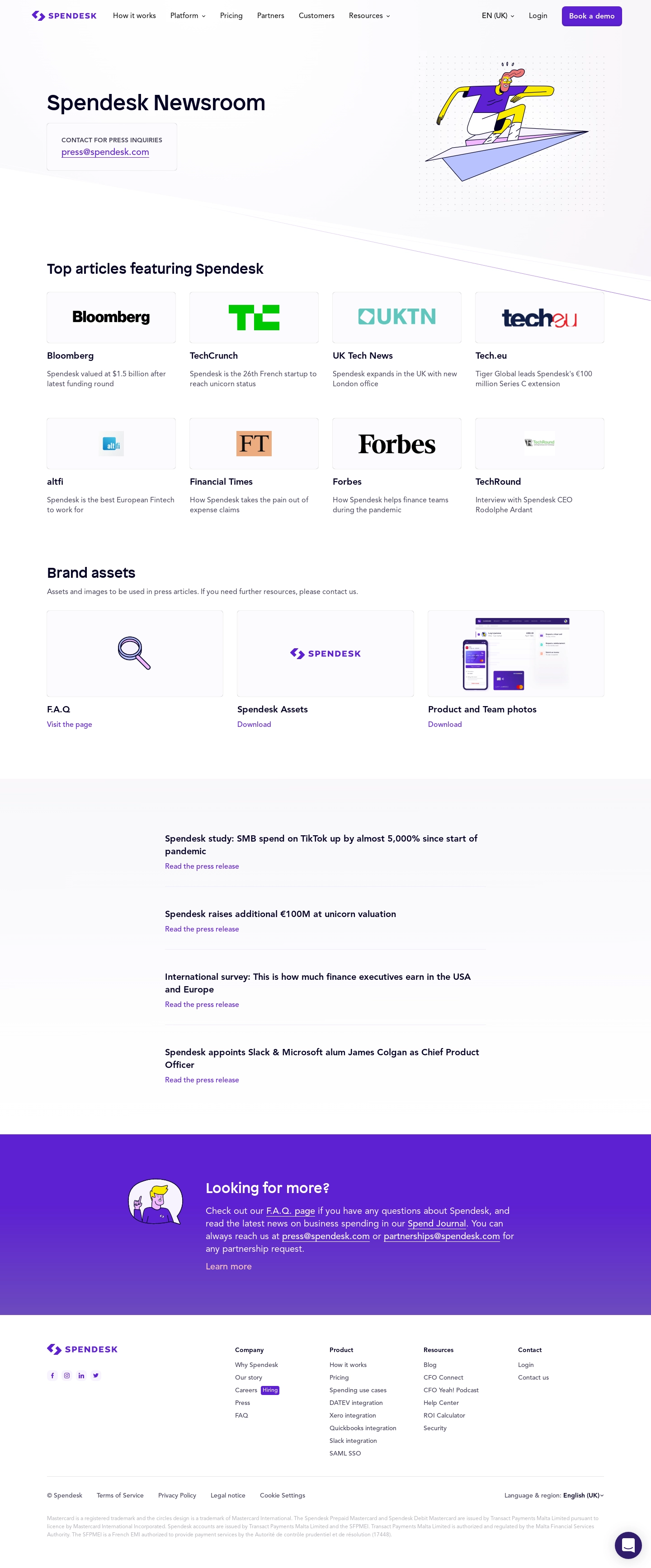
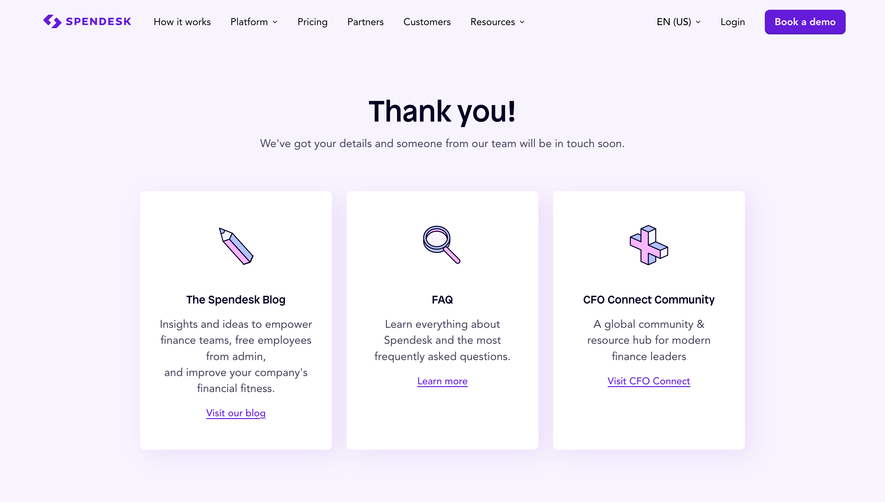
1. Header: The page features Spendesk's logo at the top left corner of the header followed by menu options that include Home, Product, Pricing, Resources, About Us, and Press. The top right corner of the header features a login button and language selector. 2. Page Title: The title of the page is "Spendesk in the Press" with a subtitle that reads "We're building the spending platform of tomorrow, and people are talking about it." 3. Headlines: This section is divided into two parts, the left-hand side featuring the most recent headlines mentioning Spendesk. The right-hand side features publication filters, including Business, Finance, Tech, HR, and Compliance. 4. Featured Articles: This section features a selection of Spendesk's most noteworthy press coverage. There are several articles highlighted, each with a clickable link that leads to the corresponding news source. 5. Press Releases: In this section, you'll find press releases about Spendesk's latest developments and partnerships. You can also filter releases according to their date of publication. 6. Press Kit: Spendesk's press kit contains useful resources for journalists, including logos, photos, and presentation decks. This section also has a downloadable press package that provides all of the information as an easy-to-read PDF. 7. Contact Us: At the bottom of the page, you'll find a contact form, allowing journalists to get in touch with the Spendesk team. The form includes fields for name, email address, and message contents. Overall, Spendesk's press page is well-organized and easy to navigate, ensuring that visitors can explore the platform's various press coverage and newsworthy developments.