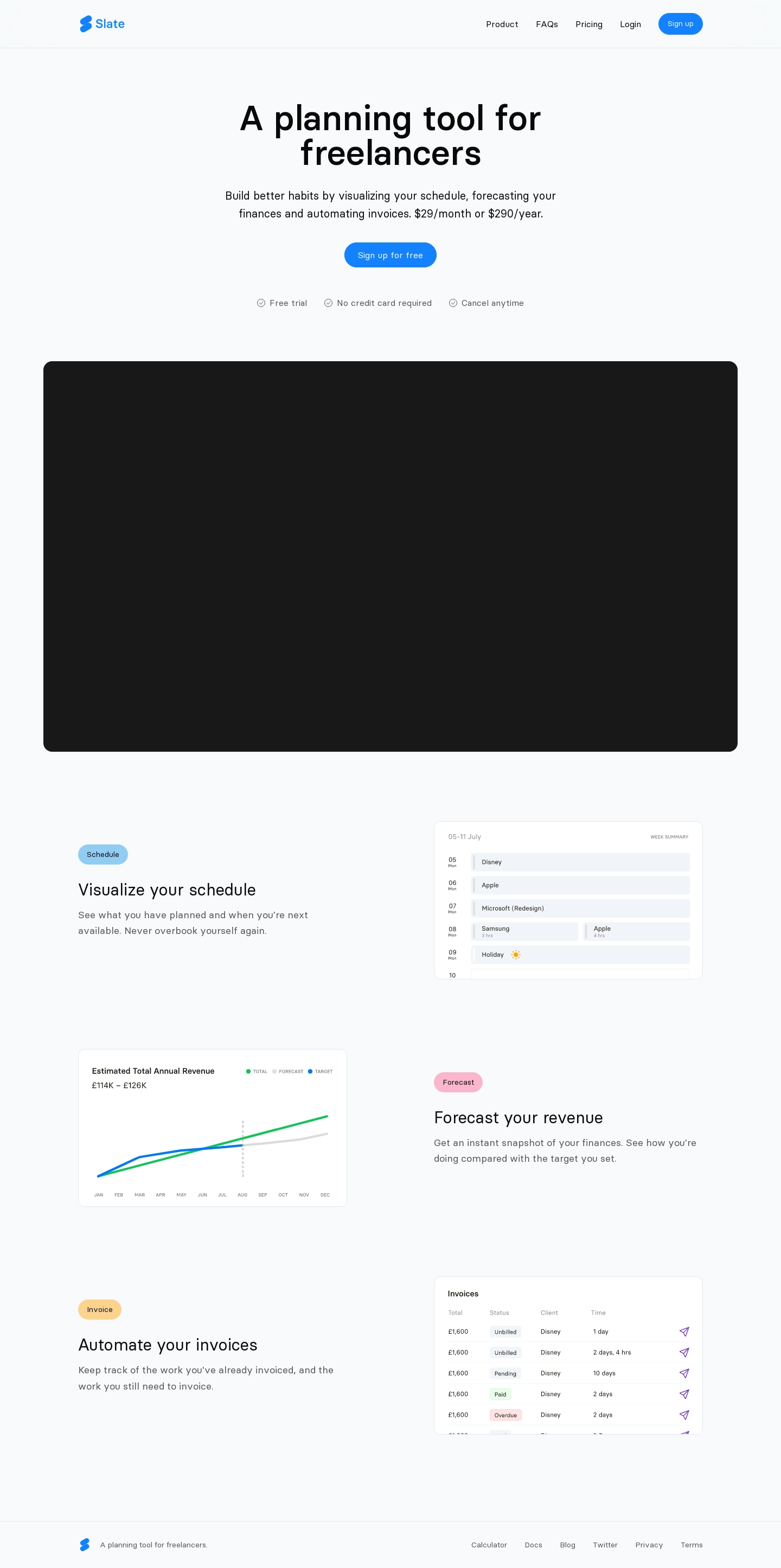
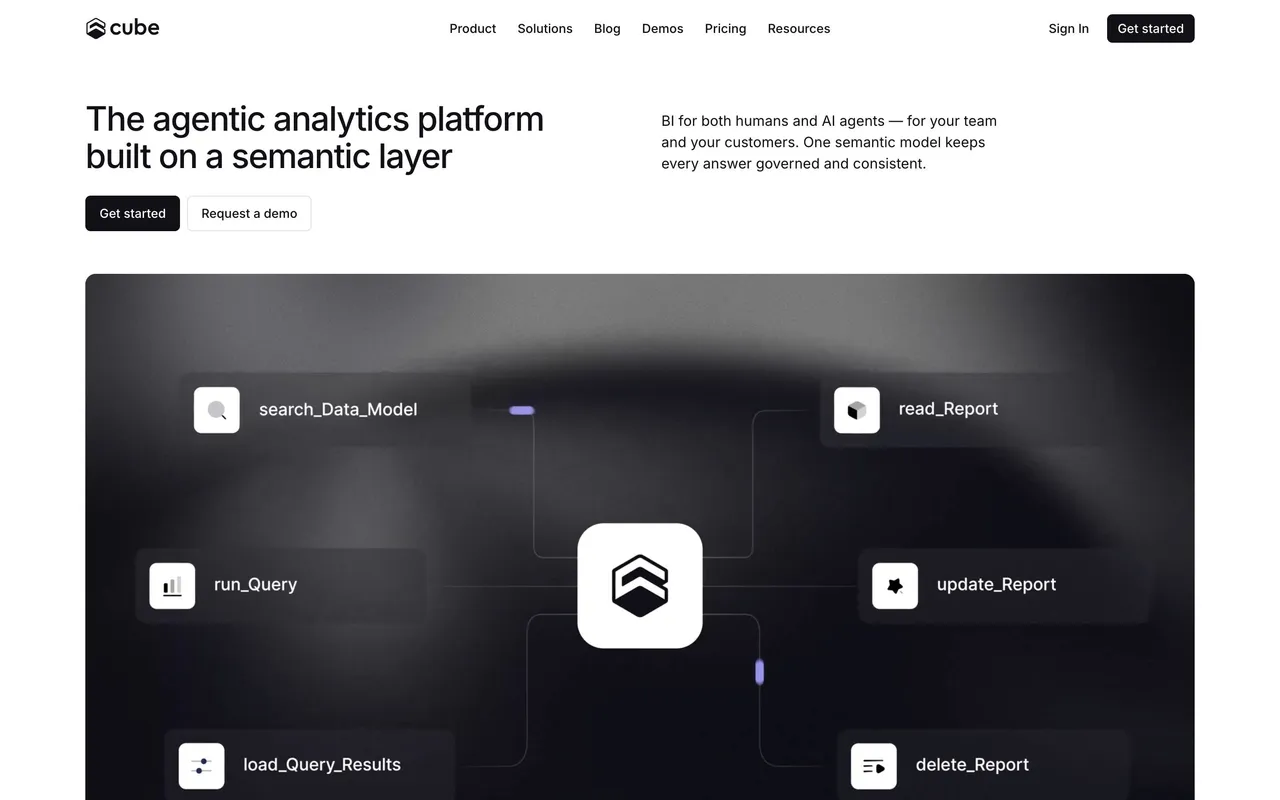
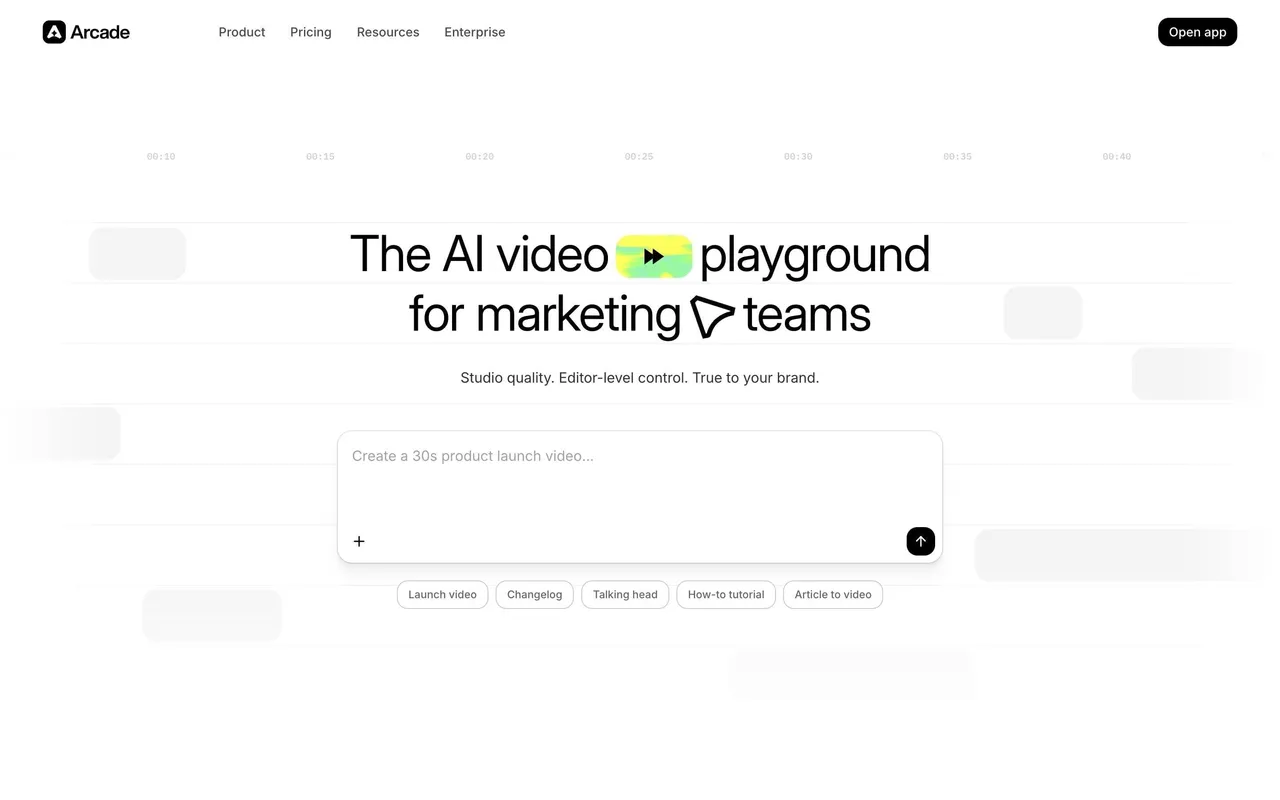
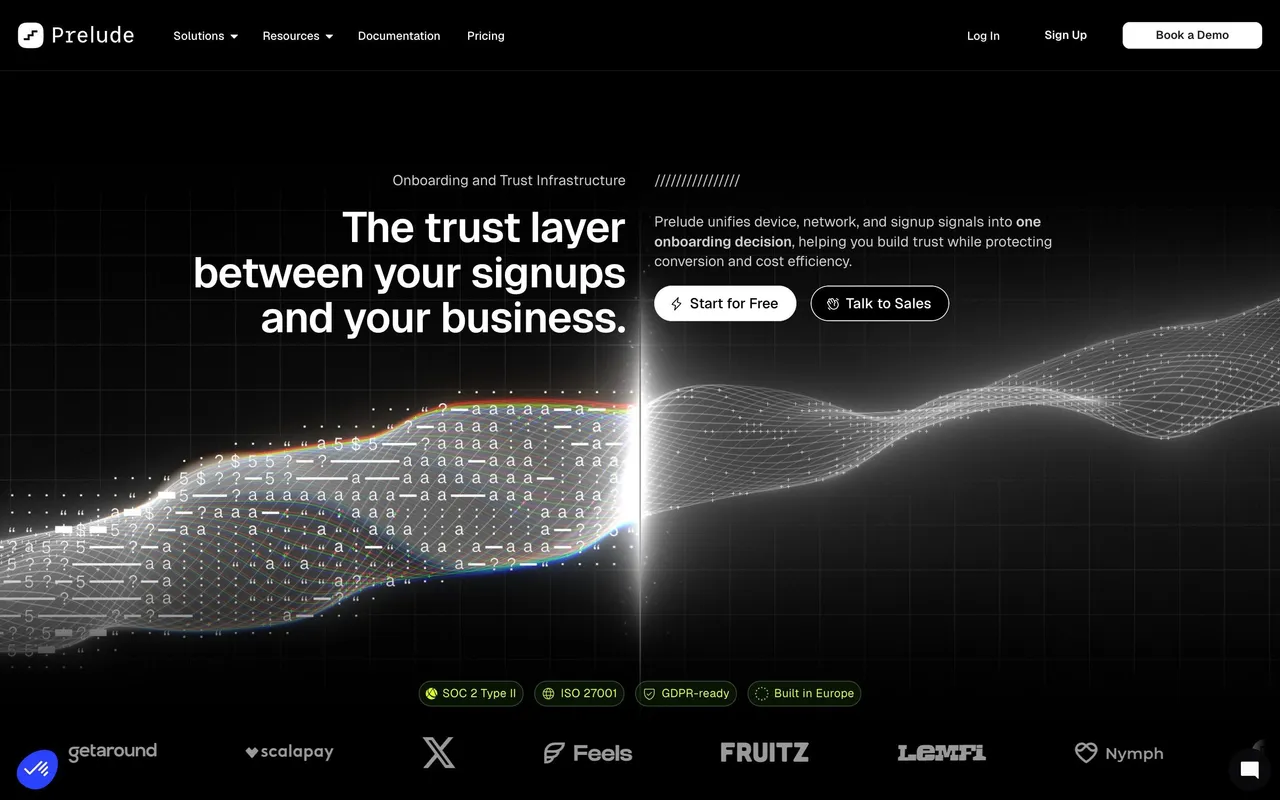
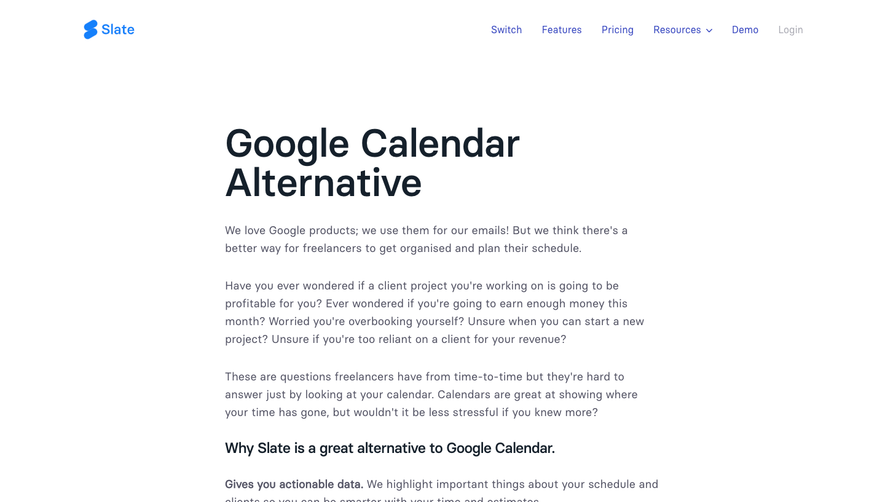
1. Header: The website has a top header section, which includes the HeySlate logo on the left and a hamburger menu on the right (used for mobile devices). 2. Hero section: The hero section follows after the header, and it contains a brief introduction of HeySlate, which explains what it is all about. 3. Features section: This section highlights the features of HeySlate, which include a writing assistant, document editor, and personalized coaching. Each feature has its own icon, a short description and a button leading to learn more. 4. Testimonials section: Here, some satisfied customers share their experience with using HeySlate, providing social proof of its effectiveness. 5. Pricing section: This section provides an overview of HeySlate's pricing plans. It allows users to choose from monthly or yearly subscriptions, and it highlights the benefits of each plan. 6. Help and support section: This section provides an easy way for users to get help if they need it. It includes a detailed FAQ, a contact form, and a live chat feature. 7. Footer: The website has a footer that contains links to important pages such as Terms of Service, Privacy Policy, and Copyright, as well as links to social media handles. Overall, HeySlate's website has a clean and simple design, making it easy to navigate, and the information is well-organized so that visitors can easily understand what HeySlate offers and how to get started.
 SaaSFrame