
Thank you! Your submission has been received!
Oops! Something went wrong while submitting the form.
Get SaaSFrame Pro
Monthly
$18
Quarterly
$48
Yearly
$180
Upgrade to access this feature
Browse all screens & flows
Filter and search screens & flows
Access Figma files
Access mobile versions
Bookmark screens & flows
Join now


Ruul Contact Page

Ruul
Worktech Solutions for Modern and Global Work
Designed by
No items found.

Bookmark
Bookmark

Design with AI
Thank you! Your submission has been received!
Oops! Something went wrong while submitting the form.
# Design from Reference: Ruul Contact Page
Create an original, high-fidelity visual design inspired by the reference. Prioritize composition, typography, colors, spacing, and component styling over technical implementation.
## Reference
- **Product:** Ruul
- **Category:** Contact Page
- **Screenshot:** https://cdn.prod.website-files.com/5e9dc792e1210c5325f7ebbc/6acb6c0d5391d62536b6712c_6acb6aafbaddc9f317df757e_cms-af00141053cadac50d836c94.webp
Analyze the screenshot first. If inaccessible, request it rather than guessing.
## Content
{{content.instructions}}
{{content.data}}
Preserve essential messaging and factual accuracy. Adapt structure and copy length for visual balance; never invent product claims.
## Visual Design
### Overall aesthetic
- **Character:** Bold green contact page with deep-teal typography, pale blue form/cards and rounded geometric branding.
- **Visual language:** Large friendly headings, thin teal outlines and pastel financial-product illustrations create a cohesive service brand.
- **Scale:** The source image is 2880 × 5600 px. Dimensions below estimate a 1440 × 2800 CSS layout at 2× scale; device ratio and zoom are unverified.
### Page composition
- **Header:** A mint-green navigation bar contains the wordmark, five menu groups and login/signup actions, with a thin bottom rule.
- **Contact region:** A large green band uses two columns: left eyebrow/title/copy and two resource cards, right a tall pale-blue contact form.
- **Trust line:** A thin rule and compact rating line sit below the left resource cards.
- **Secondary conversion:** A white section centers a large two-line growth heading, supporting paragraph, two audience-specific buttons and another rating line.
- **Illustration band:** A wide rounded dark-green frame contains pastel invoice/account product drawings.
- **Footer:** A dark-teal block contains logo and five link groups, then a divider, legal links and circular social controls.
### Information hierarchy
- **Contact task:** A small uppercase eyebrow precedes the large Contact us heading. The form offers name, email and message fields with required markers.
- **Alternate destinations:** Support and blog cards provide distinct self-service paths beneath the introduction.
- **Submission:** A full-width dark-green Send action follows verification; no submitted or success state is visible.
- **Conversion:** Talent and business buttons distinguish audiences in the lower marketing section.
- **Trust:** Small rating lines supplement the main content without dominating the composition.
### Typography
- **Family:** Rounded geometric sans-serif; exact identity is unverified.
- **Display headings:** Approximately 76–80 CSS px with generous but compact multiline leading and medium-to-bold weight.
- **Body:** Around 20–21 px with 34–36 px leading in prominent copy; resource-card text is smaller.
- **Form:** Labels are approximately 13–14 px; placeholder text around 15 px.
- **Small roles:** Uppercase eyebrows use expanded tracking. Footer links and button labels are about 15–16 px.
### Colors & surfaces
- **Measured palette:** ICC-aware sRGB sampling yields dark teal #003F39, mint #BBFFC1 and pale blue #F4F8FF.
- **Measured secondary colors:** Peach #FFBDAA, cream #FFF0C5 and #FFF0C9 appear within the lower illustration.
- **Base:** #FFFFFF defines the central conversion section.
- **Contrast:** Dark teal text/outlines unify green and pale-blue areas; buttons invert to light text on teal.
- **Depth:** Components use thin outlines and moderate corners with little pronounced shadow.
### Components
- **Resource cards:** Two equal pale-blue outlined rectangles have circular abstract icons, bold titles and short descriptions.
- **Contact form:** A pale-blue rounded outlined panel uses about 40 px padding and three stacked labeled controls. Name/email fields include blue outline icons; message is a taller textarea.
- **Verification/action:** A CAPTCHA widget sits above a thin rule and full-width Send button.
- **Header actions:** Light outlined login and dark signup buttons use small corners.
- **Audience buttons:** One filled teal and one pale outlined button sit side by side below the conversion copy.
- **Product artwork:** Rounded pastel panels depict currency/account controls and invoices with avatars, fine teal rules and abstract star/ring decoration.
- **Social controls:** Four mint circles with teal icons align in the footer's lower right; a small chat symbol floats nearby.
### Visual rhythm
- **Container:** Content aligns to broad centered margins of about 100 CSS px.
- **Column balance:** Left contact resources and right form have similar visual weight despite different structures.
- **Internal spacing:** Form controls have generous vertical gaps; resource cards use compact icon/title/body stacks.
- **Section rhythm:** Saturated green, white conversion, illustrated strip and dark footer create clear color milestones.
- **Whitespace:** Large pauses around the conversion headline and artwork prevent the contact form from dominating the entire page.
### Responsive
- **Evidence limit:** Only desktop is shown; recommendations follow.
- **Contact:** Stack introduction/resources above the form with fluid-width controls.
- **Display type:** Reduce oversized headings while preserving natural line breaks.
- **Cards/actions:** Stack resource cards and audience buttons where necessary.
- **Footer/artwork:** Wrap link groups and simplify the product illustration crop on small screens.
### Adaptation guidance
- **Reusable pattern:** Offer direct contact alongside self-service resources, then a clearly separated audience conversion section.
- **Visual system:** Reuse teal outlines and mint/pale-blue surfaces for a consistent friendly brand.
- **Form clarity:** Keep required markers, accessible labels and explicit submission feedback.
- **Accessibility:** Ensure CAPTCHA alternatives, keyboard focus and adequate contrast; label social and chat icons.
Use this context to reproduce the reference's visual language: layout, typography, colors, spacing, borders, radii, and distinctive elements. The screenshot takes priority if descriptions conflict.
## Direction
{{preferences.fidelityInstructions}}
## Output
{{output.instructions}}
Deliver a polished, cohesive design with precise alignment, hierarchy, and spacing. Produce the requested visual artifact, not just a description. If unsupported, explain the limitation.


Category
Patterns
No items found.



Added on
May 3, 2023
Similar screens
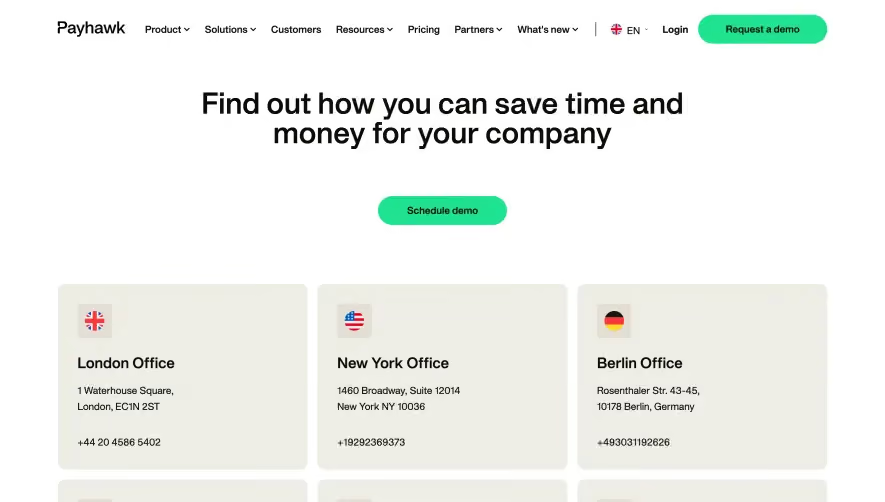


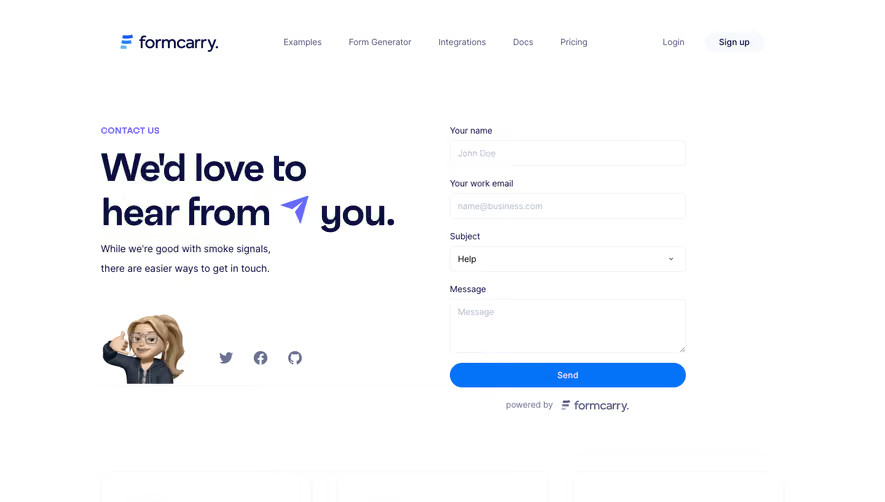

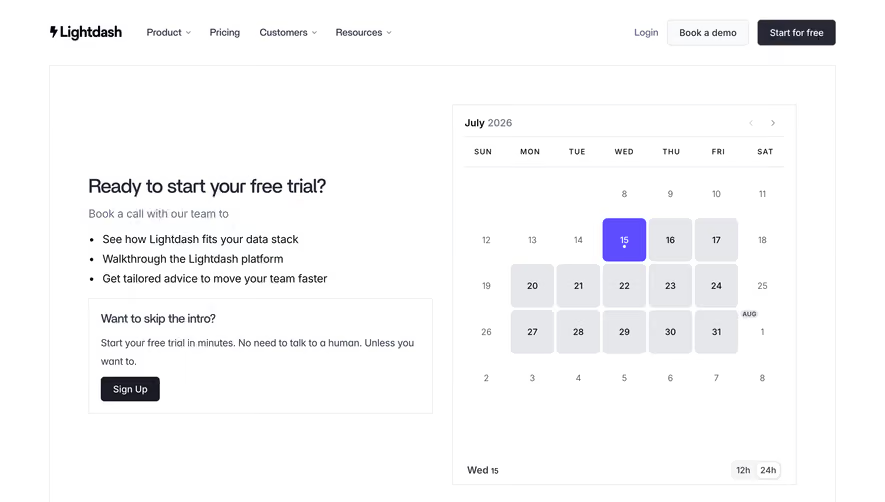

Upgrade to SaaSFrame Pro now to see similar examples.
Monthly
$18 /month
Billed $18 monthly
Browse all screens & flows
Filter and search screens & flows
Search text in screenshots
Access Figma files
Access mobile versions
Join now
Quarterly
$16 /month
Billed $48 quarterly
Browse all screens & flows
Filter and search screens & flows
Search text in screenshots
Access Figma files
Access mobile versions
Join now
Yearly
$15 /month
Billed $180 yearly
Browse all screens & flows
Filter and search screens & flows
Search text in screenshots
Access Figma files
Access mobile versions
Join now