Livestorm Integrations

Livestorm

Video Conferencing
No items found.
Subject
Patterns
Tech Stack
No items found.
Added on
April 25, 2020
Found in 0 flow
No items found.

Upgrade to SaaSFrame Pro now to see similar examples.

Monthly

$14 /month

Billed $14 monthly
Browse all screens & flows
Filter and search screens & flows
Bookmark items
Access Figma files
Access mobile versions
Join now

Quarterly

$12 /month

Billed $36 quarterly
Browse all screens & flows
Filter and search screens & flows
Bookmark items
Access Figma files
Access mobile versions
Join now

Yearly

$10 /month

Billed $120 yearly
Browse all screens & flows
Filter and search screens & flows
Bookmark items
Access Figma files
Access mobile versions
Join now

Biggest SaaS library.

Browse website pages, product interfaces and emails from a growing library of hundreds of SaaS.

Desktop & mobile versions.

Switch from desktop to mobile versions to see how the best designers make websites responsive.
Access the Figma files.

You like a design? Download the Figma file of any website page you see on SaaSFrame.

Advanced filtering.

Use filters to find the design or copywriting inspiration that you need in seconds.
Thank you! Your submission has been received!
Oops! Something went wrong while submitting the form.

Let it flow.

Discover the user journey of the best SaaS with interfaces organized in flows.
Save design inspirations.

Bookmark screens and flows so you can find them any time you need it.
โŒ˜
B
BOOKMARK DESIGN
Start your design
research
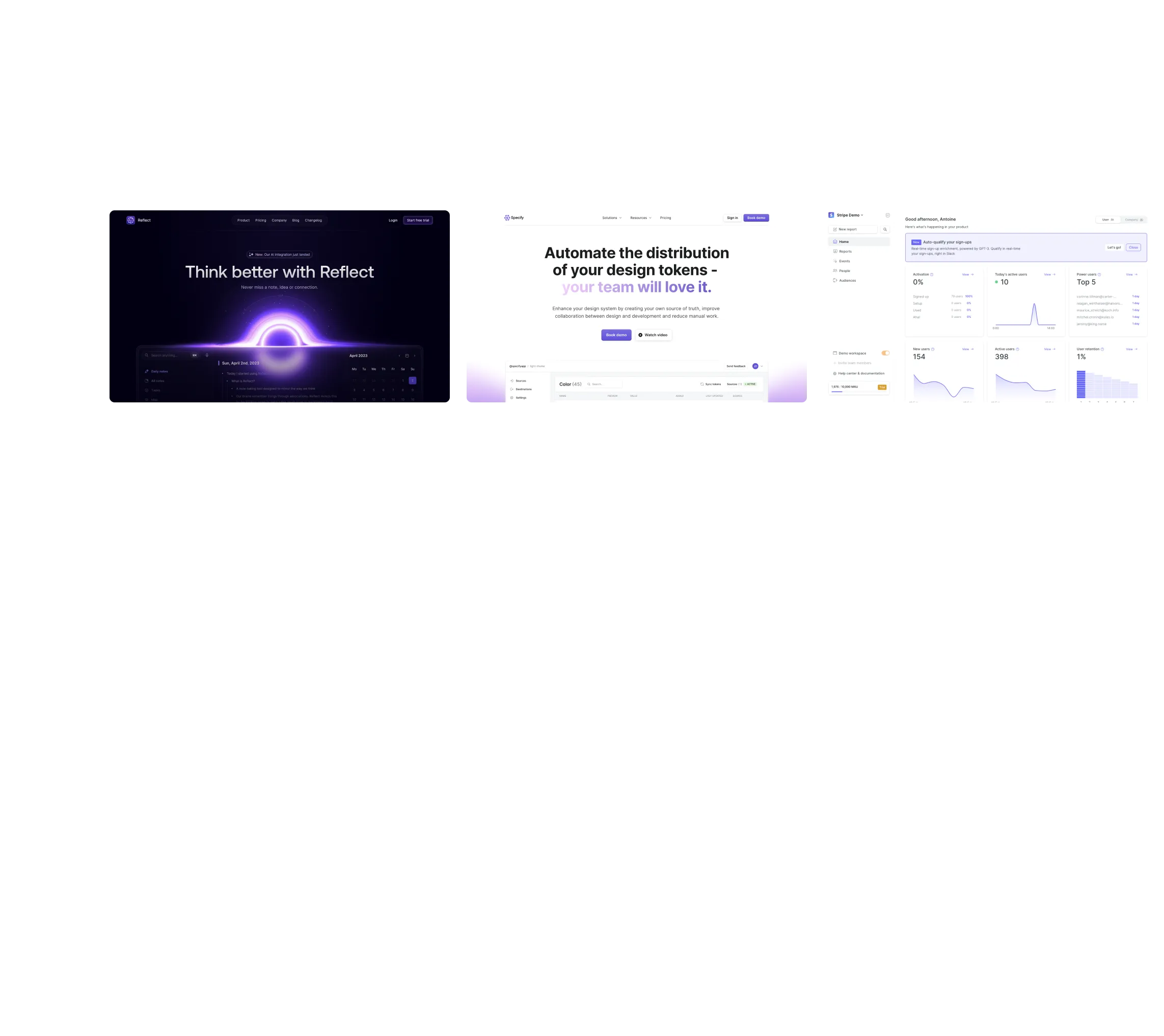
Three website screenshots showing a design tool and distribution dashboard for design tokens, promoting ease and automation.

How do you process payment?

SaaSFrame subscriptions are sold on Lemon Squeezy, a secured online selling platform for creators.

What about future updates and versions?

SaaSFrame gets updated all the time! Every new update and version will immediately be made available to all SaaSFrame users.

Can you send me an invoice?

You can generate an invoice on your Lemon Squeezy portal once you purchased SaaSFrame. You will find the link in the order confirmation email.

How can I cancel my membership subscription?

You can cancel your membership subscription at any moment on your profile page.โ€

Can I get a refund?

If you're not satisfied, you can ask for a refund within 7 days. Just send me an email at antoine[at]unmake[dot]io

I have another question.

You can send me an email at antoine[at]unmake[dot]io, I'll be happy to help with any questions.

Livestorm Integrations Structure

Overall Style and Aesthetic

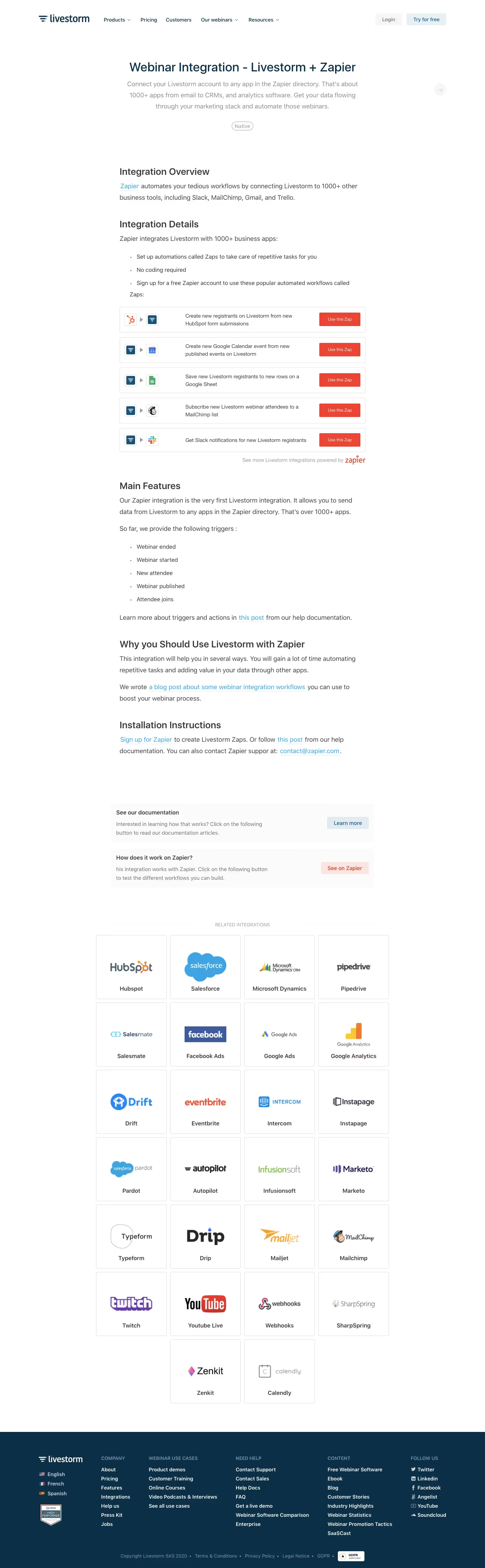
Livestormโ€™s Webinar Integrations page exemplifies a clean, modern SaaS aesthetic with professional undertones, using whitespace strategically to create a sense of openness and clarity. The interface balances a minimalist approach with vibrant accents, projecting both credibility and approachability without visual clutter.

Layout and Structure

The layout follows a classic SaaS structure, beginning with a compelling hero section that instantly communicates value through a clear headline, subheading, and a visually impactful, interactive integration grid. Scrolling reveals well-defined sections: feature highlights, integration categories, customer testimonials, and a CTA-driven footer. This predictable yet fluid arrangement ensures visitors never feel lost and directs attention to conversion points.

Visual Elements

Livestorm leans into custom illustrations, dynamic integration icons, and subtle UI animations that enliven the experience without overwhelming the user. Icons for each partner integration are visually consistent, making scanning easy. Testimonial blocks leverage authentic avatar photos to build trust and relatability.

Color Palette and Typography

The site utilizes a primarily white background punctuated by a signature deep blue, energetic teals, and fresh greens for accent and CTAsโ€”fostering a mood thatโ€™s reliable yet innovative. The modern sans-serif font family (clean, likely Inter or similar) delivers clarity and a straightforward hierarchy: bold headlines, easy-to-read body text, and clear call-to-action buttons.

User Experience Patterns

Sticky navigation, crisp section dividers, and animated CTA buttons streamline the journey. Integrations are filterable, allowing quick, intuitive access. Microinteractions, like hover effects on integration cards, offer immediate feedback, while uncluttered forms encourage conversions without friction.

Unique or Notable Design Choices

The standout: a hero grid of integration partners, immediately interactive and visually loaded, engaging users from the outset. The unified, branded iconography for integrations amplifies cohesion. The tone throughout is confident and innovative, fostering immediate trust and excitement for SaaS-savvy visitors seeking inspiration.