No items found.
Subject
Category
Patterns
No items found.
Tech Stack
Added on
April 9, 2024
Found in 1 flow

Upgrade to SaaSFrame Pro now to see similar examples.

Monthly

$14 /month

Billed $14 monthly
Browse all screens & flows
Filter and search screens & flows
Bookmark items
Access Figma files
Access mobile versions
Join now

Quarterly

$12 /month

Billed $36 quarterly
Browse all screens & flows
Filter and search screens & flows
Bookmark items
Access Figma files
Access mobile versions
Join now

Yearly

$10 /month

Billed $120 yearly
Browse all screens & flows
Filter and search screens & flows
Bookmark items
Access Figma files
Access mobile versions
Join now

Biggest SaaS library.

Browse website pages, product interfaces and emails from a growing library of hundreds of SaaS.

Desktop & mobile versions.

Switch from desktop to mobile versions to see how the best designers make websites responsive.
Access the Figma files.

You like a design? Download the Figma file of any website page you see on SaaSFrame.

Advanced filtering.

Use filters to find the design or copywriting inspiration that you need in seconds.
Thank you! Your submission has been received!
Oops! Something went wrong while submitting the form.

Let it flow.

Discover the user journey of the best SaaS with interfaces organized in flows.
Save design inspirations.

Bookmark screens and flows so you can find them any time you need it.
โŒ˜
B
BOOKMARK DESIGN
Start your design
research
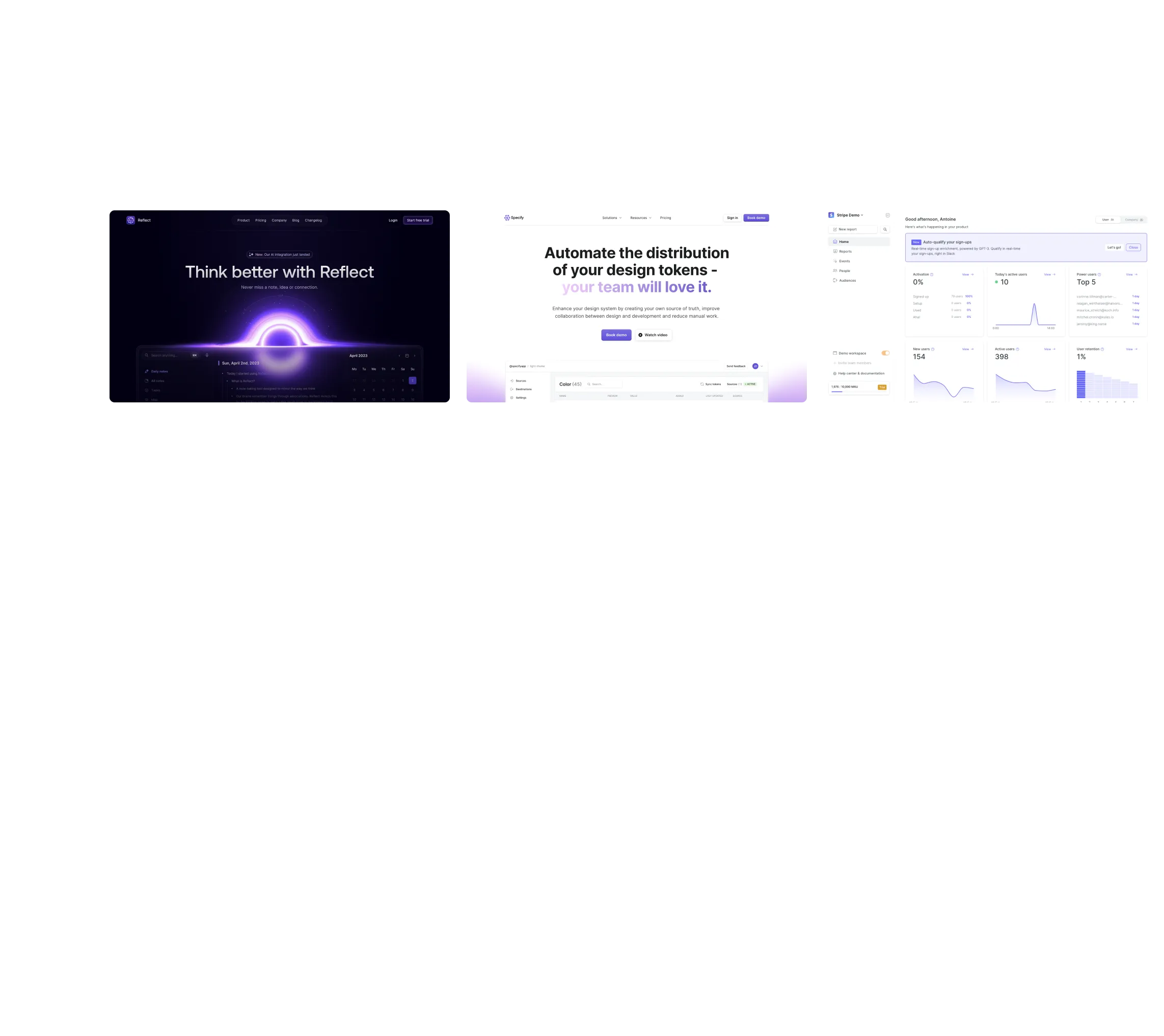
Three website screenshots showing a design tool and distribution dashboard for design tokens, promoting ease and automation.

How do you process payment?

SaaSFrame subscriptions are sold on Lemon Squeezy, a secured online selling platform for creators.

What about future updates and versions?

SaaSFrame gets updated all the time! Every new update and version will immediately be made available to all SaaSFrame users.

Can you send me an invoice?

You can generate an invoice on your Lemon Squeezy portal once you purchased SaaSFrame. You will find the link in the order confirmation email.

How can I cancel my membership subscription?

You can cancel your membership subscription at any moment on your profile page.โ€

Can I get a refund?

If you're not satisfied, you can ask for a refund within 7 days. Just send me an email at antoine[at]unmake[dot]io

I have another question.

You can send me an email at antoine[at]unmake[dot]io, I'll be happy to help with any questions.

No items found.

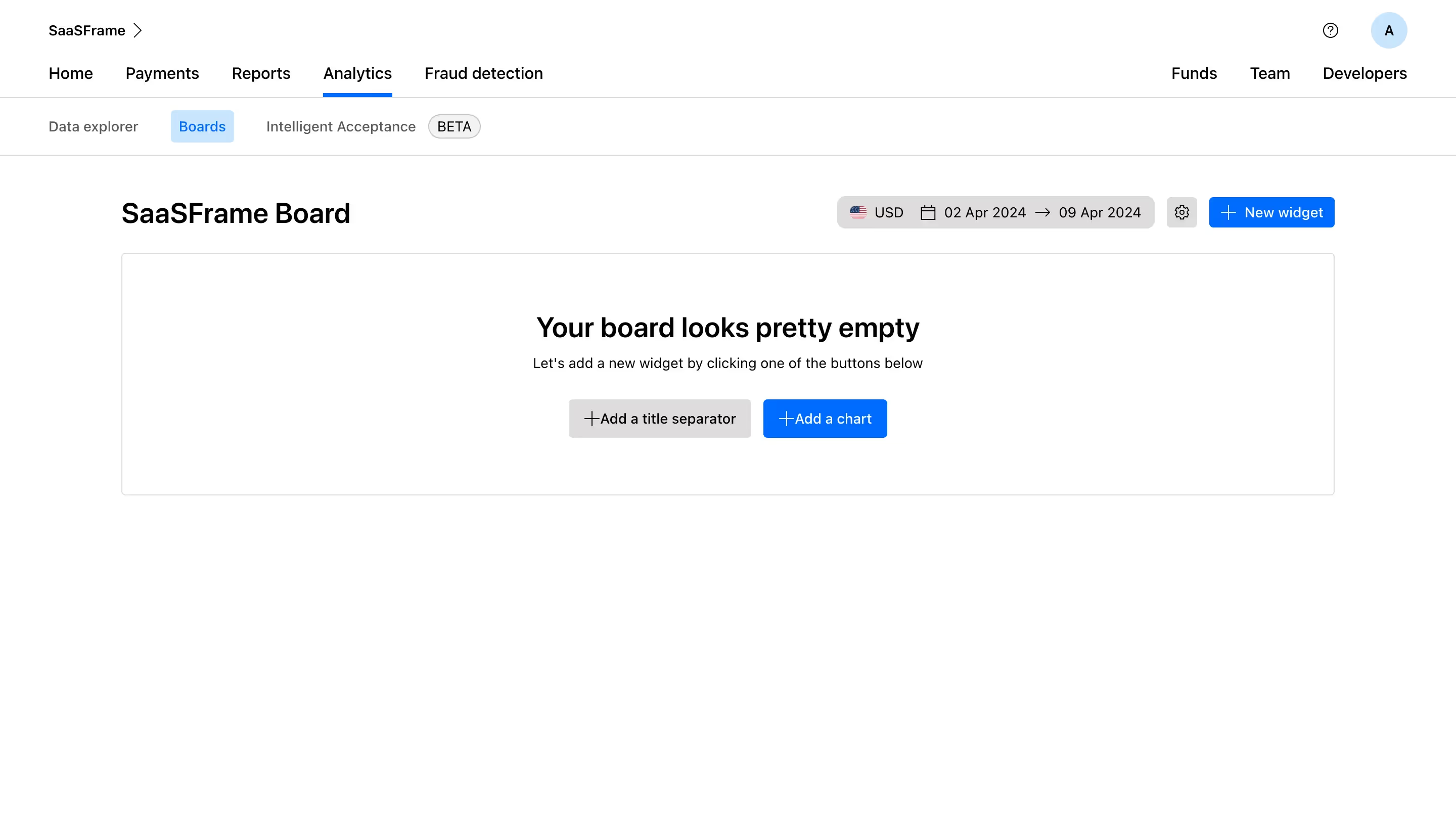
Checkout.com Empty New Board Structure

Overall Style and Aesthetic

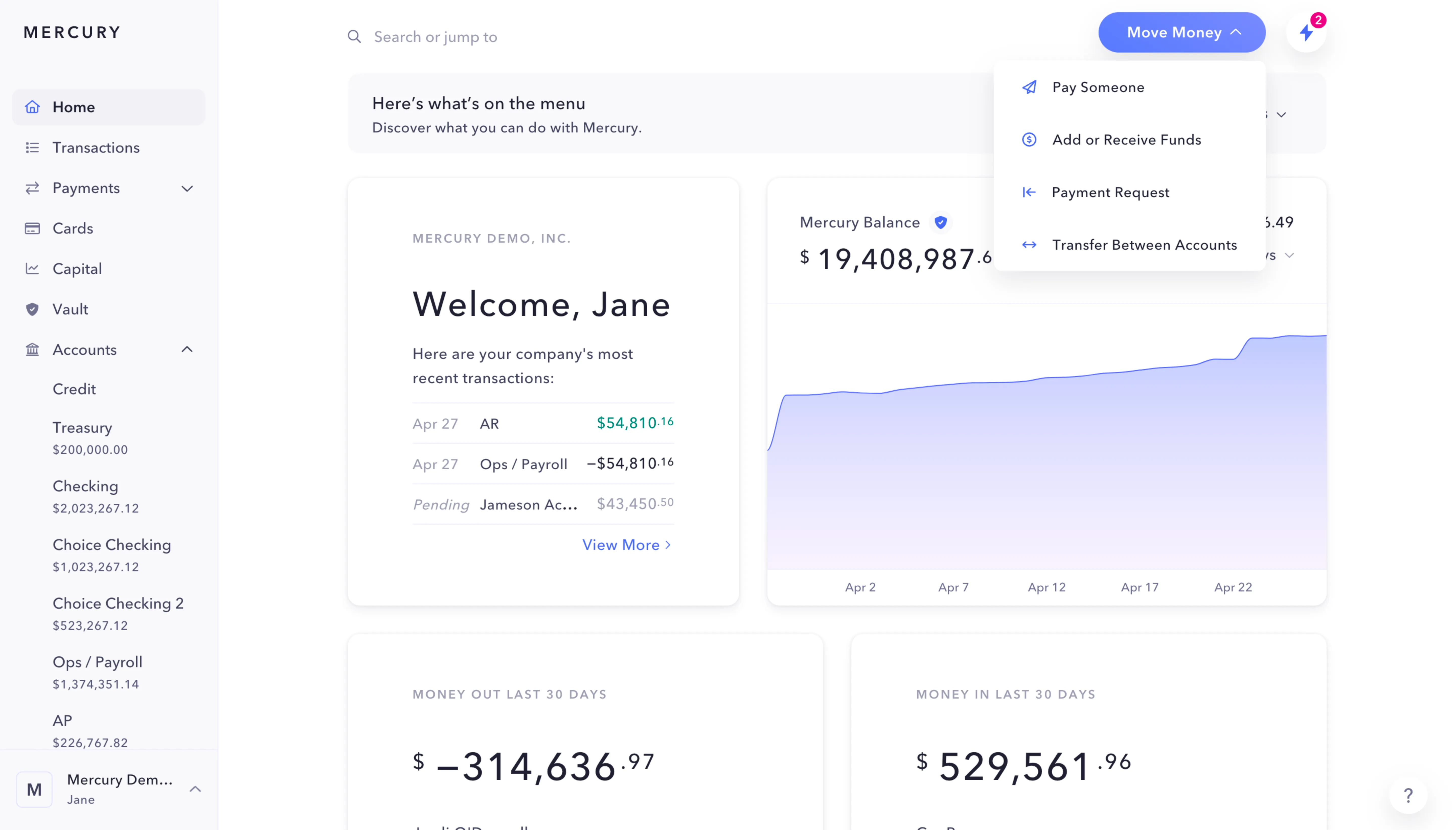
The Checkout.com Analytics Dashboard embraces a sleek, professional, and distinctly modern aesthetic. A minimalist, data-driven visual approach ensures the content is always front and center, with a restrained palette that exudes reliability and sophistication. The atmosphere feels calm and focused, prioritizing clarity and ease of interpretationโ€”values essential for financial and analytical tools.

Layout and Structure

This page is structured with a strong, horizontally split layout. The left sidebar features a persistent navigation menu, allowing users to jump between dashboard areas seamlessly. The main content area prioritizes high-density information display, including interactive charts and data widgets at the forefront. Thereโ€™s no traditional hero section; instead, the product demonstrates value immediately with actionable insights. A utility-focused header contains user profile and settings, while the page concludes with a minimal footer, avoiding distraction.

Visual Elements

Visual hierarchy is established through clean card-style containers, subtle drop shadows, and micro-interactions. Charts and analytics widgets are visually prominent, using subtle animation and bold accent colors to highlight key metrics. Delicate iconography supplements navigation and filter elements without overwhelming the interface, and thereโ€™s careful avoidance of unnecessary illustration or decorative imageryโ€”reinforcing the productโ€™s focus on usability.

Color Palette and Typography

A refined palette of cool grays bolstered by Checkout.comโ€™s vivid blue accents delivers immediate brand recognition. Typography uses sans-serif fonts for a crisp, digital-native look, utilizing progressive weights and size for effective information hierarchy. Headings and key metrics are strong and readable, while secondary text is understated and legible.

User Experience Patterns & Unique Choices

Navigation is intuitive: sticky menus, clear CTAs, and dynamic filtering empower self-service exploration. The interface remains performant and responsive, even when displaying dense data. Notably, the dashboard eschews unnecessary onboarding pop-ups, allowing confident users to dive straight into their insightsโ€”creating an experience that feels both empowering and trustworthy.