Generate a new design based on this screen using your own content.
Thank you! Your submission has been received!
Oops! Something went wrong while submitting the form.
# Design from Reference: Wise Choose Country
Create an original, high-fidelity visual design inspired by the reference. Prioritize composition, typography, colors, spacing, and component styling over technical implementation.
## Reference
- **Product:** Wise
- **Category:** Account Setup
- **Screenshot:** https://cdn.prod.website-files.com/5e9dc792e1210c5325f7ebbc/662fbf03f003e4188269be49_8SWcEviqKpUl8fTFJ91JRWXvkRttDID8yC40SS8sRuc.webp
Analyze the screenshot first. If inaccessible, request it rather than guessing.
## Content
{{content.instructions}}
{{content.data}}
Preserve essential messaging and factual accuracy. Adapt structure and copy length for visual balance; never invent product claims.
## Visual Design
Use this context to reproduce the reference's visual language: layout, typography, colors, spacing, borders, radii, and distinctive elements. The screenshot takes priority if descriptions conflict.
## Direction
{{preferences.fidelityInstructions}}
## Output
{{output.instructions}}
Deliver a polished, cohesive design with precise alignment, hierarchy, and spacing. Produce the requested visual artifact, not just a description. If unsupported, explain the limitation.
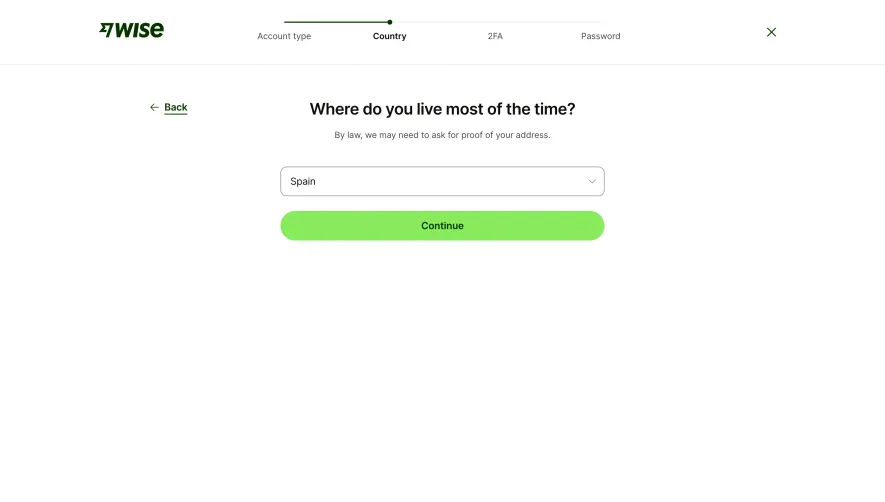
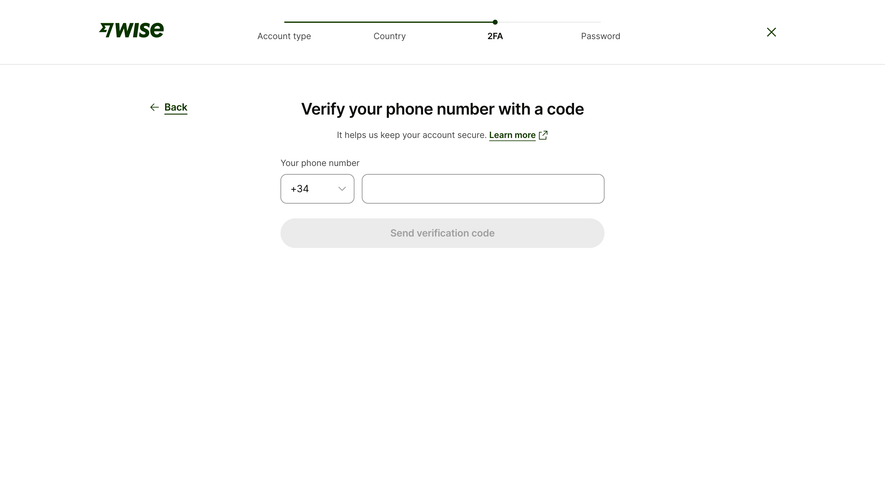
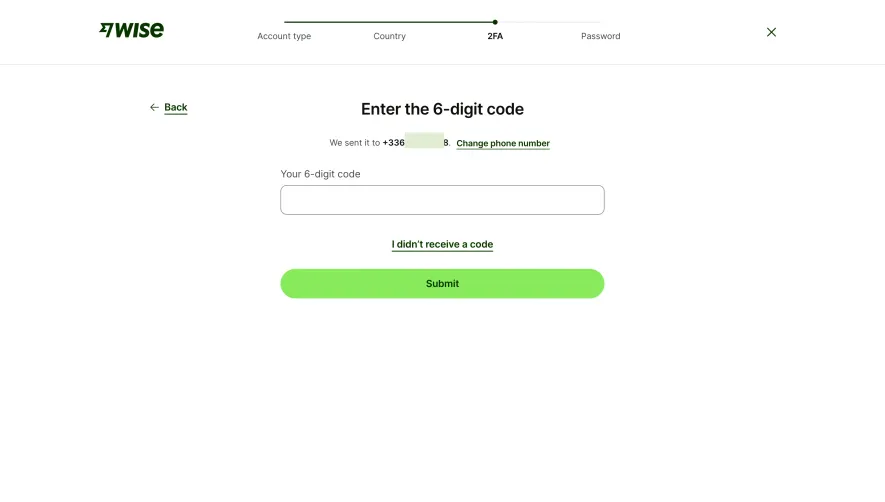
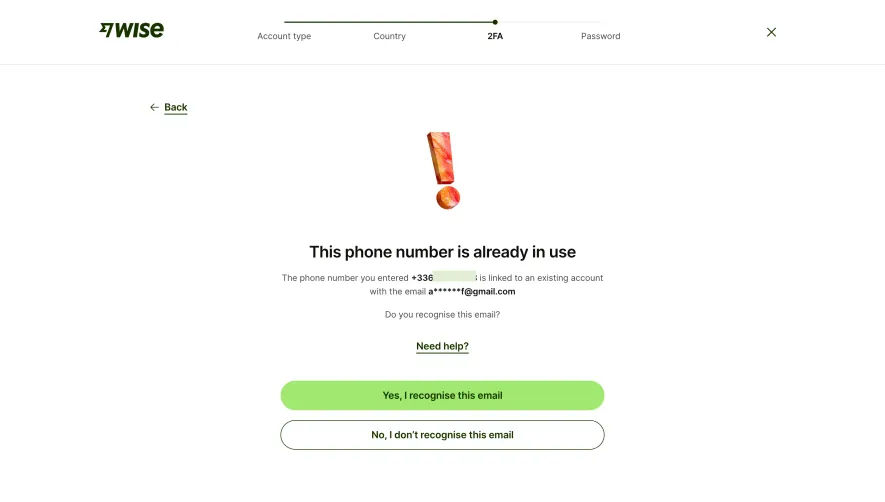
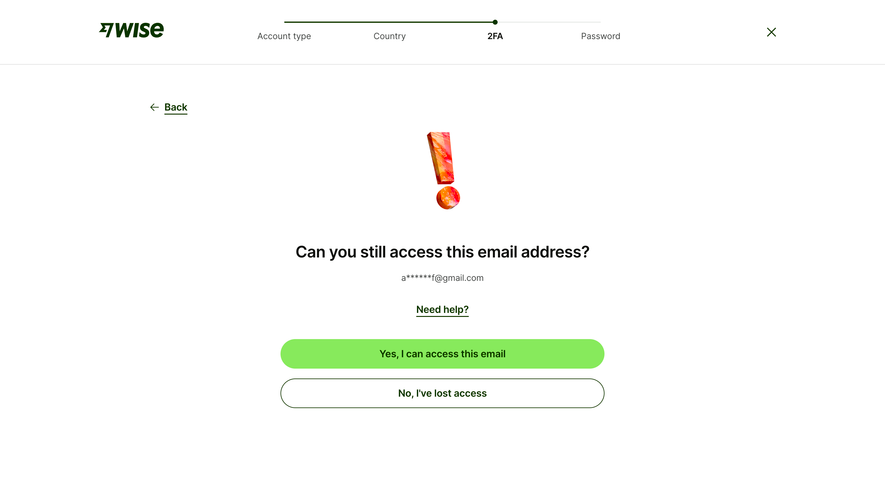
The progress bar at the top is doing all the heavy lifting here. Four clearly labeled steps: Account type, Country, 2FA, Password. You know exactly where you are and what's coming. That little green dot on step two is a small but effective touch.
One Question Per Screen Done Right
Wise nails the single-task pattern. One question. One dropdown. One button. No distractions. The heading "Where do you live most of the time?" is conversational and human, not robotic. The subtext about legal requirements adds transparency without cluttering the page. That bright green CTA button is impossible to miss and feels almost playful against the white space.
Typography and Spacing That Breathe
Everything is centered and generously spaced. The bold serif-ish heading contrasts well with the lighter body text. The "Back" link with its arrow sits quietly in the top left, never competing with the main action. Wise's dark green brand color keeps things grounded. This is a masterclass in reducing friction during onboarding. Nothing fancy, just extremely intentional.
.webp)





.avif)