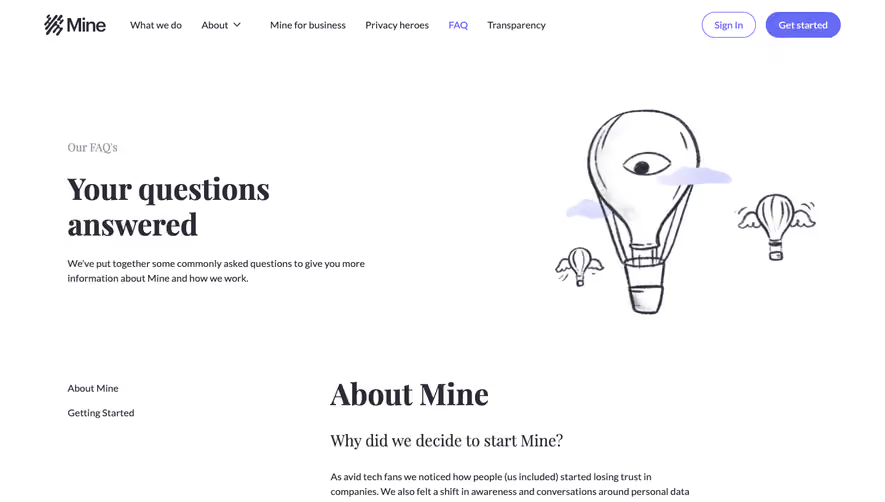
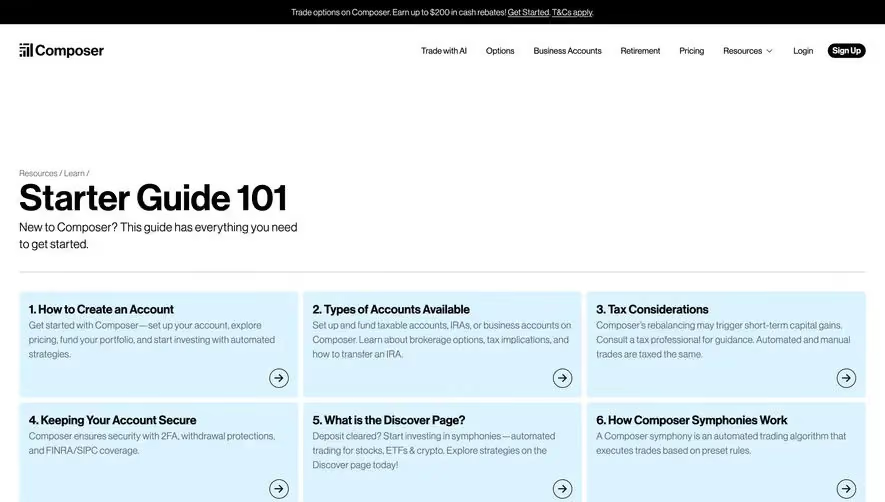
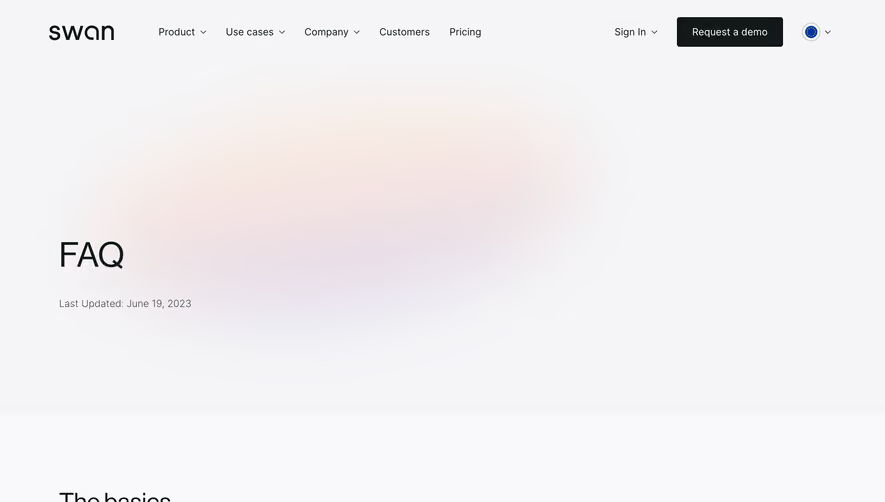
Generate a new design based on this screen using your own content.
Thank you! Your submission has been received!
Oops! Something went wrong while submitting the form.
# Design from Reference: GoFundMe FAQ Page
Create an original, high-fidelity visual design inspired by the reference. Prioritize composition, typography, colors, spacing, and component styling over technical implementation.
## Reference
- **Product:** GoFundMe
- **Category:** FAQ Page
- **Screenshot:** https://cdn.prod.website-files.com/5e9dc792e1210c5325f7ebbc/6acad5c4d05a3f53c0a6e371_6acad552d05a3f53c0a6c613_cms-72e6f0fa08d0aa71d726c0c0.webp
Analyze the screenshot first. If inaccessible, request it rather than guessing.
## Content
{{content.instructions}}
{{content.data}}
Preserve essential messaging and factual accuracy. Adapt structure and copy length for visual balance; never invent product claims.
## Visual Design
Use this context to reproduce the reference's visual language: layout, typography, colors, spacing, borders, radii, and distinctive elements. The screenshot takes priority if descriptions conflict.
## Direction
{{preferences.fidelityInstructions}}
## Output
{{output.instructions}}
Deliver a polished, cohesive design with precise alignment, hierarchy, and spacing. Produce the requested visual artifact, not just a description. If unsupported, explain the limitation.
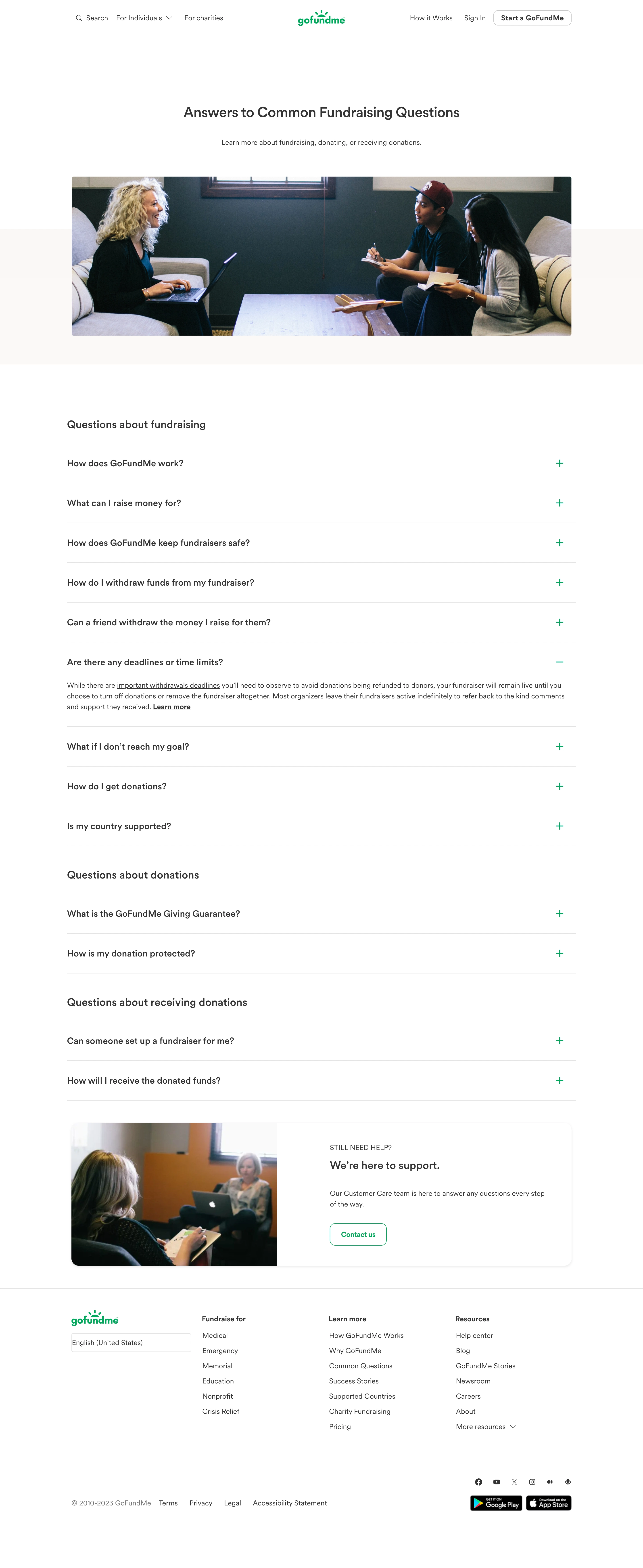
GoFundMe’s Questions page embraces a clean, modern, and highly approachable aesthetic. The minimalist design relies on generous whitespace, softened UI edges, and tasteful pops of brand color, immediately communicating reliability and ease of use—essential for a platform built on trust.
Layout and Structure
The content follows a purposeful, user-focused layout. The hero section centers a search bar and welcoming greeting, quickly guiding users to find answers. Questions are divided into digestible panels with clear categorization, making information easy to scan. The page omits flashy elements in favor of a content-first approach that prioritizes clarity and navigation over marketing.
Visual Elements
Custom line-style icons visually anchor each help category, adding personality and aiding quick recognition without visual clutter. Illustrations are subtle and supportive, reinforcing the sense of help and community. There’s no heavy photography or animation, ensuring the spotlight stays on usability.
Color Palette and Typography
The color scheme balances warm greens and muted grays, conveying both action and calmness. Strong headings in a modern sans-serif font contrast with lighter body text, establishing a clear hierarchy. Accent colors highlight important buttons and links, guiding users intuitively.
User Experience Patterns
Sticky navigation remains accessible, letting users quickly jump between topics. Search and CTA elements are prominent, with thoughtful microcopy prompting confident action. The page is optimized for minimal friction—search, browse, act, all with ease.
Unique or Notable Design Choices
By blending helpful, non-intrusive visual cues with a focus on search and categorization, GoFundMe creates a supremely reassuring and frictionless help experience—ideal inspiration for SaaS products where trust and support are paramount.
.webp)


.avif)