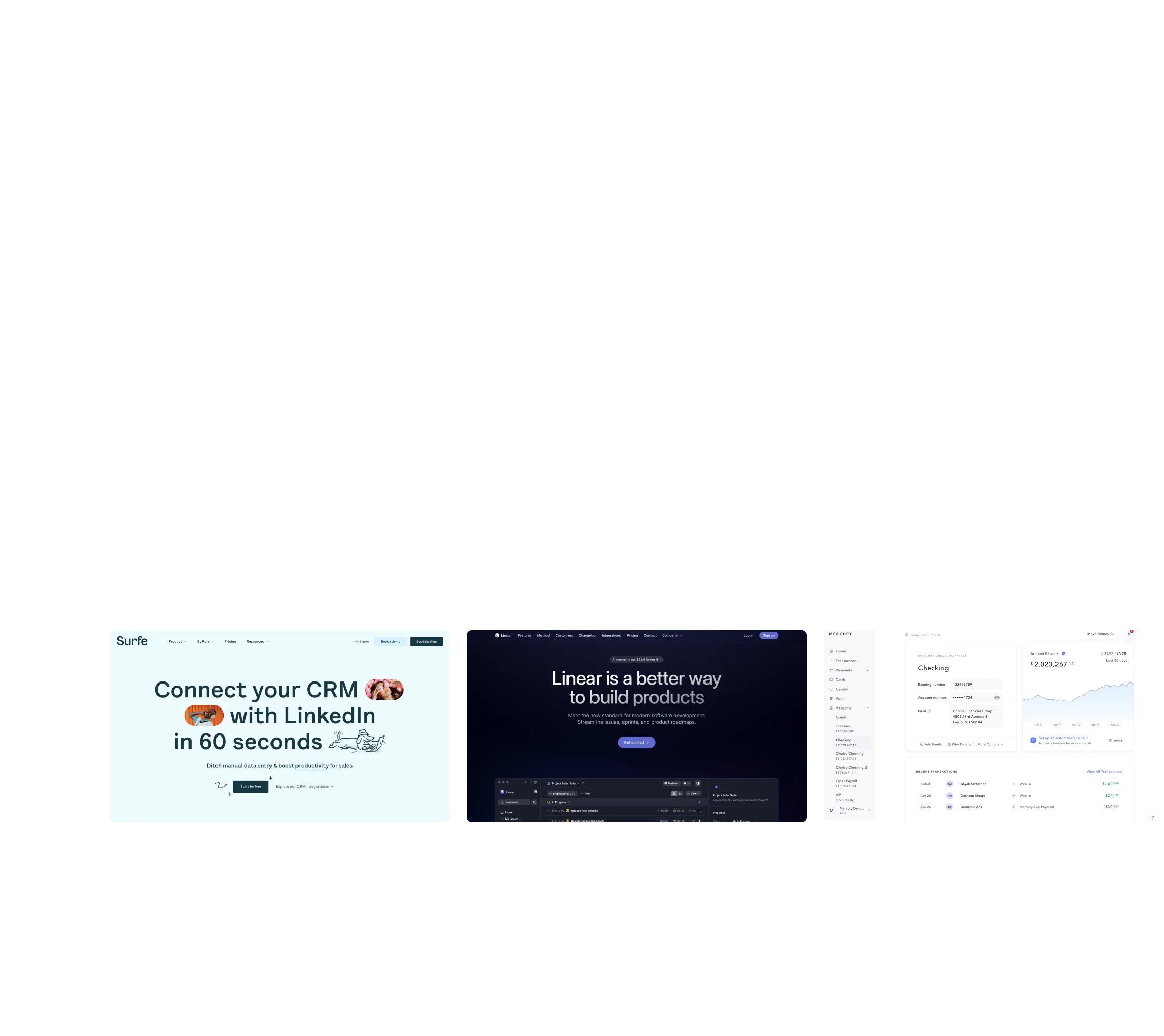
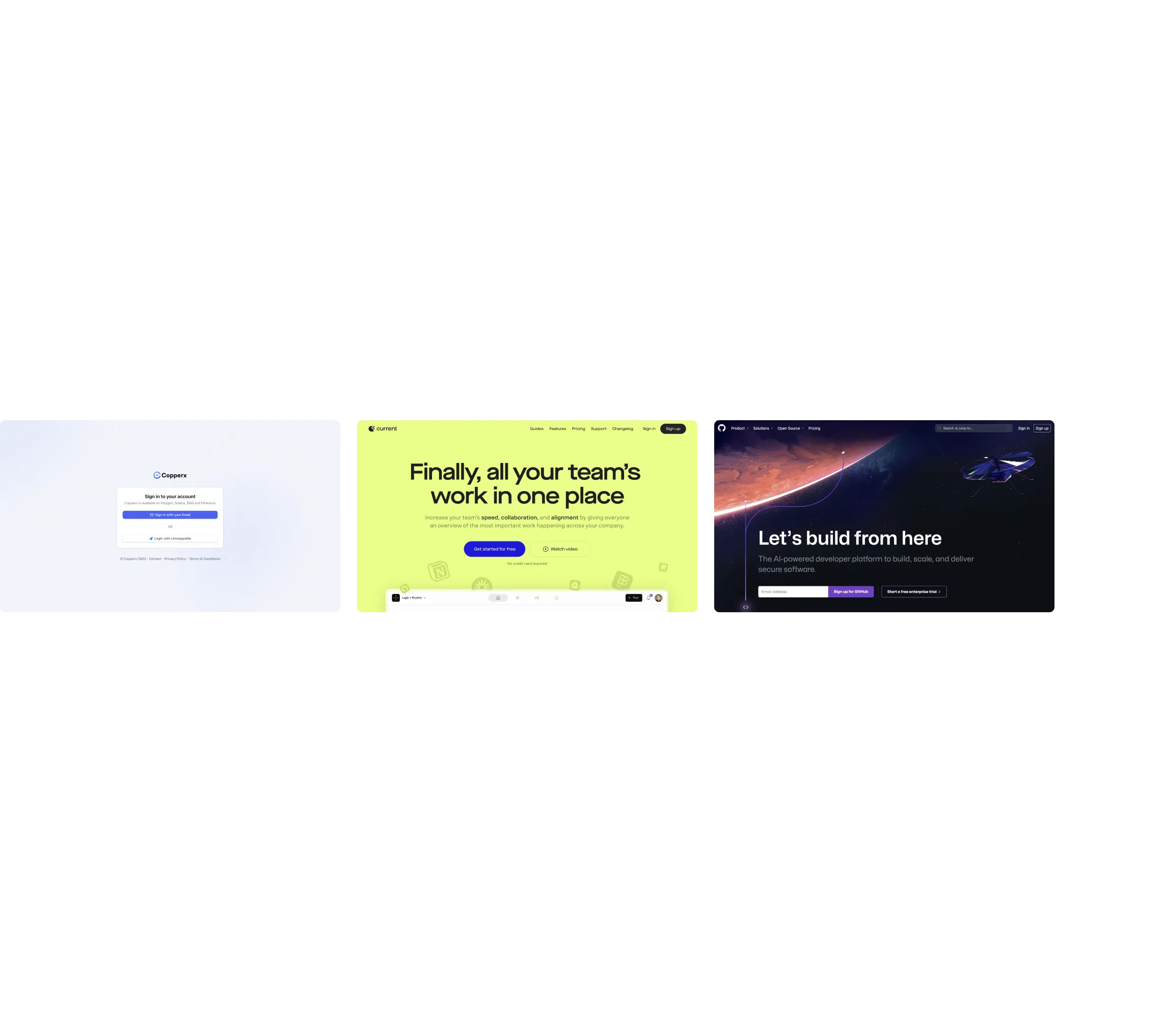
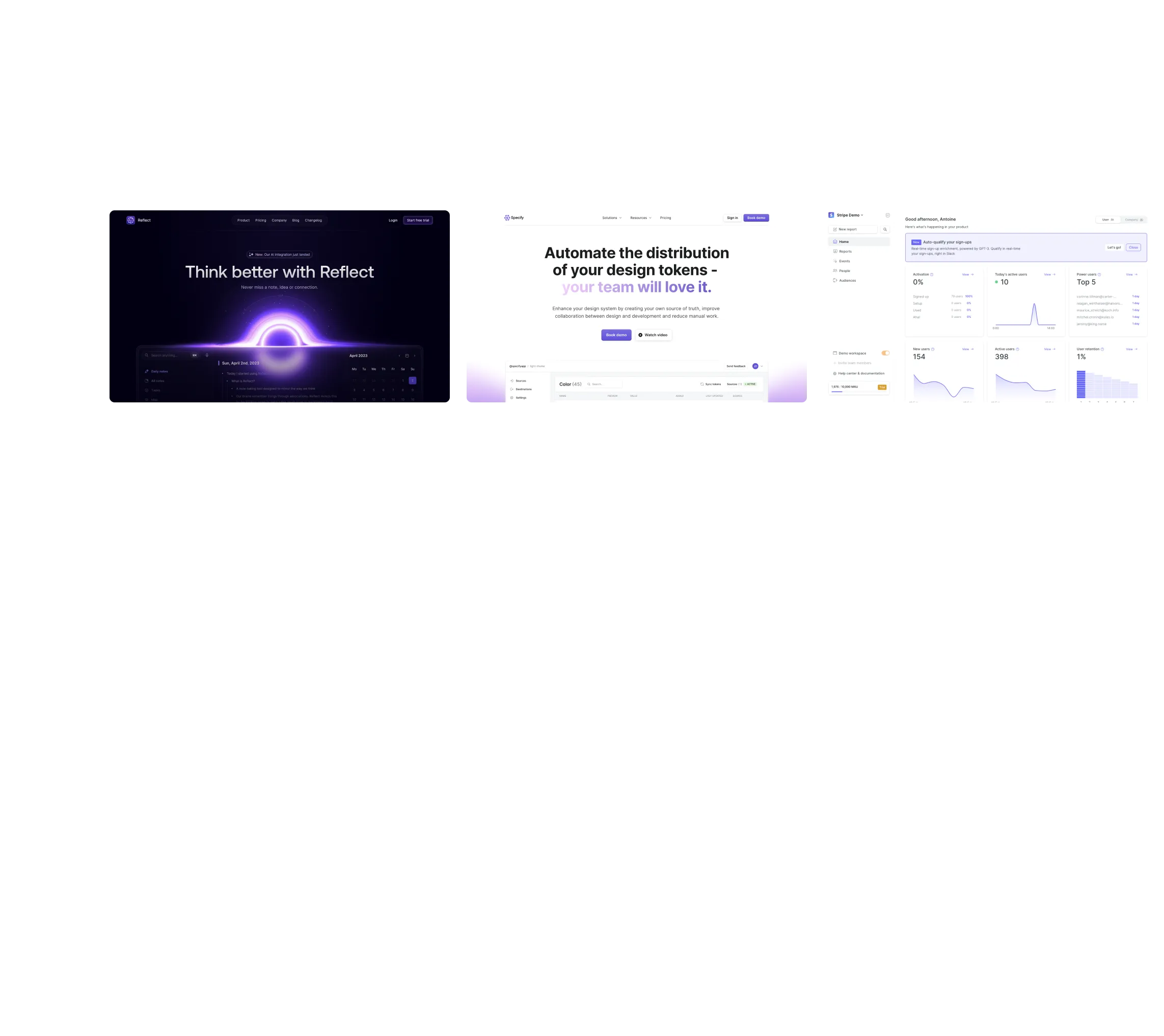
No items found.
Subject
Category
Patterns
Tech Stack
No items found.
Added on
August 12, 2021
Found in 0 flow
No items found.

Upgrade to SaaSFrame Pro now to see similar examples.

Monthly

$14 /month

Billed $14 monthly
Browse all screens & flows
Filter and search screens & flows
Bookmark items
Access Figma files
Access mobile versions
Join now

Quarterly

$12 /month

Billed $36 quarterly
Browse all screens & flows
Filter and search screens & flows
Bookmark items
Access Figma files
Access mobile versions
Join now

Yearly

$10 /month

Billed $120 yearly
Browse all screens & flows
Filter and search screens & flows
Bookmark items
Access Figma files
Access mobile versions
Join now

Biggest SaaS library.

Browse website pages, product interfaces and emails from a growing library of hundreds of SaaS.

Desktop & mobile versions.

Switch from desktop to mobile versions to see how the best designers make websites responsive.
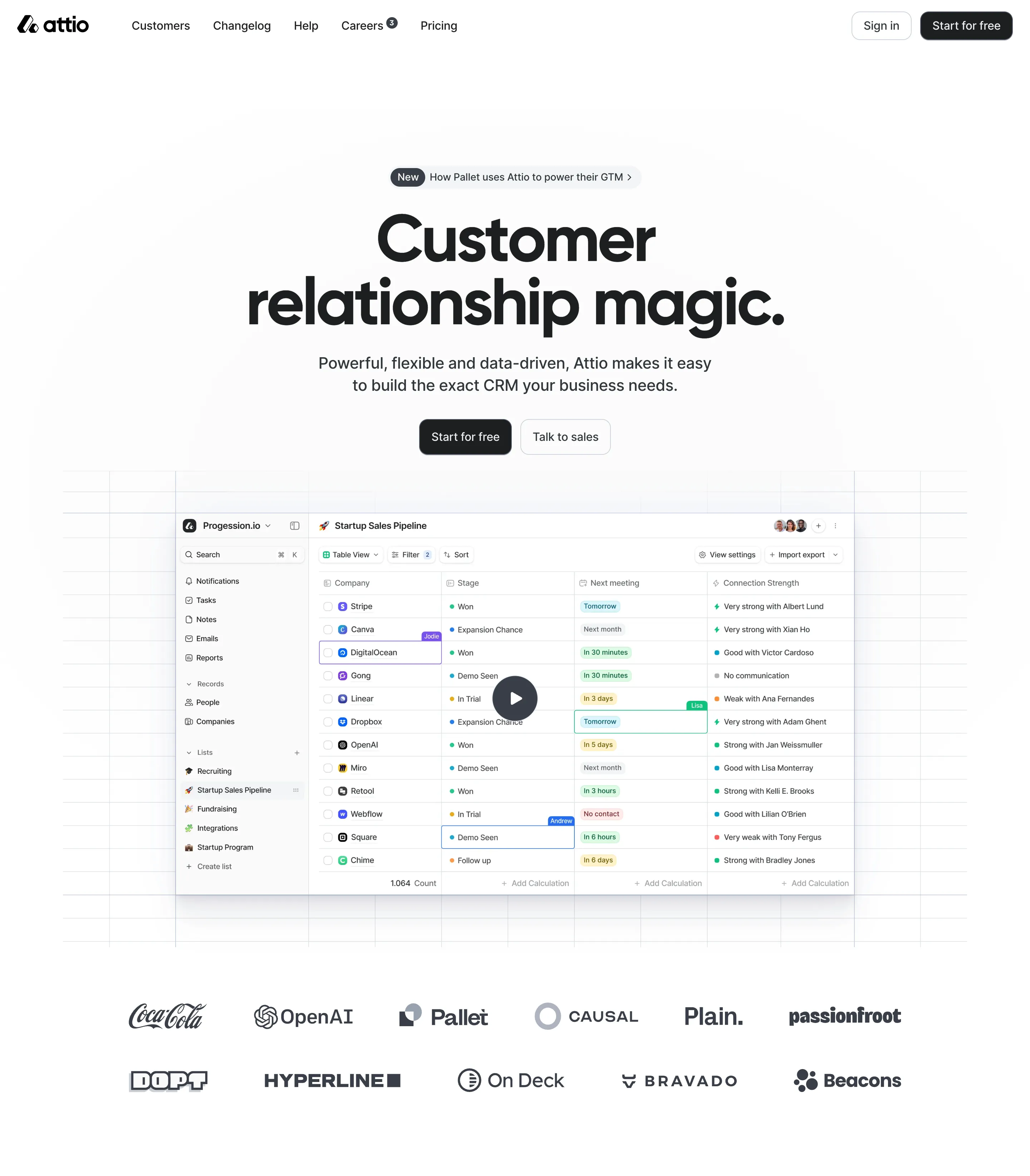
Access the Figma files.

You like a design? Download the Figma file of any website page you see on SaaSFrame.

Advanced filtering.

Use filters to find the design or copywriting inspiration that you need in seconds.
Thank you! Your submission has been received!
Oops! Something went wrong while submitting the form.

Let it flow.

Discover the user journey of the best SaaS with interfaces organized in flows.
Save design inspirations.

Bookmark screens and flows so you can find them any time you need it.
โŒ˜
B
BOOKMARK DESIGN
Start your design
research
Three website screenshots showing a design tool and distribution dashboard for design tokens, promoting ease and automation.

How do you process payment?

SaaSFrame subscriptions are sold on Lemon Squeezy, a secured online selling platform for creators.

What about future updates and versions?

SaaSFrame gets updated all the time! Every new update and version will immediately be made available to all SaaSFrame users.

Can you send me an invoice?

You can generate an invoice on your Lemon Squeezy portal once you purchased SaaSFrame. You will find the link in the order confirmation email.

How can I cancel my membership subscription?

You can cancel your membership subscription at any moment on your profile page.โ€

Can I get a refund?

If you're not satisfied, you can ask for a refund within 7 days. Just send me an email at antoine[at]unmake[dot]io

I have another question.

You can send me an email at antoine[at]unmake[dot]io, I'll be happy to help with any questions.

No items found.

GitHub Blog Feed Structure

Overall Style and Aesthetic

The GitHub Blog exemplifies a modern, professional aesthetic with a subtle playfulness. The interface is clean and polished, leveraging generous white space to focus attention on content while maintaining an inviting, approachable atmosphere. Minimalist design sensibilities are evident: each element has a clear purpose, contributing to a sense of order and ease for the visitor.

Layout and Structure

The page opens with a prominent header, seamlessly integrating branding and navigation. A hero section introduces featured stories, followed by a thoughtfully organized main feed of articles presented as cards. Content is divided with clear typographic hierarchy and balanced spacing, allowing users to scan headlines effortlessly. The footer delivers utility links and social proof without visual clutter, ensuring a cohesive and logical progression from top to bottom.

Visual Elements

Vibrant vector illustrations and custom icons inject personality, while subtle animations bring interactivity without detracting from readability. Blog post cards often feature bold, engaging imagesโ€”mixing stylized artwork and high-quality photosโ€”to distinguish categories and draw attention to diverse content. Visual cues, such as hover effects and animated transitions, create responsive feedback throughout.

Color Palette and Typography

The palette blends dark and light neutrals with vibrant accent huesโ€”bold blues, purples, and occasional splashes of yellowโ€”echoing GitHubโ€™s brand identity. Typography is crisp and highly readable, with clear headlines and supporting text hierarchies, using sans-serif fonts for modernity and friendliness.

User Experience Patterns

Sticky navigation ensures access to categories as users scroll, while pronounced CTAs (โ€œRead more,โ€ โ€œExplore topicsโ€) encourage engagement. Smart categorization, intuitive search, and filtering empower users to discover content. Responsive design guarantees optimal usability on all devices.

Unique or Notable Design Choices

Subtle microinteractionsโ€”like article card elevation and highlight animations on hoverโ€”add polish. The seamless blend of editorial and product-focused content demonstrates a storytelling approach, using design to reinforce trust, authority, and a sense of innovation throughout the user journey.