Found in 0 flow
No items found.

Upgrade to SaaSFrame Pro now to see similar examples.

Monthly

$14 /month

Billed $14 monthly
Browse all screens & flows
Filter and search screens & flows
Bookmark items
Access Figma files
Access mobile versions
Join now

Quarterly

$12 /month

Billed $36 quarterly
Browse all screens & flows
Filter and search screens & flows
Bookmark items
Access Figma files
Access mobile versions
Join now

Yearly

$10 /month

Billed $120 yearly
Browse all screens & flows
Filter and search screens & flows
Bookmark items
Access Figma files
Access mobile versions
Join now

Biggest SaaS library.

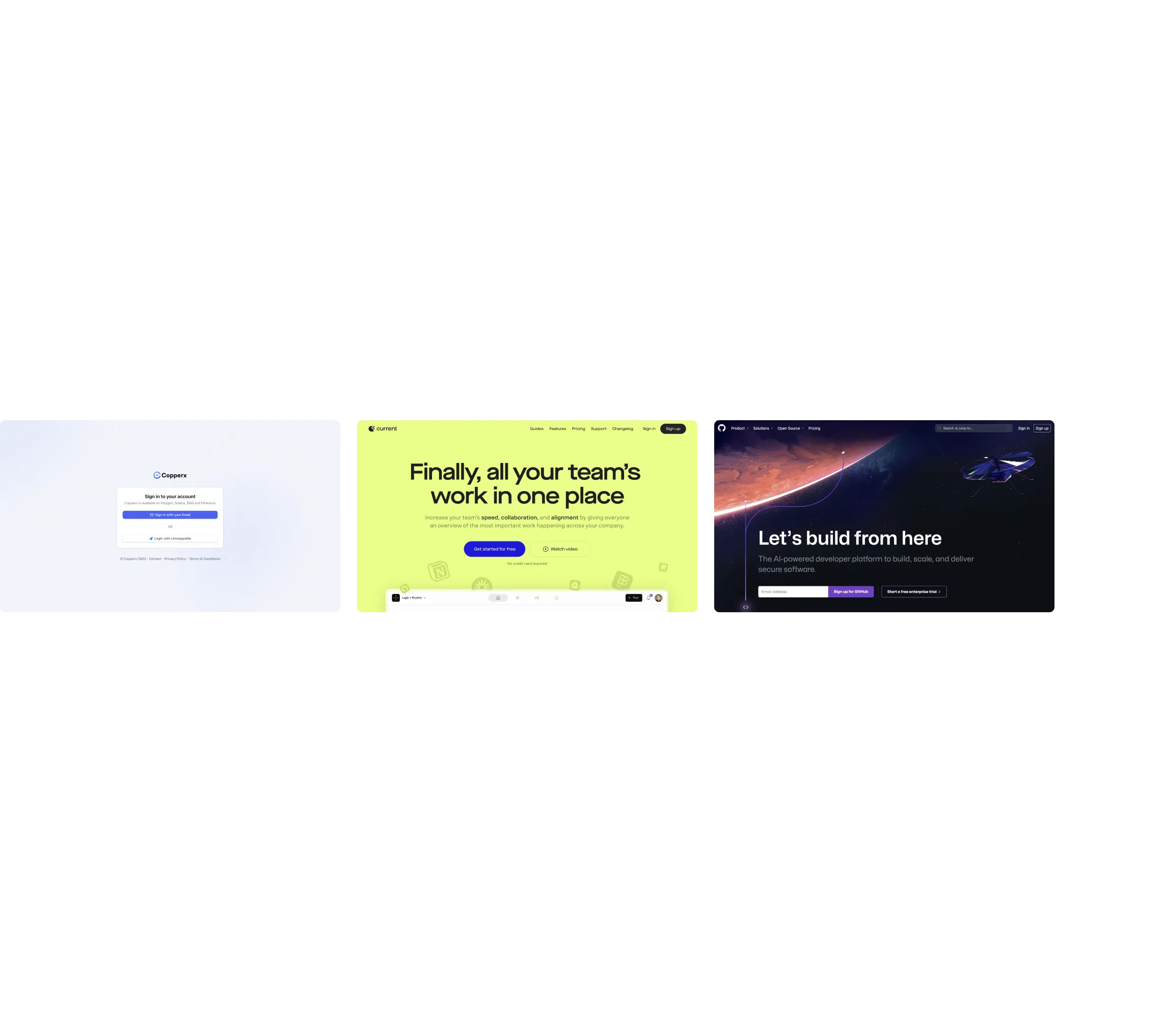
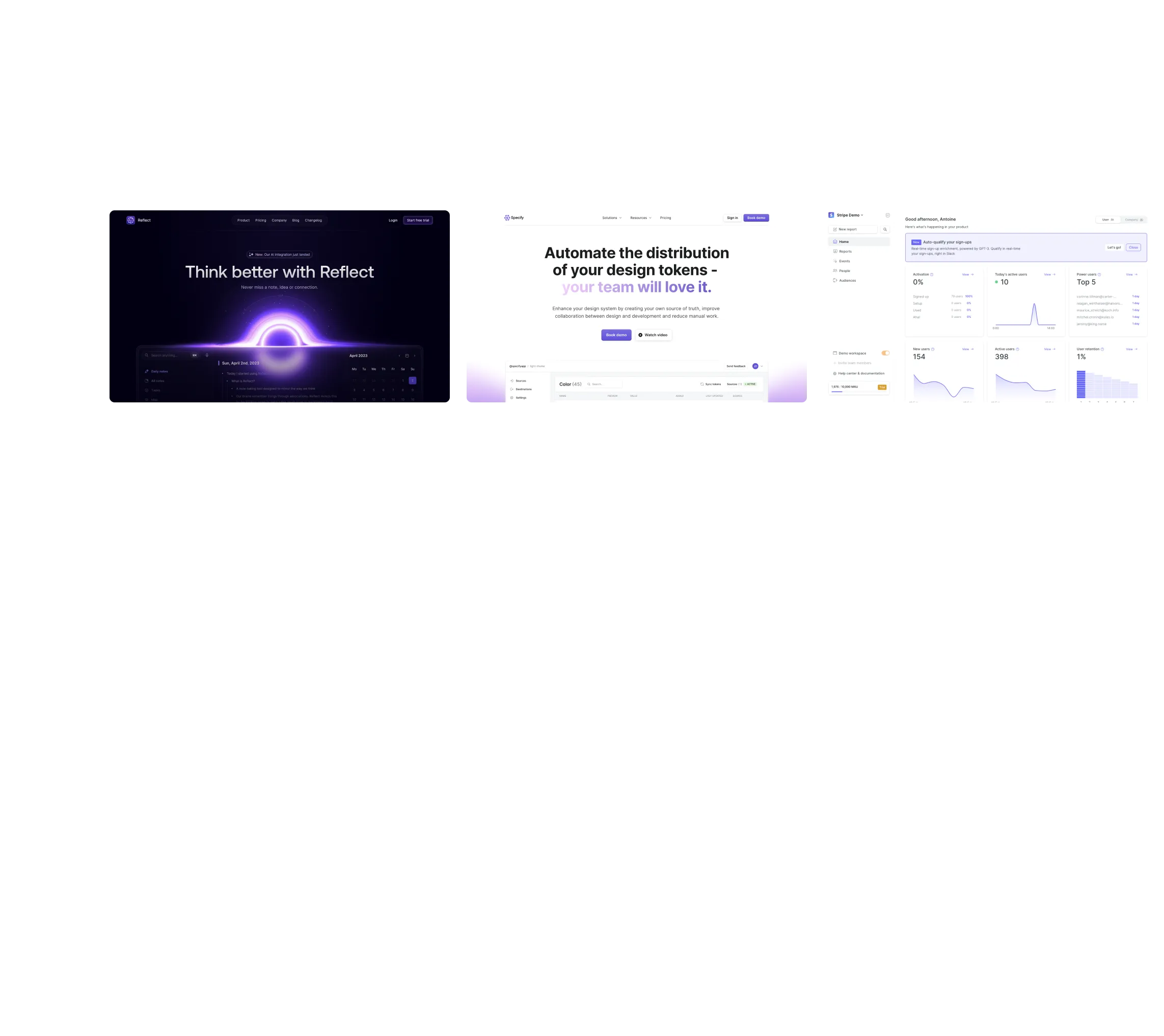
Browse website pages, product interfaces and emails from a growing library of hundreds of SaaS.

Desktop & mobile versions.

Switch from desktop to mobile versions to see how the best designers make websites responsive.
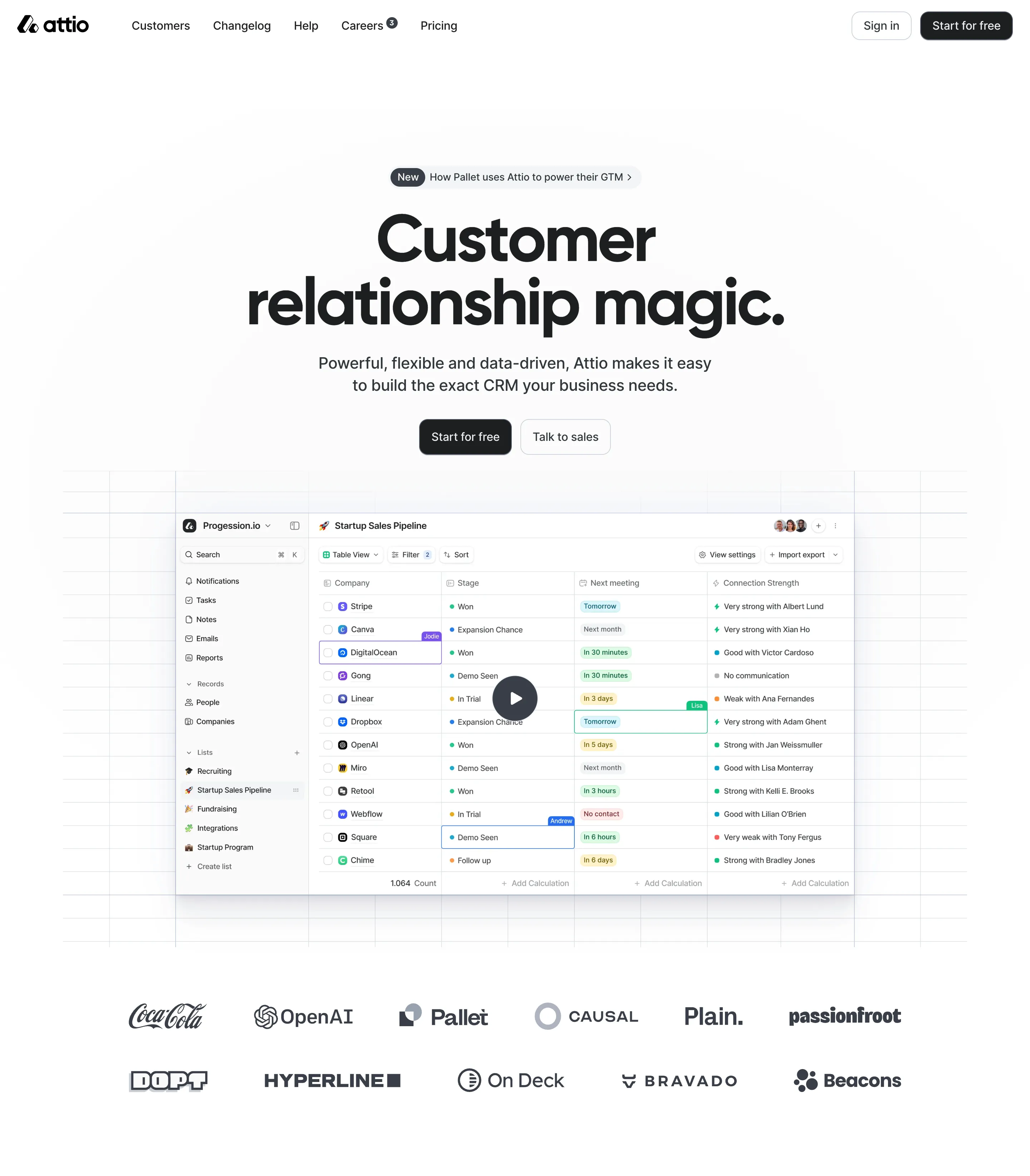
Access the Figma files.

You like a design? Download the Figma file of any website page you see on SaaSFrame.

Advanced filtering.

Use filters to find the design or copywriting inspiration that you need in seconds.
Thank you! Your submission has been received!
Oops! Something went wrong while submitting the form.

Let it flow.

Discover the user journey of the best SaaS with interfaces organized in flows.
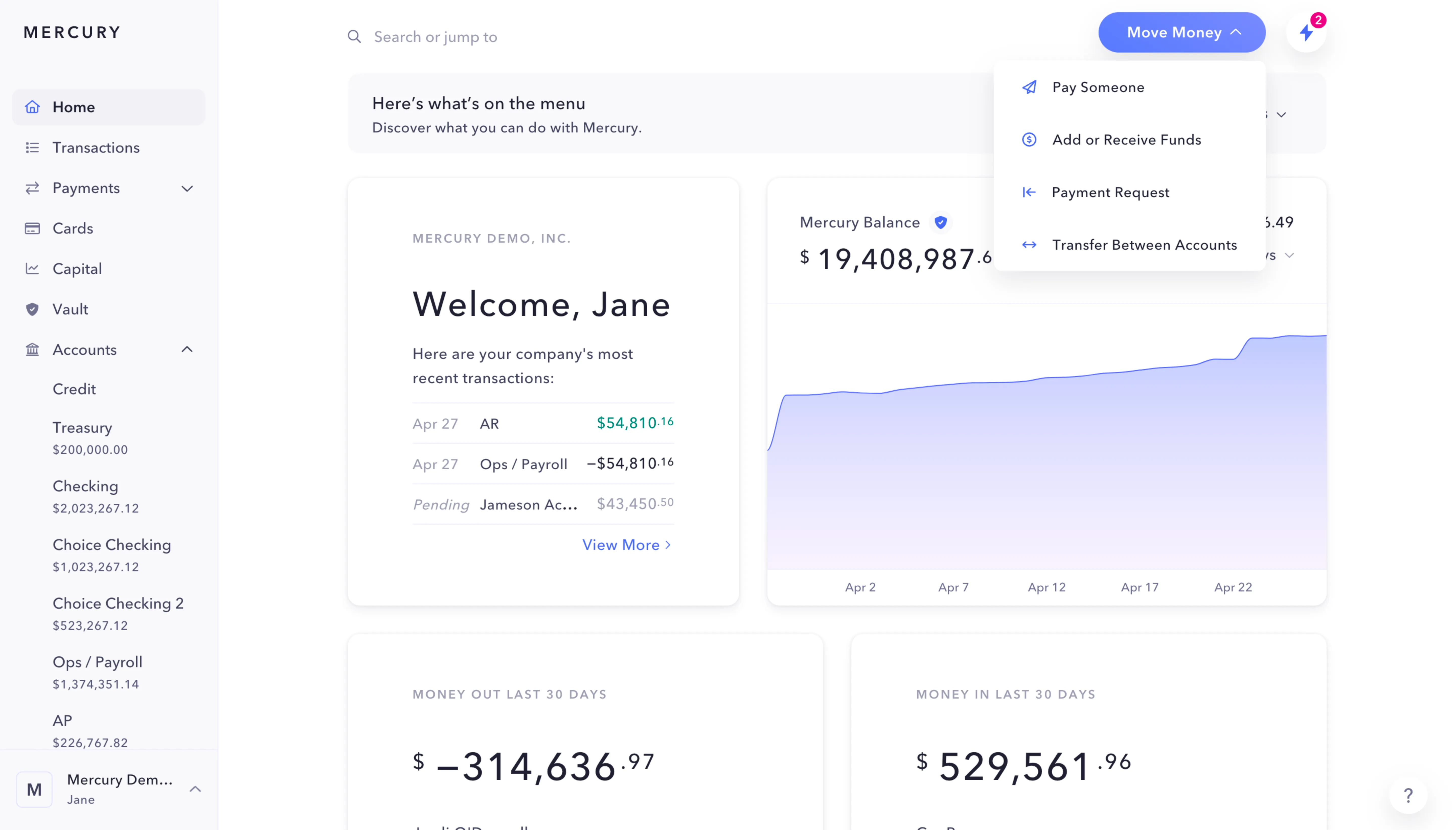
Save design inspirations.

Bookmark screens and flows so you can find them any time you need it.
โŒ˜
B
BOOKMARK DESIGN
Start your design
research
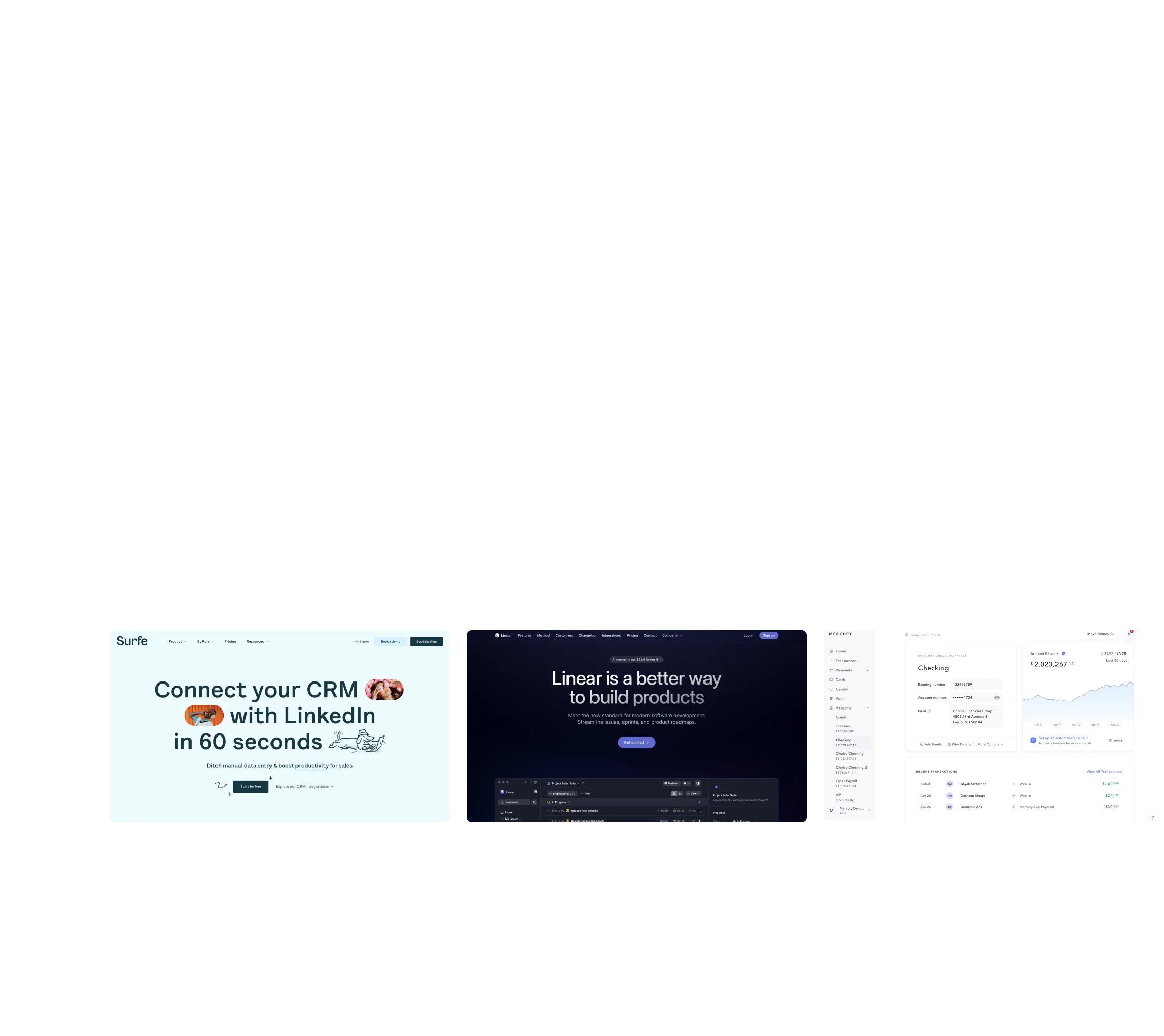
Three website screenshots showing a design tool and distribution dashboard for design tokens, promoting ease and automation.

How do you process payment?

SaaSFrame subscriptions are sold on Lemon Squeezy, a secured online selling platform for creators.

What about future updates and versions?

SaaSFrame gets updated all the time! Every new update and version will immediately be made available to all SaaSFrame users.

Can you send me an invoice?

You can generate an invoice on your Lemon Squeezy portal once you purchased SaaSFrame. You will find the link in the order confirmation email.

How can I cancel my membership subscription?

You can cancel your membership subscription at any moment on your profile page.โ€

Can I get a refund?

If you're not satisfied, you can ask for a refund within 7 days. Just send me an email at antoine[at]unmake[dot]io

I have another question.

You can send me an email at antoine[at]unmake[dot]io, I'll be happy to help with any questions.

No items found.

Figma Contact Page Structure

Overall Style and Aesthetic

Figmaโ€™s Contact page epitomizes a refined modernismโ€”clean lines, uncluttered spaces, and a generous use of white space establish an inviting, approachable atmosphere. The visual language is professional without feeling stiff, blending a sense of creative energy with a corporate polish that appeals broadly to SaaS audiences. Subtle playful cues (like whimsical icons) add personality, balancing professionalism with friendliness.

Layout and Structure

The page layout maximizes simplicity: a concise hero section introduces the purpose, immediately guiding users with clear next steps. Contact methods are divided into digestible cards, each with clear labels and visual icons, making it effortless to scan and select the appropriate channel. No extraneous content clutters the pageโ€”social links, FAQs, and support redirections are streamlined for fast access, with a low-profile footer maintaining focus on the content.

Visual Elements

Branded, minimalist iconography replaces traditional stock photography, underpinning Figmaโ€™s design-driven ethos. Soft animations enliven interactions as elements subtly shift upon hover, enhancing engagement without distracting from usability. Uniform card designs ensure visual consistency, while playful graphic flourishes maintain user interest.

Color Palette and Typography

Figma leans into its signature fresh paletteโ€”think crisp whites offset by vibrant, brand-hued accents in blues, purples, and greens. Text employs modern sans-serif typefaces, striking a hierarchy with bold section headers and lighter, readable body text, while CTAs pop through judicious color contrast.

User Experience Patterns & Unique Choices

Navigation is frictionless, with a fixed, accessible top bar and unmistakable CTAs. The contact form eschews excess, focusing on essential fields and clear microcopy for user confidence. Standout details include personalized graphics for each communication channel and a reassuring, conversational toneโ€”fostering trust and approachability for users seeking support or collaboration.