.webp)
Thank you! Your submission has been received!
Oops! Something went wrong while submitting the form.
Get SaaSFrame Pro
Monthly
$18
Quarterly
$48
Yearly
$180
Upgrade to access this feature
Browse all screens & flows
Filter and search screens & flows
Access Figma files
Access mobile versions
Bookmark screens & flows
Join now
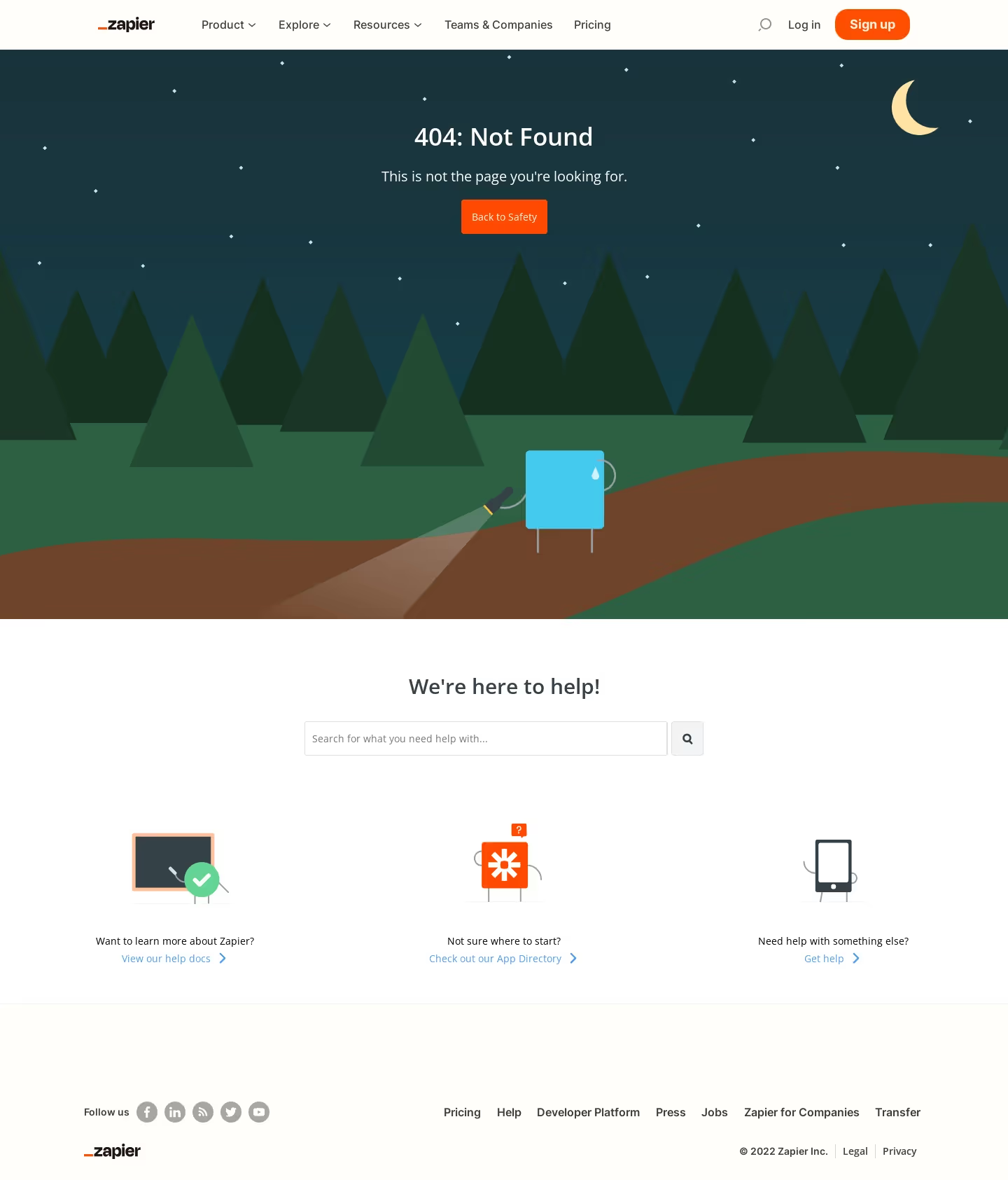
Zapier 404 Page

Zapier
The easiest way to automate your work
Designed by
No items found.

Bookmark
Bookmark

Design with AI
Thank you! Your submission has been received!
Oops! Something went wrong while submitting the form.
# Design from Reference: Zapier 404 Page
Create an original, high-fidelity visual design inspired by the reference. Prioritize composition, typography, colors, spacing, and component styling over technical implementation.
## Reference
- **Product:** Zapier
- **Category:** 404 Page
- **Screenshot:** https://cdn.prod.website-files.com/5e9dc792e1210c5325f7ebbc/62ec9c6bc09ba369b40c00b4_1659621424111-screenshot-device-8b87bd0bea2aae62b8abf105df72e984-1659600516411.webp
Analyze the screenshot first. If inaccessible, request it rather than guessing.
## Content
{{content.instructions}}
{{content.data}}
Preserve essential messaging and factual accuracy. Adapt structure and copy length for visual balance; never invent product claims.
## Visual Design
### Overall aesthetic
- **Style:** Illustrated error page combining a nocturnal forest scene with a white assistance section and warm off-white navigation/footer.
- **Character:** A small lost-looking rectangular character with a flashlight turns the error into a friendly narrative.
- **Capture:** The screenshot measures 1440 × 1685 image pixels. CSS estimates assume approximately 1:1 capture scale; browser scale and font identity are unverified.
### Page composition
- **Header:** A roughly 70-pixel navigation bar contains the wordmark, grouped links, search icon, login and an orange signup pill.
- **Error scene:** A full-width illustrated region extends to around y884, with centered error text and an orange recovery button above trees, path and character.
- **Assistance heading:** A white section opens with a centered support heading and a horizontal search field.
- **Support options:** Three equal columns pair small character-style illustrations with a short prompt and blue destination link.
- **Footer:** A pale warm region contains social links left, a horizontal utility-link row right, then brand and legal details below.
### Information hierarchy
- **Error state:** The 404 heading is the primary message, followed by a concise explanatory line.
- **Recovery:** Back to Safety is the main immediate action, visually emphasized in orange.
- **Search alternative:** The assistance section provides a large search control before secondary destinations.
- **Support routes:** Documentation, app directory and general help are offered as three parallel choices.
- **Global continuity:** Full site navigation remains available above the error scene.
- **Footer priority:** Utility and legal links remain smaller and more muted than recovery content.
### Typography
- **Family:** A clean sans-serif is visible; exact identity is unverified.
- **Error heading:** Approximately 36-pixel CSS size, medium weight, with around 44-pixel line height.
- **Error explanation:** Approximately 22 pixels, regular, with 30-pixel line height.
- **Assistance heading:** Approximately 30 pixels and medium weight.
- **Navigation:** Approximately 16 pixels, with stronger weight for signup and selected action text.
- **Support and search:** Approximately 14–16 pixels with 22-pixel line height.
- **Footer:** Approximately 14–16 pixels, with smaller copyright/legal detail.
### Colors & surfaces
- **Measured base:** White #FFFFFF and warm off-white #FFFEFA support the assistance, header and footer.
- **Measured forest palette:** Dark teal #19353E, green #2D5F43, deep green #163020 and #1A3525 are prominent flat illustration colors.
- **Measured path:** Brown #6E452A forms the winding ground path.
- **Accent roles:** Orange marks signup and recovery controls; pale yellow forms the crescent moon, while cyan colors the character.
- **Text:** White supports the dark scene; dark gray supports the light sections, with blue secondary links.
- **Depth:** Layered flat shapes create scene depth; the functional UI uses fine borders and minimal shadows.
### Components
- **Header signup:** An orange rounded pill approximately 107 × 44 pixels contains white bold text.
- **Recovery button:** Approximately 123 × 49 pixels, orange, with small corner rounding and centered white label.
- **Forest artwork:** Repeated triangular trees overlap a dark sky scattered with tiny diamond stars; a crescent moon sits upper right.
- **Character scene:** A cyan rectangular figure holds a flashlight, whose translucent beam crosses the brown path near the scene bottom.
- **Help search:** A roughly 518 × 49-pixel outlined field pairs with a separate square search button.
- **Support modules:** Three unboxed columns use illustrated objects, a short question and blue arrow link.
- **Social controls:** Small gray circular icons follow a short label in the footer.
- **Footer navigation:** Plain links align horizontally above copyright and legal items.
- **State scope:** The search is empty; no results, menu expansion or recovery destination is shown.
### Visual rhythm
- **Centered error block:** Heading, explanation and action form a tight stack against broad illustrated space.
- **Scene-to-help transition:** A hard horizontal boundary separates the dark artwork from the white assistance region.
- **Support spacing:** Large vertical gaps separate help heading/search from the three illustrated alternatives.
- **Three-column cadence:** Equal-width support options create a balanced lower-page reading path.
- **Footer break:** A thin rule and generous top padding distinguish the footer from assistance content.
### Responsive
- **Recommendation — header:** Collapse long navigation while retaining a clear home/recovery path.
- **Recommendation — scene:** Crop illustration responsively and preserve contrast around the centered error text.
- **Recommendation — search:** Make the field fluid and keep its search button accessible.
- **Recommendation — options:** Stack the three support routes on narrow screens.
- **Recommendation — footer:** Wrap navigation and legal links without shrinking touch targets. No mobile layout is evidenced.
### Adaptation guidance
- **Preserve useful recovery:** Pair a clear error state with a primary return action and alternative search/support routes.
- **Keep illustration subordinate:** Maintain the forest narrative without obscuring the error message or button.
- **Reuse accent roles:** Keep orange for principal actions, blue for secondary destinations and neutral light surfaces for assistance.
- **Maintain parallel options:** Give documentation, directory and help routes equivalent visual treatment.
- **Define search feedback:** Add results, empty-result and loading behavior separately.
- **Avoid inferring routing:** The screenshot shows recovery affordances but does not establish their destination behavior.
Use this context to reproduce the reference's visual language: layout, typography, colors, spacing, borders, radii, and distinctive elements. The screenshot takes priority if descriptions conflict.
## Direction
{{preferences.fidelityInstructions}}
## Output
{{output.instructions}}
Deliver a polished, cohesive design with precise alignment, hierarchy, and spacing. Produce the requested visual artifact, not just a description. If unsupported, explain the limitation.

.avif)
Category
Patterns
No items found.
Tech Stack




Added on
June 20, 2020
Similar screens
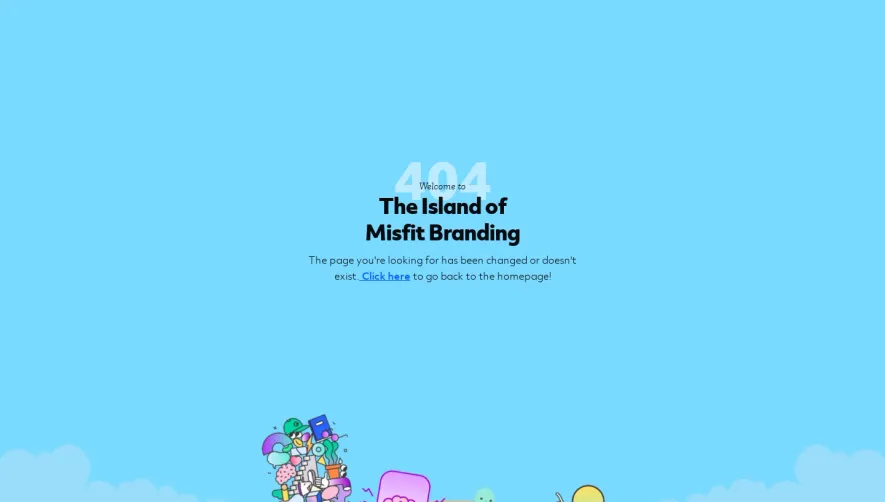


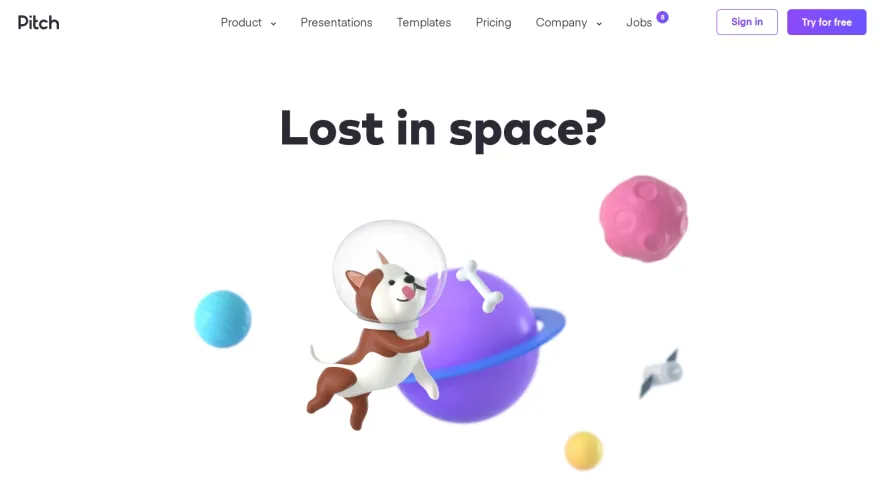

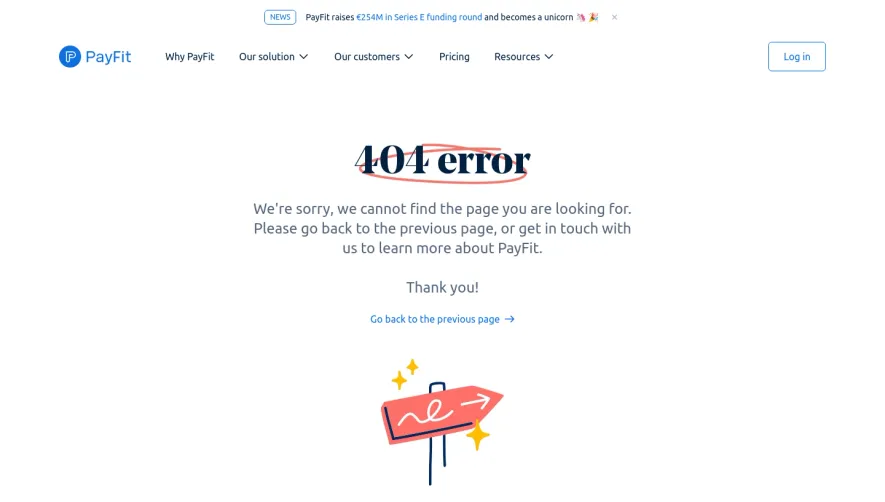

Upgrade to SaaSFrame Pro now to see similar examples.
Monthly
$18 /month
Billed $18 monthly
Browse all screens & flows
Filter and search screens & flows
Search text in screenshots
Access Figma files
Access mobile versions
Join now
Quarterly
$16 /month
Billed $48 quarterly
Browse all screens & flows
Filter and search screens & flows
Search text in screenshots
Access Figma files
Access mobile versions
Join now
Yearly
$15 /month
Billed $180 yearly
Browse all screens & flows
Filter and search screens & flows
Search text in screenshots
Access Figma files
Access mobile versions
Join now