.webp)
Thank you! Your submission has been received!
Oops! Something went wrong while submitting the form.
Get SaaSFrame Pro
Monthly
$18
Quarterly
$48
Yearly
$180
Upgrade to access this feature
Browse all screens & flows
Filter and search screens & flows
Access Figma files
Access mobile versions
Bookmark screens & flows
Join now



Designed by
No items found.

Bookmark
Bookmark

Design with AI
Thank you! Your submission has been received!
Oops! Something went wrong while submitting the form.
# Design from Reference: Notion AI Page
Create an original, high-fidelity visual design inspired by the reference. Prioritize composition, typography, colors, spacing, and component styling over technical implementation.
## Reference
- **Product:** Notion
- **Category:** AI Page
- **Screenshot:** https://cdn.prod.website-files.com/5e9dc792e1210c5325f7ebbc/6acad91181d0b61fedf68d43_6acad882a43009b06fe645c6_cms-ca893627f9d01409d882571e.webp
Analyze the screenshot first. If inaccessible, request it rather than guessing.
## Content
{{content.instructions}}
{{content.data}}
Preserve essential messaging and factual accuracy. Adapt structure and copy length for visual balance; never invent product claims.
## Visual Design
### Overall aesthetic
- **Character:** A dramatic dark AI-feature landing page uses black backgrounds, white bold headings, charcoal demonstration cards, purple accents, and hand-drawn monochrome characters.
- **Tone:** Large product demonstrations and concise capability cards make the page feel explanatory and product-led.
- **Observed scale:** The source measures 2880 × 17372 pixels. CSS estimates assume a 2× capture, equivalent to a 1440-pixel-wide page; actual pixel ratio is unverified.
### Page composition
- **Header:** Notion branding sits left, product/download/solution/resource navigation spans the middle, and demo, login, and a purple signup control align right.
- **Hero:** A large centered title, short two-line description, and purple Get started button sit above an illustrated person and a large rounded video poster.
- **Work-faster section:** A two-line heading and character illustration introduce a broad demonstration card, followed by three smaller cards for action items, summaries, and takeaways.
- **Writing section:** A centered heading and illustration introduce another large demo panel. Six small capability cards follow in a three-column, two-row grid.
- **Creativity section:** A centered two-line heading precedes a large brainstorming demonstration and two side-by-side writing/continuation cards.
- **Evidence/comparison:** A centered serif testimonial follows. A left-aligned value heading and pricing link introduce a five-column comparison table.
- **Closing:** A centered illustrated trial CTA precedes five closed FAQ rows. A multi-column footer follows beneath a thin rule.
### Information hierarchy
- **Hero dominance:** The large white title is the strongest opening element, with a small purple sparkle mark.
- **Three capability themes:** Work faster, write better, and think bigger organize the long page into distinct narratives.
- **Demo-first explanation:** Each theme combines a large UI example with smaller cards describing specific actions.
- **Small-card scan:** Purple icons, bold short titles, and one or two description lines create consistent capability summaries.
- **Comparison emphasis:** Notion AI is highlighted in purple within the table; competitor columns remain white/gray.
- **FAQ scope:** All five questions are closed, so answers are not visible.
- **Historical scope:** AI capabilities, speed claims, prices, competitor comparisons, and testimonial statements are captured historical marketing content, not verified current specifications.
### Typography
- **Typeface appearance:** A neutral modern sans-serif is used for navigation, headings, and body. A serif treatment distinguishes the testimonial. Exact families are unverified.
- **Hero title:** Approximately 72–78 CSS pixels, bold, with compact line-height and centered alignment.
- **Section headings:** Around 34–38 pixels, bold, often arranged as two short lines.
- **Card headings:** Approximately 17–19 pixels, semibold/bold; descriptions around 16 pixels with 22–24-pixel line-height.
- **Demo typography:** Embedded document headings are substantially larger than their surrounding UI labels; generated-text/prompt details use gray and purple emphasis.
- **Table/FAQ:** Approximately 15–16 pixels, with semibold row labels and regular values.
- **Footer:** Compact headings and links around 14–15 pixels, with smaller legal details.
### Colors & surfaces
- **Measured base:** #000000 dominates the page. #1A1A1A and #191919 form the charcoal demonstration/card family.
- **Measured secondary darks:** #252525, #2A2A2A, and #484848 occur in prompt bars, borders, and muted UI.
- **Measured purple:** #AB27E1 appears in the primary CTA family; #D460F5 also appears in accent detail.
- **Measured white:** #FFFFFF supplies headings, illustration fills, and bright text.
- **Other demo colors:** A muted brown #3B2C1C appears in a document callout. Purple highlights distinguish AI-generated text and icons.
- **Surface boundaries:** Thin medium-gray outlines and rounded corners define cards against black. Large shadow effects are restrained.
### Components
- **Header CTA:** A compact purple rectangle with slight rounding contrasts with text-only navigation.
- **Hero illustration:** A monochrome person at a laptop is surrounded by purple sparkles, pencil/lightbulb marks, and small decorative strokes.
- **Video poster:** A large charcoal rounded browser-like panel shows a document and central triangular play affordance. Static capture does not establish playback.
- **Large demo cards:** Wide outlined charcoal panels contain icon, heading, explanation, and a nested dark interface demonstration.
- **Product UI imagery:** Prompt bars, document content, checklists, generated text, and menu options illustrate workflows. Large blank areas in some demos are captured visual state, not evidence of missing page content.
- **Work-faster cards:** Three equal panels show action items, summary writing, and takeaway examples with small nested UI regions.
- **Writing capability grid:** Six compact cards cover spelling/grammar, translation, tone, length, explanation, and simpler language, each with a purple icon.
- **Creative demo:** A broad brainstorming panel shows a prompt and bulleted output, with a small character illustration overlapping its right edge.
- **Two-column cards:** Help me write and Continue writing contain larger interface snippets below their descriptions.
- **Testimonial:** A centered serif quote sits above small publication/author attribution.
- **Comparison table:** A wide feature column precedes four product columns, with thin horizontal rules, prices, checks, and empty cells. Purple highlights the first product’s header/values.
- **Trial CTA:** A cat-like illustrated character at a laptop sits above a large heading, short copy, and purple button.
- **FAQ rows:** Five text questions have plus symbols at right and thin separators.
- **Footer:** Brand/social/language controls sit left of grouped product, solution, download, build, learn, migration, and resource links.
- **Unshown states:** FAQ answers, signup, live AI generation, pricing destinations, menu states, and playback are not visible.
### Visual rhythm
- **Large vertical sections:** Broad black intervals separate capability themes and the comparison/CTA regions.
- **Repeated demo grammar:** Large panel followed by smaller cards creates a predictable teaching rhythm.
- **Grid variation:** Three-column, two-row, and two-column arrangements provide variety while keeping consistent card edges.
- **Illustration overlap:** Characters sit above or beside panels without enclosing the primary copy.
- **Purple restraint:** Accent color is concentrated in actions, AI markers, icons, and selected comparison values.
- **Dense ending:** FAQ and footer compress information after the spacious demonstration sequence.
### Responsive
- **Evidence limit:** Only a desktop landing page is captured. Mobile and animation behavior are unverified.
- **Recommended hero:** Reduce the display heading to around 40–48 CSS pixels and preserve natural wrapping.
- **Recommended demos:** Scale or art-direct screenshots while keeping key prompts/text legible; offer enlarged views where needed.
- **Recommended grids:** Collapse three-column cards to two and then one; stack the two creative cards.
- **Recommended comparison:** Use semantic table headers and accessible horizontal scrolling or a labeled stacked view.
- **Recommended FAQ/footer:** Keep disclosures keyboard operable and stack footer groups with adequate link spacing.
### Adaptation guidance
- **Preserve thematic teaching:** Organize automation, writing improvement, and first-draft creativity as separate sections.
- **Distinguish artwork from behavior:** Demo prompts and generated text are illustrative; a live implementation needs real state handling.
- **Validate current content:** Confirm features, prices, competitor claims, usage wording, and testimonials before reuse.
- **Use reusable panels:** Standardize dark card fills, thin borders, corner radii, purple icon roles, and internal spacing.
- **Implement accessible media:** Provide meaningful alternatives, captions/transcripts, focus states, and descriptive controls.
- **Avoid inventing hidden detail:** Closed FAQ answers and unseen demo transitions require separate specifications.
Use this context to reproduce the reference's visual language: layout, typography, colors, spacing, borders, radii, and distinctive elements. The screenshot takes priority if descriptions conflict.
## Direction
{{preferences.fidelityInstructions}}
## Output
{{output.instructions}}
Deliver a polished, cohesive design with precise alignment, hierarchy, and spacing. Produce the requested visual artifact, not just a description. If unsupported, explain the limitation.

.avif)
Category
Patterns
No items found.
Tech Stack



Added on
October 16, 2023
Similar screens
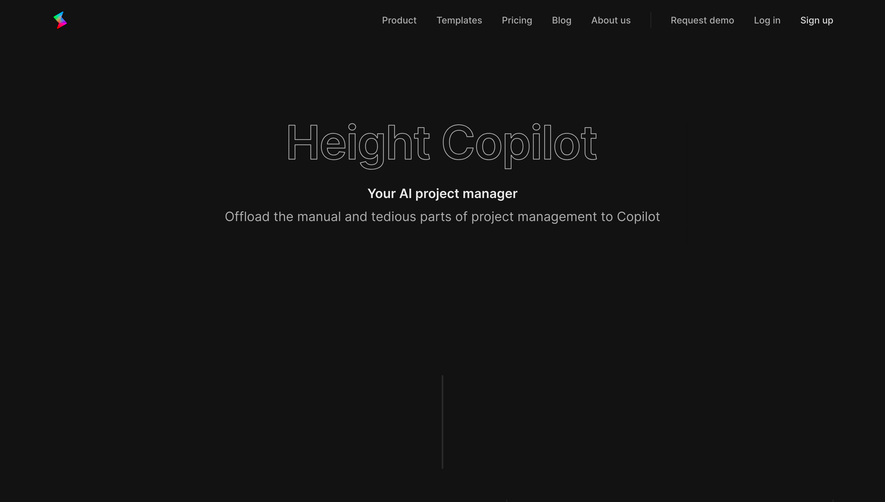




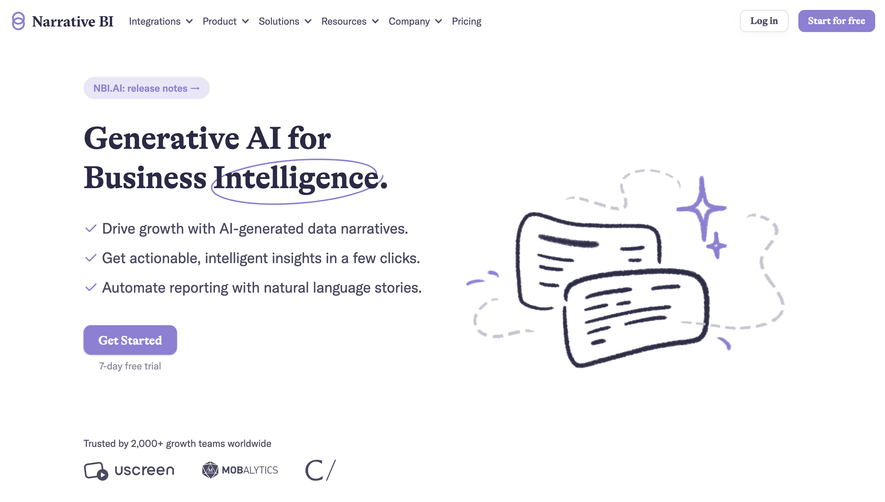

Upgrade to SaaSFrame Pro now to see similar examples.
Monthly
$18 /month
Billed $18 monthly
Browse all screens & flows
Filter and search screens & flows
Search text in screenshots
Access Figma files
Access mobile versions
Join now
Quarterly
$16 /month
Billed $48 quarterly
Browse all screens & flows
Filter and search screens & flows
Search text in screenshots
Access Figma files
Access mobile versions
Join now
Yearly
$15 /month
Billed $180 yearly
Browse all screens & flows
Filter and search screens & flows
Search text in screenshots
Access Figma files
Access mobile versions
Join now