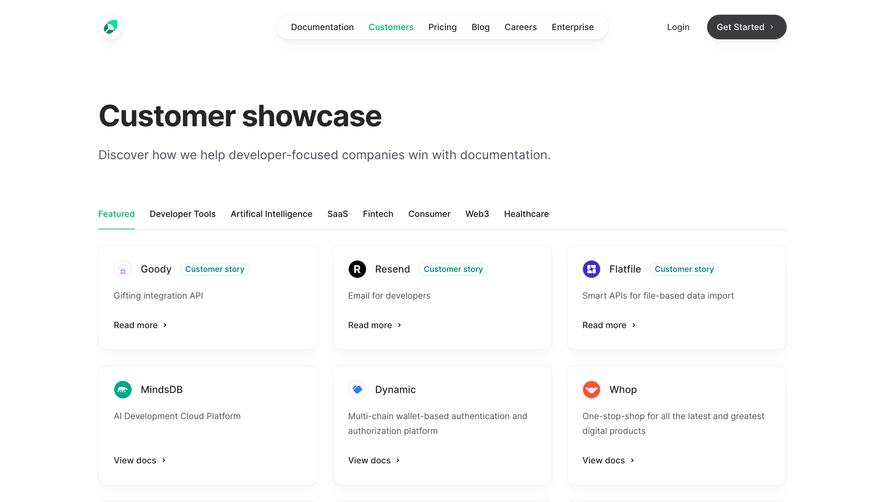
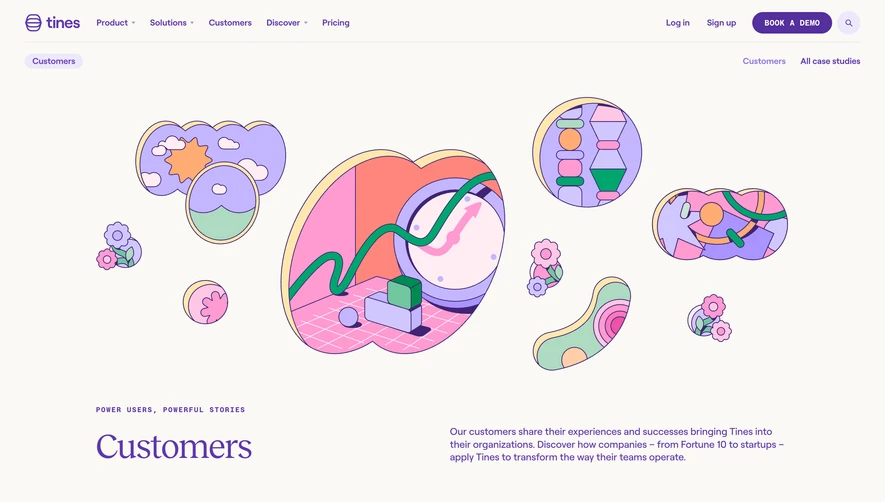
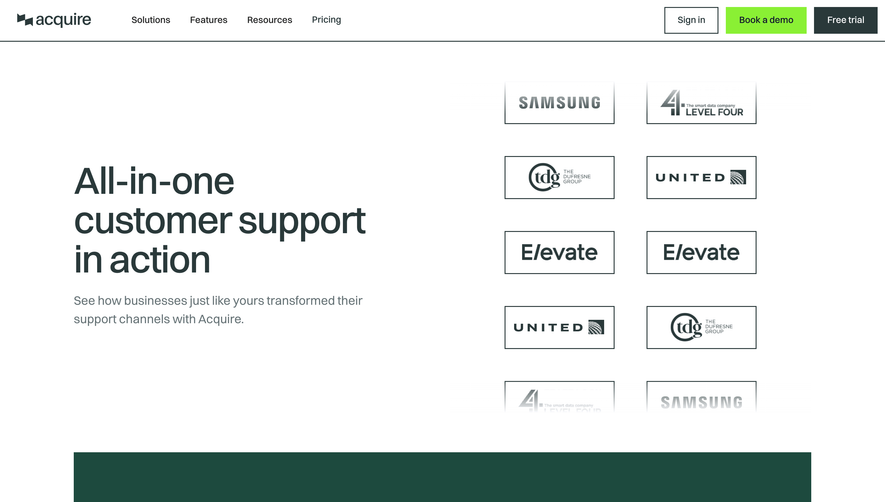
Overall Style and Aesthetic
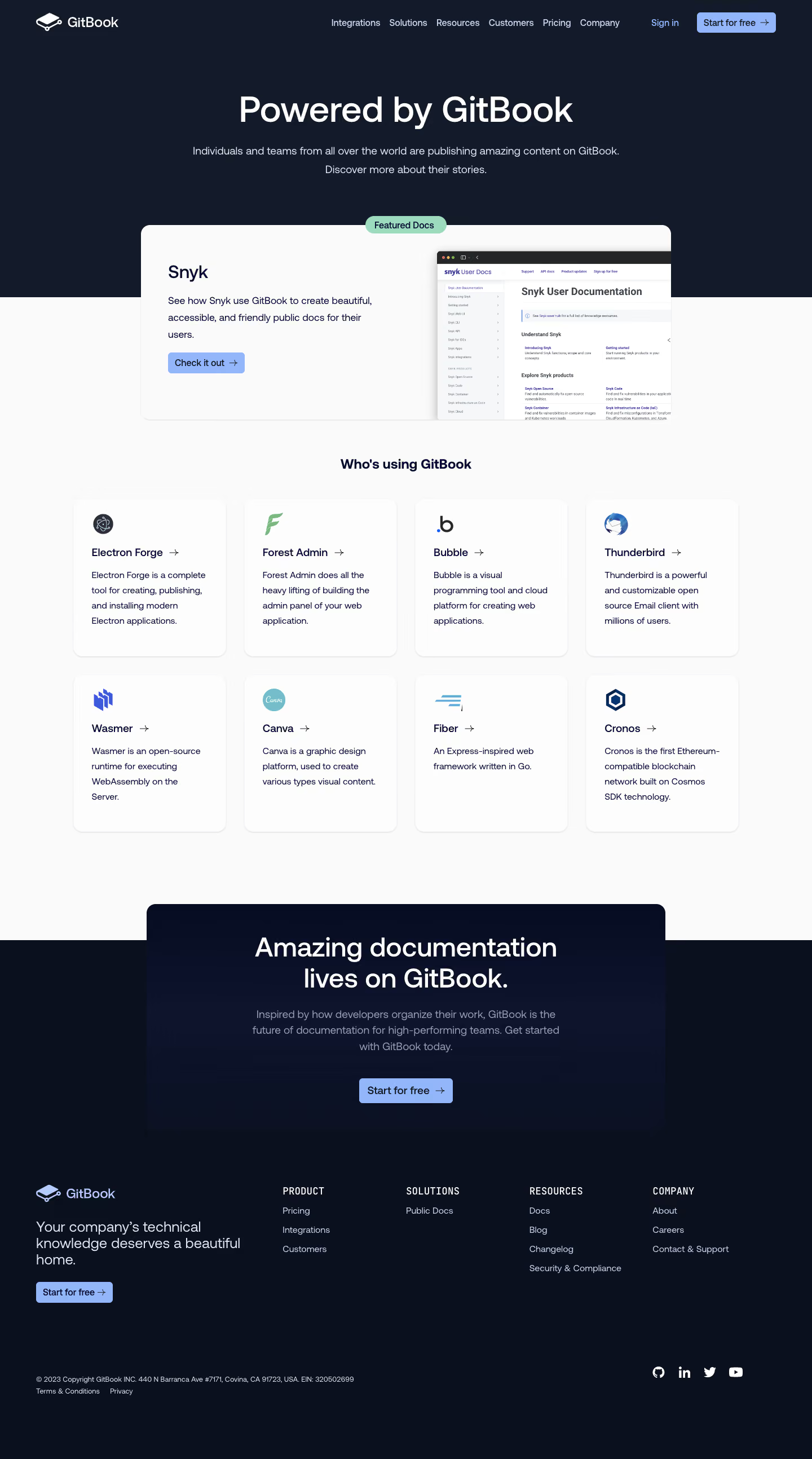
GitBook’s “Explore” page exudes a modern, minimalist vibe anchored by an airy layout and purposeful negative space. The design feels professional yet approachable, complemented by subtle gradients and understated micro-interactions that give the interface a contemporary and inviting appearance. Layout and Structure
The architecture follows a familiar SaaS flow: an eye-catching hero section introduces the platform, swiftly guiding users to explore popular and trending documentation below. Content is organized in a grid of visually uniform cards, allowing for quick scanning. There’s no clutter—each section is sharply delineated, with a persistent header for quick navigation and a lean footer maintaining cohesion without distraction. Visual Elements
Illustrations are strategic and minimal, with vector icons subtly accentuating actions and categories. Card thumbnails and gentle hover animations add interactivity, keeping browsing tactile and engaging. There’s restrained use of photographs, focusing instead on branded and community-driven content imagery for consistency and focus. Color Palette and Typography
The interface leans on a clean white canvas with accents of blue and indigo, occasionally paired with muted teals for highlights. Typography is crisp and geometric, with clear hierarchy—bold headlines draw the eye, supporting text is light and readable, and call-to-actions pop with concise, actionable language. User Experience Patterns & Unique Choices
Navigation is frictionless: sticky topbars, elegant search, and filter tools let users seamlessly discover content. Cards serve as interactive elements, responding to hover for discoverability. Notably, the design’s restraint—eschewing overt embellishment—cultivates trust and clarity, positioning GitBook as a sophisticated, user-empathetic SaaS product. The overall feel is innovative, supportive, and community-driven, perfect for inspiring modern SaaS designers..webp)




.avif)