.webp)
Thank you! Your submission has been received!
Oops! Something went wrong while submitting the form.
Get SaaSFrame Pro
Monthly
$18
Quarterly
$48
Yearly
$180
Upgrade to access this feature
Browse all screens & flows
Filter and search screens & flows
Access Figma files
Access mobile versions
Bookmark screens & flows
Join now
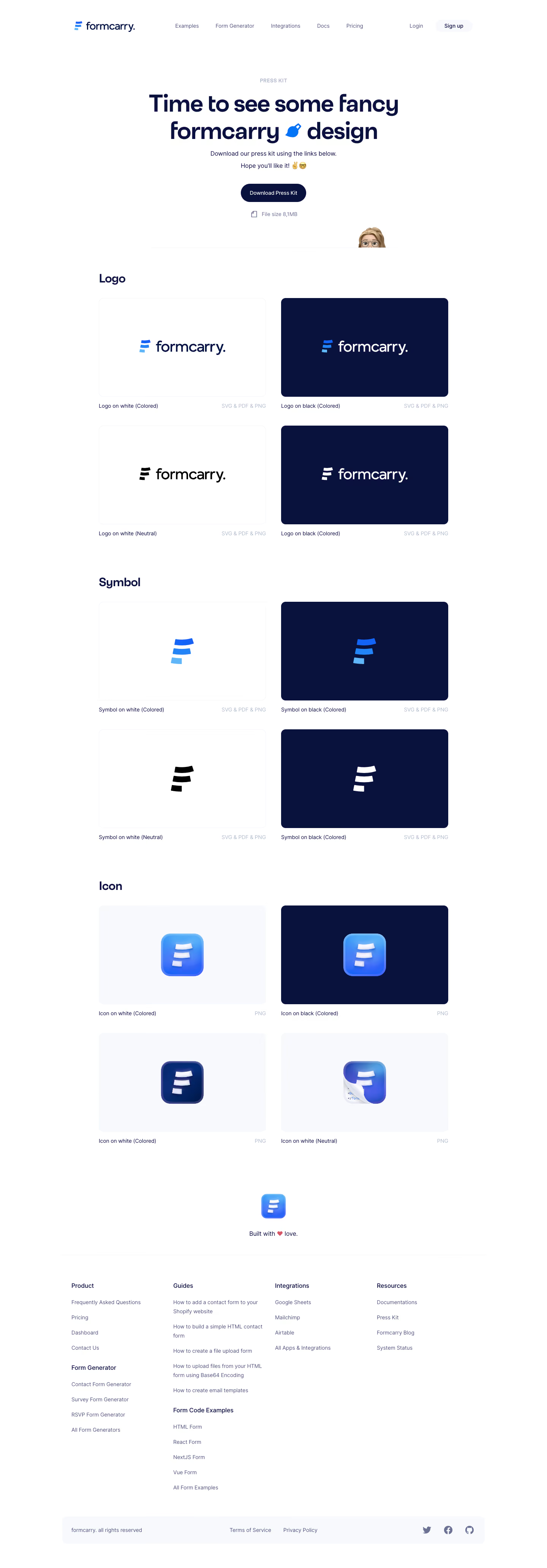

Formcarry Press Page

Formcarry
Form backend
Designed by


Bookmark
Bookmark

Design with AI
Thank you! Your submission has been received!
Oops! Something went wrong while submitting the form.
# Design from Reference: Formcarry Press Page
Create an original, high-fidelity visual design inspired by the reference. Prioritize composition, typography, colors, spacing, and component styling over technical implementation.
## Reference
- **Product:** Formcarry
- **Category:** Press Page
- **Screenshot:** https://cdn.prod.website-files.com/5e9dc792e1210c5325f7ebbc/6acbbe3f476aea3982e3fb1c_6acbbd710f0c77113b57eda3_cms-51cfc5721a7386bc3f89a408.webp
Analyze the screenshot first. If inaccessible, request it rather than guessing.
## Content
{{content.instructions}}
{{content.data}}
Preserve essential messaging and factual accuracy. Adapt structure and copy length for visual balance; never invent product claims.
## Visual Design
### Overall aesthetic
- **Character:** A polished brand-asset page uses a white canvas, deep navy type and blue identity graphics.
- **Tone:** Spacious presentation tiles and restrained metadata make the page feel like a usable visual catalogue. Glossy app icons and a small peeking character add warmth.
### Page composition
- **Capture:** The source measures 1440 × 4130 image pixels. Observed dimensions below approximate CSS only under an unverified 1× capture assumption.
- **Header:** A centered wide navigation row places the Formcarry mark left and product/account links across the remaining width.
- **Hero:** A small Press Kit eyebrow, large two-line heading, short explanation, dark download pill and file-size note form a centered stack.
- **Asset catalogue:** A roughly 920 px wide region contains Logo, Symbol and Icon groups, each with four preview tiles in a two-column grid.
- **Closing:** A centered app icon and short sign-off precede a multi-column link footer and pale rounded legal/social strip.
### Information hierarchy
- **Download access:** The hero offers a complete press-kit action before the individual assets.
- **Asset grouping:** Clear section headings separate full wordmarks, standalone symbols and app-icon variants.
- **Variant identification:** Each preview has a small left-aligned description and right-aligned file-format label underneath.
- **Footer structure:** Product/form-generator, guides/code-examples, integrations and resources use stacked link groups beneath darker headings.
### Typography
- **Family:** A rounded geometric-looking sans serif appears throughout; exact font identity is unverified.
- **Hero heading:** Approximately 60 px, bold, with compact line spacing and navy color.
- **Section headings:** Approximately 30 px and semibold, left aligned with the tile grid.
- **Body and navigation:** Approximately 14–16 px with 22–26 px line height. Asset captions and format metadata are smaller, around 13–14 px.
- **Contrast by role:** Headings are deep navy, body links muted blue-gray and format labels pale lavender-gray.
### Colors & surfaces
- **Measured foundation:** ICC-aware sRGB sampling yields white #FFFFFF and pale neutral-blue #F7F9FC.
- **Measured navy:** #09123C fills dark preview tiles and anchors the main text palette; darker identity pixels also include #001441.
- **Measured blues:** #1463F7 and #2284F7 appear in the segmented brand symbol and glossy icon accents.
- **Measured muted text:** #525778 appears in quieter navigation/caption details.
- **Surface treatment:** White previews have very faint outlines; dark variants rely on navy fills. The page avoids prominent shadows around the catalogue tiles.
### Components
- **Download pill:** A compact navy capsule contains white text, with a small document icon and size note below.
- **Logo previews:** Four approximately 440 × 260 px observed rounded rectangles show colored/neutral wordmarks on white/navy surfaces.
- **Symbol previews:** The same tile structure isolates the three-segment brand symbol in blue, black or white.
- **App-icon previews:** Four tiles present glossy rounded-square icons with blue gradients, beveled edges and soft internal shadows; one includes a folded/code-paper treatment.
- **Asset metadata:** Captions and file-format labels sit outside the preview boxes, preserving a clean image area.
- **Footer strip:** A pale rounded horizontal bar combines ownership text, two policy links and three social icons.
### Visual rhythm
- **Grid cadence:** Equal preview dimensions, stable two-column gutters and repeated caption baselines create a consistent catalogue rhythm.
- **Section spacing:** Larger vertical gaps distinguish Logo, Symbol and Icon groups from the smaller gaps between rows.
- **Hero breathing room:** The centered opening uses generous white space before the left-aligned asset catalogue.
- **Closing pause:** A standalone icon/sign-off creates a quiet transition from assets to the denser link footer.
### Responsive
- **Evidence boundary:** Only a desktop capture is available; responsive behaviors are recommendations.
- **Catalogue collapse:** Move the two-column preview grid to one column on narrow screens while preserving clear variant captions.
- **Metadata:** Let format labels wrap or stack rather than colliding with longer asset names.
- **Navigation and footer:** Collapse navigation and stack footer groups, keeping download links easy to tap.
- **Hero type:** Scale the large title fluidly and retain the inline blue decorative symbol without forcing overflow.
### Adaptation guidance
- **Asset library pattern:** Reuse grouped preview tiles with explicit variant and format metadata for downloadable brand resources.
- **Preview accuracy:** Use contrasting backgrounds to demonstrate light/dark logo variants without altering the underlying assets.
- **Accessible downloads:** Label each download with asset identity and format, and provide meaningful alternatives for previews.
- **Content separation:** Treat file-size and format text as maintained resource metadata rather than decorative fixed copy.
- **Scale calibration:** Validate observed source pixels against the intended CSS viewport before setting tile dimensions and spacing.
Use this context to reproduce the reference's visual language: layout, typography, colors, spacing, borders, radii, and distinctive elements. The screenshot takes priority if descriptions conflict.
## Direction
{{preferences.fidelityInstructions}}
## Output
{{output.instructions}}
Deliver a polished, cohesive design with precise alignment, hierarchy, and spacing. Produce the requested visual artifact, not just a description. If unsupported, explain the limitation.

.avif)
Category
Patterns
No items found.
Tech Stack


Added on
February 5, 2023
Similar screens
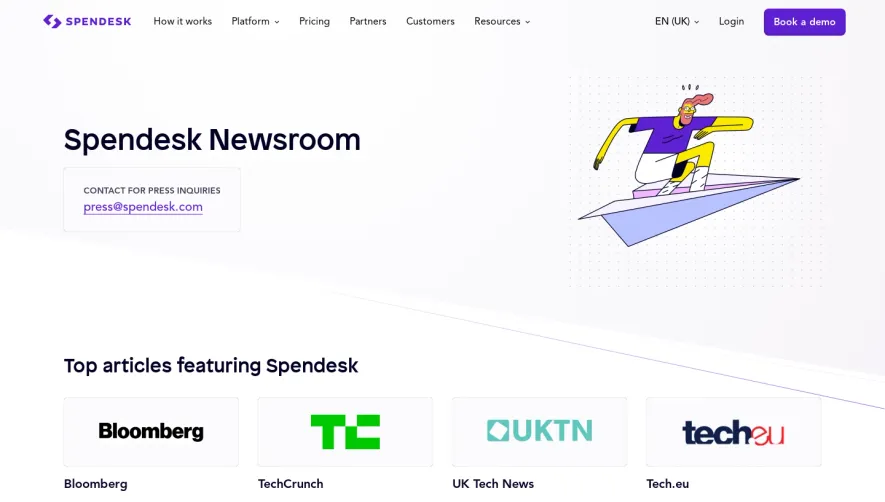


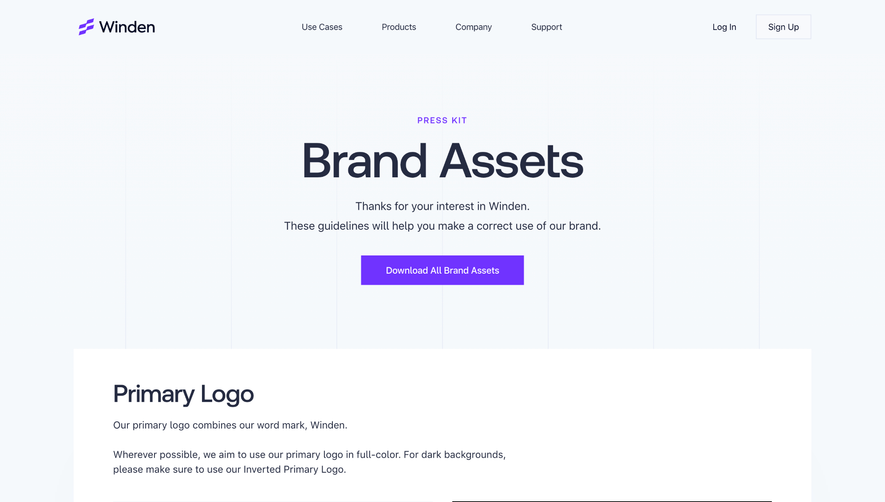

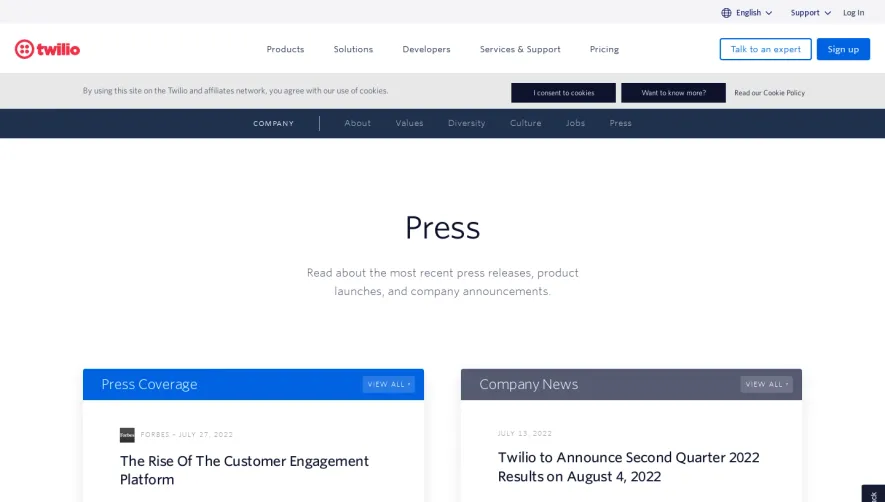

Upgrade to SaaSFrame Pro now to see similar examples.
Monthly
$18 /month
Billed $18 monthly
Browse all screens & flows
Filter and search screens & flows
Search text in screenshots
Access Figma files
Access mobile versions
Join now
Quarterly
$16 /month
Billed $48 quarterly
Browse all screens & flows
Filter and search screens & flows
Search text in screenshots
Access Figma files
Access mobile versions
Join now
Yearly
$15 /month
Billed $180 yearly
Browse all screens & flows
Filter and search screens & flows
Search text in screenshots
Access Figma files
Access mobile versions
Join now