Prompt 1,419 words Copy
# Design from Reference: Folio Landing Page

Create an original, high-fidelity visual design inspired by the reference. Prioritize composition, typography, colors, spacing, and component styling over technical implementation.

## Reference

- **Product:** Folio
- **Category:** Landing Page
- **Screenshot:** attached to this message (also available at https://media.saasframe.io/v/8a8c74e97ce6cbd469cd-1600.webp)
- **Source:** https://www.folio.la/

Analyze the attached screenshot first. If no image is attached, open the screenshot link; if neither is accessible, ask for it rather than guessing.

## Visual Design Context

### Overall aesthetic

- **Style:** Dark interactive-demo SaaS landing page with vivid violet actions, multicolor gradient headline accents and numerous product illustrations.
- **Character:** Near-black navy canvas, white heavy sans-serif headings, muted gray body copy and slightly lighter rounded cards.
- **Surface treatment:** Fine grid backgrounds, dark product frames, soft borders and selective glow/gradient detail rather than broad drop shadows.

### Page composition

- **Capture scale:** 2880 × 20342 image px. CSS estimates assume an unverified 2× capture, approximately 1440 × 10171 CSS px.
- **Header:** Logo left, five navigation groups center, outlined Sign In and violet free-access action right.
- **Hero:** Centered multiline headline mixes white and blue/violet/pink/orange gradient phrases. Two-line description and violet CTA sit above a large demo-editor preview.
- **Demo preview:** Broad dark application frame contains a bright central onboarding card, editing toolbar and violet Next action.
- **Showcase overview:** Centered heading precedes six compact feature cards in three columns and two rows.
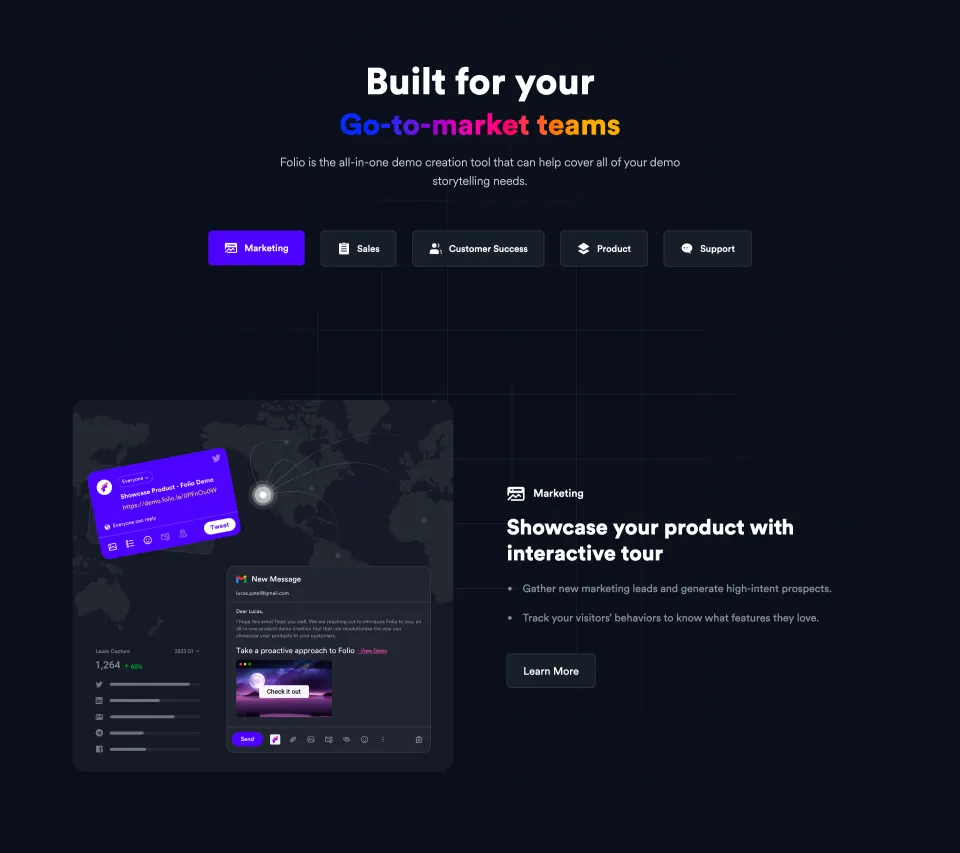
- **Audience introduction:** Large centered heading and description lead into five role tabs; Marketing is selected violet.
- **Role sections:** Five alternating image/text rows cover marketing, sales, customer success, product and support. Each includes icon/label, bold outcome heading, two bullets and a subdued Learn More action.
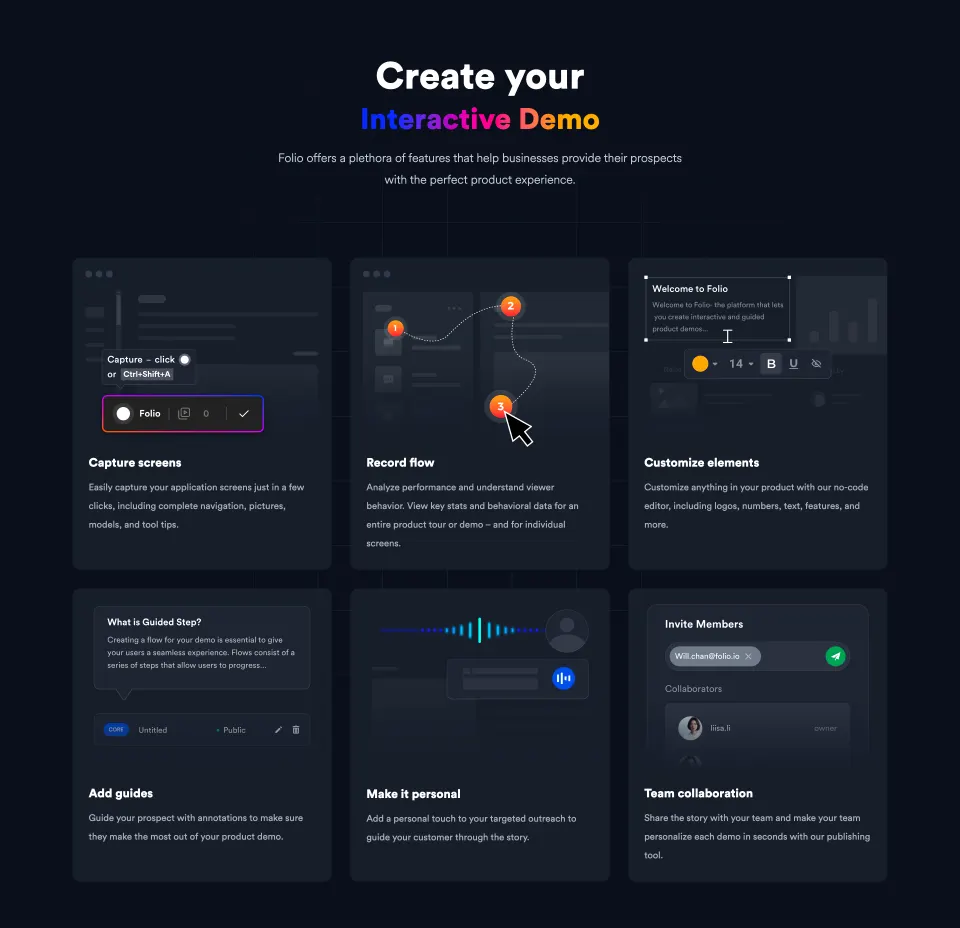
- **Feature grid:** Another centered heading precedes six larger illustrated cards in three columns and two rows, covering capture, flow, customization, guides, personalization and collaboration.
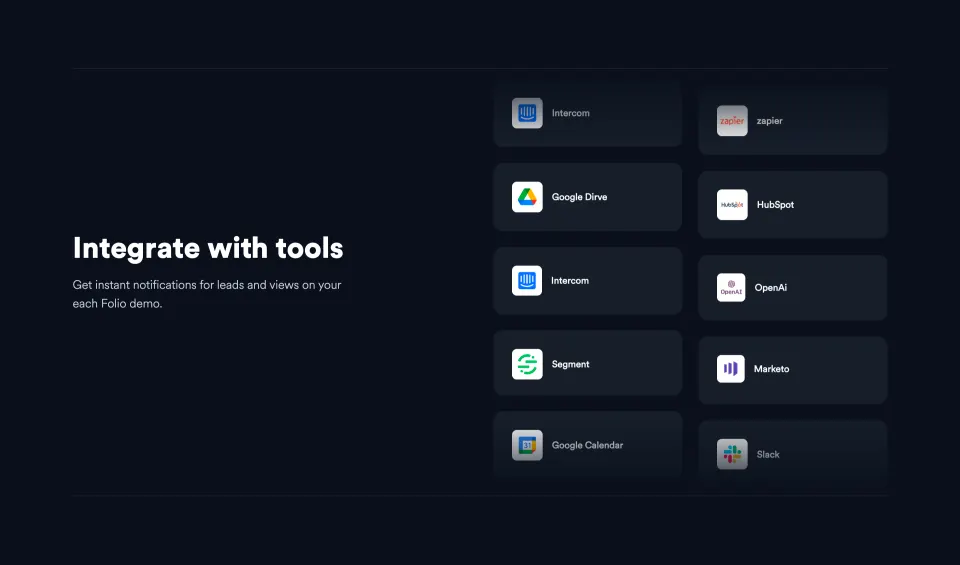
- **Integrations:** Left-aligned heading/copy balance two staggered columns of logo cards on the right.
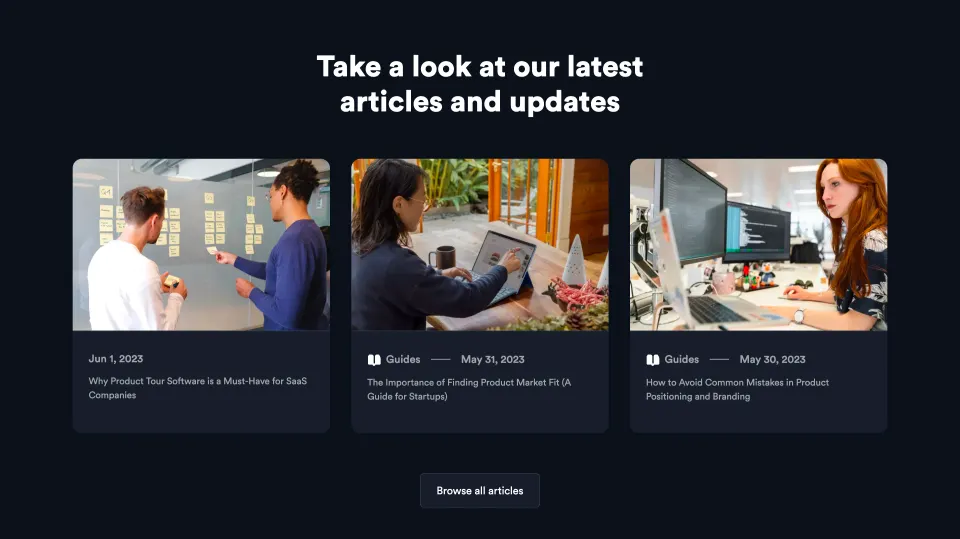
- **Articles:** Three image-led cards sit beneath a centered heading, followed by a browse-all control.
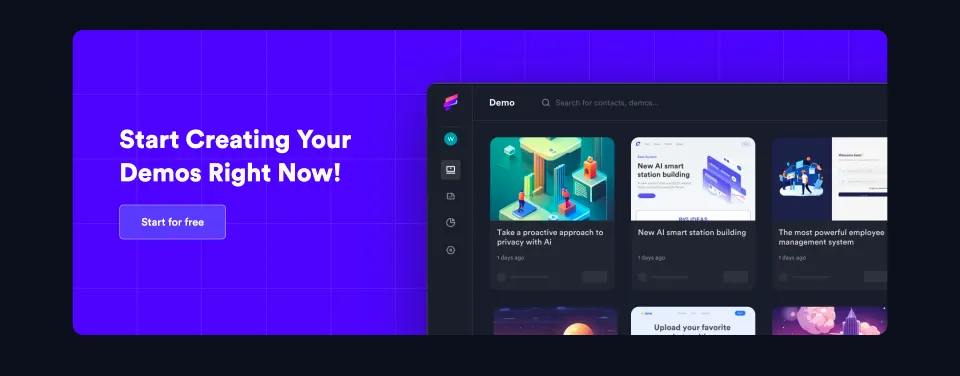
- **Closing CTA:** Large violet grid-backed banner combines white conversion copy/action left and a cropped demo-library screenshot right.
- **Footer:** Brand/location/social links left, four text-link columns right, separated from the page by a fine rule.

### Information hierarchy

- **Hero emphasis:** White outcome phrase is framed by colorful gradient text; the primary CTA remains a solid violet rectangle.
- **Overview hierarchy:** Small feature cards use icon, bold label and short muted explanation.
- **Audience hierarchy:** Role tabs establish context before alternating detailed use-case rows.
- **Product demonstration:** Dark screenshots and annotated illustrations provide concrete examples beside each outcome.
- **Secondary content:** Integration logos and articles appear after the main feature explanation.
- **Captured states:** Marketing tab is selected and several product illustrations show editing overlays. Their interactive behavior is not established.

### Typography

- **Family:** Heavy rounded modern sans serif for headings, neutral sans serif for supporting copy. Exact identities are unverified.
- **Hero:** Approximately 60–64 CSS px bold with 72 px leading; the lower gradient phrase is slightly smaller.
- **Major section headings:** Approximately 48–54 px bold with 58–64 px leading.
- **Use-case headings:** Approximately 30–34 px bold with 38–42 px leading.
- **Card titles:** Approximately 18–20 px bold.
- **Body:** Approximately 16–18 px with 26–30 px leading; card descriptions are smaller, around 14 px.
- **Navigation/actions:** Approximately 14–16 px medium/semibold.
- **Measurement limit:** Values are visual CSS estimates under the assumed 2× capture.

### Colors & surfaces

- **Main canvas:** Sampled sRGB #0B101C dominates the page.
- **Cards:** Sampled #181E29 and #151A24 provide slightly lighter dark surfaces.
- **Product details:** Sampled #11111F and #21252F provide related dark interface references.
- **Primary violet:** Sampled #460BF9 supplies the saturated action/banner accent.
- **Foreground:** Sampled #FFFFFF supplies the strongest heading/label contrast.
- **Gradient accents:** Blue, violet, magenta, coral and orange blend across selected headline phrases and product imagery; these are not one flat UI token.
- **Secondary copy:** Muted cool-gray text remains quieter than white headings; fine dark-gray rules establish grids and card edges.

### Components

- **Header actions:** Small outlined dark rectangle and filled violet rectangle with modest 5–6 px radii.
- **Hero CTA:** Approximately 200 × 50 CSS px, violet fill and white bold text.
- **Editor preview:** Large dark bordered rounded frame with central white modal, gradient brand image, floating text-format controls and small Next button.
- **Overview cards:** Approximately 385 × 145 CSS px, dark fill, 14–16 px radii, icon left and stacked copy. Some have small violet HTML corner badges.
- **Audience tabs:** Icon/text buttons with dark outlined surfaces; selected Marketing uses solid violet.
- **Use-case illustrations:** Rounded dark panels containing marketing messages, demo lists, chat bubbles, dashboard annotations and help-center examples.
- **Large feature cards:** Approximately 385 px wide, with illustrative upper area and title/description below.
- **Integration tiles:** Dark rounded horizontal rectangles with white logo squares and small service labels, fading near the section edges.
- **Article cards:** Rounded image top and dark metadata/title area below.
- **Closing banner:** Broad violet rounded rectangle with faint square grid and large cropped product image.
- **Footer icons:** Small gray social symbols beneath the brand.

### Visual rhythm

- **Long-page pacing:** Hero, compact overview, audience use cases, feature grid, integrations, articles and final CTA create a layered sales narrative.
- **Alternation:** Five role rows switch image/text placement to vary the reading direction.
- **Grid repetition:** Three-column cards and repeated rounded product panels unify the many content types.
- **Whitespace:** Large vertical gaps separate major headings and use-case rows.
- **Accent economy:** Solid violet marks actions and selected states; gradients remain concentrated in display phrases and demonstrations.

### Responsive

- **Evidence limit:** Only desktop is shown; recommendations below are not observed behavior.
- **Hero recommendation:** Reduce display type and preserve natural wrapping without squeezing gradient phrases.
- **Rows recommendation:** Stack each use-case's text and image in a consistent reading order.
- **Grid recommendation:** Reduce three-column layouts to two and then one column.
- **Tabs recommendation:** Allow role tabs to scroll accessibly or wrap with clear selection.
- **Image recommendation:** Crop product previews intentionally and provide close-ups if tiny interface text matters.
- **Footer recommendation:** Stack link groups and preserve clear legal/social routes.

### Adaptation guidance

- **Preserve concrete explanation:** Pair audience outcomes with genuine product demonstrations.
- **Use verified claims:** Replace free-access offers, integration logos, capabilities and commercial statements with accurate target material.
- **Match breadth:** Include only relevant roles/features; do not fabricate sections to reproduce the page length.
- **Retain visual consistency:** Use dark navy, lighter card surfaces, white headings and one violet action accent.
- **Keep implementation detail secondary:** Describe user benefits before detailed editor imagery.
- **Accessibility recommendation:** Validate dark-theme contrast, tab semantics and image alternatives; interaction behavior is not verified by the capture.

## Content

**Instructions:**

Generate realistic example content that fits the selected design reference.

Create appropriate headlines, descriptions, labels, buttons, and supporting copy based on the type of interface being designed.

If a product or business description is provided, use it to guide the content.

Otherwise, invent a plausible fictional SaaS product appropriate for the reference.

Keep the content concise, coherent, and visually balanced.

Do not present fictional statistics, customer names, or testimonials as verified facts.

## Design Direction

**Instructions:**

Use the reference screenshot as the main source of visual inspiration rather than a strict layout template.

Preserve its most distinctive design characteristics, such as typography, visual rhythm, color relationships, component treatments, and overall aesthetic.

Feel free to modify section arrangements, proportions, spacing, and individual components to better suit my content.

Introduce original design decisions where they improve usability, composition, or brand consistency.

The result should clearly reflect the reference's visual language without looking like a direct reproduction.

Follow the visual identity of the reference design.

Use its typography, color palette, component styling, and overall aesthetic as the primary design direction.

Do not introduce an unrelated visual identity.

## Output

**Instructions:**

Generate a high-fidelity visual mockup of the requested interface.

Present the design as a polished, realistic website or product UI screenshot.

Prioritize visual composition, typography, spacing, colors, alignment, and component details.

Use the available image-generation or visual-design capabilities.

Do not replace the mockup with source code, a written design specification, or a textual description.

If direct visual generation is unavailable, clearly explain the limitation.

## Constraints

- Use the actual screenshot as the primary visual reference.
- Preserve essential messaging and factual accuracy.
- Prioritize visual quality and consistency.
- Do not invent unsupported product claims.
- Adapt structure and copy length for visual balance.
Reference image Long pages get scaled down: a section works better. Open in ChatGPT ↗ Open in Claude ↗
Build it in Lovable ↗ v0 ↗ Figma Make ↗
Opening a tool copies the screenshot so you can paste it with your prompt.
 SaaSFrame