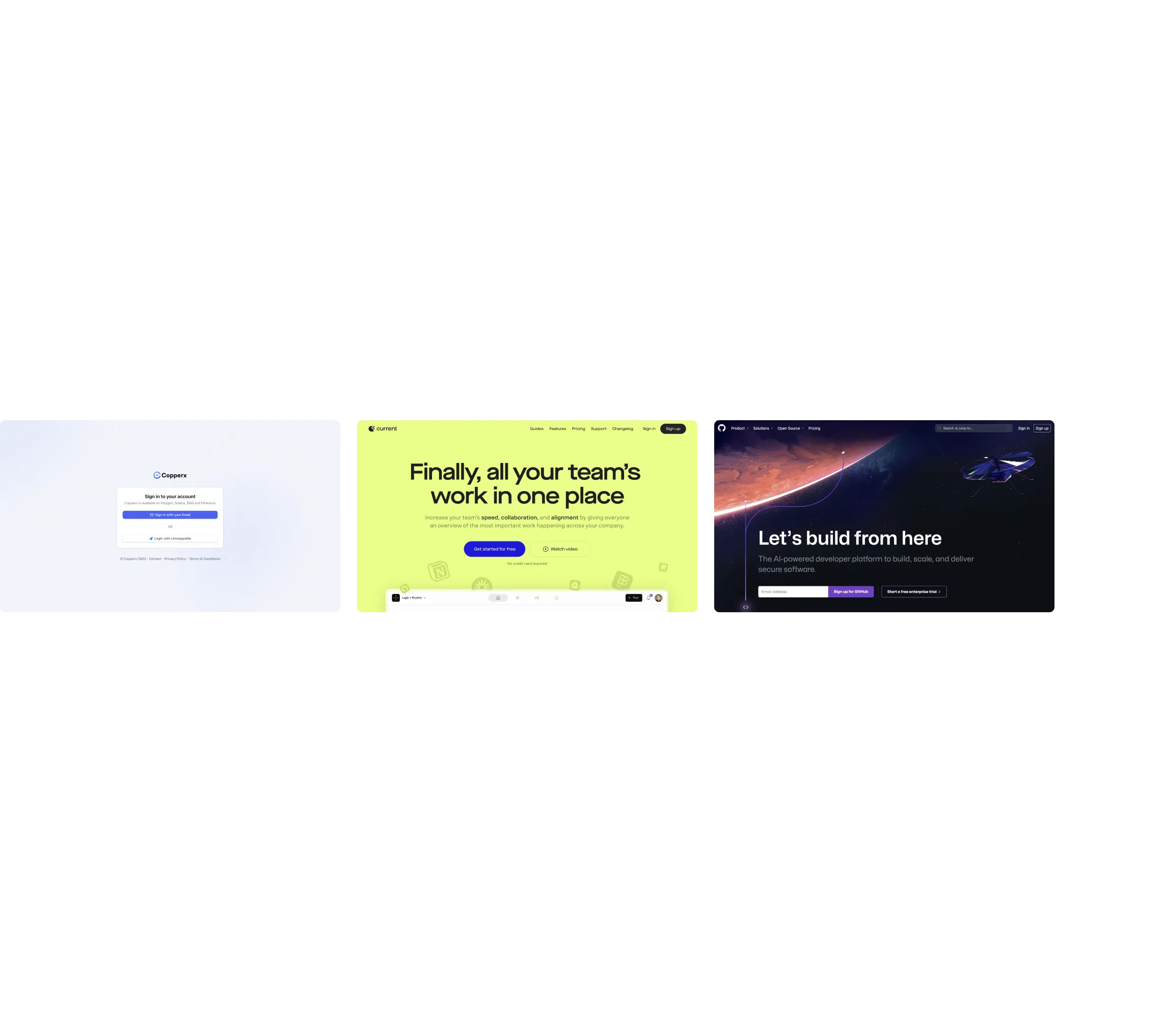
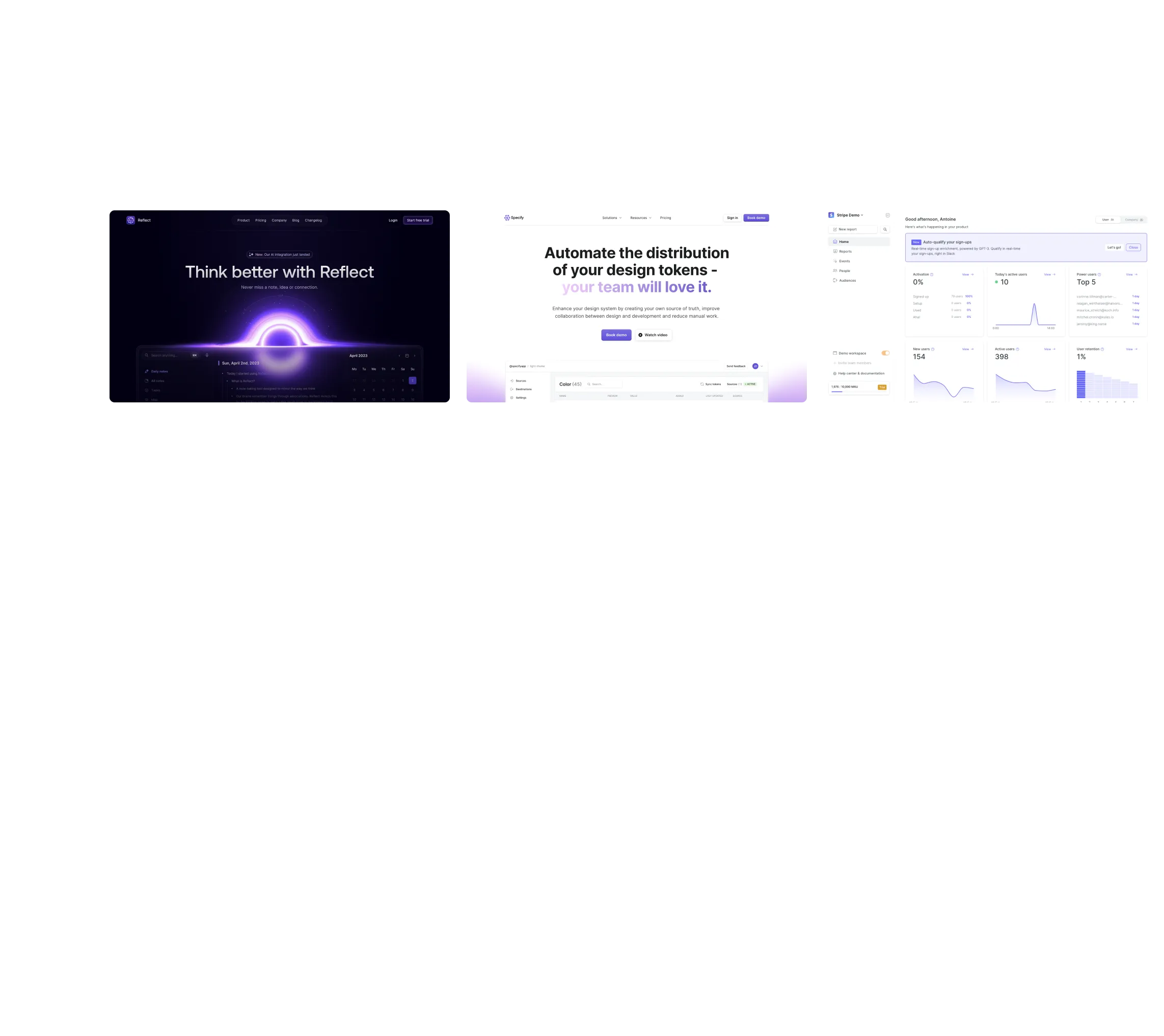
Found in 0 flow
No items found.

Upgrade to SaaSFrame Pro now to see similar examples.

Monthly

$14 /month

Billed $14 monthly
Browse all screens & flows
Filter and search screens & flows
Bookmark items
Access Figma files
Access mobile versions
Join now

Quarterly

$12 /month

Billed $36 quarterly
Browse all screens & flows
Filter and search screens & flows
Bookmark items
Access Figma files
Access mobile versions
Join now

Yearly

$10 /month

Billed $120 yearly
Browse all screens & flows
Filter and search screens & flows
Bookmark items
Access Figma files
Access mobile versions
Join now

Biggest SaaS library.

Browse website pages, product interfaces and emails from a growing library of hundreds of SaaS.

Desktop & mobile versions.

Switch from desktop to mobile versions to see how the best designers make websites responsive.
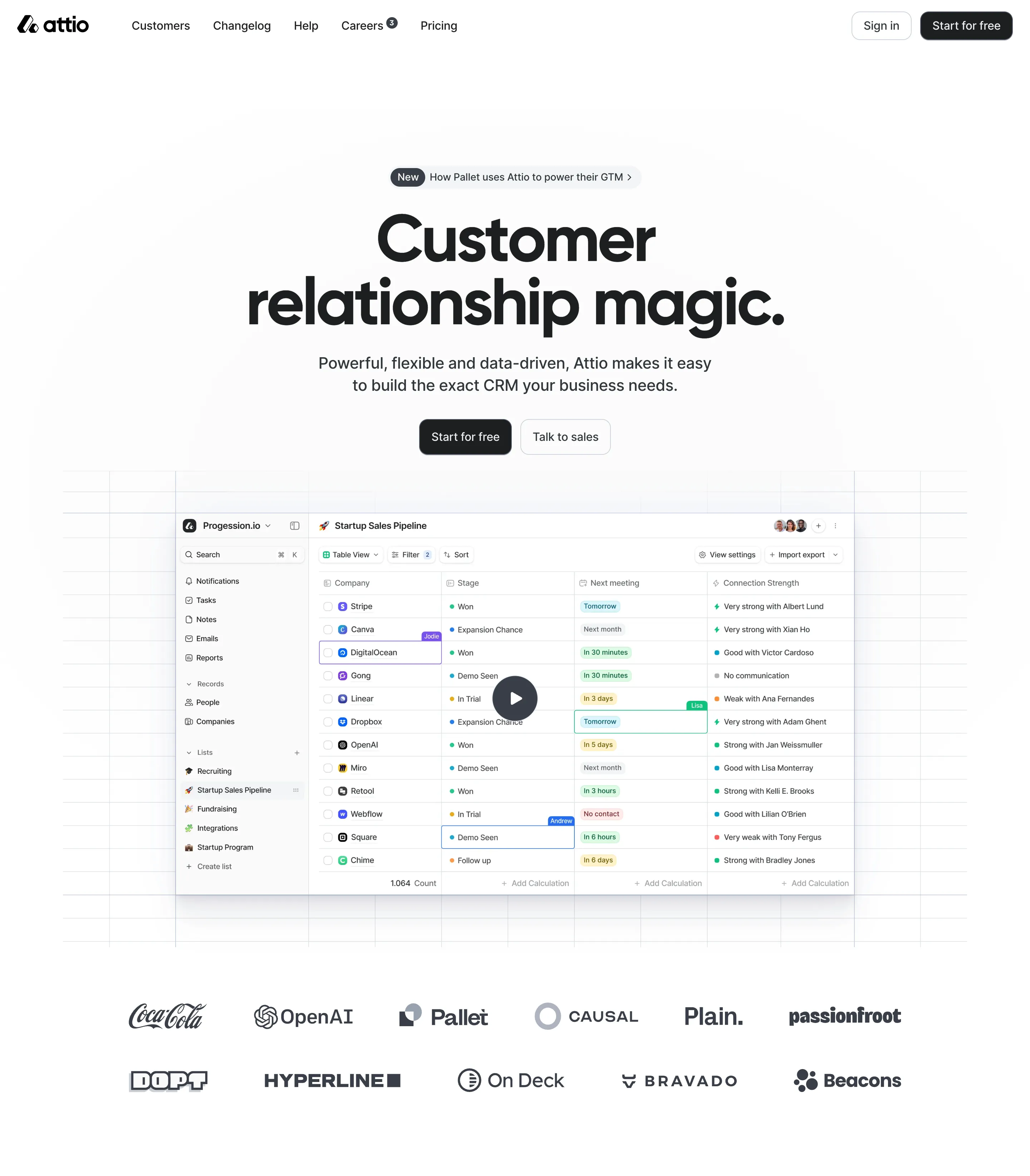
Access the Figma files.

You like a design? Download the Figma file of any website page you see on SaaSFrame.

Advanced filtering.

Use filters to find the design or copywriting inspiration that you need in seconds.
Thank you! Your submission has been received!
Oops! Something went wrong while submitting the form.

Let it flow.

Discover the user journey of the best SaaS with interfaces organized in flows.
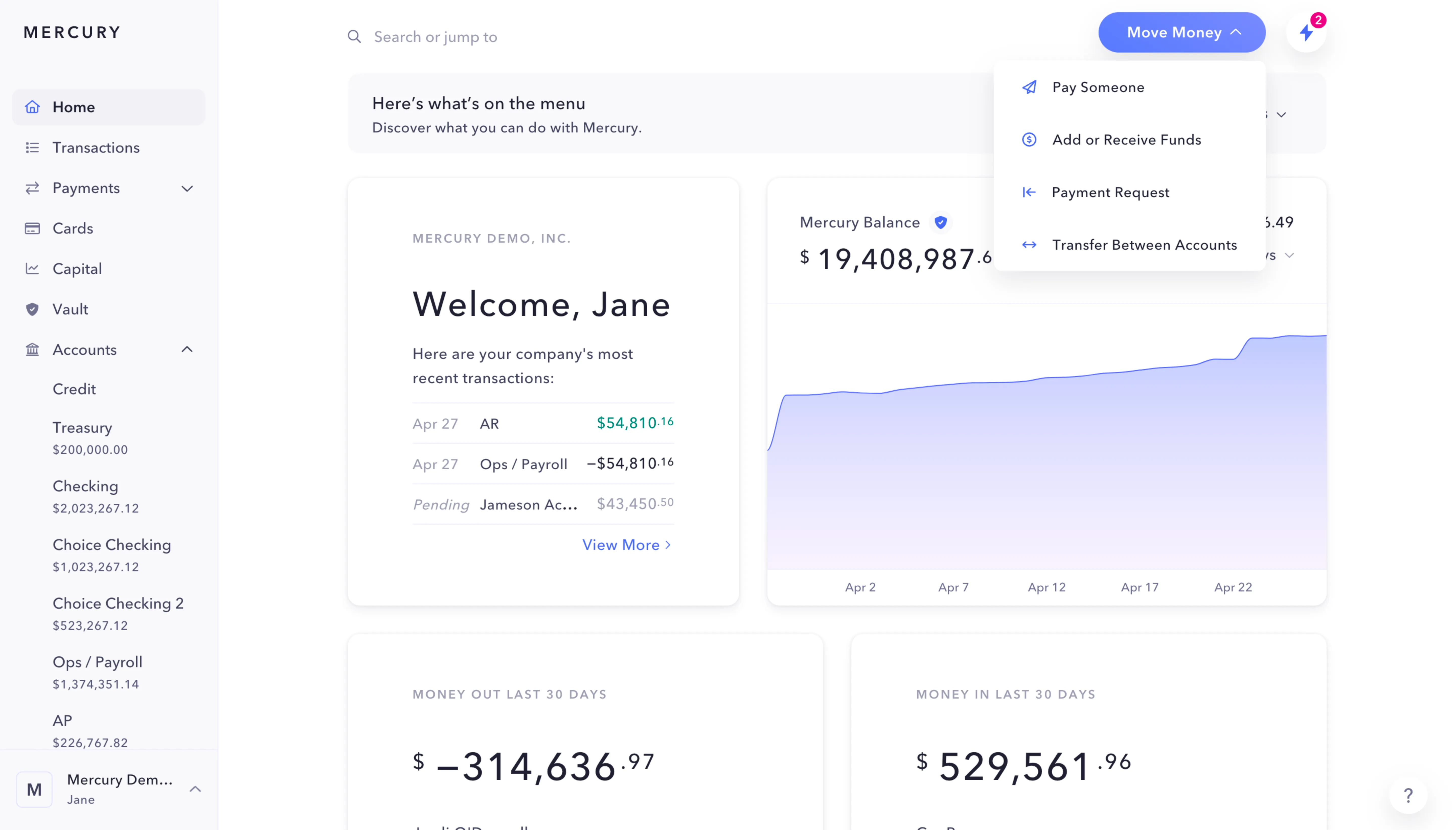
Save design inspirations.

Bookmark screens and flows so you can find them any time you need it.
โŒ˜
B
BOOKMARK DESIGN
Start your design
research
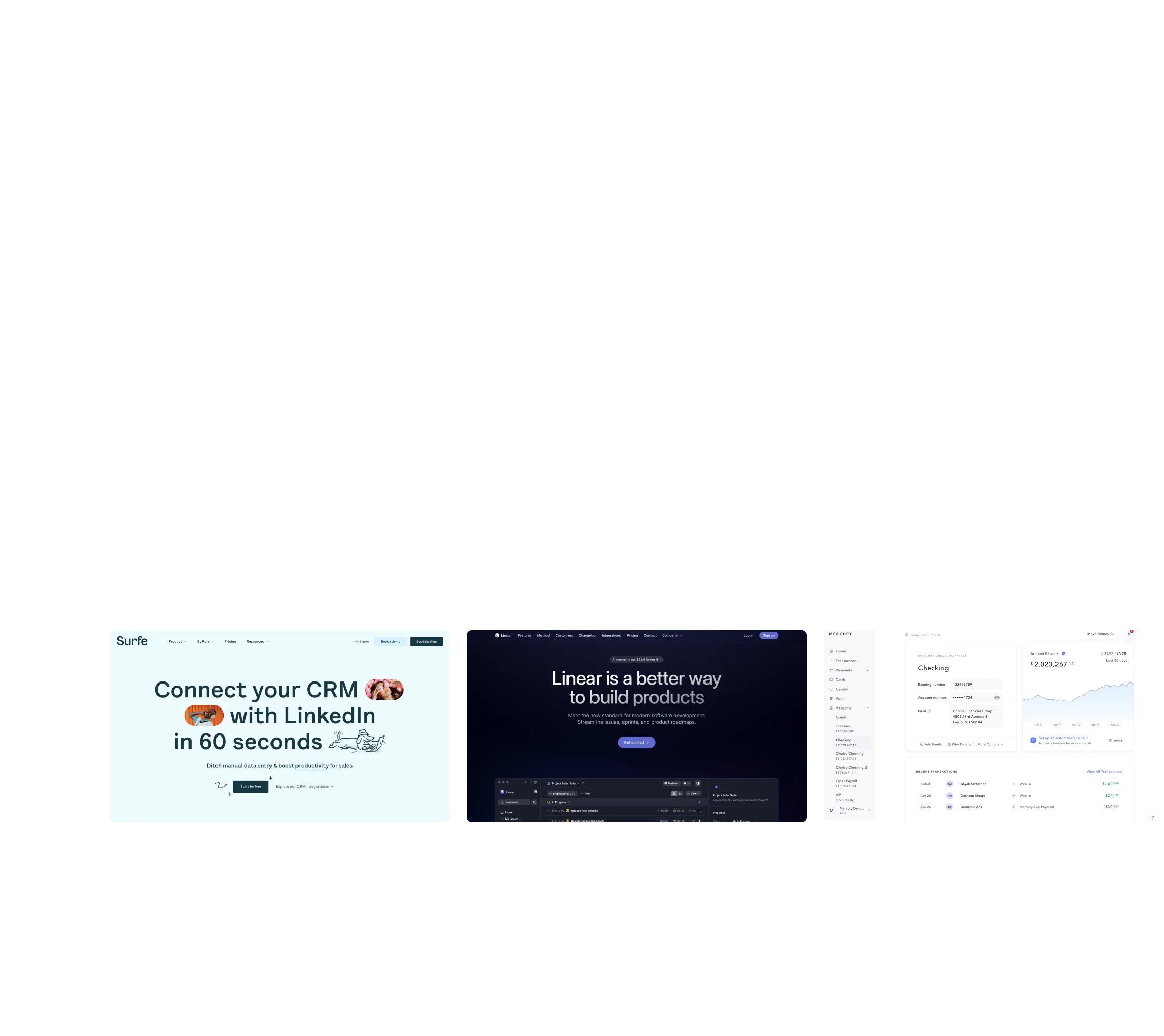
Three website screenshots showing a design tool and distribution dashboard for design tokens, promoting ease and automation.

How do you process payment?

SaaSFrame subscriptions are sold on Lemon Squeezy, a secured online selling platform for creators.

What about future updates and versions?

SaaSFrame gets updated all the time! Every new update and version will immediately be made available to all SaaSFrame users.

Can you send me an invoice?

You can generate an invoice on your Lemon Squeezy portal once you purchased SaaSFrame. You will find the link in the order confirmation email.

How can I cancel my membership subscription?

You can cancel your membership subscription at any moment on your profile page.โ€

Can I get a refund?

If you're not satisfied, you can ask for a refund within 7 days. Just send me an email at antoine[at]unmake[dot]io

I have another question.

You can send me an email at antoine[at]unmake[dot]io, I'll be happy to help with any questions.

No items found.

Customer.io Comparison Page Structure

Overall Style and Aesthetic

The Customer.io vs HubSpot comparison page exemplifies a modern, minimalist SaaS design. Its visual language leans professional and approachable, striking a balance by pairing crisp whitespace with colorful accent elements. The overall impression is clean and uncluttered, instilling trust and making information easy to digest.

Layout and Structure

The page unfolds logically: a concise hero section introduces the comparison, followed by a sticky sub-navigation for seamless jumping between sections. Distinct modules highlight side-by-side feature breakdowns, customer testimonials, an at-a-glance pricing summary, and strong closing CTAs. Content is organized in clear blocks, gently guided by contrasting backgrounds, which enhances scan-ability without overwhelming users.

Visual Elements

Custom illustrations and icons permeate the design, lending clarity and personality to complex data. Subtle micro-animationsโ€”such as highlight effects on CTAs or floating iconographyโ€”provide visual engagement without distracting from the content. Screenshots and comparison tables are styled simply, avoiding unnecessary borders, which keeps the focus on information.

Color Palette and Typography

A crisp palette centers on white and soft greys, energized by Customer.ioโ€™s signature purples and yellows for emphasis and callouts. Typography is modern and highly legible, mixing a geometric sans-serif for headlines with a humanist sans for body copy. Hierarchical sizing and color cues direct the eye effortlessly through headings, benefits, and technical details.

User Experience Patterns

Persistent navigation, in-line jump links, and repeated CTAs ensure frictionless movement. Interactive elementsโ€”like hover states and sticky navigationโ€”provide instant feedback. Forms are minimal and unobtrusive, focusing attention where it matters.

Unique or Notable Design Choices

The comparative side-panel layout, paired with anchored navigation, creates a uniquely transparent evaluation journey. Distinctive iconography and branded color splashes inject warmth, while trust is reinforced through thoughtfully positioned testimonials and accessible support links.

Tone and Feel

The overall feel is transparent, user-first, and slightly playfulโ€”making a complex decision feel easy, approachable, and even enjoyable for SaaS buyers.