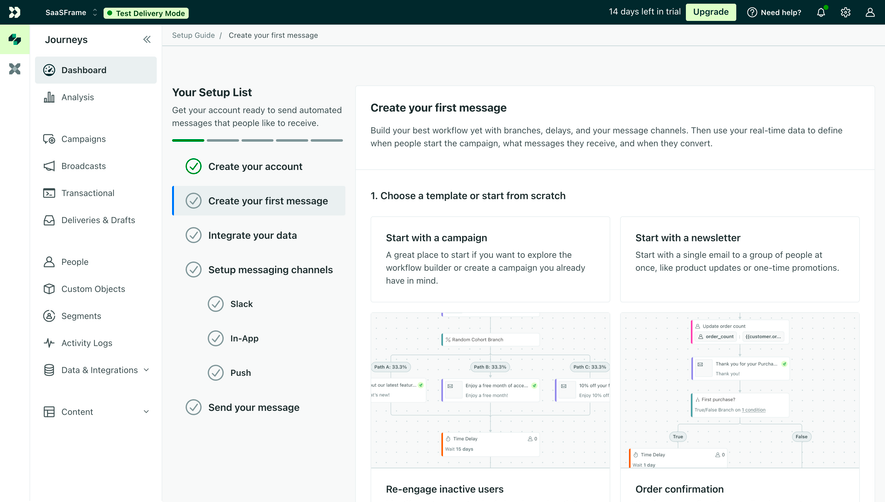
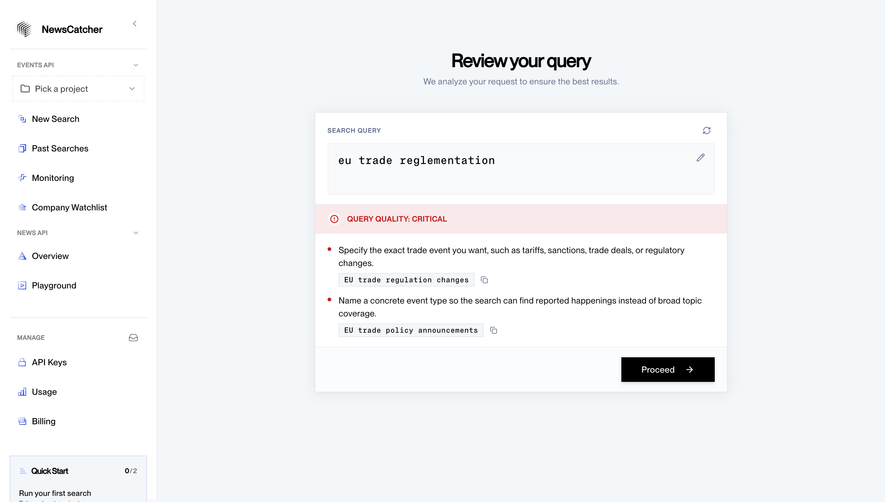
Design with AI
Generate a new design based on this screen using your own content.
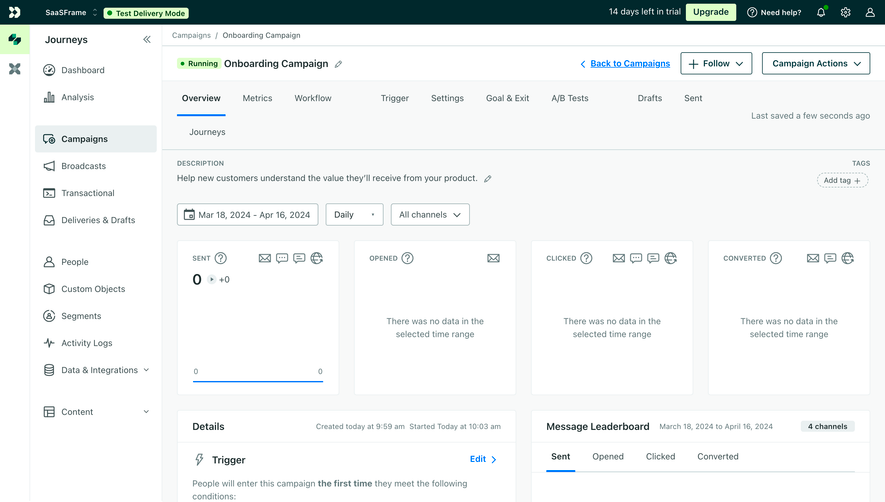
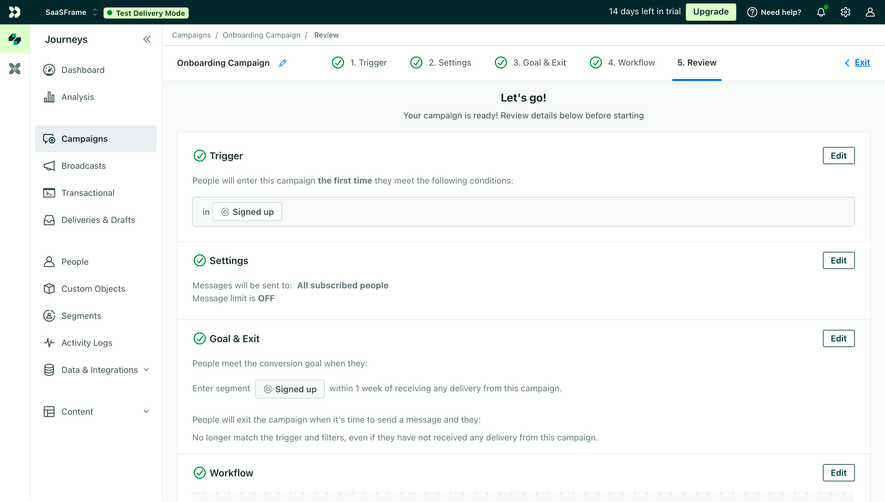
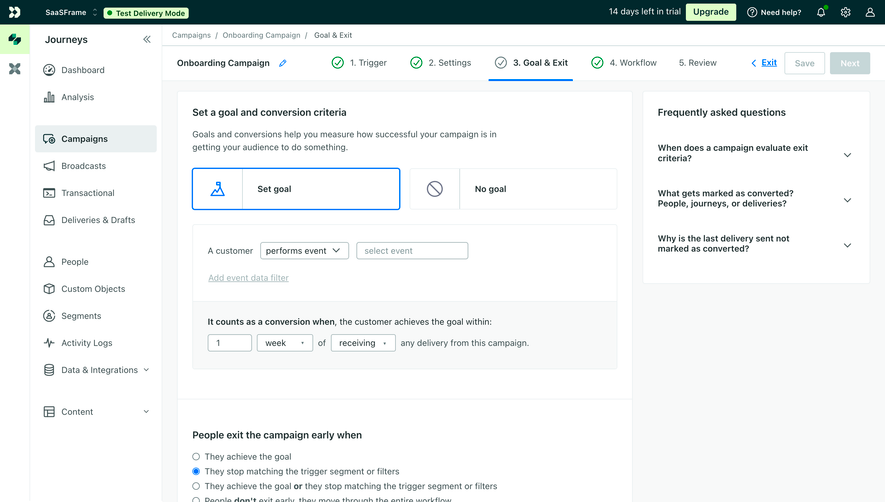
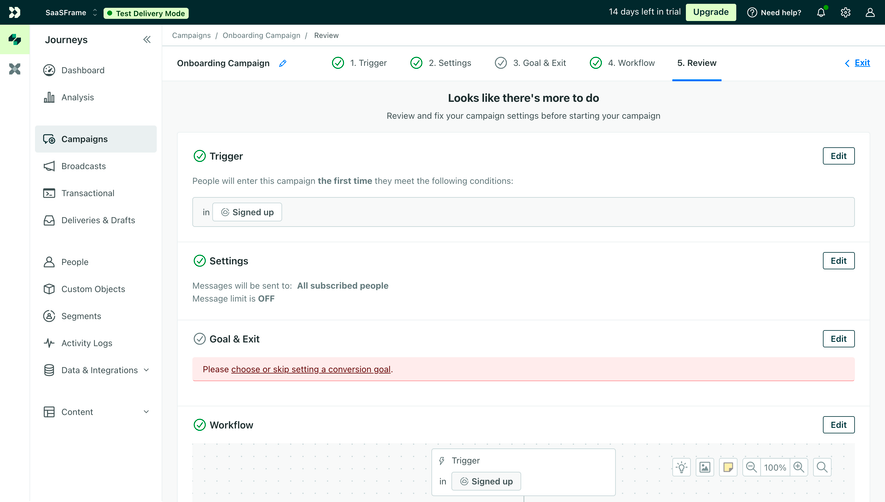
# Design from Reference: Customer.io Campaign Review
Create an original, high-fidelity visual design inspired by the reference. Prioritize composition, typography, colors, spacing, and component styling over technical implementation.
## Reference
- **Product:** Customer.io
- **Category:** Add & Edit
- **Screenshot:** https://cdn.prod.website-files.com/5e9dc792e1210c5325f7ebbc/6aca27efaca7079066e8e8dc_6aca27139784a71bf850029d_cms-6221d7d08c8fe0697bc7908a.webp
Analyze the screenshot first. If inaccessible, request it rather than guessing.
## Content
{{content.instructions}}
{{content.data}}
Preserve essential messaging and factual accuracy. Adapt structure and copy length for visual balance; never invent product claims.
## Visual Design
### Overall aesthetic
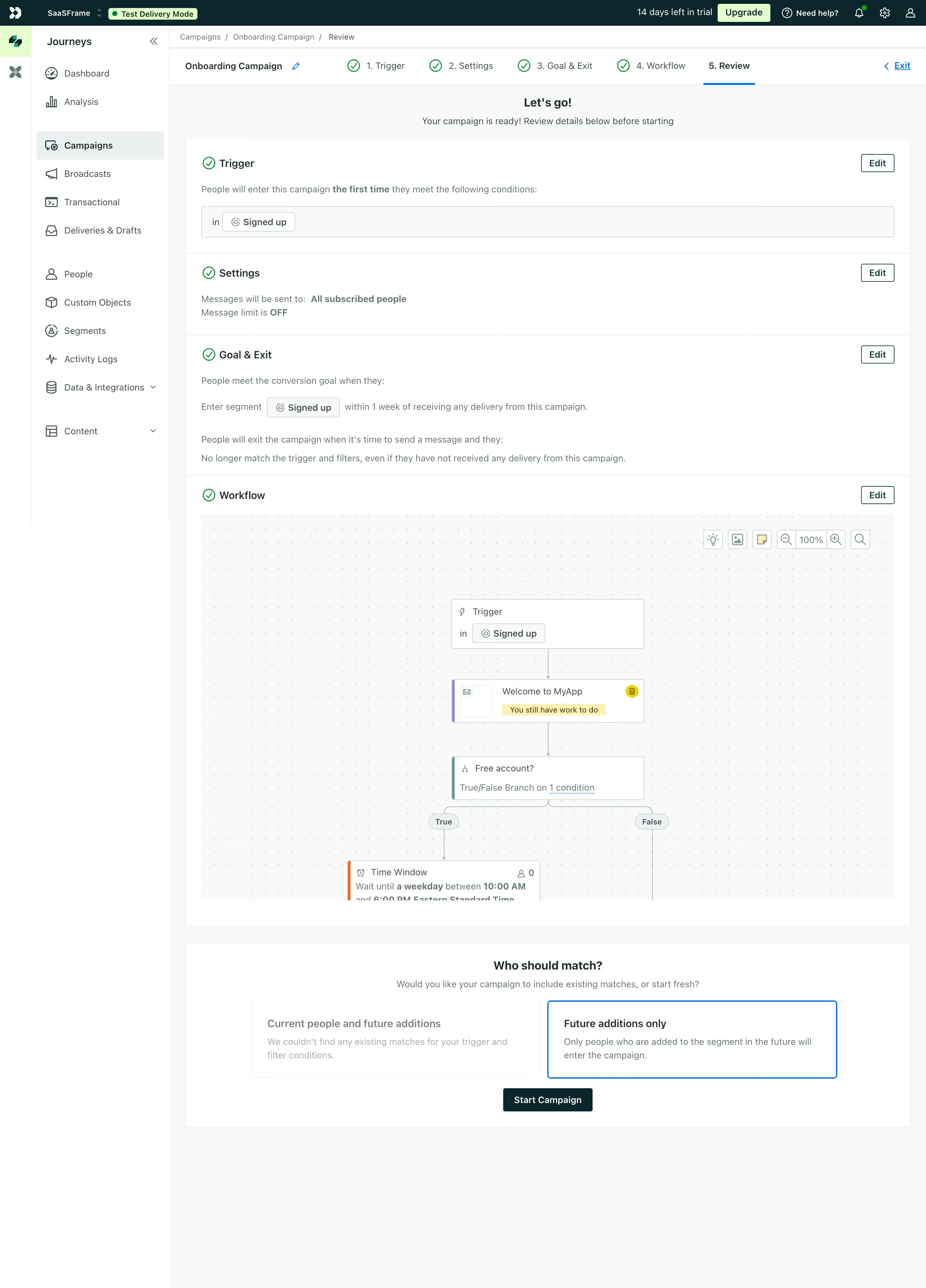
- **Character:** Functional campaign-review workspace with pale surfaces, dark teal chrome and explicit completion checks.
### Page composition
- **Canvas:** 2880 × 4004 screenshot pixels; CSS estimates assume approximately 2× scale.
- **Structure:** Dark global bar, icon rail and Journeys navigation; breadcrumb and five-step campaign progress; stacked review sections; workflow preview; audience-choice/start panel.
### Information hierarchy
- **Priority:** Completed Trigger, Settings, Goal & Exit and Workflow sections precede final audience selection.
- **Action:** Each review group has an Edit control; Start Campaign appears beneath two audience-choice cards, with future additions selected.
### Typography
- **Family:** Neutral compact sans-serif; exact font is unverified.
- **Scale:** Estimated CSS section headings 16–18px, body/navigation 14px and metadata 12px.
### Colors & surfaces
- **Sampled palette:** White #FFFFFF; pale workspace #F8F9F9; dark teal #00282C; border #EAF0F1; muted copy #60787B; green tint #DDFFC8.
- **Accents:** Green checks communicate completed steps; blue underlines/outlines indicate current review and selected audience.
### Components
- **Review:** Thin-bordered white groups with compact headings, supporting labels and condition chips.
- **Workflow:** Large dotted canvas with linked trigger/message/branch nodes and small zoom controls.
- **Geometry:** Estimated 4px panel radii, 24px padding and 36px compact actions.
### Visual rhythm
- **Spacing:** Regular dividers separate review details; a tall diagram area provides a visual middle before final activation.
### Responsive
- **Guidance:** Mobile is not shown. Collapse navigation, stack audience choices and provide scroll/zoom for the workflow.
### Adaptation guidance
- **Transfer:** Preserve review-before-activation hierarchy and editable summaries. Adapt trigger, audience and workflow states to the target campaign.
Use this context to reproduce the reference's visual language: layout, typography, colors, spacing, borders, radii, and distinctive elements. The screenshot takes priority if descriptions conflict.
## Direction
{{preferences.fidelityInstructions}}
## Output
{{output.instructions}}
Deliver a polished, cohesive design with precise alignment, hierarchy, and spacing. Produce the requested visual artifact, not just a description. If unsupported, explain the limitation.
.webp)




.avif)