Generate a new design based on this screen using your own content.
Thank you! Your submission has been received!
Oops! Something went wrong while submitting the form.
# Design from Reference: GoFundMe Foundraiser Cover Photo Setup
Create an original, high-fidelity visual design inspired by the reference. Prioritize composition, typography, colors, spacing, and component styling over technical implementation.
## Reference
- **Product:** GoFundMe
- **Category:** Account Setup
- **Screenshot:** https://cdn.prod.website-files.com/5e9dc792e1210c5325f7ebbc/6acad51e5a5fdf4c30310e2a_6acad444b2165b6c7f00b145_cms-5c7601b426b219b9e0c78a30.webp
Analyze the screenshot first. If inaccessible, request it rather than guessing.
## Content
{{content.instructions}}
{{content.data}}
Preserve essential messaging and factual accuracy. Adapt structure and copy length for visual balance; never invent product claims.
## Visual Design
Use this context to reproduce the reference's visual language: layout, typography, colors, spacing, borders, radii, and distinctive elements. The screenshot takes priority if descriptions conflict.
## Direction
{{preferences.fidelityInstructions}}
## Output
{{output.instructions}}
Deliver a polished, cohesive design with precise alignment, hierarchy, and spacing. Produce the requested visual artifact, not just a description. If unsupported, explain the limitation.
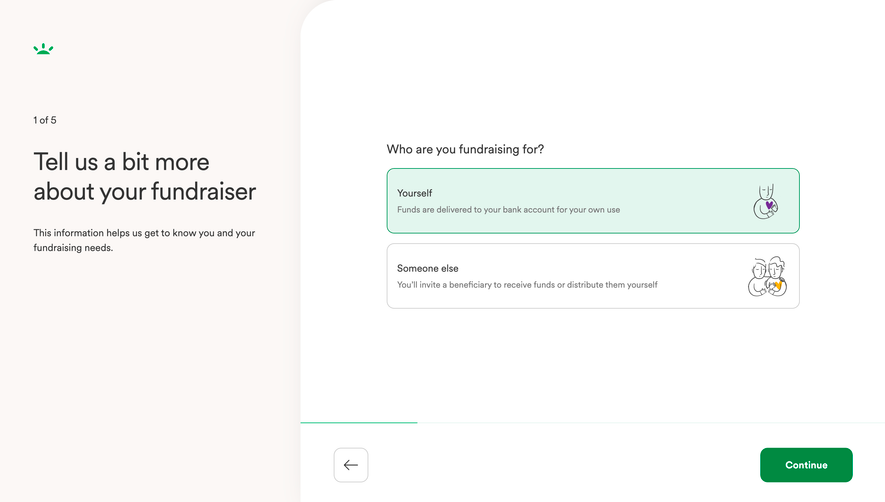
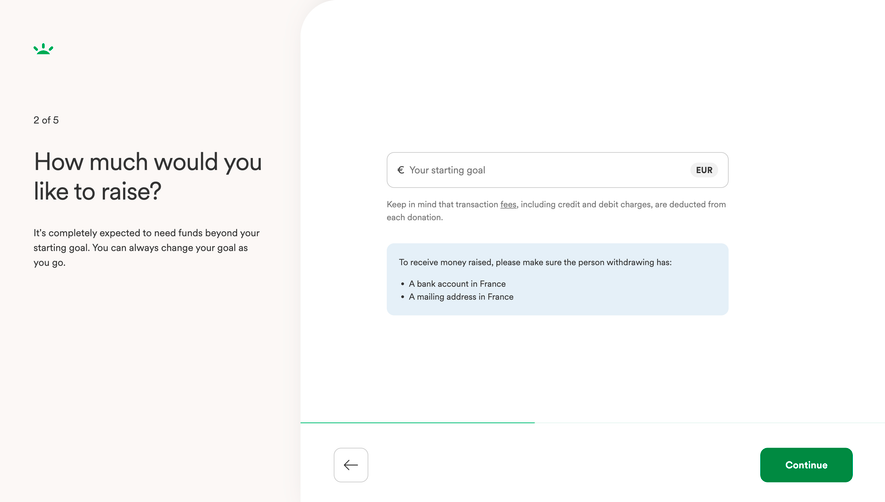
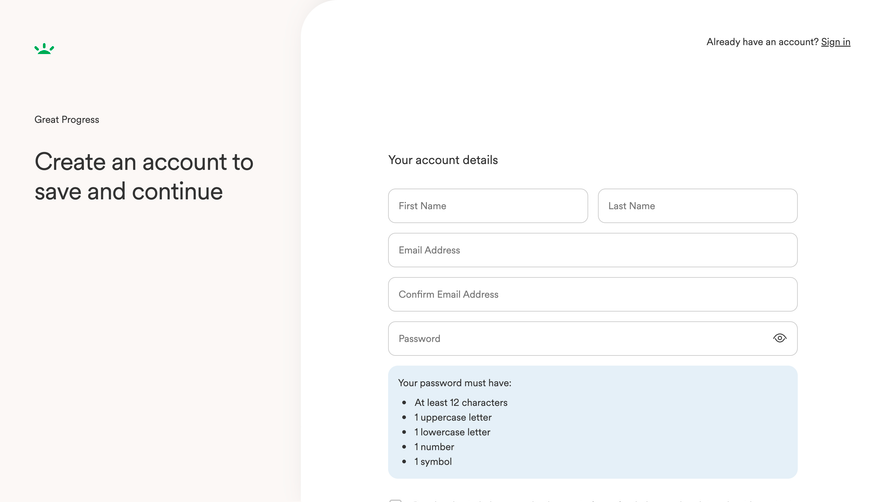
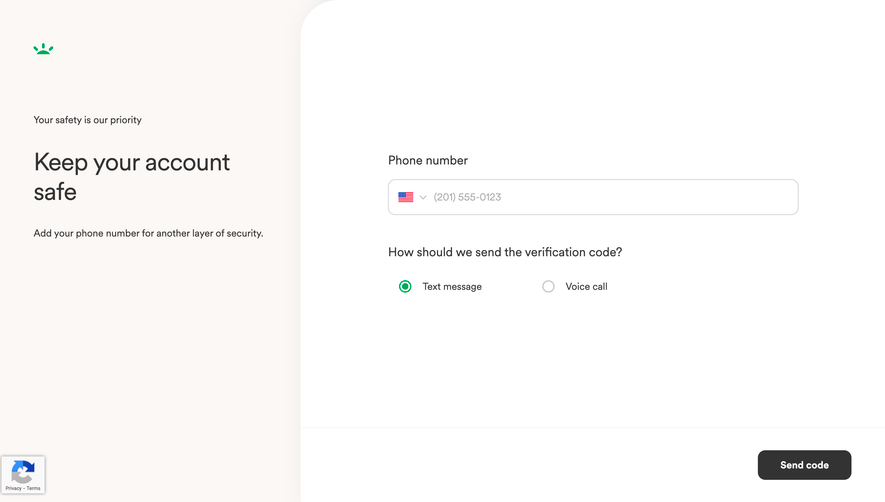
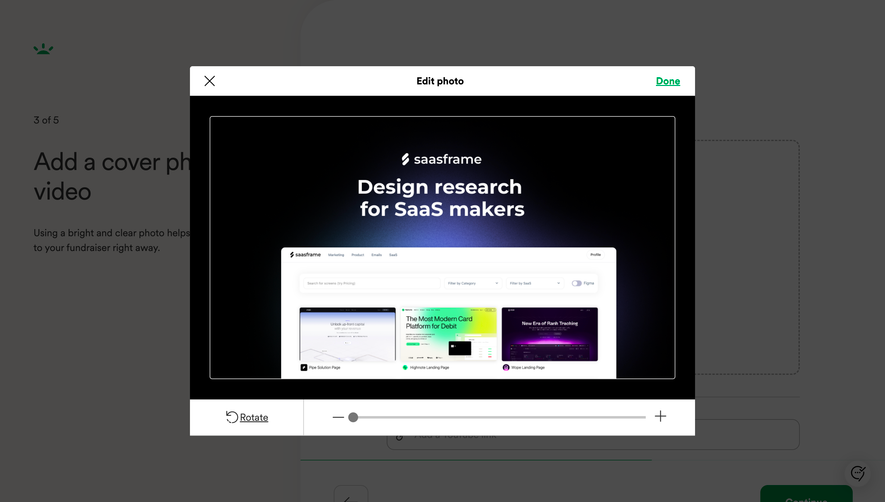
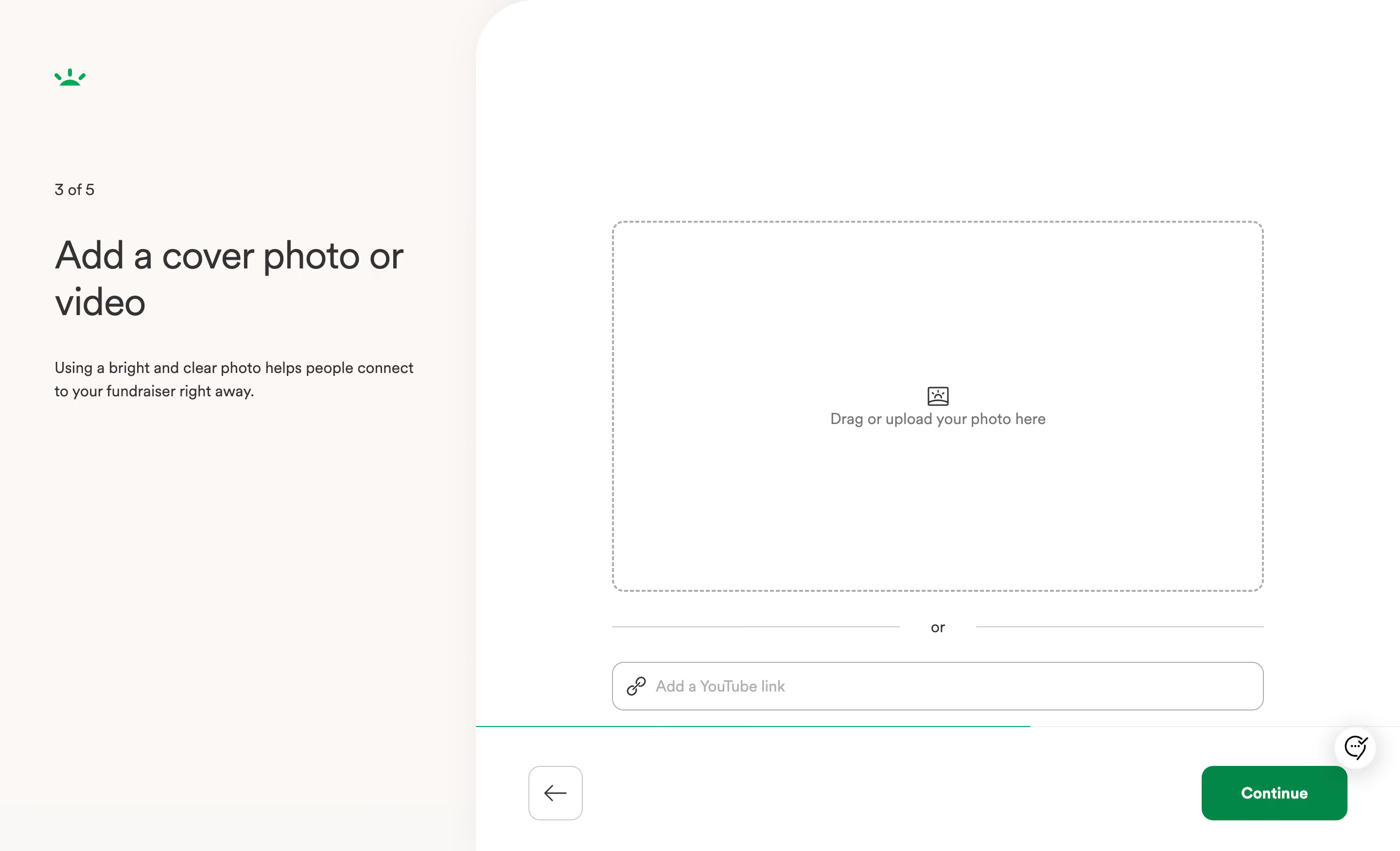
This is GoFundMe's fundraiser creation flow, step 3 of 5. The first thing you notice is how much breathing room everything has. The left side is pure context. Step counter, big heading, a single line of helper text. That's it. No clutter.
Smart Split Layout
The two-column approach keeps instructions separated from the action area. On the right, a dashed upload zone with a subtle image icon sits front and center. Below that, a simple "or" divider leads to a YouTube link input. The hierarchy is dead clear: upload first, link second. The green underline on that input field is a small but effective touch that ties back to the brand.
Typography and Color Doing the Heavy Lifting
The heading is large, serif-like, and confident. Body text stays small and light. The warm cream background feels approachable without being childish. That green "Continue" button in the bottom right corner pulls your eye exactly where it needs to go. The back arrow keeps things low pressure. Really well-paced onboarding screen.
.webp)


.avif)