 SaaSFrame
MCP SaaSFrame for AI agents
Give your AI agent real SaaS references. It sees them, then builds.
Connect SaaSFrame to Claude, ChatGPT, Cursor or VS Code. Your agent searches 5,488 real screens from 326 SaaS, shows them in the chat and gets the measured styles to build from a proven reference, not a blank page.
 SaaSFrame
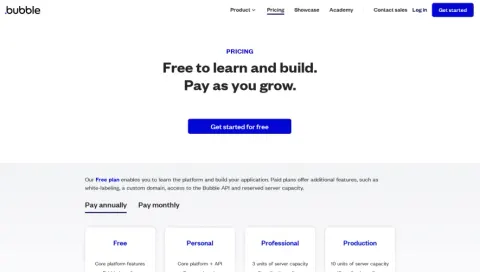 BubblePricing Page
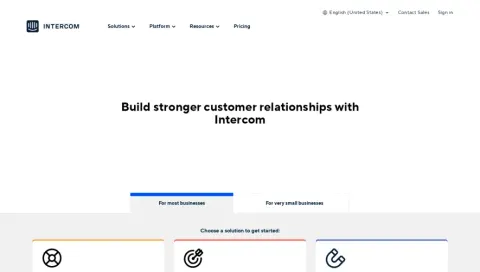 IntercomPricing Page
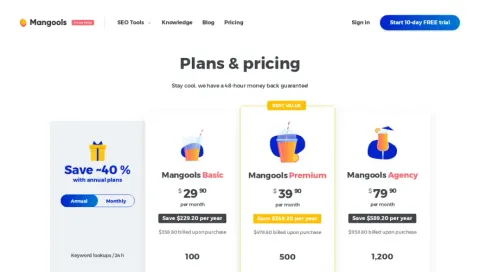 MangoolsPricing Page
What your agent gets
Search what screens say
Every word inside every screenshot is searchable. Your agent looks for “invite your team”, not just “settings”.
Measured styles, not guesses
Colors, fonts, type sizes and radii measured on the live page, with a written design context for each screen.
Screens in the chat
In Claude and ChatGPT, results appear as SaaSFrame thumbnails and full screenshots, right in the conversation.
Connect in a minute
Add the server, then sign in with your SaaSFrame account. Server URL: https://www.saasframe.io/api/mcp/pro
- Open Settings → Connectors and choose Add custom connector.
- Name it SaaSFrame and paste the server URL.
- Select Connect, then sign in to your SaaSFrame account and allow access.
https://www.saasframe.io/api/mcp/proThe first time, your AI tool asks permission before each SaaSFrame tool. Choose Always allow.
Tools
- search_screens
- Finds screens by the words inside the screenshots, by type, category, UX pattern, SaaS or theme.
- get_screen
- The full reference of a screen: the screenshot, its visual design context, measured colors, fonts, sizes and radii, its structure and text.
- search_sections
- Isolated website sections: heroes, pricing tables, testimonials, footers.
- search_flows
- Multi-screen journeys, step by step: onboarding, signup, upgrade, invite.
- get_saas
- A SaaS’s site-wide style and every screen of it in the library.
- list_categories, list_patterns
- The categories and UX patterns to filter by, with their number of screens.
Free and Pro
Free
- 3 results per search
- Full reference of free screens
- 20 calls a day
Questions
Which AI tools work with SaaSFrame?
Claude, Claude Code, ChatGPT, Cursor, VS Code, Codex and any tool that supports remote MCP servers over HTTP with OAuth. Claude and ChatGPT also show the screens visually in the chat; coding tools get them as data and images.
Why does my AI tool ask for permission?
AI tools ask before using a tool from a connector you added yourself, and before opening a link. Choose Always allow for SaaSFrame’s tools so it stops asking.
Can the agent change anything in my account?
No. The SaaSFrame MCP server is read-only: it searches and reads the library, nothing else.
What do free accounts get?
Three results per search, the full reference of free screens only, and 20 calls a day. Pro unlocks every result and 100 full screen references a day.
Can I use it to build a dataset or train a model?
No. The MCP server is for your own design and build work. Extracting the library at scale, building datasets or training AI models is not allowed by our terms.
Read our terms. Questions? Contact us.