SaaSFrame
Clerk Contact Page
 ClerkAuthentication and user management for apps
About this page
Two clear doors
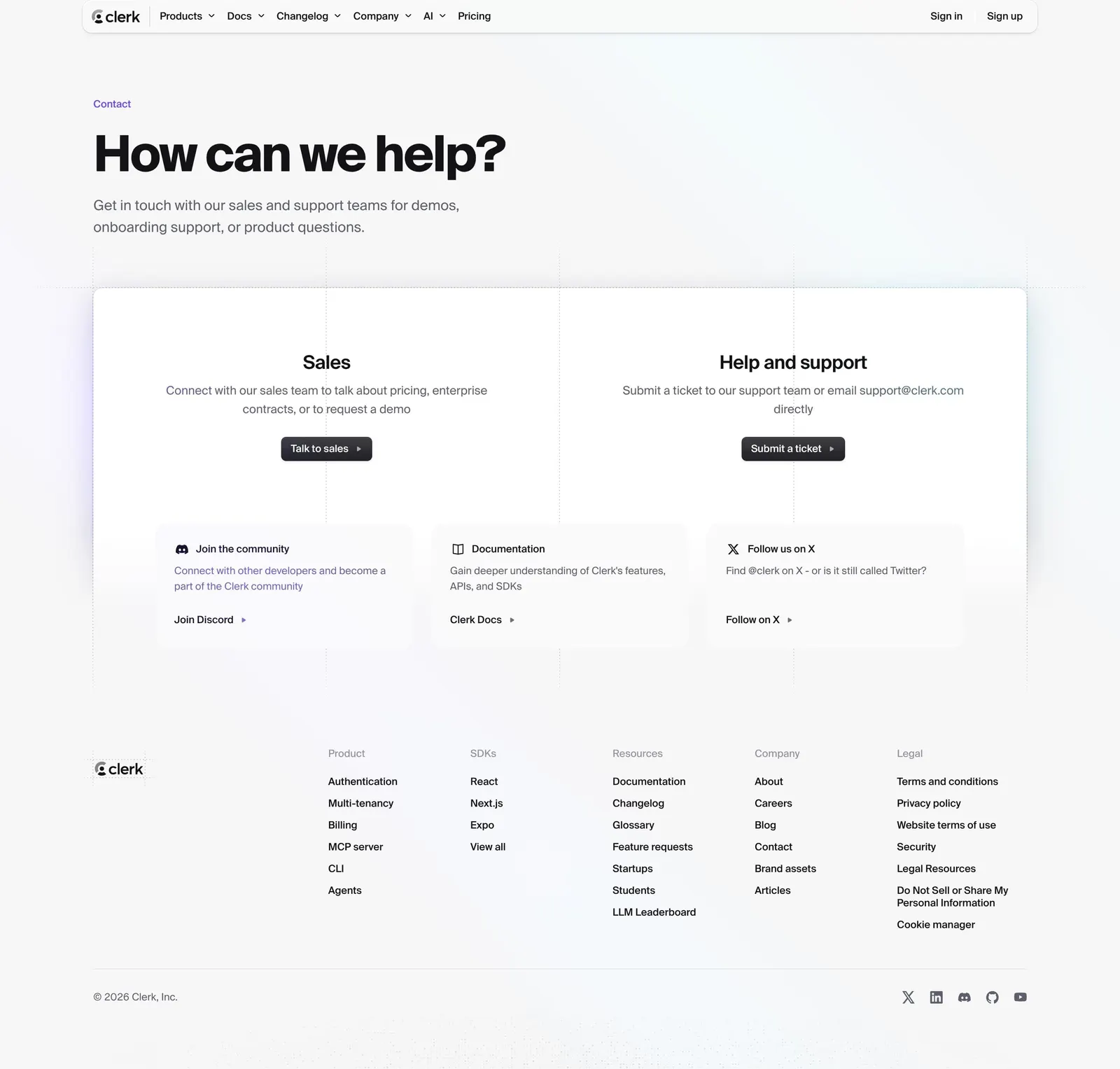
The Contact page asks "How can we help?" and explains "Get in touch with our sales and support teams for demos, onboarding support, or product questions." A large white card splits into Sales ("Talk to sales") and Help and support ("Submit a ticket"), each with a short line and a dark button.
Community links below
Three smaller entries point to the community, the documentation and Clerk on X, each with an icon and a text link.
Quiet and centered
The whole page sits on a pale background with a violet "Contact" eyebrow, leaving the two choices as the only focus before the footer.