 SaaSFrame
Inspect, take and rebuild any website’s design
Fonts, colors and spacing in one click. Assets and DESIGN.md. Any section as code, Figma layers or a brief for your coding agent.
Beta: unzip, open chrome://extensions, turn on Developer mode, then Load unpacked. The Chrome Web Store version is on its way.
- Free
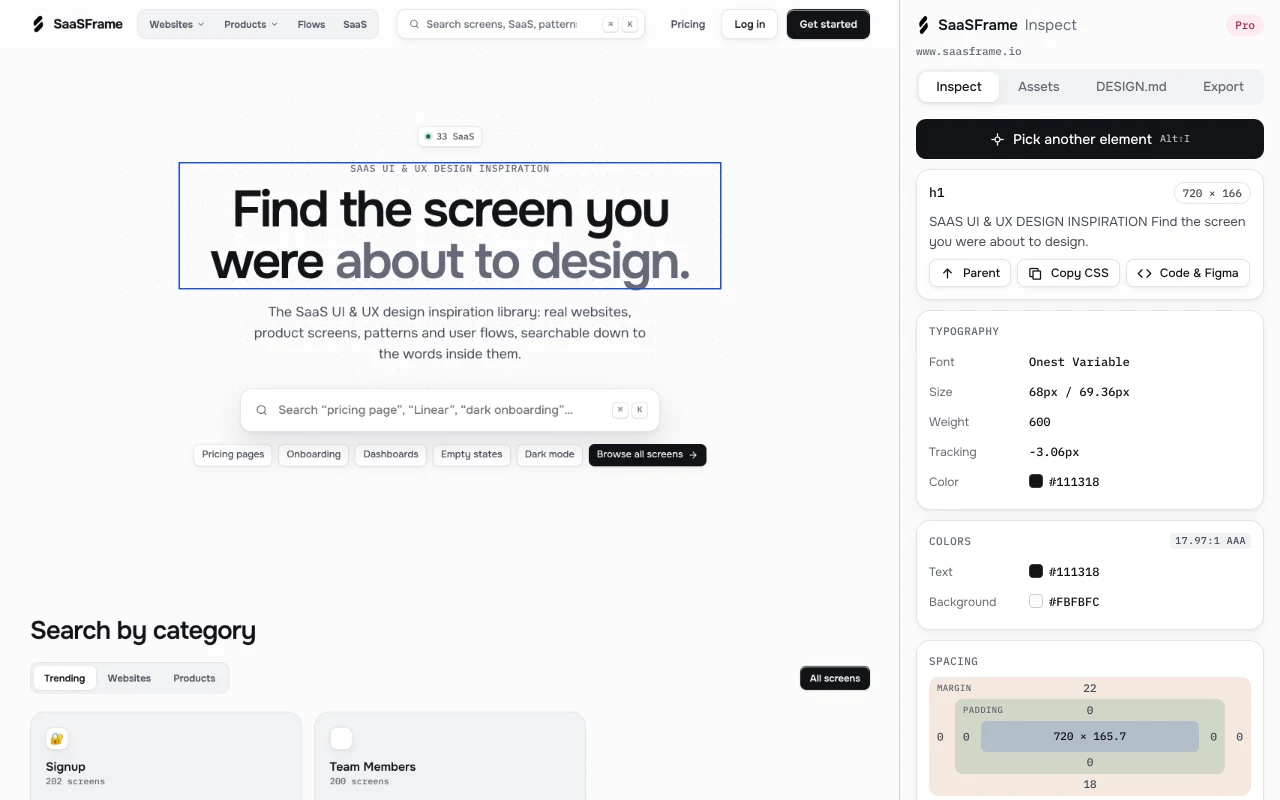
Inspect any element
Hover any element of any page: font, size, weight, tracking, colors with their contrast, margins, paddings, radius and shadow. Click a value to copy it, or copy the element as CSS.
- Pro
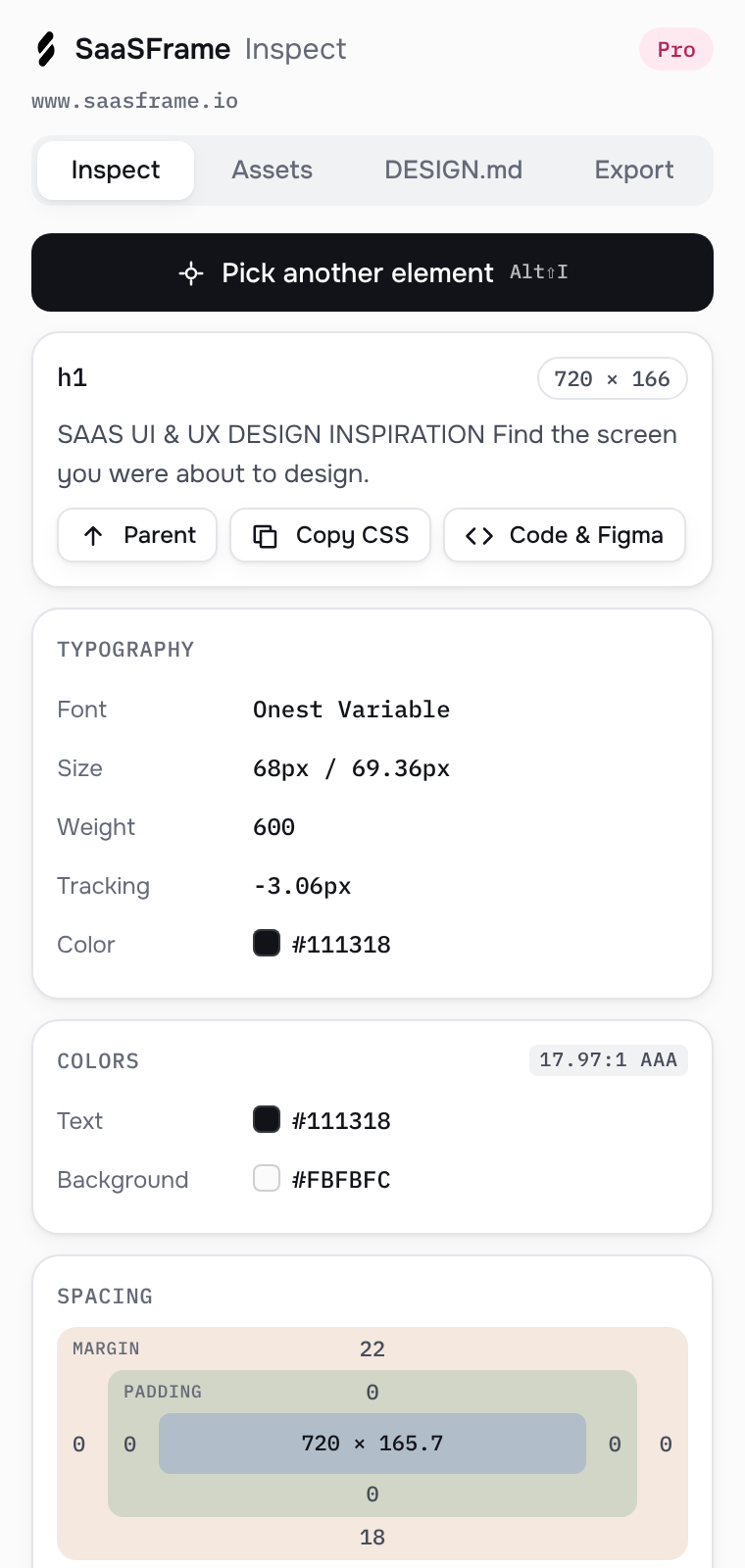
Take the assets
Every SVG with its real colors, images in their original size, the palette and the fonts the page really uses, ready to copy or download.
- Pro
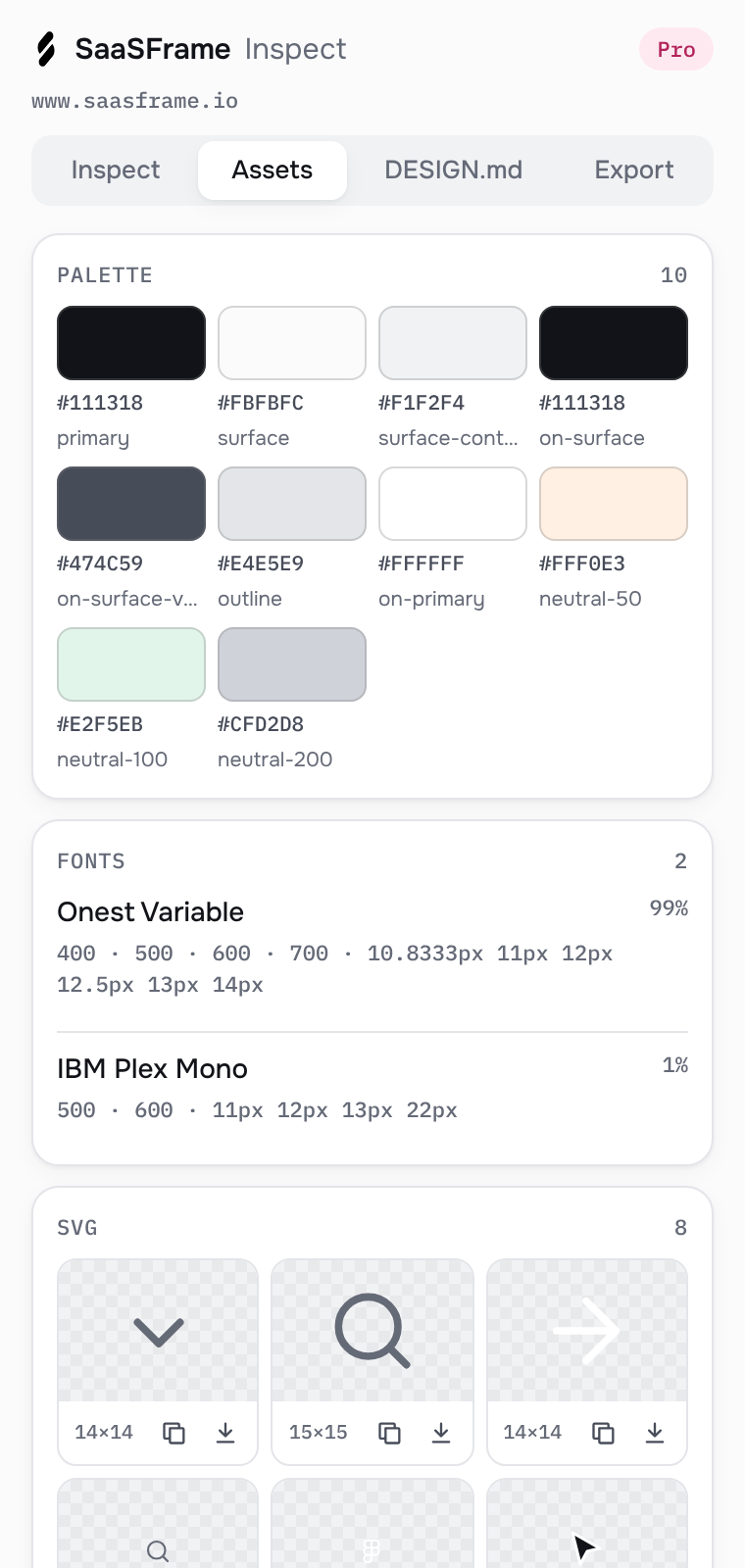
DESIGN.md of any page
Colors, type scale, radii, spacing and components measured on the page as it renders, even behind a login, written as a DESIGN.md your coding agent follows, with a consistency score.
- 3 a month free
Any section as code
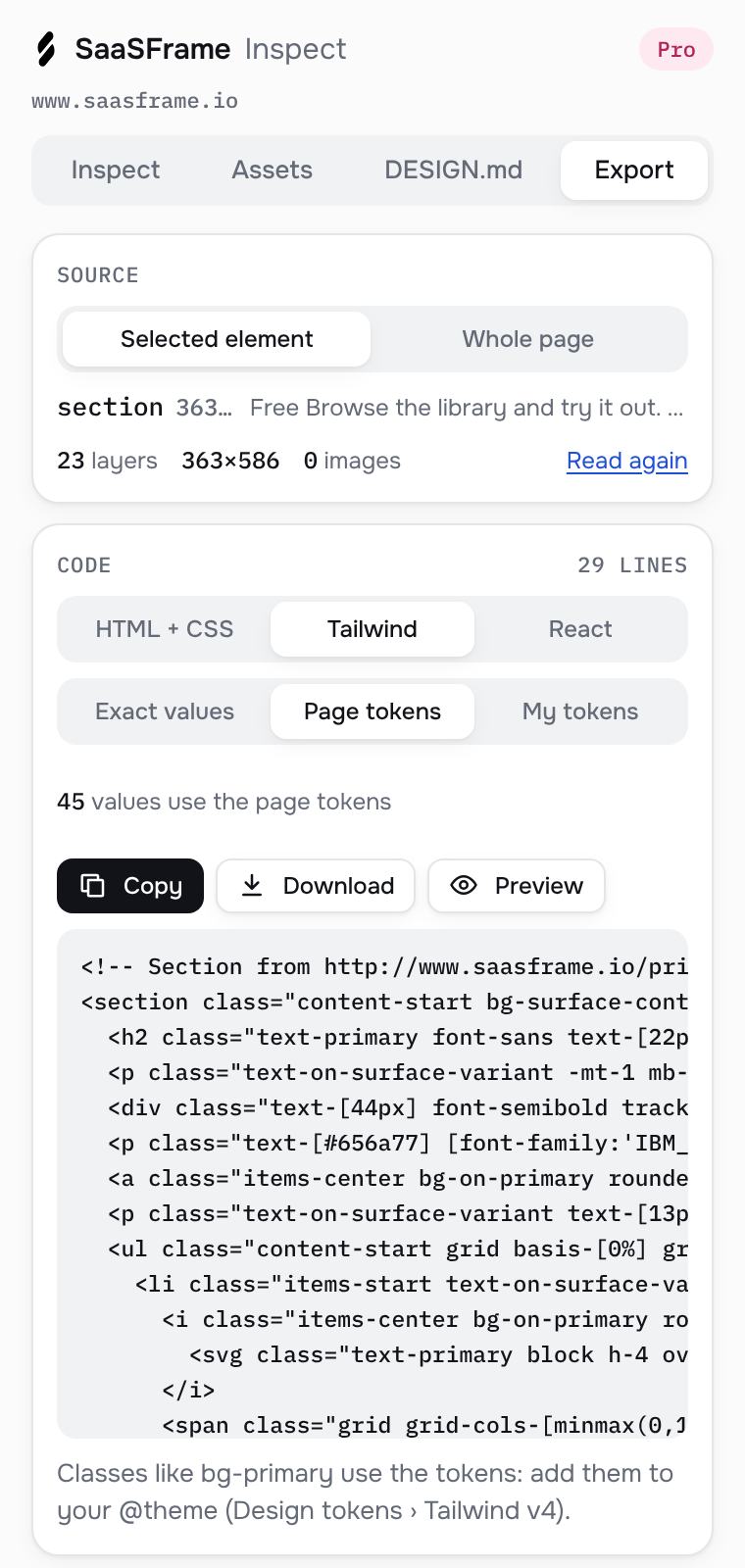
Pick a hero, a pricing table or a sidebar, or take the whole page: HTML + CSS, Tailwind v4 or React. Exact values, the page tokens, or your own tokens pasted once.
- Pro
Figma layers and your coding agent
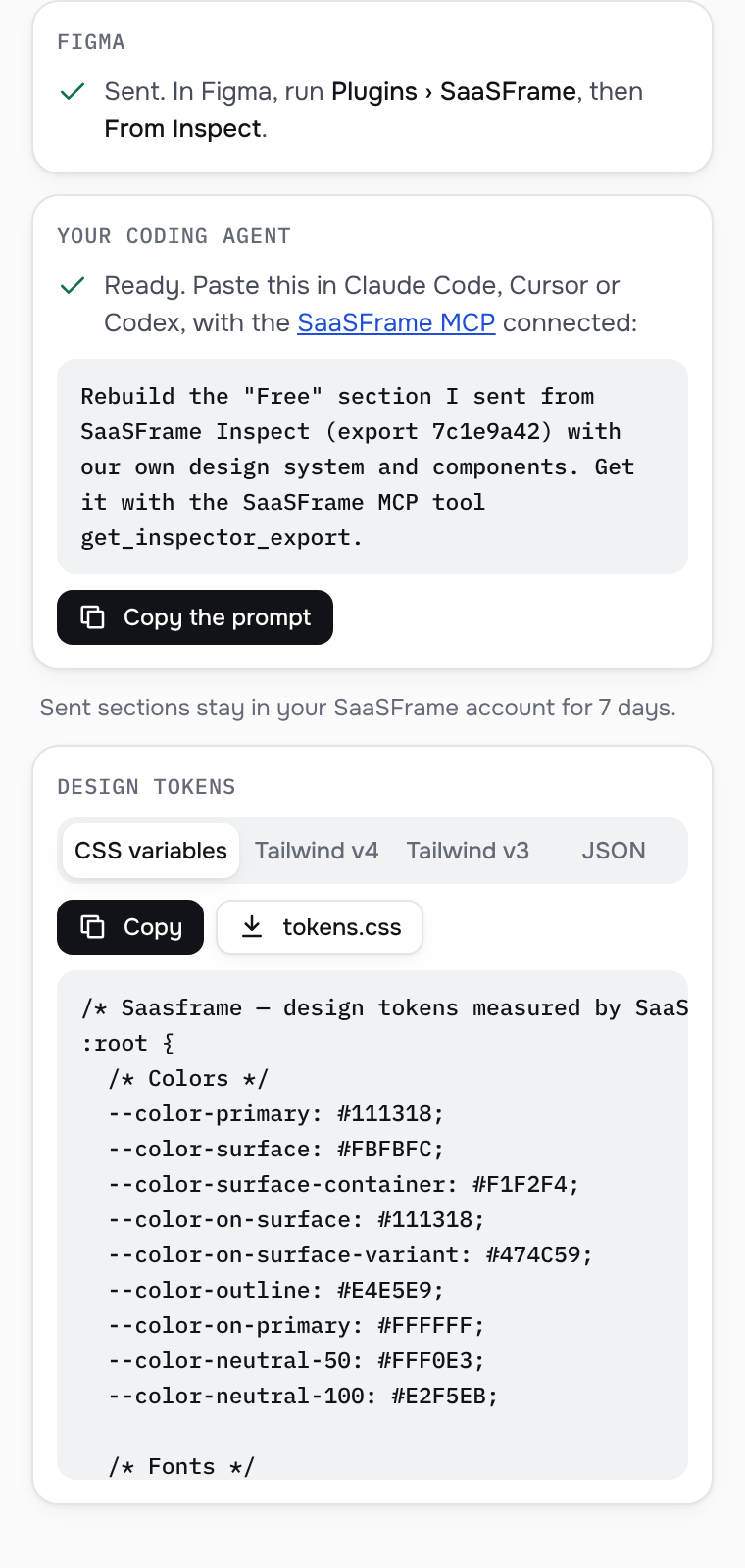
Send the section to Figma as editable layers with auto layout, through the SaaSFrame plugin. Or send it to Claude Code, Cursor or Codex through the SaaSFrame MCP, rebuilt with your design system.
Free and Pro
| Feature | Free account | Pro and Team |
|---|---|---|
| Inspect elements, copy CSS and SVG | Yes | Yes |
| Export a section or a page as code | 3 a month | Unlimited |
| Code with the page tokens or your own | — | Yes |
| Assets, palette and fonts | — | Yes |
| DESIGN.md and design tokens | — | Yes |
| Figma layers with auto layout | — | 50 a day (Team 150) |
| Send to your coding agent (SaaSFrame MCP) | — | Yes |
Questions
Is SaaSFrame Inspect free?
Inspecting elements is free with a SaaSFrame account, and free accounts get 3 code exports a month. Assets, DESIGN.md, design tokens, Figma layers and sending to your coding agent are part of SaaSFrame Pro and Team.
What does the extension send to SaaSFrame?
Nothing about the pages you visit, except when you choose Send to Figma or Send to my agent: the section is then stored in your account for 7 days so the Figma plugin or the SaaSFrame MCP can read it. Everything else is measured and computed in your browser.
Does it work on pages behind a login?
Yes. The extension reads the page as your browser renders it, so it works on dashboards and settings screens you are signed in to.
How faithful is the exported code?
It is measured on the live page: sizes are written only when they do not come from the content, grids keep their fractions and centered blocks stay centered, so the code stays responsive. Fonts and images the site does not share with other domains fall back to a generic family or point to the source.
Which Figma plugin do I need?
The SaaSFrame plugin for Figma. Open it, choose From Inspect, and insert the sections you sent. Containers become auto layout frames when the page layout allows it.