SaaSFrame
SaaSFrame Pro
5 more steps in this flow
Free accounts see the first 3 steps of each flow. Pro unlocks every step of every flow, plus every screen, section and Copy in Figma.
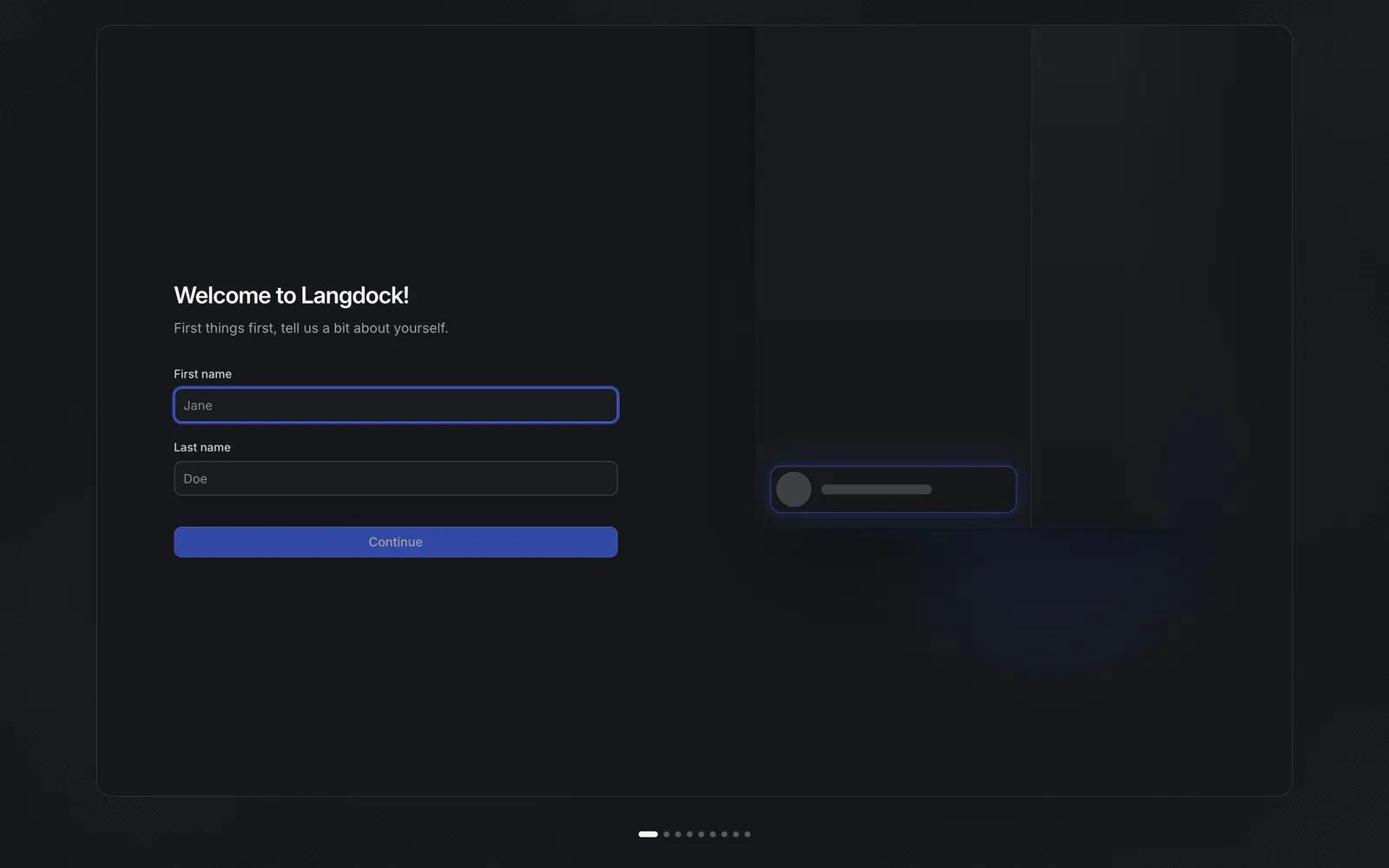
Langdock Onboarding and Workspace Setup
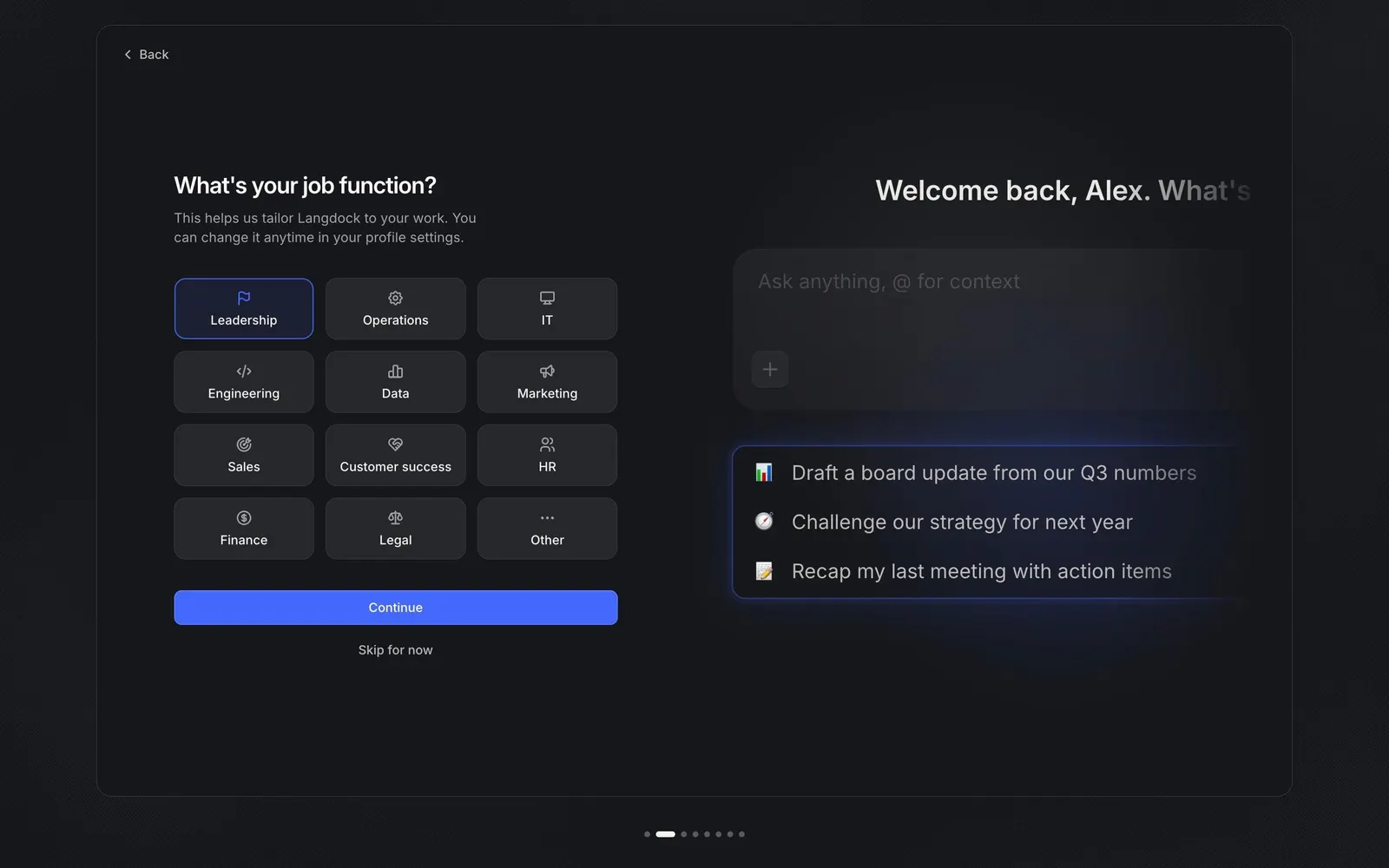
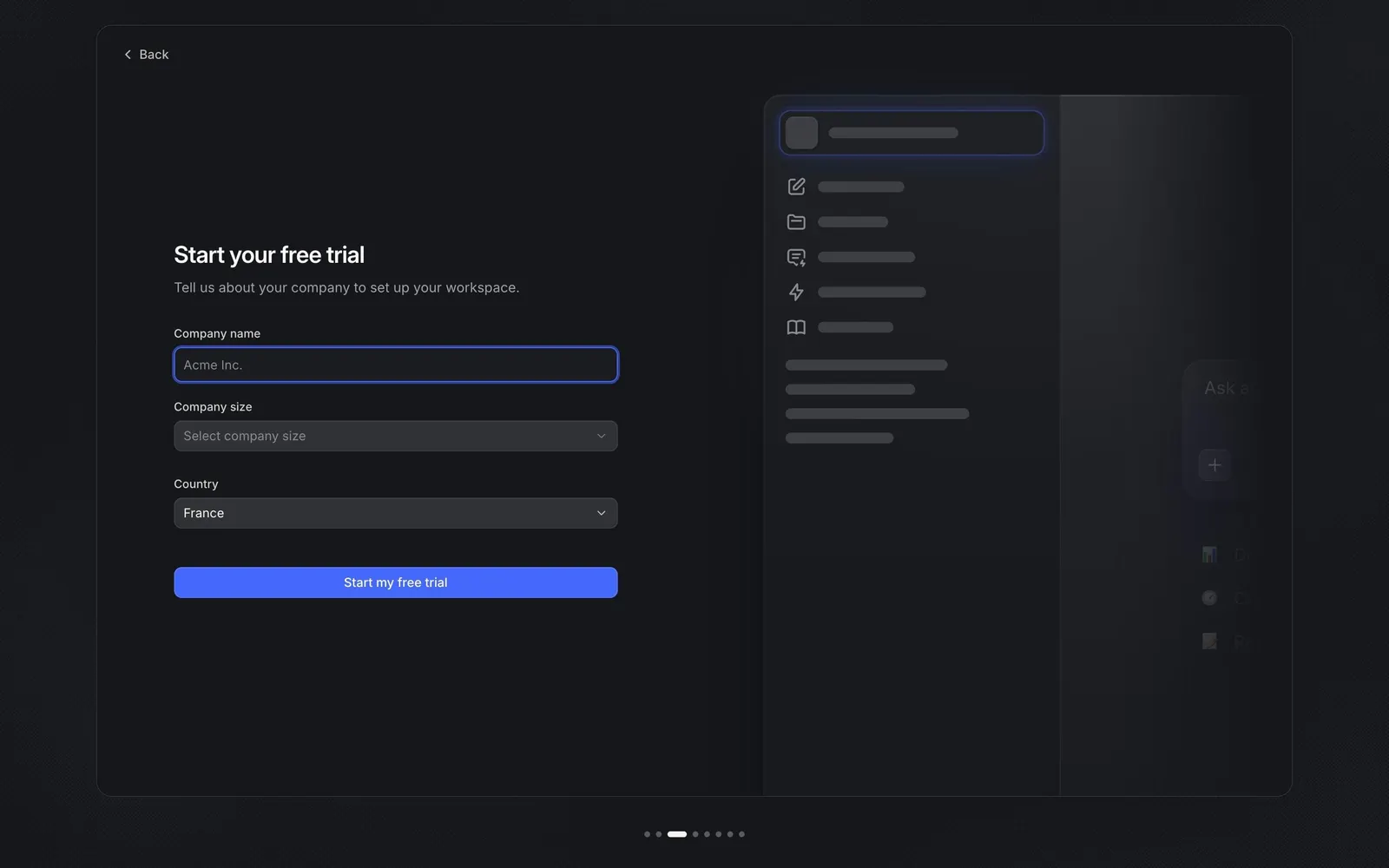
Langdock's onboarding takes a new user from their name to a ready workspace in seven dark, framed steps: profile, job function, company details for the free trial, branding, apps in use, app connections and team invites. Each step pairs a short form with a live preview of the product on the right, and most can be skipped before landing on the new chat home.
Follow Langdock’s onboarding and workspace setup flow step by step: 8 real screens captured from the live product, from onboarding profile to new chat. Use ← → to move between steps, and open any screen to see it in full.
Steps in this flow
More flows from Langdock
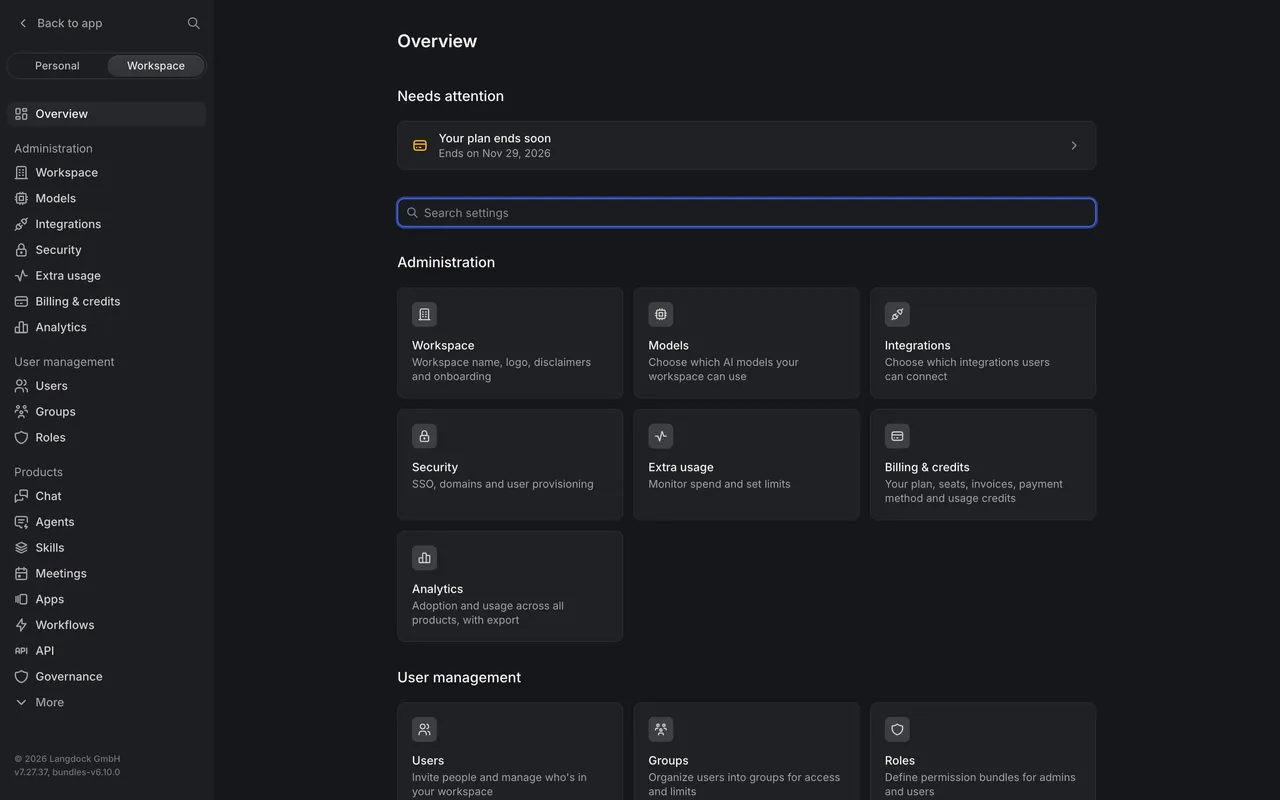
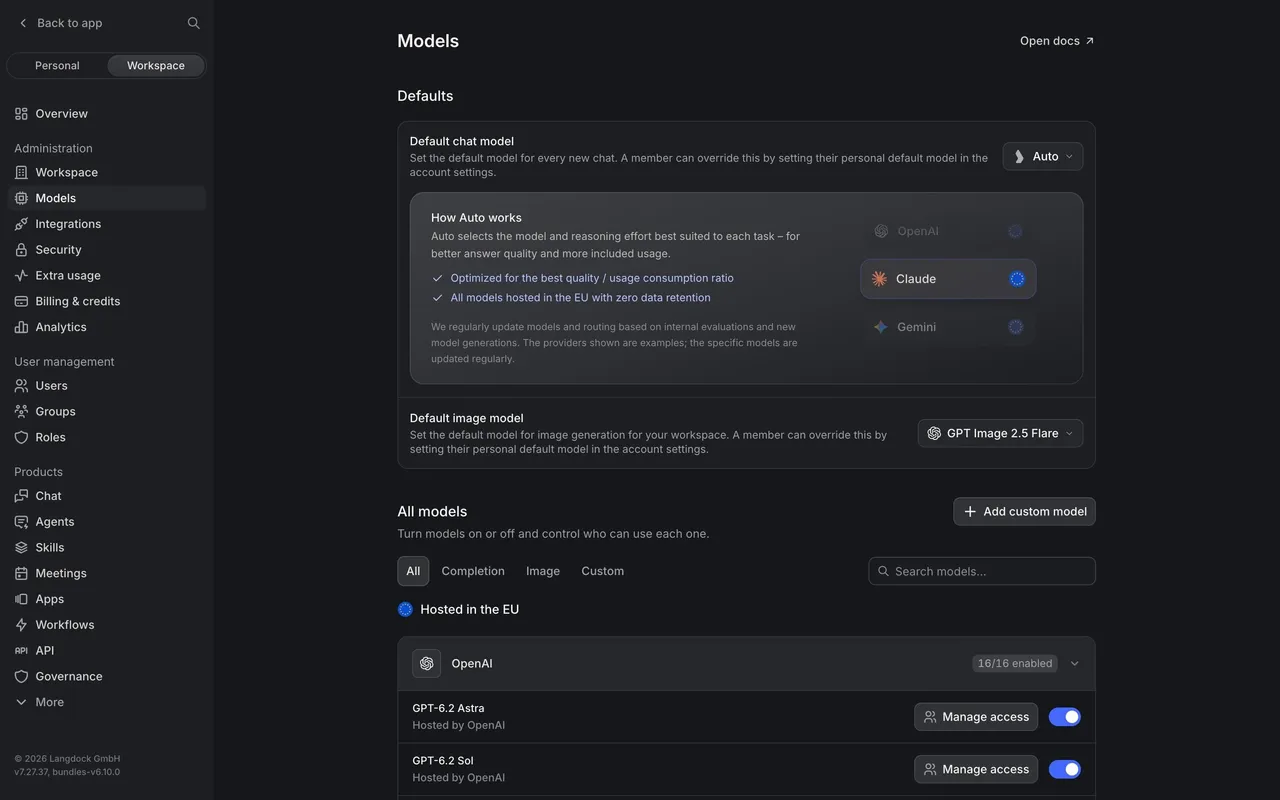
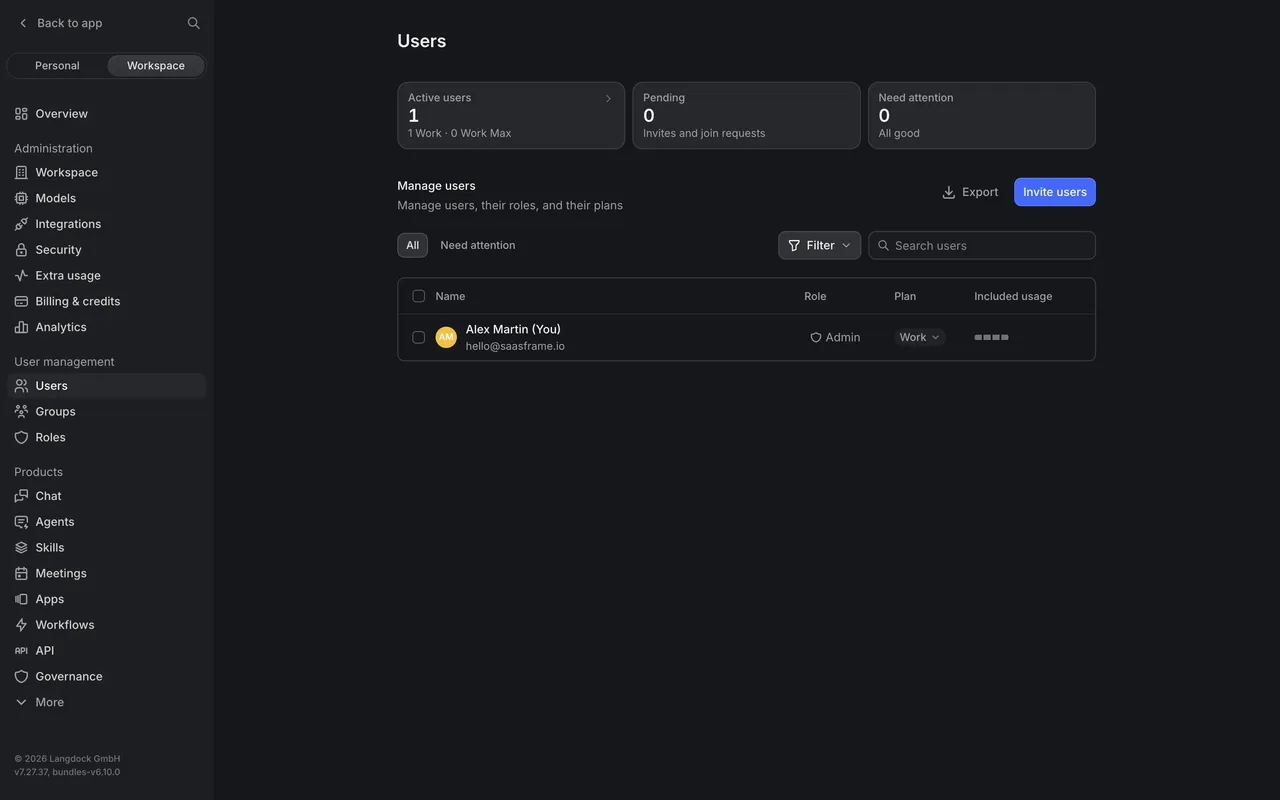
All Langdock Langdock Workspace Administration
6 screens
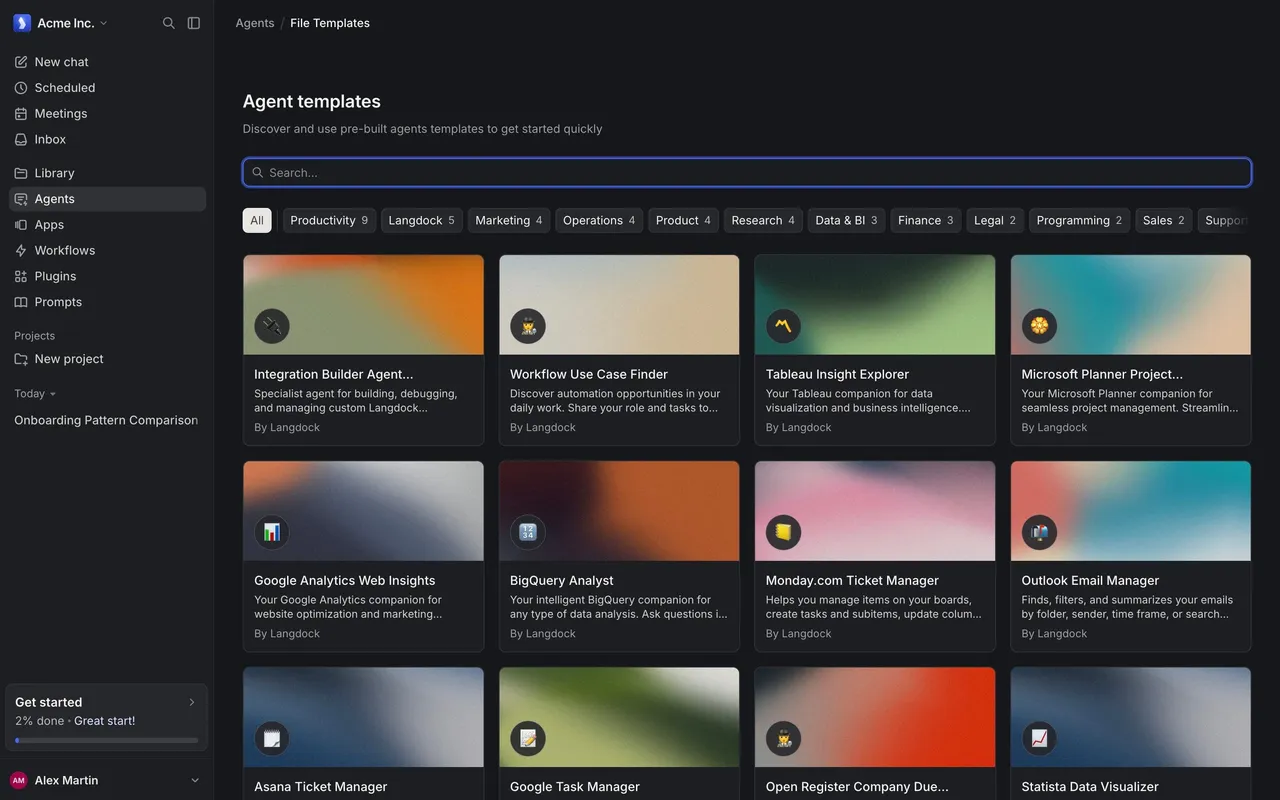
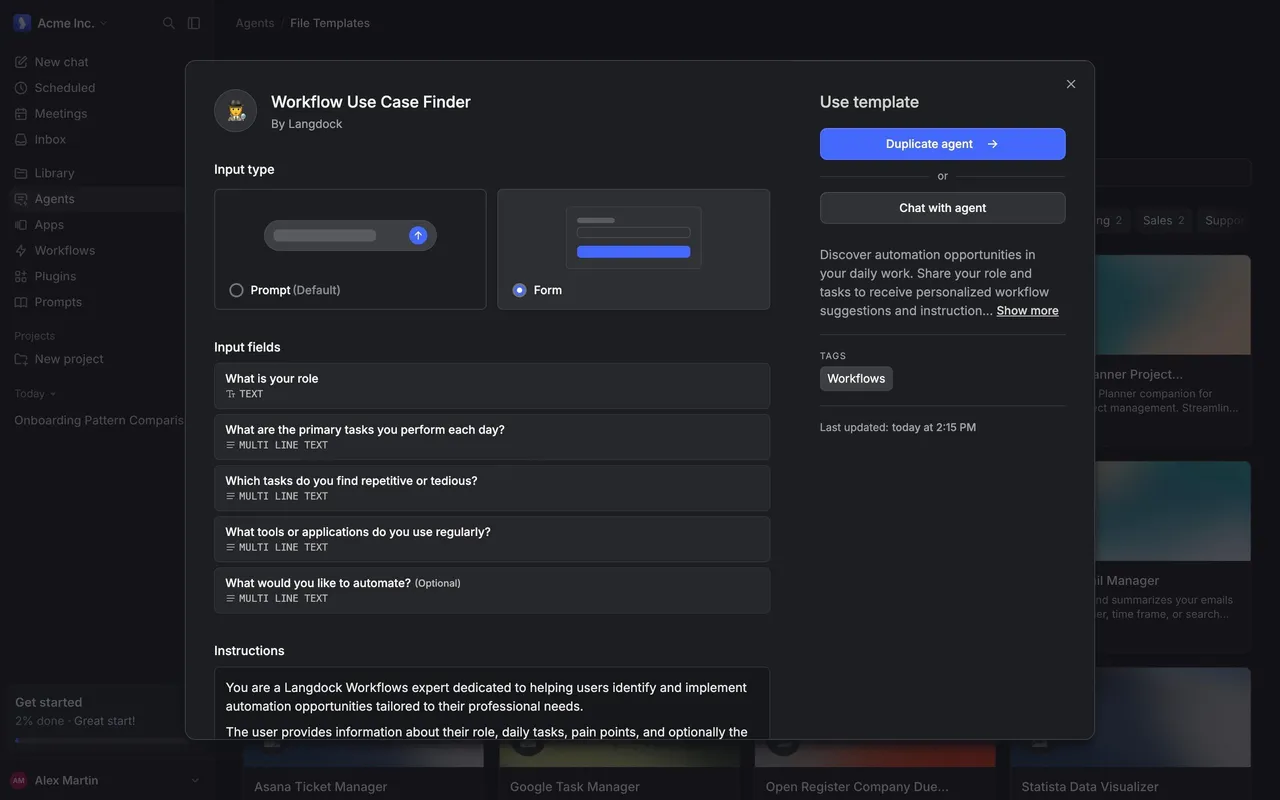
Langdock Browse Agent Templates
2 screens
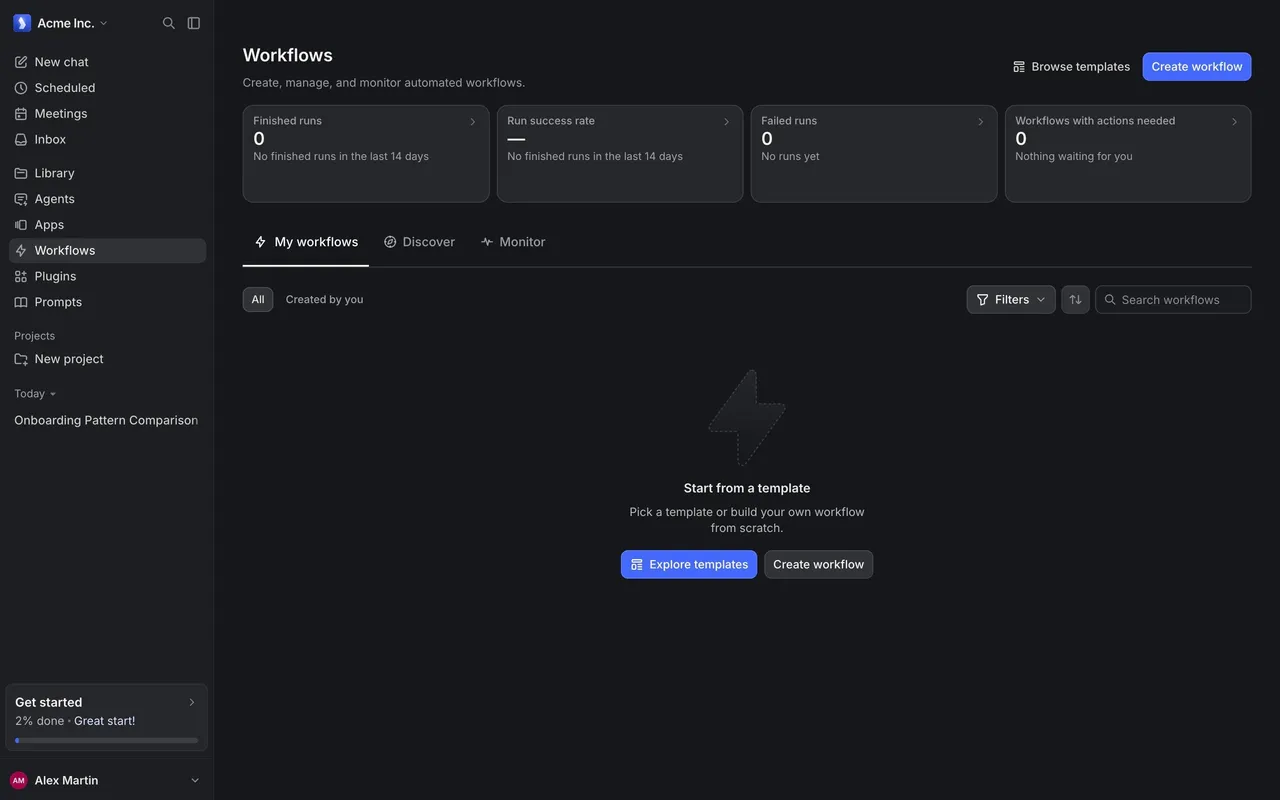
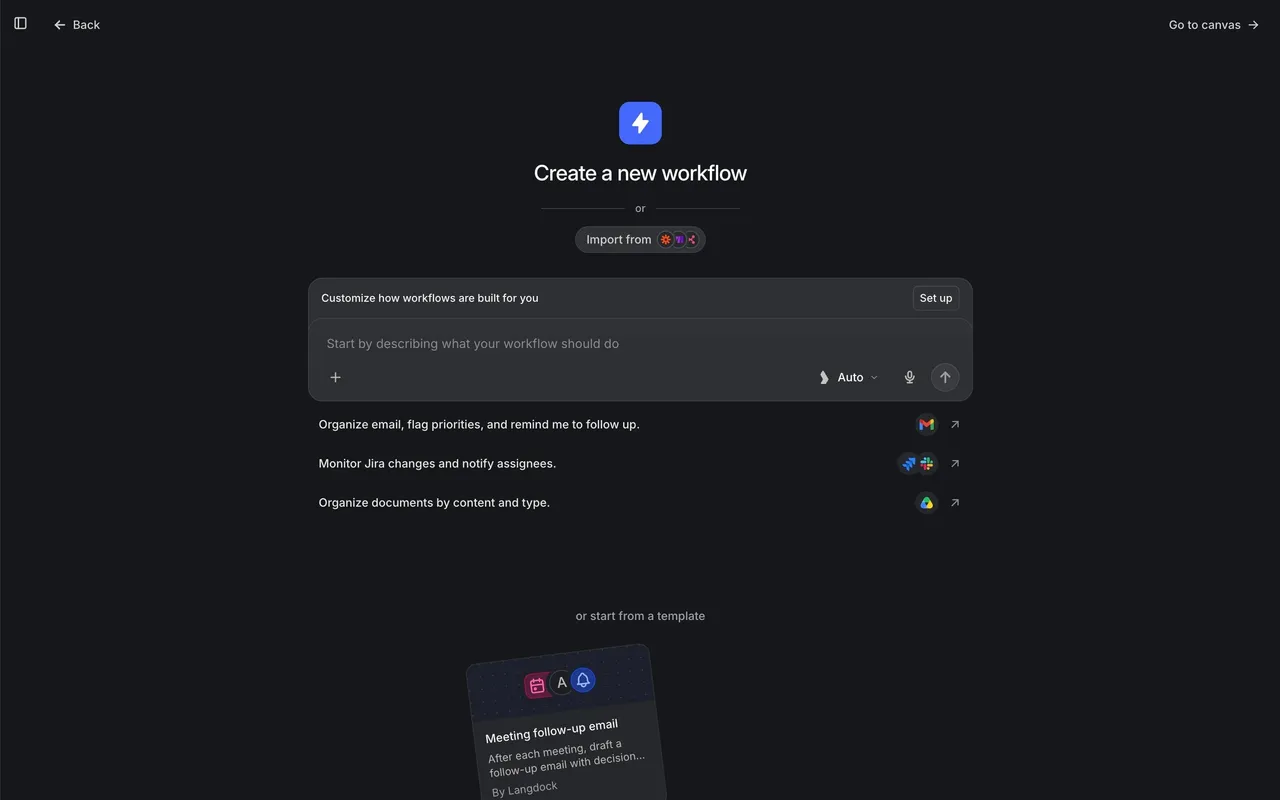
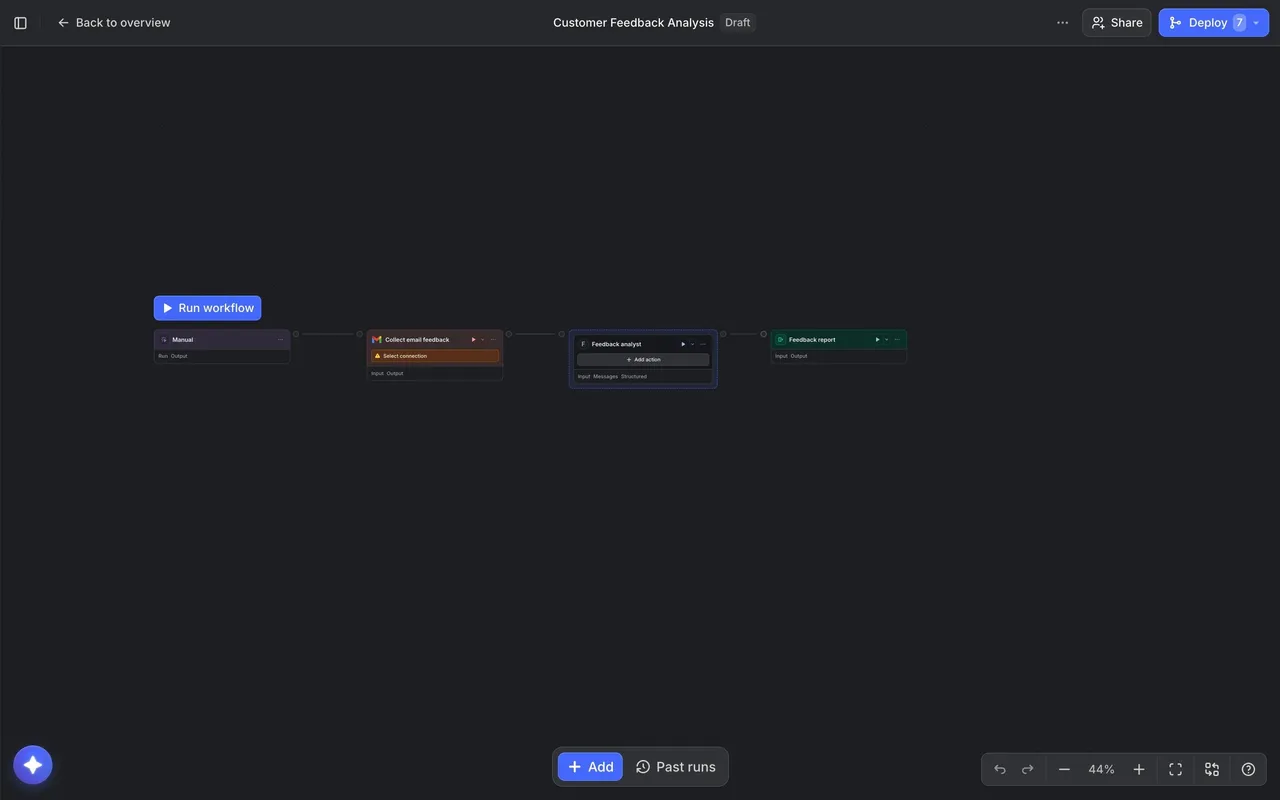
Langdock Create a Workflow
3 screens