SaaSFrame
SaaSFrame Pro
3 more steps in this flow
Free accounts see the first 3 steps of each flow. Pro unlocks every step of every flow, plus every screen, section and Copy in Figma.
Langdock Workspace Administration
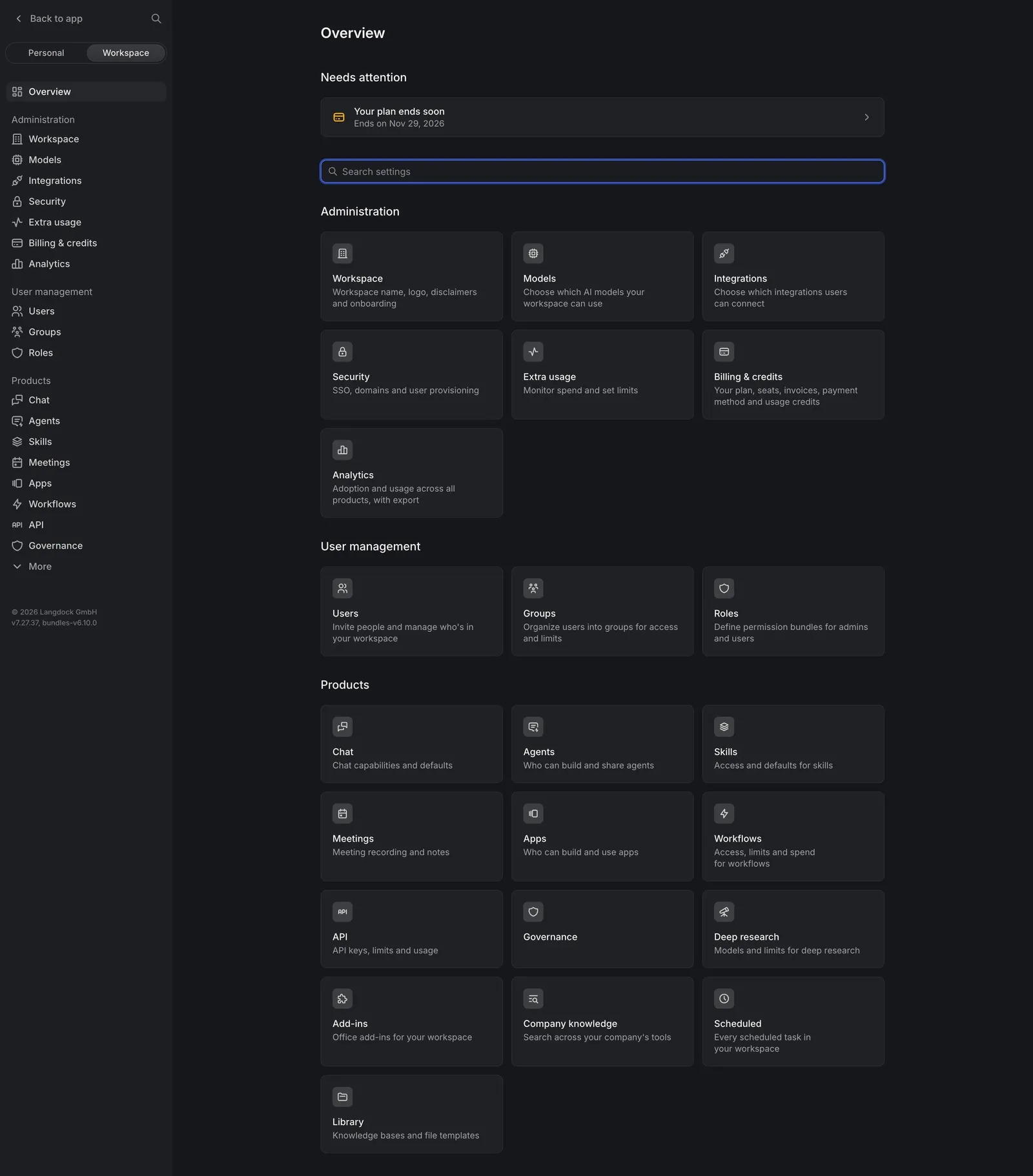
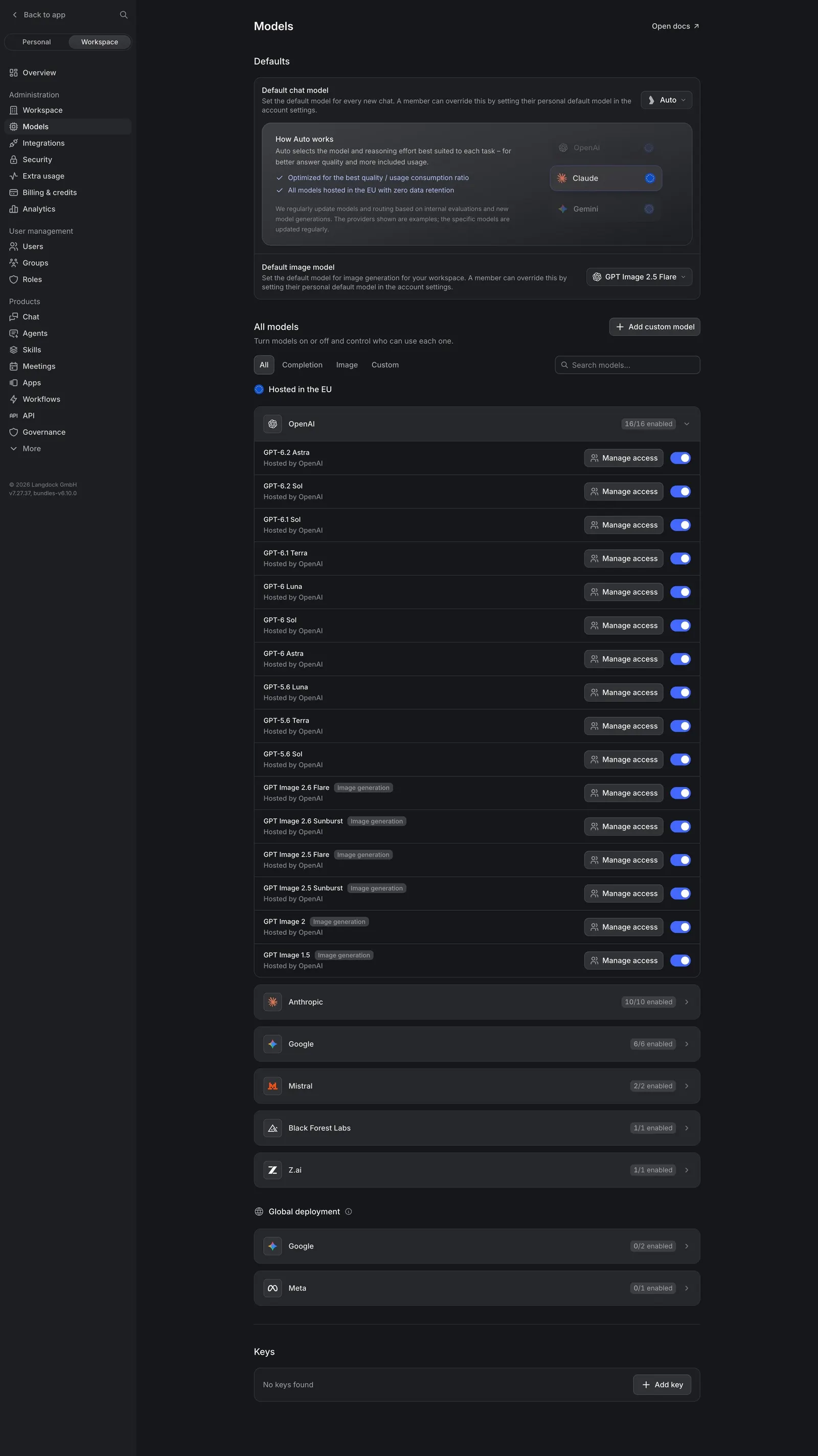
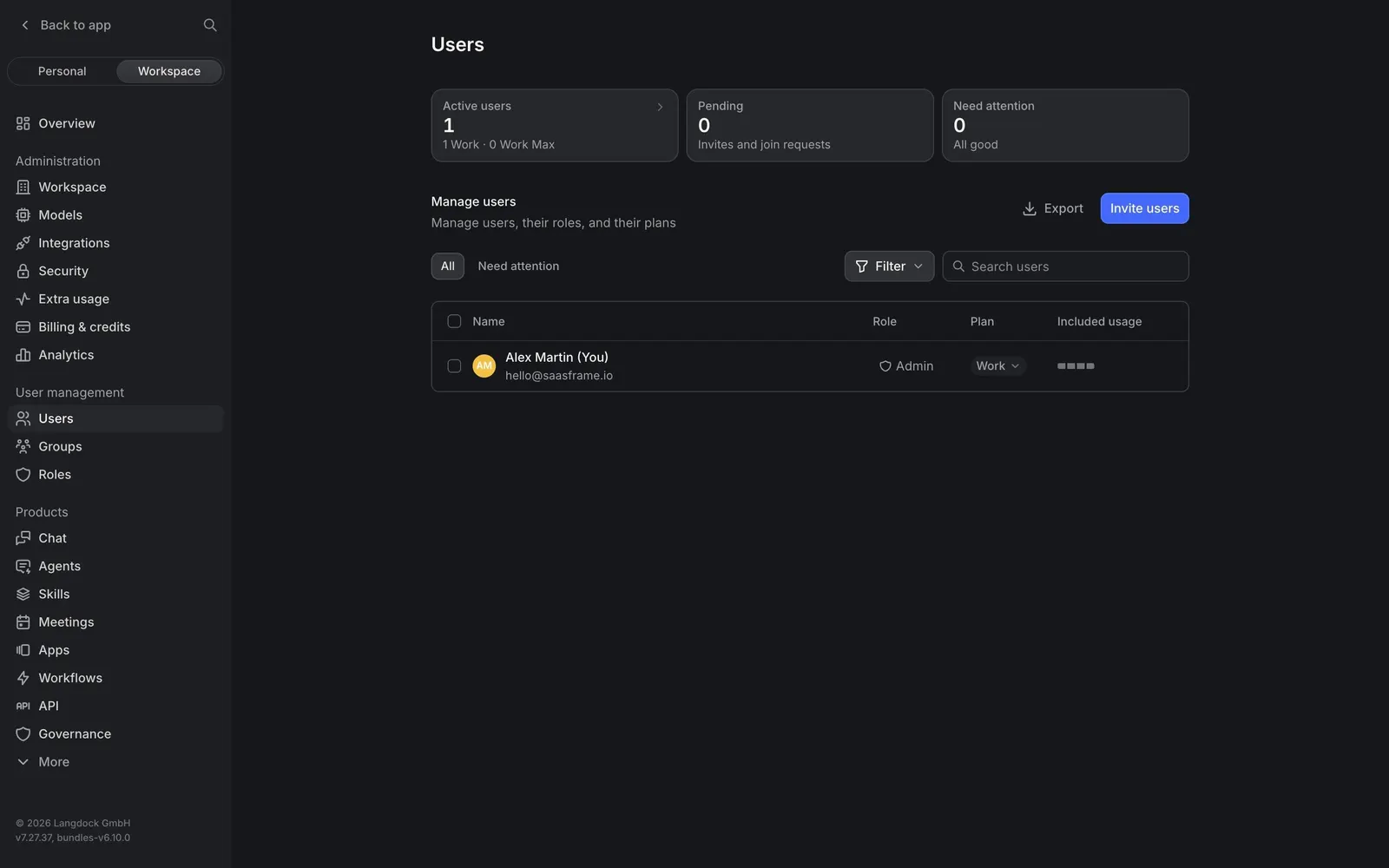
A tour of Langdock's admin settings: an overview of every area as cards, model defaults and per-model toggles, users with roles and plans, system and custom roles, security settings for SSO and SCIM, and billing with trial usage and plan cards. All pages share a dark sidebar and an 850px content column.
Follow Langdock’s workspace administration flow step by step: 6 real screens captured from the live product, from settings overview to billing & credits. Use ← → to move between steps, and open any screen to see it in full.
Steps in this flow
More flows from Langdock
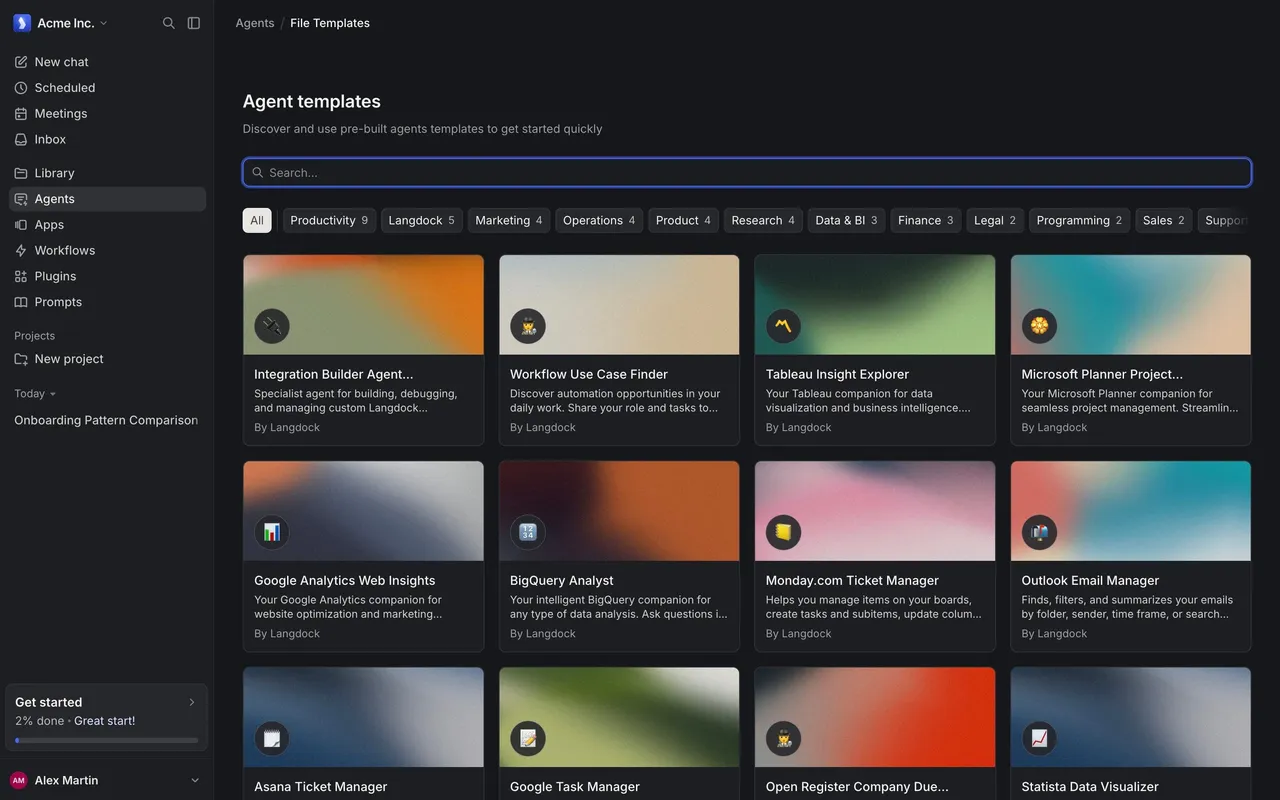
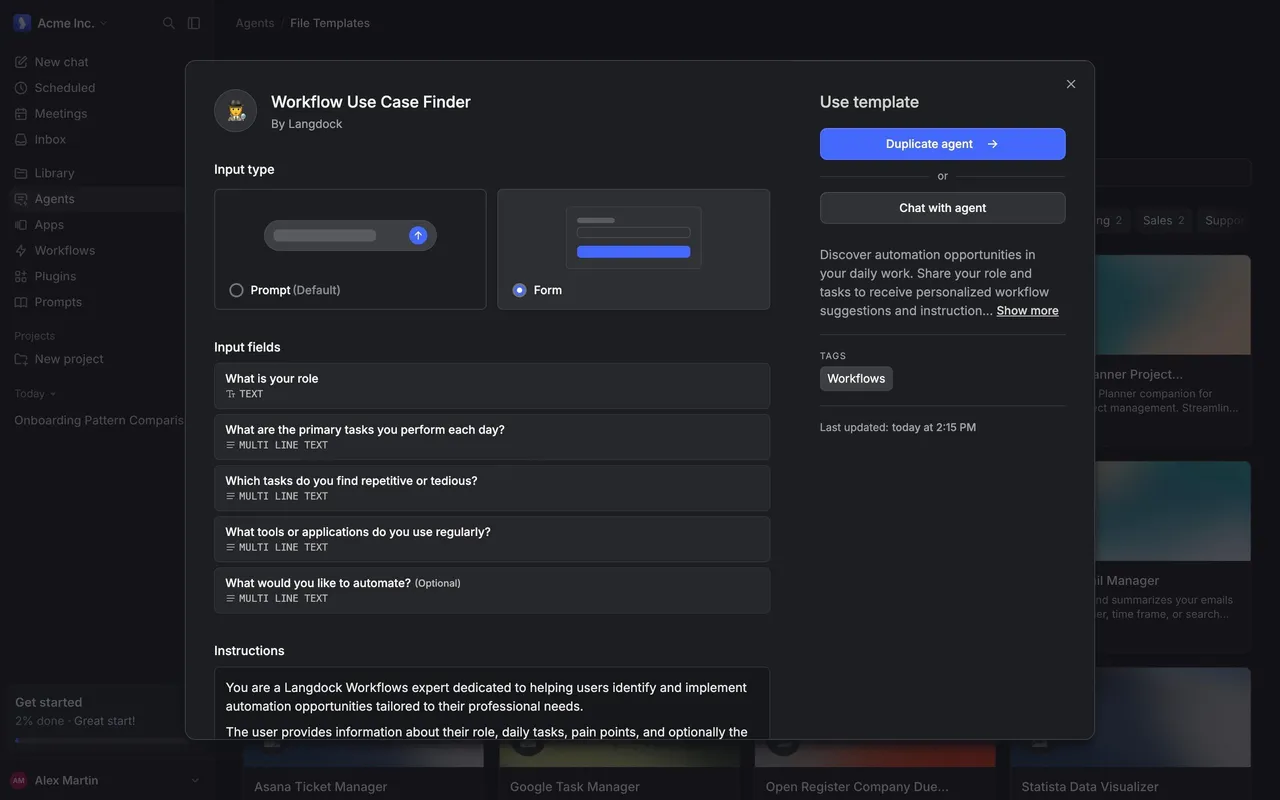
All Langdock Langdock Browse Agent Templates
2 screens
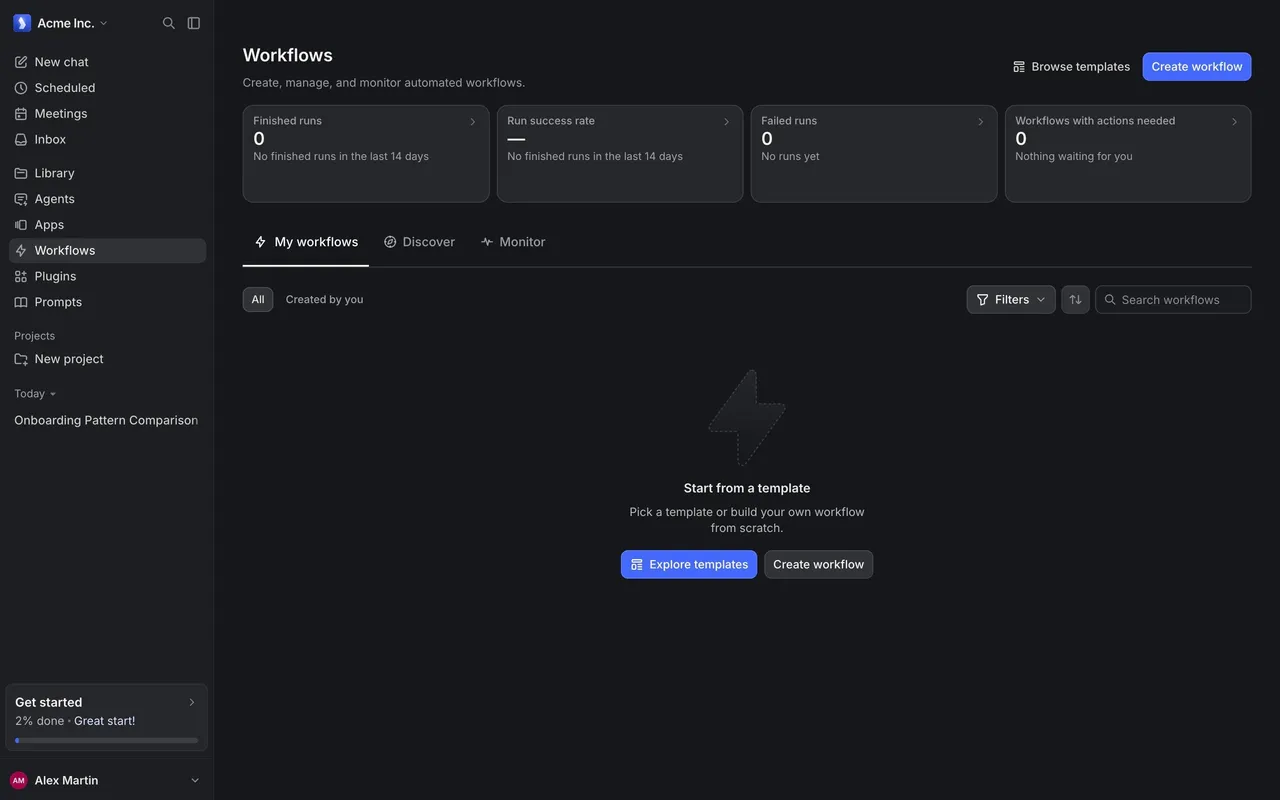
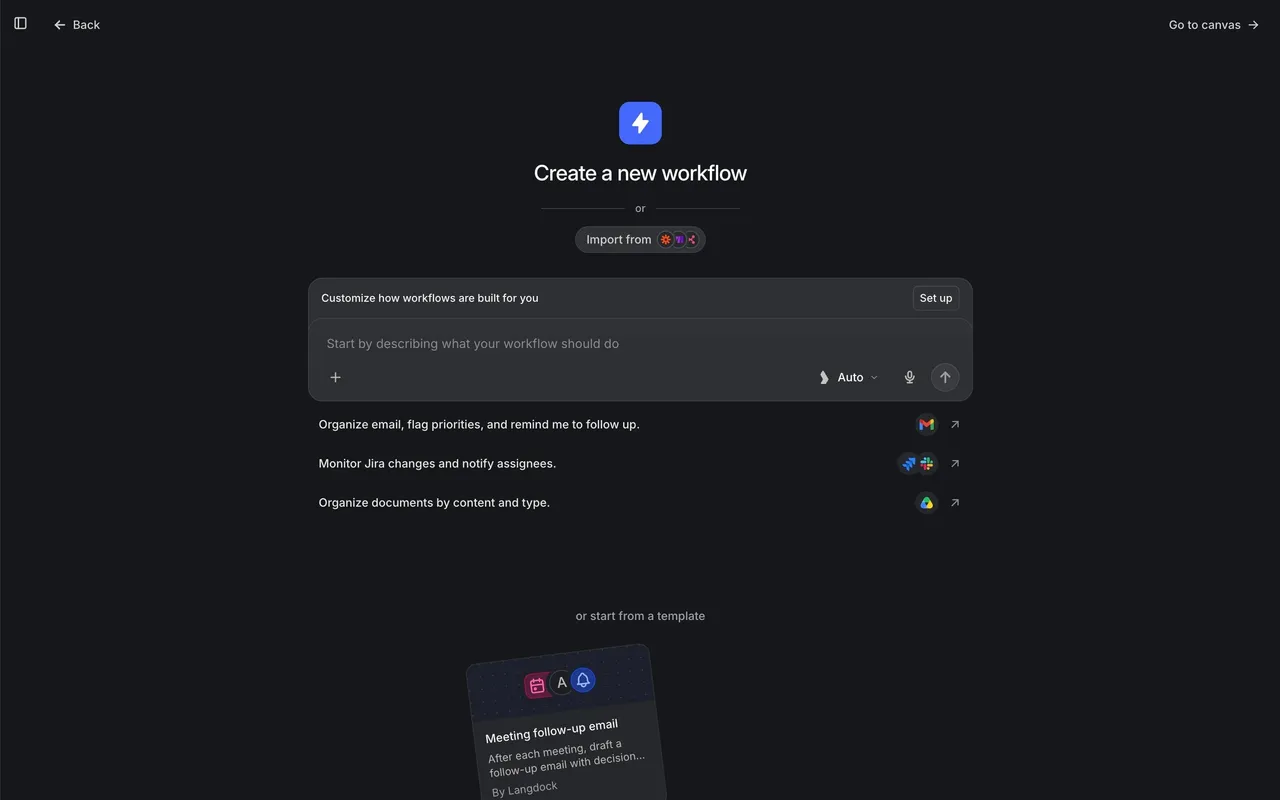
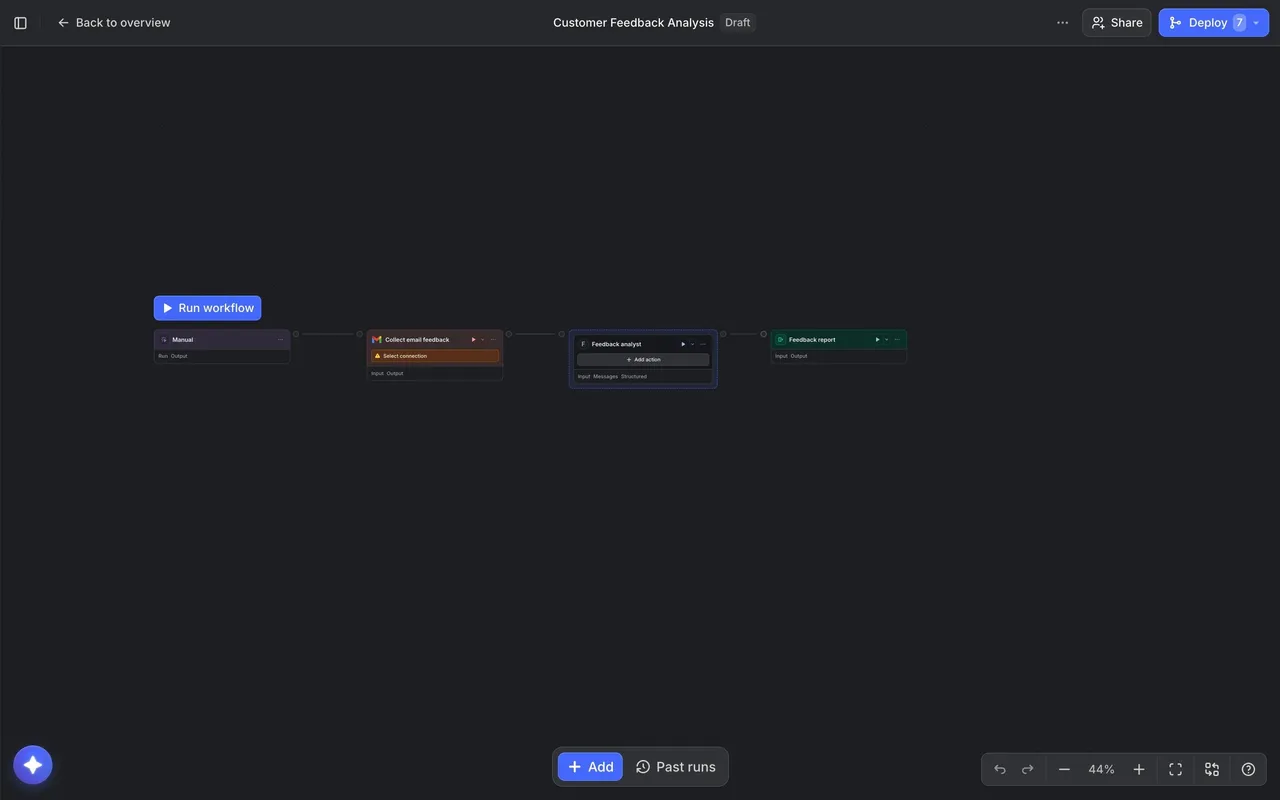
Langdock Create a Workflow
3 screens
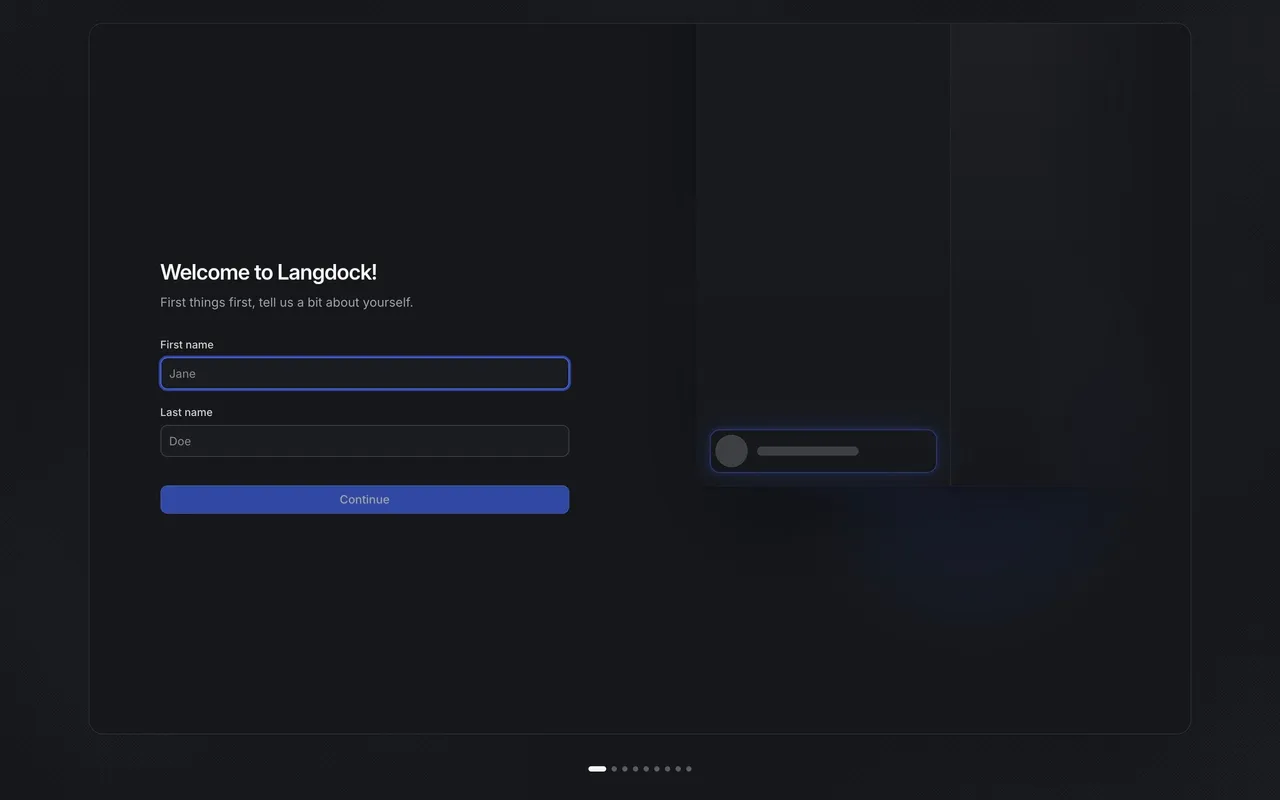
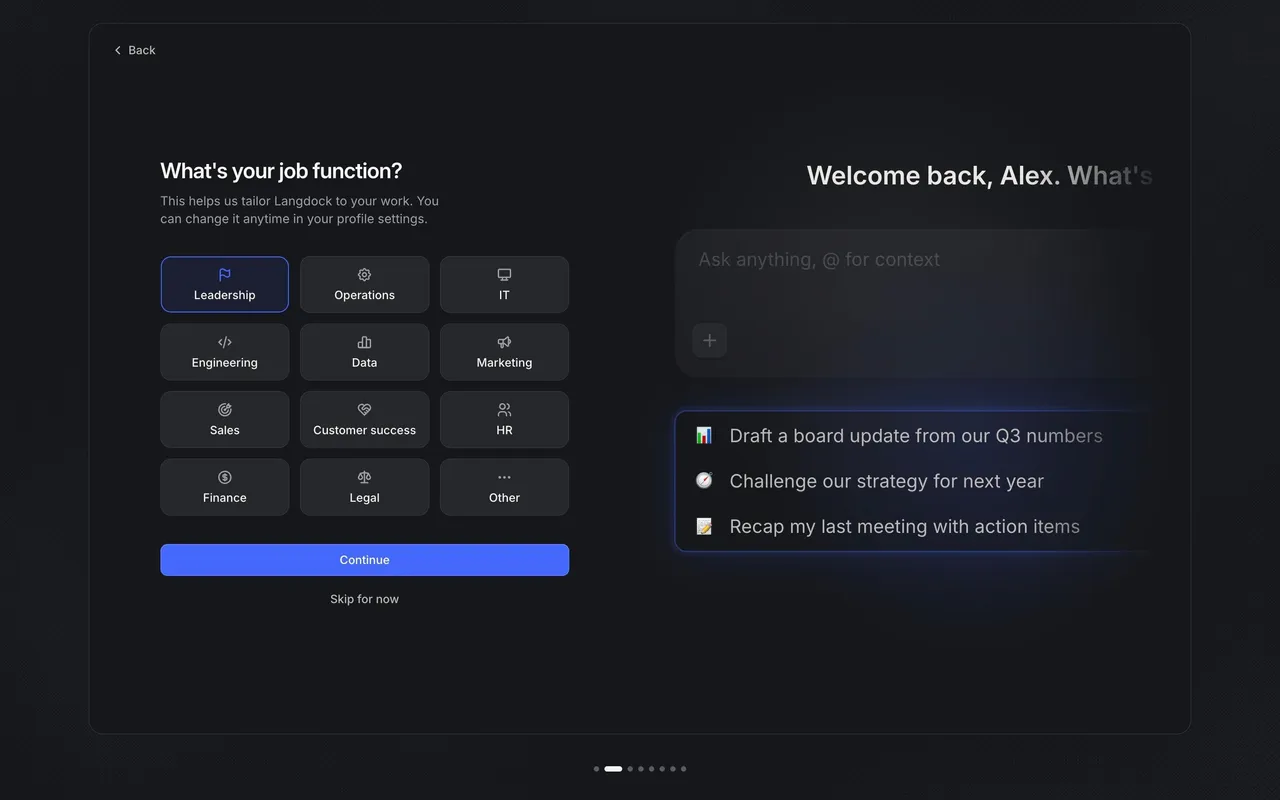
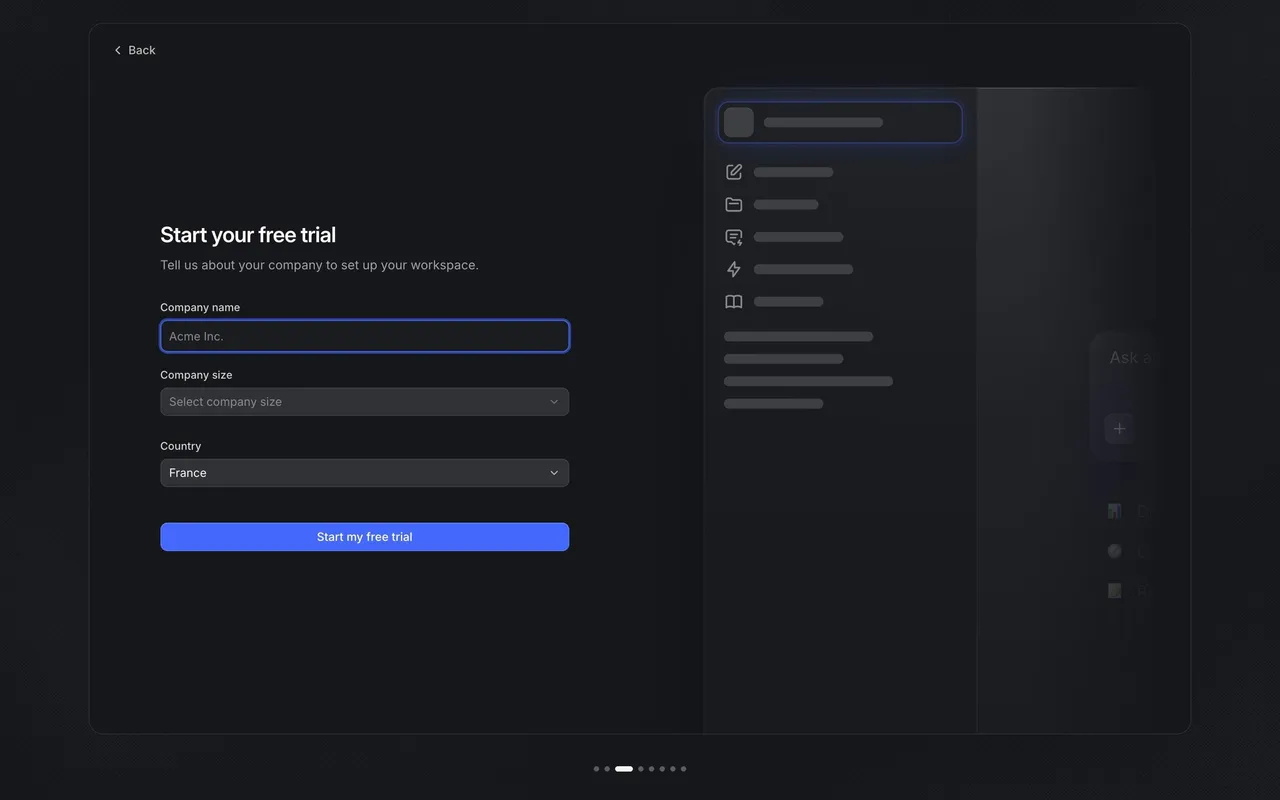
Langdock Onboarding and Workspace Setup
8 screens