SaaSFrame
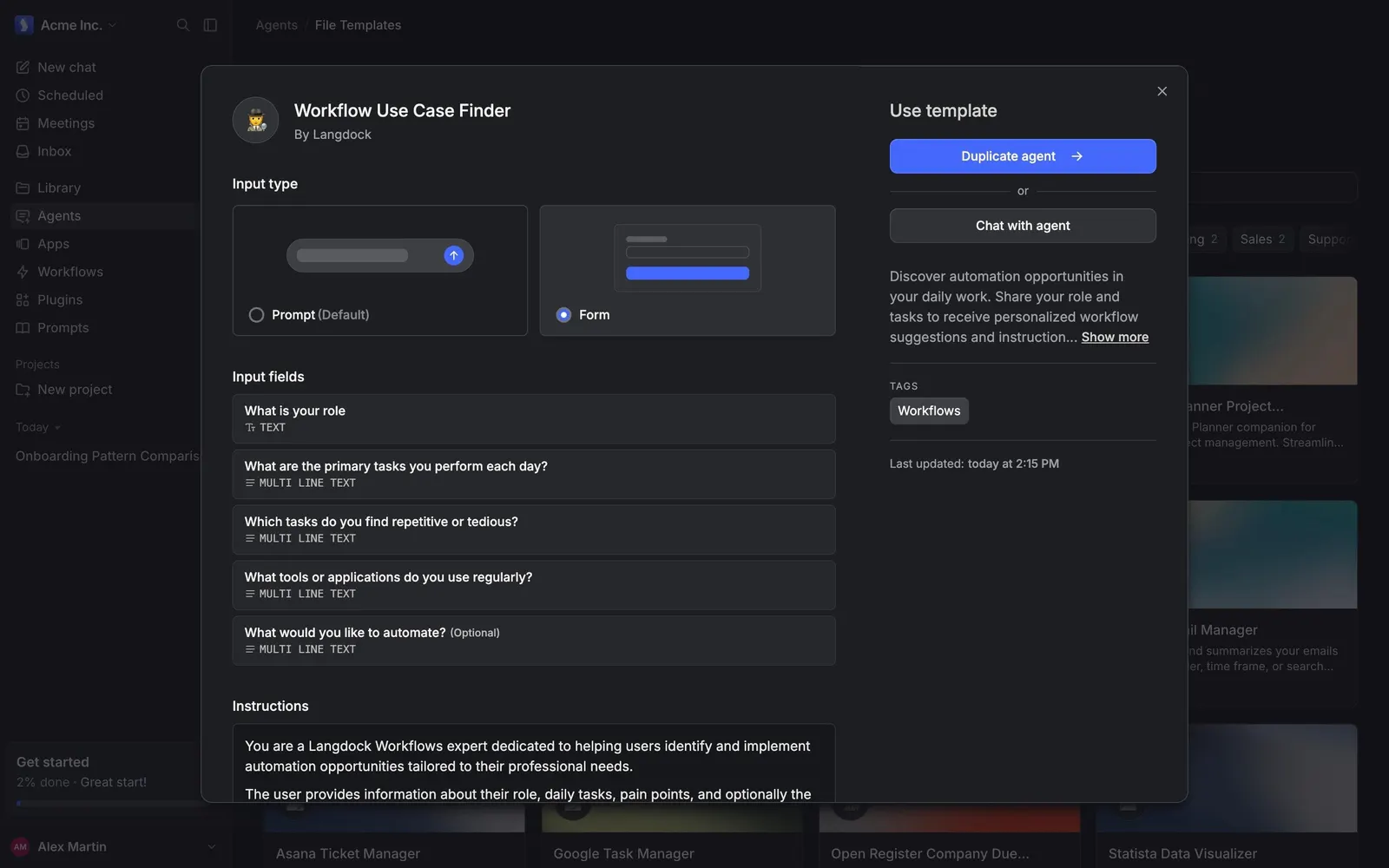
Langdock Browse Agent Templates
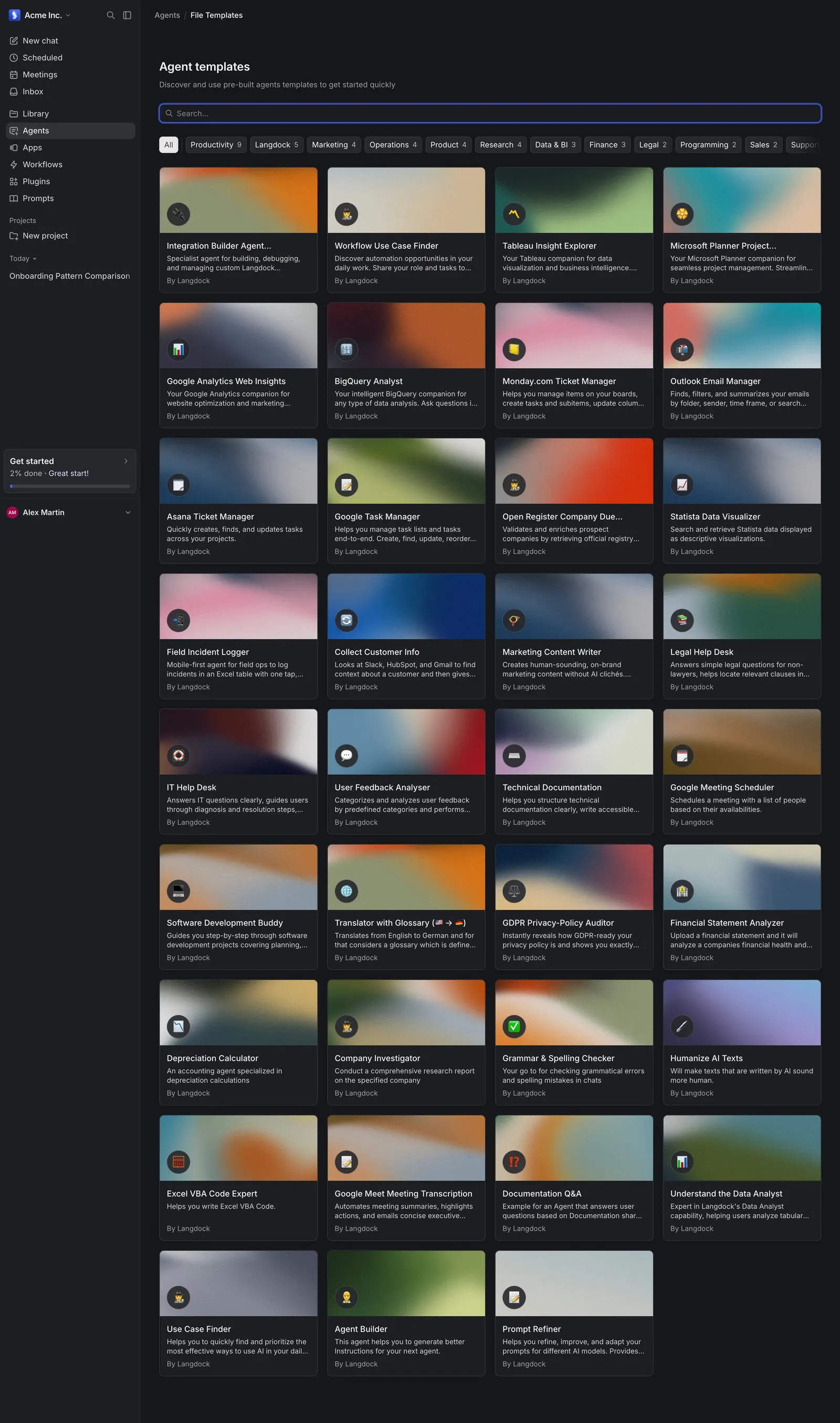
Langdock's agent templates start as a gallery of gradient cards filtered by category chips with counts. Opening one shows a detailed modal with the agent's input type, form fields and instructions, and two ways to use it: duplicate the agent or chat with it directly.
Follow Langdock’s browse agent templates flow step by step: 2 real screens captured from the live product, from agent templates to agent template details. Use ← → to move between steps, and open any screen to see it in full.
Steps in this flow
More flows from Langdock
All Langdock Langdock Workspace Administration
6 screens
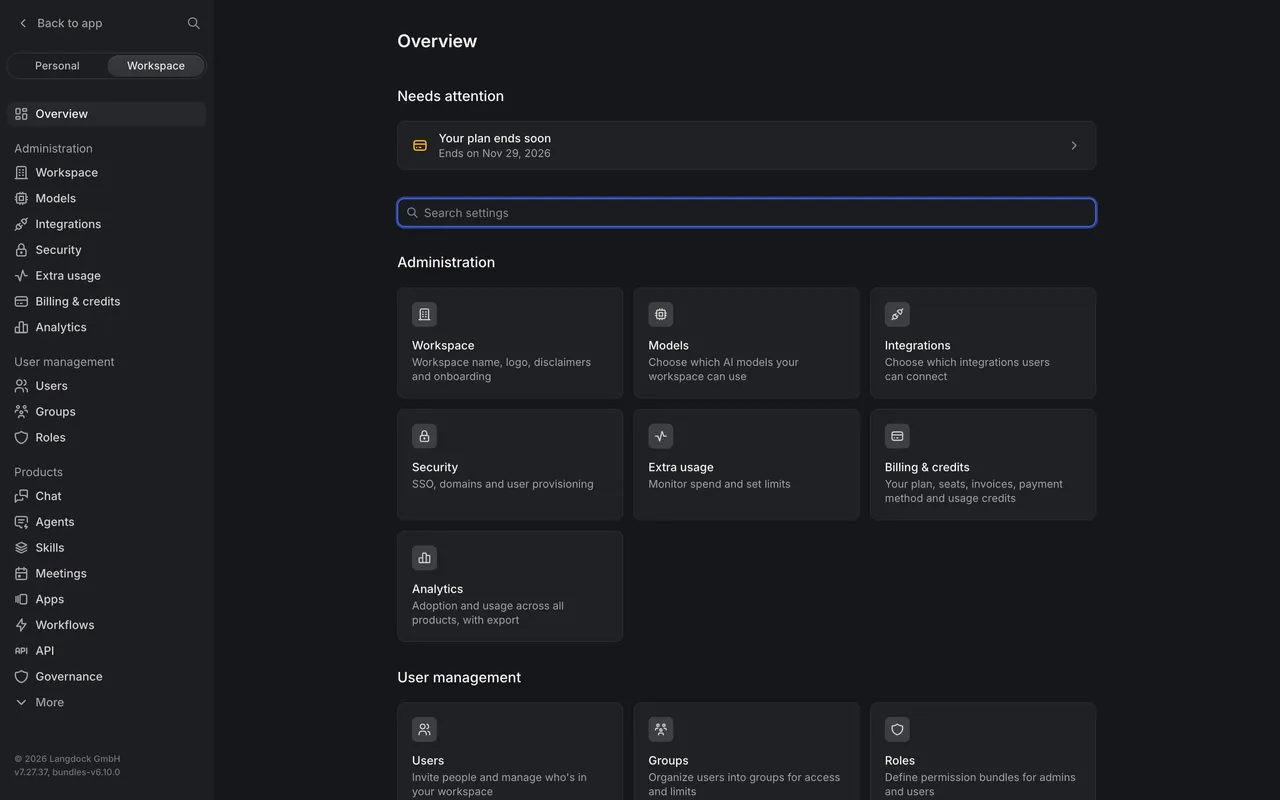
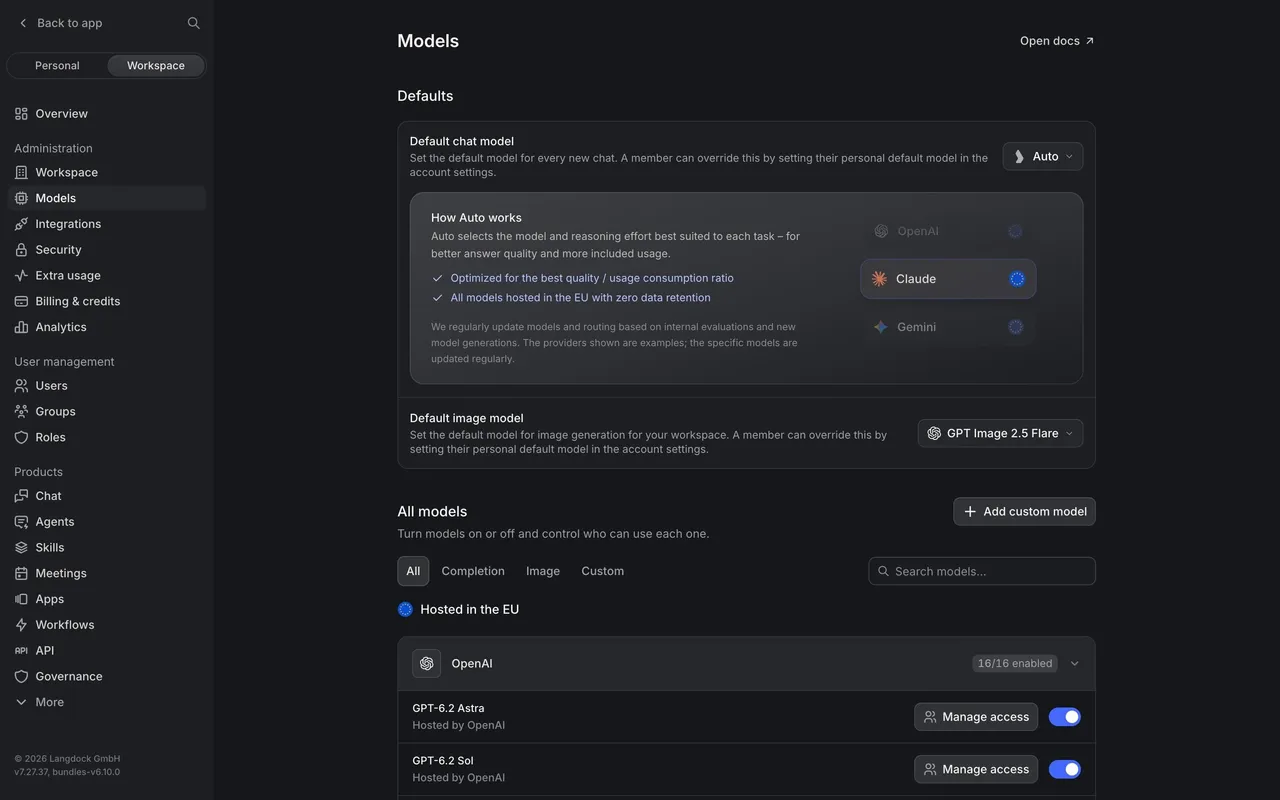
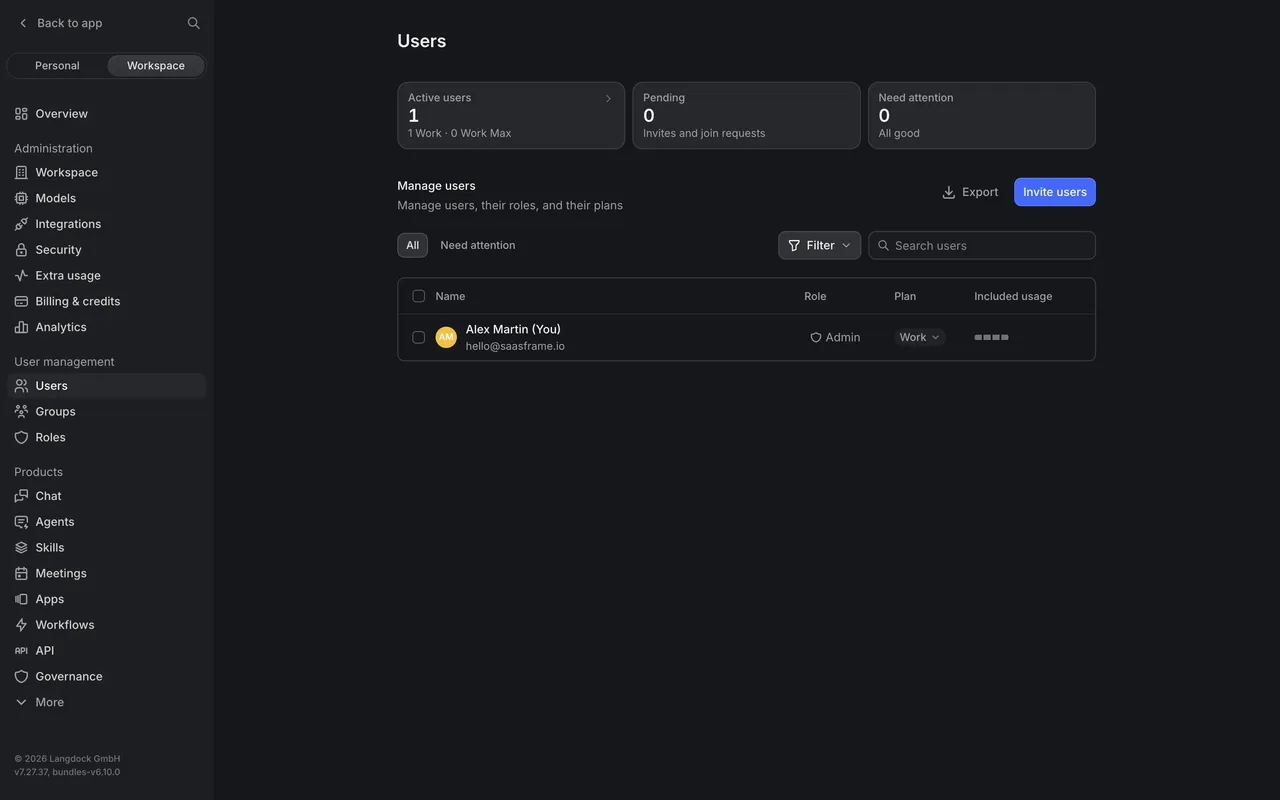
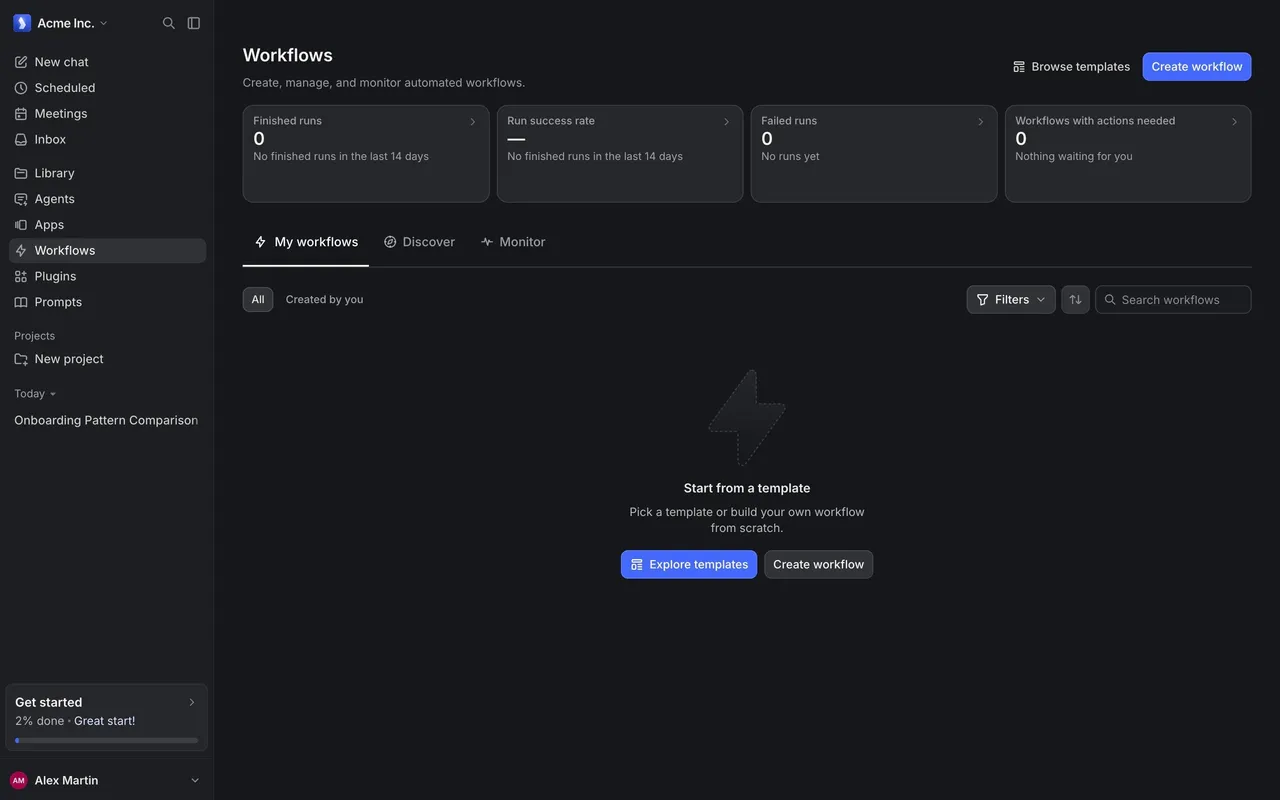
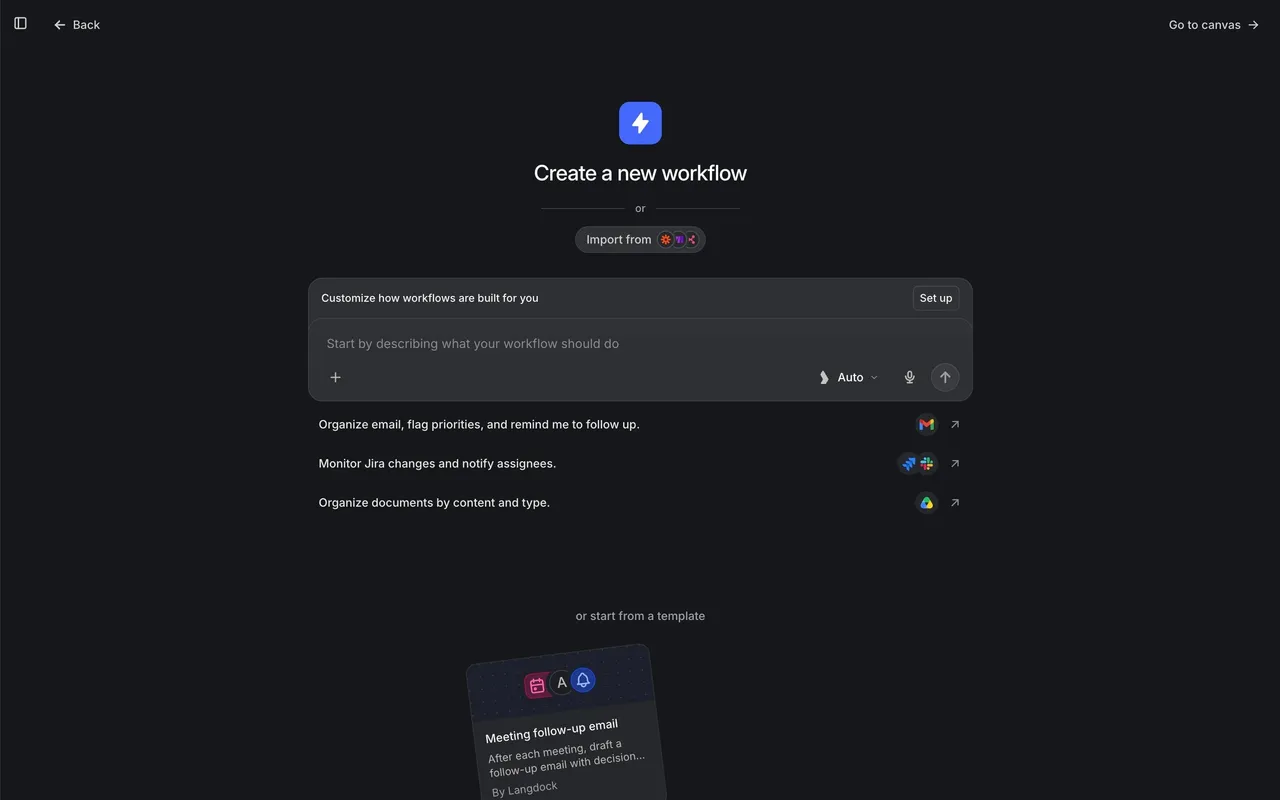
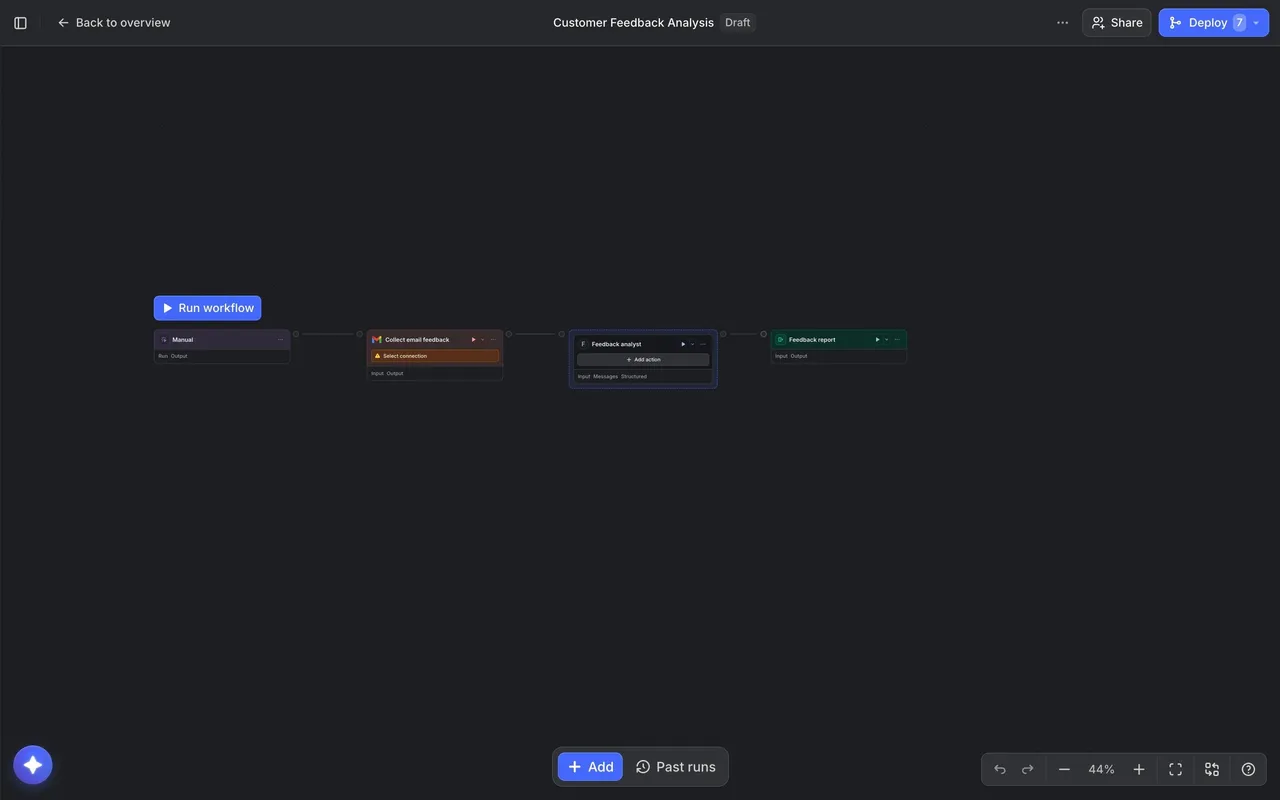
Langdock Create a Workflow
3 screens
Langdock Onboarding and Workspace Setup
8 screens