SaaSFrame

About this screen
Counters before the table
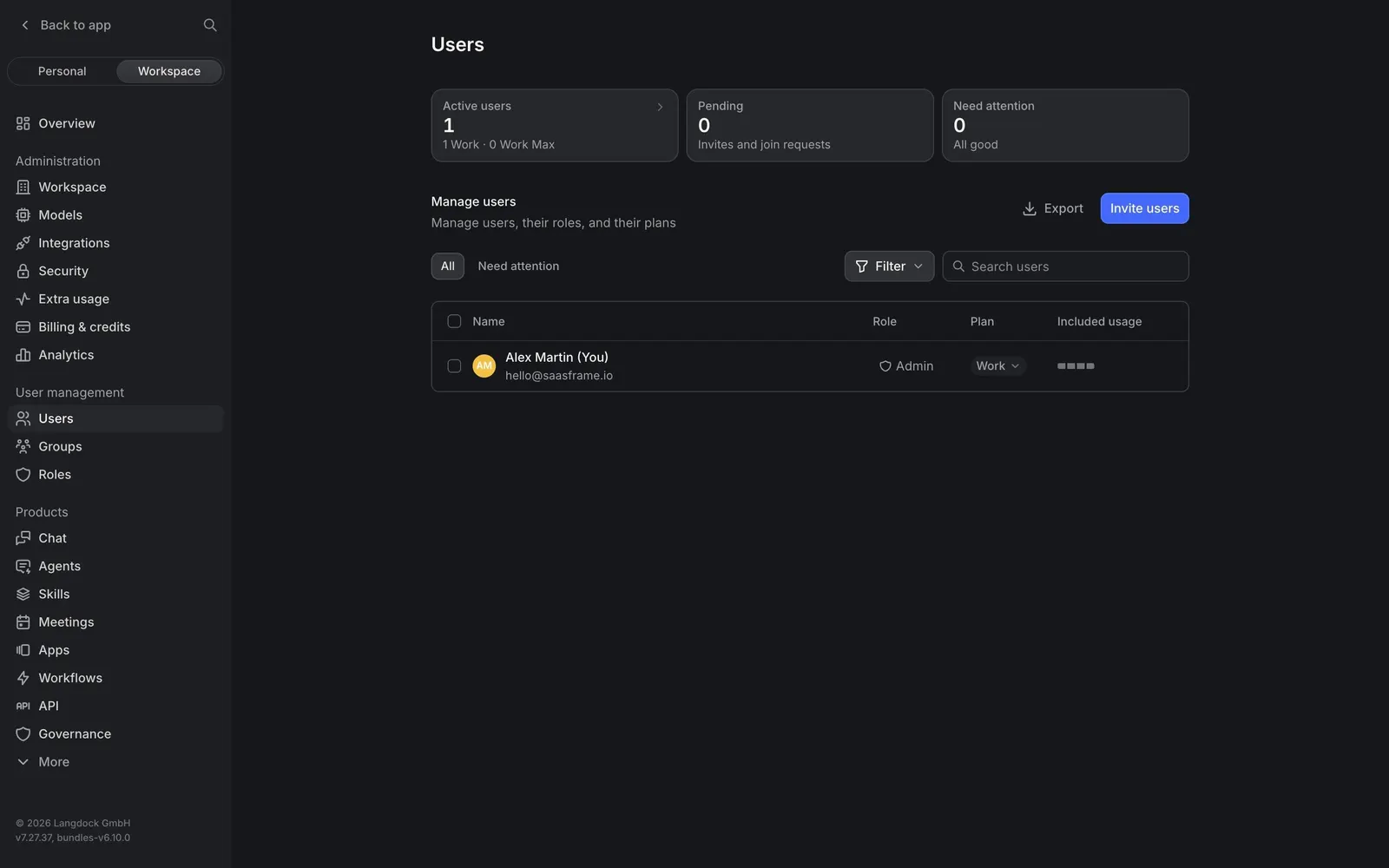
Langdock's Users page opens with three summary cards: "Active users" with the split "1 Work · 0 Work Max", "Pending" for invites and join requests, and "Need attention" reading "All good". They flag seat and invite issues before you scan the list.
One table for people, roles and plans
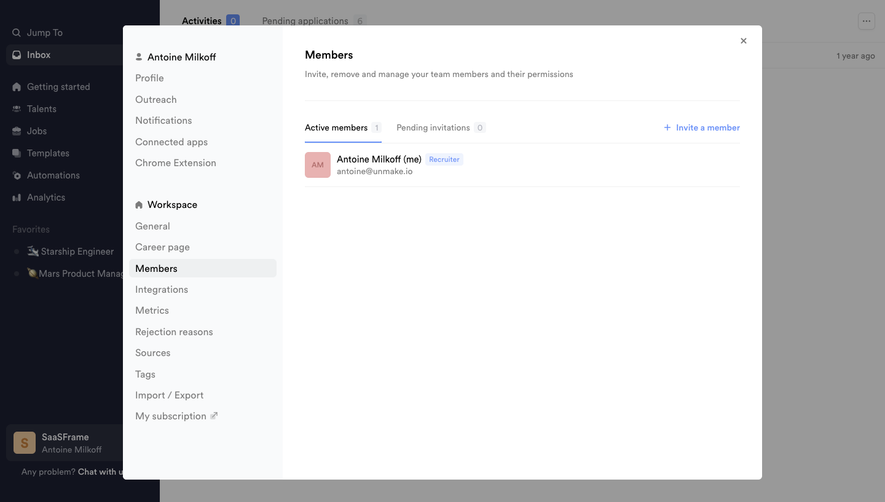
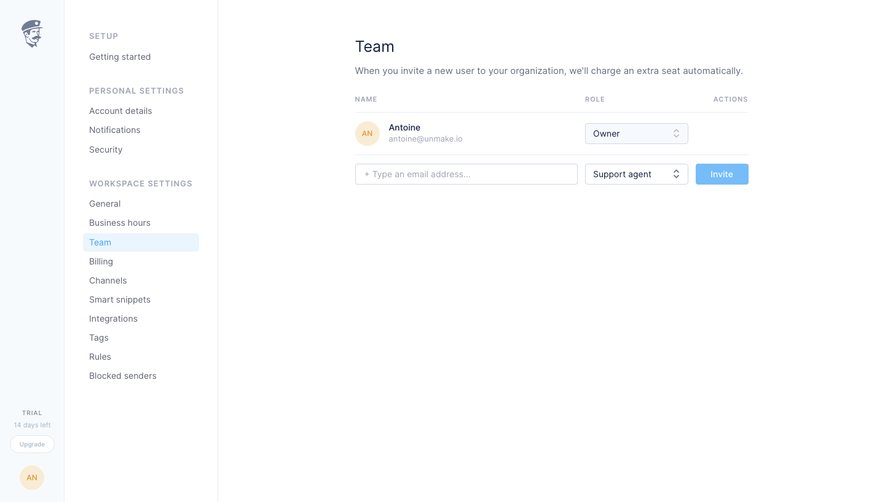
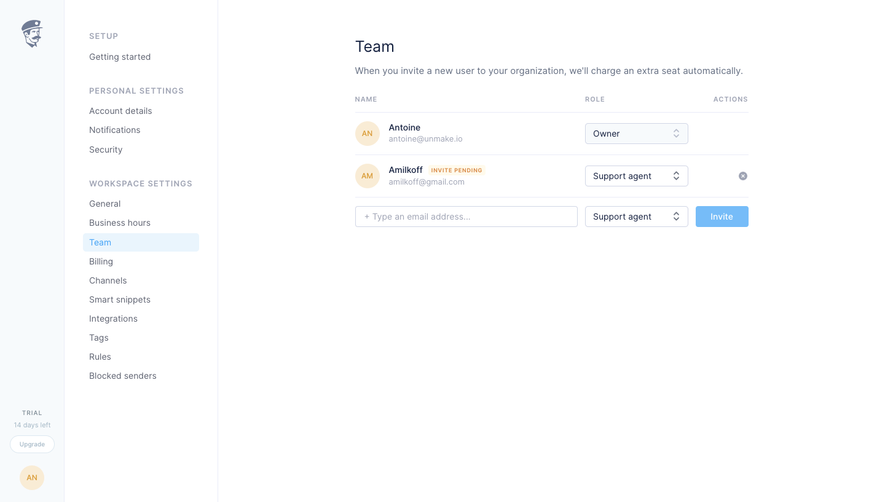
"Manage users" shows a table with Name, Role, Plan and Included usage columns. Each row combines an avatar, the name with "(You)", the email, a role tag like "Admin" and a plan select such as "Work", while usage is drawn as a small bar.
Bulk actions within reach
"Export" and a blue "Invite users" button sit on the right, and "All / Need attention" tabs, a "Filter" menu and a search field let admins narrow the list.