SaaSFrame

About this screen
Built-in roles described by what they allow
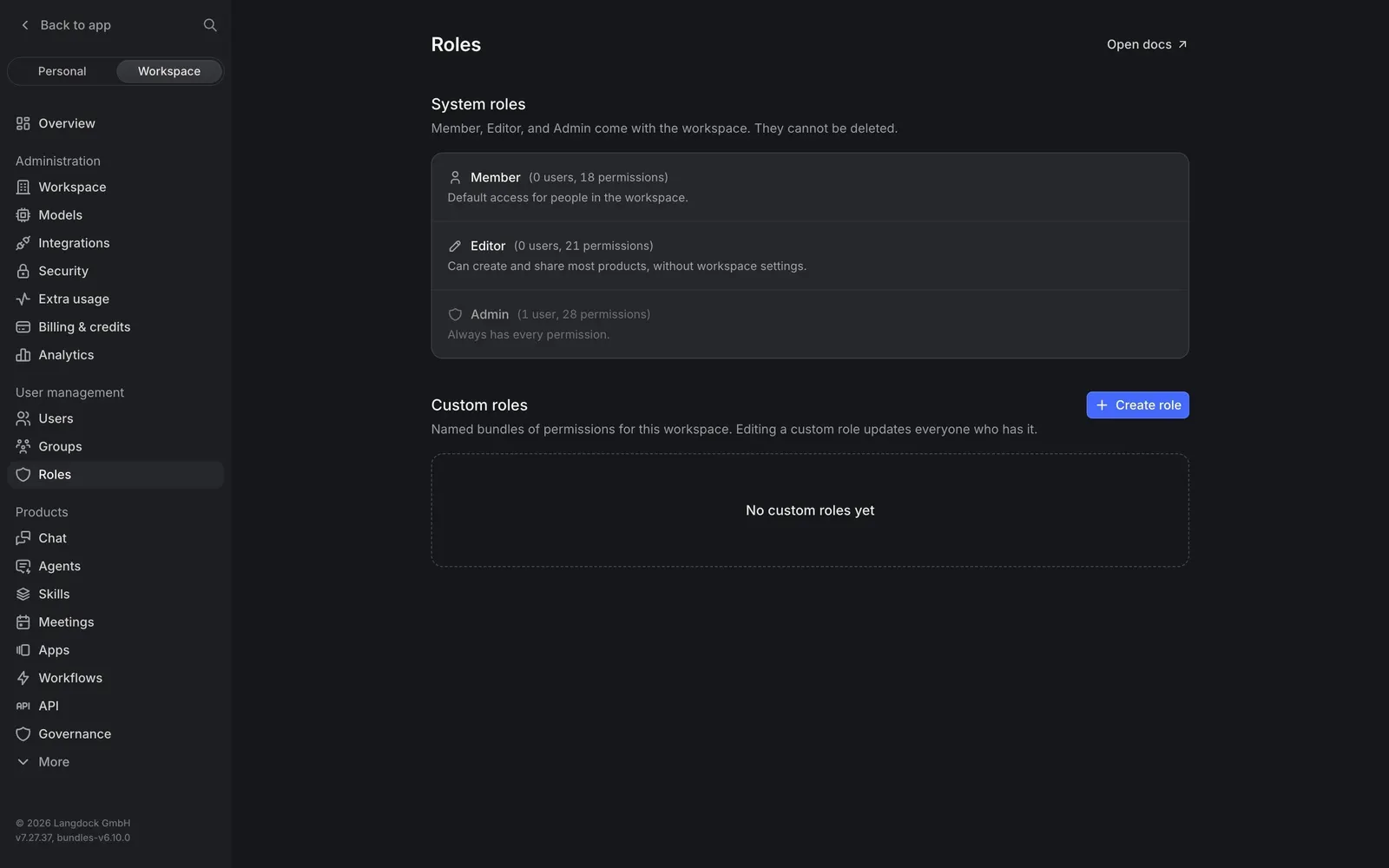
Langdock's Roles page lists the three "System roles", Member, Editor and Admin, in one card. Each row shows an icon, the role name, a count in parentheses such as "0 users, 21 permissions" and a one-line summary like "Can create and share most products, without workspace settings." The intro adds that they "cannot be deleted".
Custom roles as named bundles
Below, "Custom roles" are defined as "Named bundles of permissions for this workspace", with a note that editing one updates everyone who has it. A blue "Create role" button sits on the right and an empty card reads "No custom roles yet".
Docs one click away
An "Open docs" link in the top-right corner points to the permission reference, keeping the page itself short.