SaaSFrame
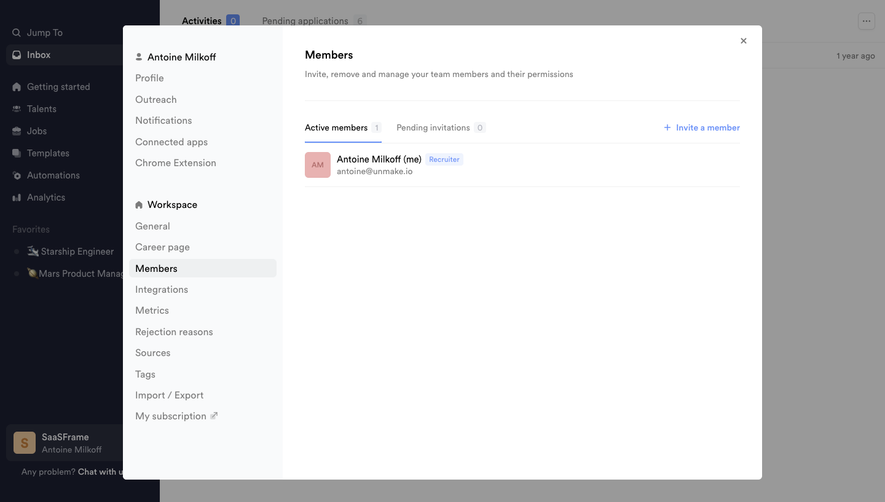
Part of Gravity Organization Settings
MindCloud Gravity Members
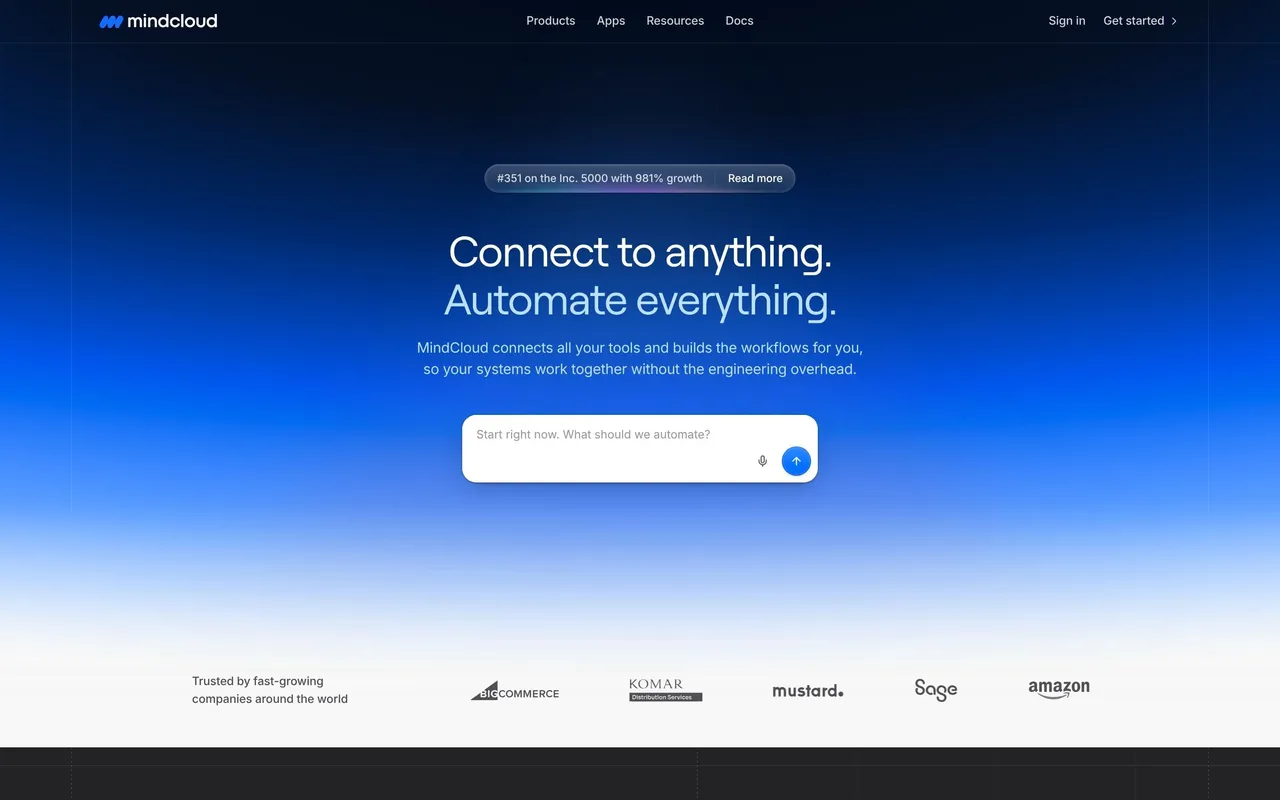
 MindCloudIntegrations and workflow automation
About this screen
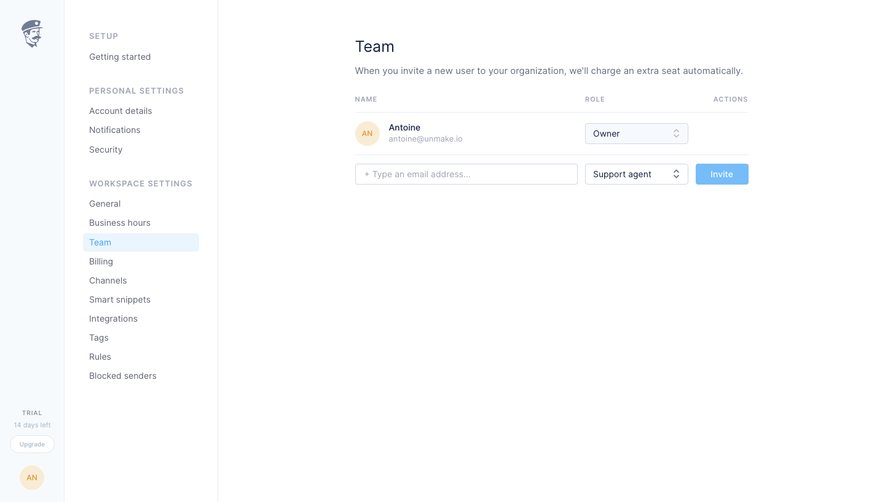
Members page
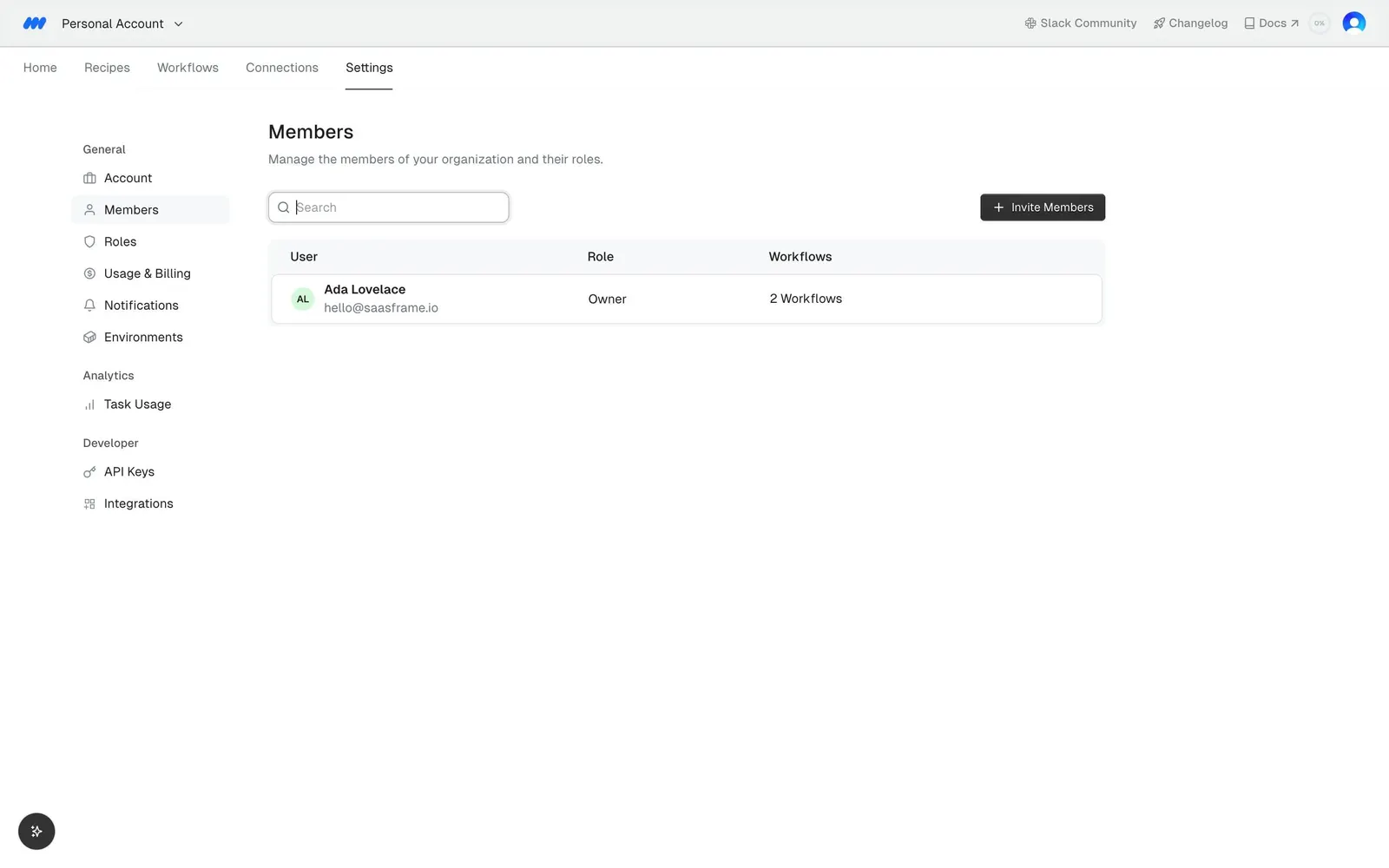
Under Settings, "Members" carries the subline "Manage the members of your organization and their roles.", with Members selected in the left settings menu.
Member table
A table with "User", "Role" and "Workflows" columns lists one row: the account owner with an initials avatar, name and email, the role "Owner" and "2 Workflows".
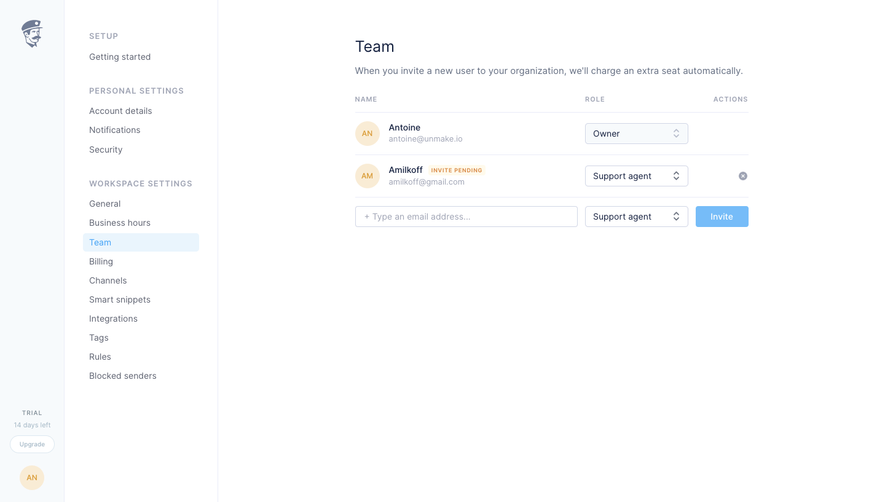
Invite action
A search field sits at left and a dark "Invite Members" button at right above the table.